
Text to Image
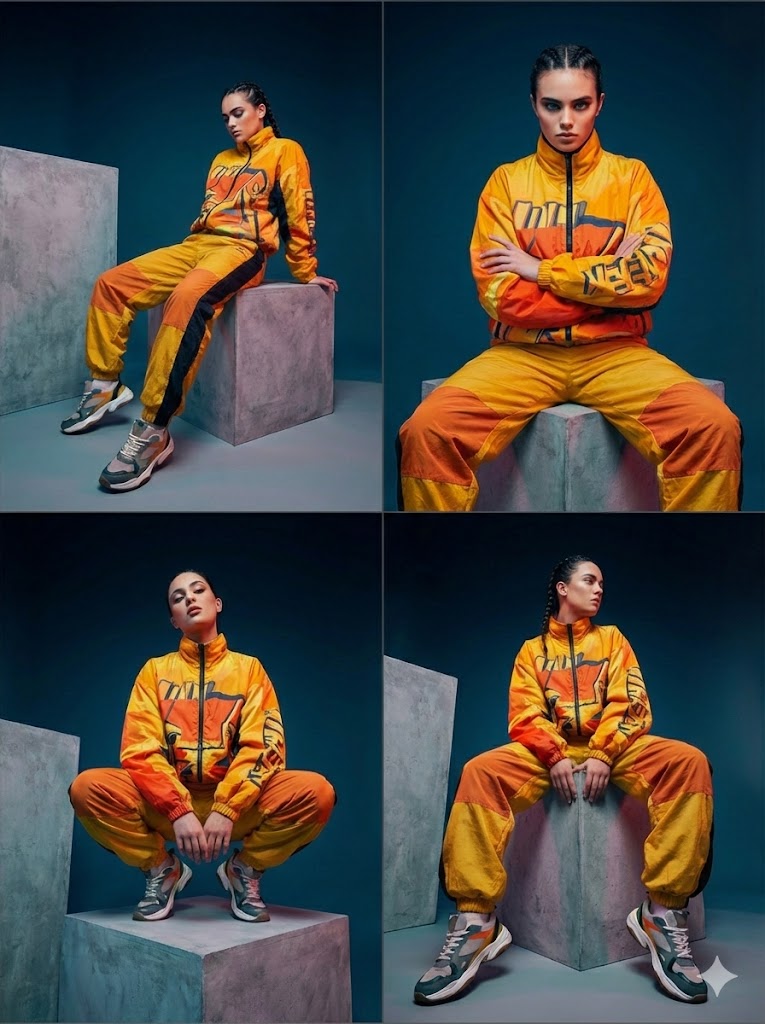
Four-Panel Editorial Grid Generation — AI Image Prompt
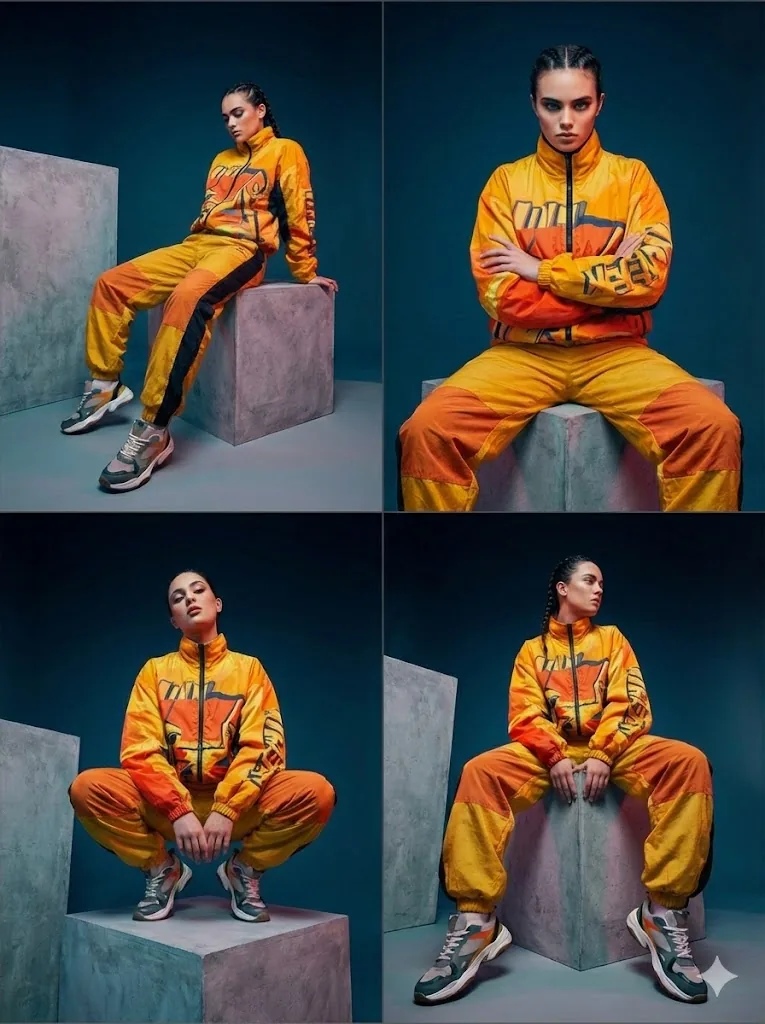
A prompt designed to generate a consistent four-panel editorial grid from a single concept, ensuring the same model, outfit (yellow, orange, and black graphic tracksuit), lighting (dark blue studio), and concrete block setting are maintained across all four distinct poses and camera angles.
Prompt
Create a fashion image of Four Panel Editorial Grid Generation. Style: photorealistic. Composition: balanced and well-framed. Lighting: natural with cinematic mood. Category: photography. Reference: four-panel-editorial-grid-generation-2223.
Prompt breakdown
- Subject
- fashion image arranged in four panels
- Style
- photorealistic
- Lighting
- natural with cinematic mood
- Composition
- balanced and well-framed
- Mood
- cinematic
Remix ideas
- change the four panels to show front, side, back, and detail close-up of the same outfit
- replace natural lighting with golden-hour window light from the left side only
- add subtle film-grain texture while keeping the photorealistic fashion grid
Reference images
How to use this AI Image prompt template
 1
1Copy the prompt — grab this template’s prompt and negative prompt.  2
2Pick a model — choose a recommended AI model for the best match.  3
3Generate — open the studio with one click and create your result.
Related templates

Nano Banana Image Generation Prompt Rules (JSON Schema) - Nano Banana Pro AI Prompt for Photography
# Nano Banana Image Generation Prompt Rules When generating images using Nano Banana, the prompt must ALWAYS strictly follow the JSON format defined below. ## Prompt Schema ```json { "image_type": "Define the specific medium, art style, or format of the source image.", "time_period_and_year": "Estimate the specific year or decade based on fashion, technology, image quality, and color grading visible in the photo.", "mood_and_vibe": "Describe the emotional atmosphere, energy, and intangible 'feeling' evoked by the image (e.g., the specific psychological impression it gives).", "subject": "Describe the main character(s) focusing on demographics, body morphology, distinct physical features, and posture.", "clothing": "Describe the outfit in detail, strictly specifying garment names, fabric textures, patterns, colors, and how the clothes fit on the subject.", "hair": "Describe the hair color, specific hairstyle name, length, and texture.", "face": "Describe facial features, skin texture, makeup details, and the exact facial expression.", "accessories": "List all visible accessories, jewelry, glasses, or held items, including their material and design details.", "action": "Describe the specific activity, movement, or interaction occurring in the scene.", "location": "Describe the environment, visible background elements, architectural style, and spatial context.", "lighting": "Analyze the light source, direction, color temperature, hardness/softness of the light, and shadow characteristics.", "camera_angle_and_framing": "Describe the vertical and horizontal angle of the camera relative to the subject (e.g., eye-level, low-angle), and the shot composition size.", "camera_equipment": "Estimate the likely camera type, lens focal length (e.g., wide-angle vs telephoto), aperture effect (depth of field), and film stock or digital sensor characteristics.", "style": "Describe the overall aesthetic, color palette, artistic technique, and visual processing style.", "negative_prompt": "List visual defects or unwanted elements to be excluded to ensure high quality." } ``` ## Instructions 1. **Output Format**: The output must be a single valid JSON object. 2. **Completeness**: All fields are required. If a field is not applicable, provide a reasonable default or describe it as "neutral" or "standard". 3. **Detail**: Be descriptive and specific in each field to ensure high-quality image generation. 4. **Language**: The values in the JSON should be in English (as most image generation models are optimized for English prompts), unless otherwise specified.
Hopelessly Cluttered Desktop Screen
Create a creative image of Hopelessly Cluttered Desktop Screen. Style: photorealistic. Composition: balanced and well-framed. Lighting: natural with cinematic mood. Category: photography. Reference: hopelessly-cluttered-desktop-screen-14809.
4-Panel Image of a Falling and Breaking Teacup
Create a creative image of 4 Panel Image Of A Falling And Breaking Teacup. Style: photorealistic. Composition: balanced and well-framed. Lighting: natural with cinematic mood. Category: photography. Reference: 4-panel-image-of-a-falling-and-breaking-teacup-1860.

GPT Image 1.5 Multi-Image Consistency Prompt
Create a creative image of Gpt Image 15 Multi Image Consistency Prompt. Style: photorealistic. Composition: balanced and well-framed. Lighting: natural with cinematic mood. Category: photography. Reference: gpt-image-15-multi-image-consistency-prompt-2882.
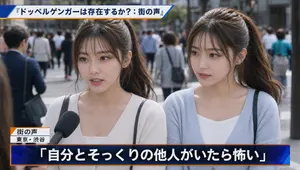
Japanese News Interview Broadcast
Create a creative image of Japanese News Interview Broadcast. Style: photorealistic. Composition: balanced and well-framed. Lighting: natural with cinematic mood. Category: photography. Reference: japanese-news-interview-broadcast-22571.
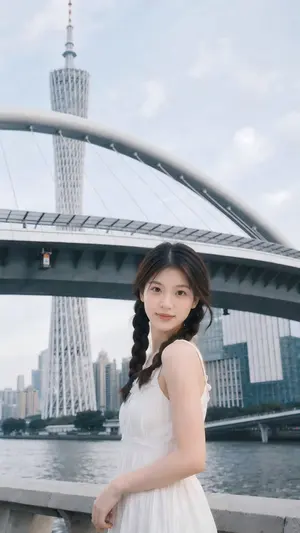
Menu
Create a creative image of Menu. Style: photorealistic. Composition: balanced and well-framed. Lighting: natural with cinematic mood. Category: photography. Reference: menu-20245.
Explore more prompts
Browse more AI image and video prompts by category.
FAQ
- What makes the four-panel structure effective for fashion?
- It presents multiple angles and styling details in one image, mimicking editorial layouts that guide the viewer through the look sequentially.
- How can the reference code affect results?
- The specific reference four-panel-editorial-grid-generation-2223 anchors the layout proportions and panel spacing; changing it can shift framing or model positioning while preserving photorealism.
- Is the Four-Panel Editorial Grid Generation prompt free to use?
- Yes, this prompt is completely free on AI Pin Maker and you can copy it directly with no signup or payment required.
- How do I use the Four-Panel Editorial Grid Generation prompt to generate an image or video?
- Copy the prompt, tweak the subject or style to fit your idea, then paste it into AI Pin Maker and generate your image or video in one click.
- Can I change the Four-Panel Editorial Grid Generation prompt into my own version?
- Absolutely, just replace the subject, style, or parameters in AI Pin Maker to make the prompt entirely your own.