
Forest Spirit
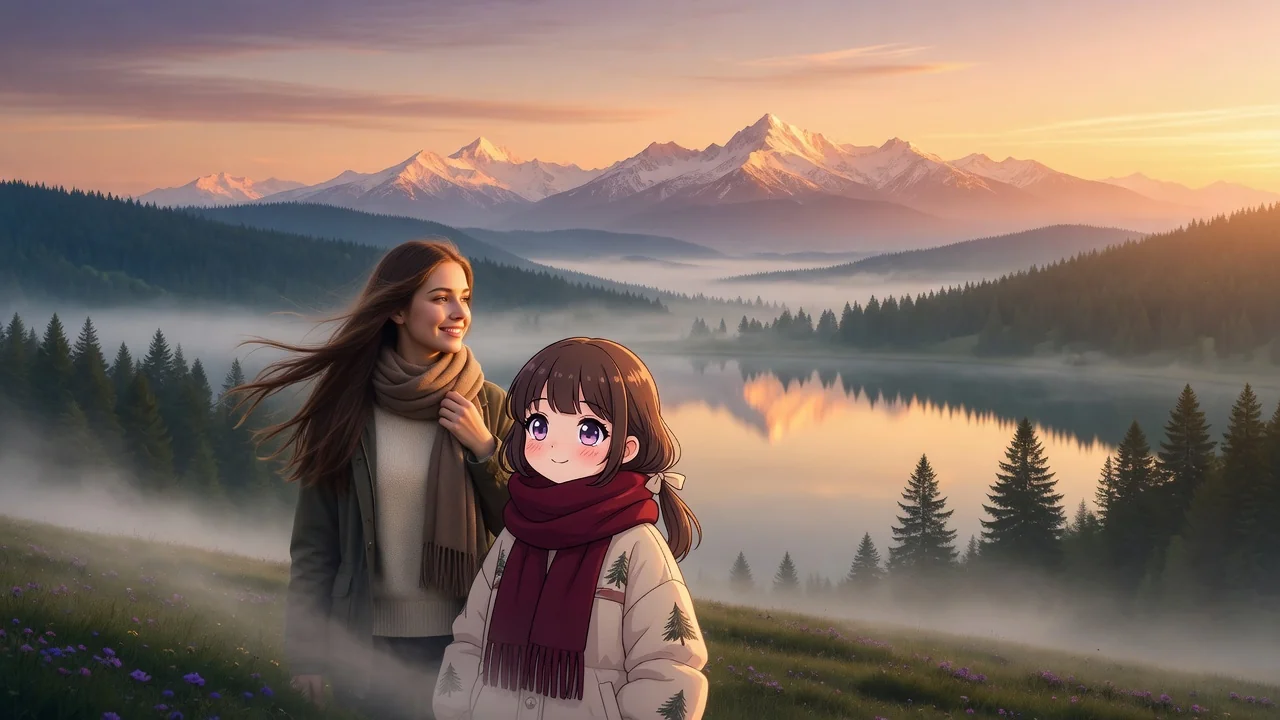
lush forest, tiny spirit creatures, warm sunrise haze, gentle painterly detail
AI effects
Create cozy Ghibli-style scenes from a prompt. Warm hand-painted backgrounds, soft light, and storybook fantasy art for wallpapers, avatars, and posts.
Input
Prompt only
Output
Image
Generate with prompt
Default model
Aspect ratio
Style presets
lush forest, tiny spirit creatures, warm sunrise haze, gentle painterly detail
cozy hillside village, wind in the grass, hand-painted animation background
How it works
Step 1
This is text-to-image — no photo upload. Describe a place and a moment, like a hillside bakery at dawn with laundry in the wind. Environmental storytelling is what this style rewards.
Step 2
Try Forest Spirit for sunrise woods with tiny creatures, or Cozy Village for hand-painted hillside scenes, then edit the preset text to make the scene your own.
Step 3
The output arrives with soft natural light and painterly texture. Pick 16:9 for desktop wallpapers, 1:1 for avatars, or 3:4 for phone lock screens.
Why use it
Each tool uses a known model route instead of asking users to guess IDs.
Default for anime, character, and seasonal stylization where style intensity matters most.
Ready tools connect directly to the AI Pin Maker generation workspace.
Related tools help continue from generation into cleanup, conversion, and publishing assets.
FAQ
From a prompt only — there are no upload slots on this tool. You describe the scene in words and Seedream 4.5 paints it in a warm, hand-drawn storybook style from scratch.
Scenes with weather, light, and quiet activity: wind moving through grass, steam from a kettle, lanterns at dusk. Small creatures and cluttered cozy interiors also play to this aesthetic's strengths.
Ready-made starting prompts: Forest Spirit generates lush sunrise woods with tiny spirit creatures, while Cozy Village renders a hand-painted hillside town in the wind. Both are editable text, so treat them as scaffolding.
Yes — the 16:9 output suits desktop wallpapers and stream backdrops, while 3:4 fits phone lock screens. The painterly backgrounds are composed to hold up at full-screen sizes.
Related tools

Convert your photos into a soft Studio Ghibli style. Painterly backgrounds and warm light with high subject fidelity for avatars, wallpapers, and prints.

Turn photos into soft watercolor art with AI. Hand-painted paper texture and gentle color washes create dreamy portraits, cards, and wall art.
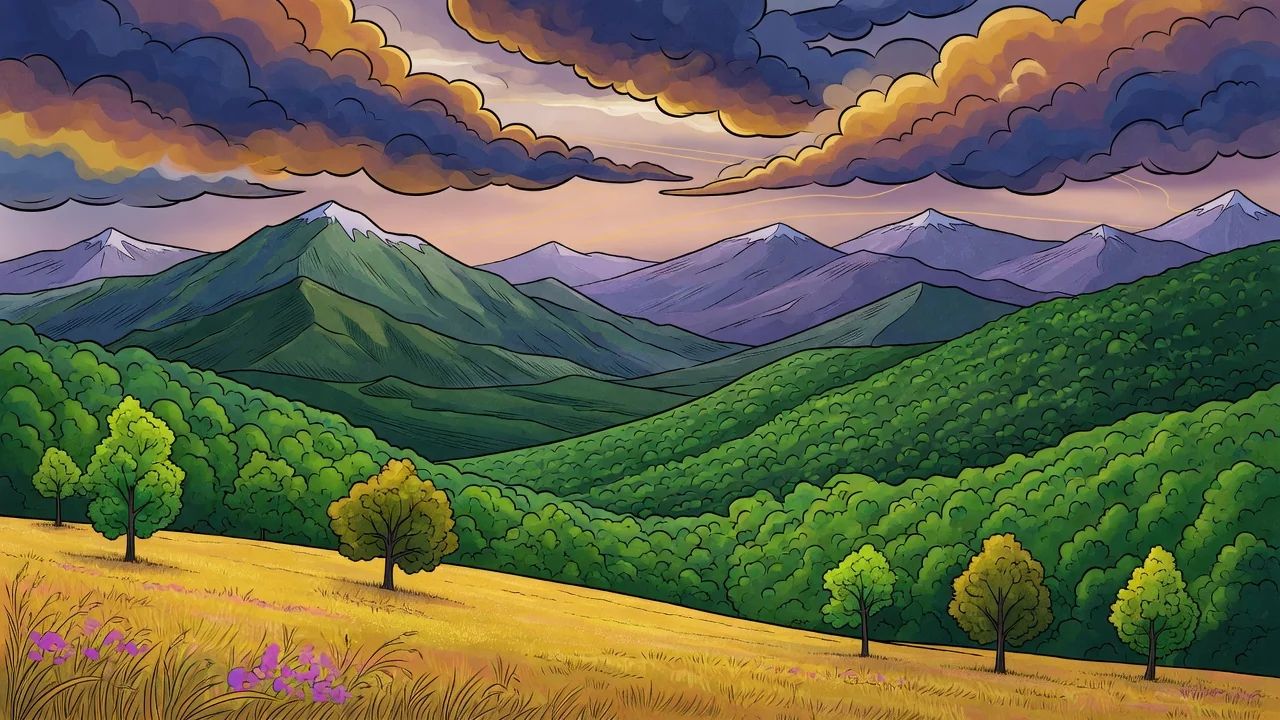
Turn photos into a refined illustration with AI. Editorial linework and stylish color make standout avatars, campaign visuals, and social graphics.