
Step 1
Upload a scan of the old photo
Photograph or scan the print at the highest resolution you can. Capture it flat, evenly lit, and uncropped — creases and faded regions included — so the model sees full damage context.
Utility tools
Restore old and damaged photos with AI. Repair scratches, fix fading, and rebuild color and detail to bring faded family memories back to life.
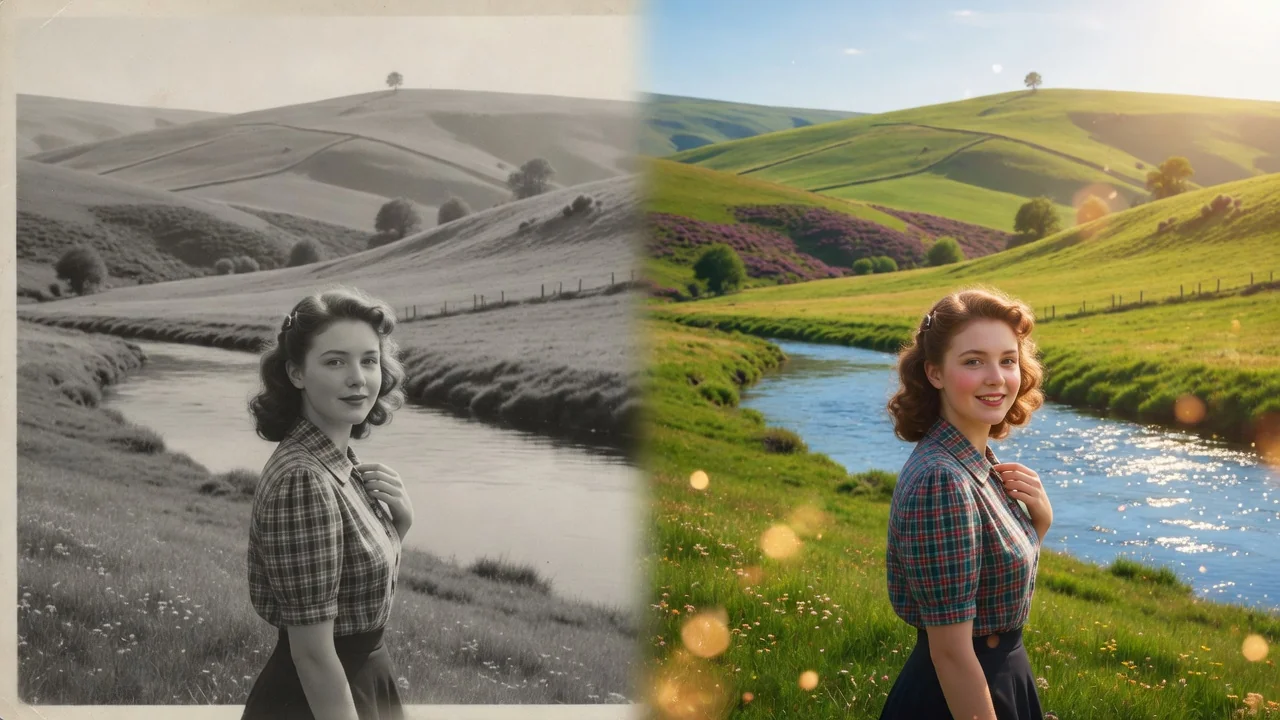

Input
1 image upload
Output
Image
Utility workflow
Upload photo
PNG, JPG, WebP up to 10MB
How it works
Step 1
Photograph or scan the print at the highest resolution you can. Capture it flat, evenly lit, and uncropped — creases and faded regions included — so the model sees full damage context.
Step 2
The default requests natural detail recovery, balanced contrast, and respectful color correction. Mention specifics like fixing the tear across the top, or colorizing black-and-white, to prioritize the restoration.
Step 3
Compare the restored image against the original, especially faces and inscriptions, then download. Keep your original scan archived — every restoration is a new interpretation, not a replacement.
Why use it
Each tool uses a known model route instead of asking users to guess IDs.
Best default for photorealistic edits, instruction following, and structure preservation.
Ready tools connect directly to the AI Pin Maker generation workspace.
Related tools help continue from generation into cleanup, conversion, and publishing assets.
FAQ
Scratches, creases, water stains, fading, color casts, and missing corners are all handled. GPT Image 2 reconstructs damaged regions from surrounding context, rebuilding skin, clothing, and backgrounds with period-appropriate detail.
The model preserves facial structure from what survives in the scan, but heavily damaged features are generatively redrawn — an informed reconstruction rather than recovered data. Expect strong resemblance, and verify against other family photos where identity matters.
Yes — ask for colorization in the prompt. Colors are historically plausible inferences from tone and context, not recovered originals, so a dress may render blue when it was actually green.
Use a flatbed scanner at 600 DPI if possible, or photograph the print straight-on in bright indirect light without flash. Avoid glare and keep the whole frame visible, including damaged edges.
Related tools

Improve photo quality with AI enhancement tuned for portraits and social images. Sharper detail, balanced light, and natural skin tone in one tap.
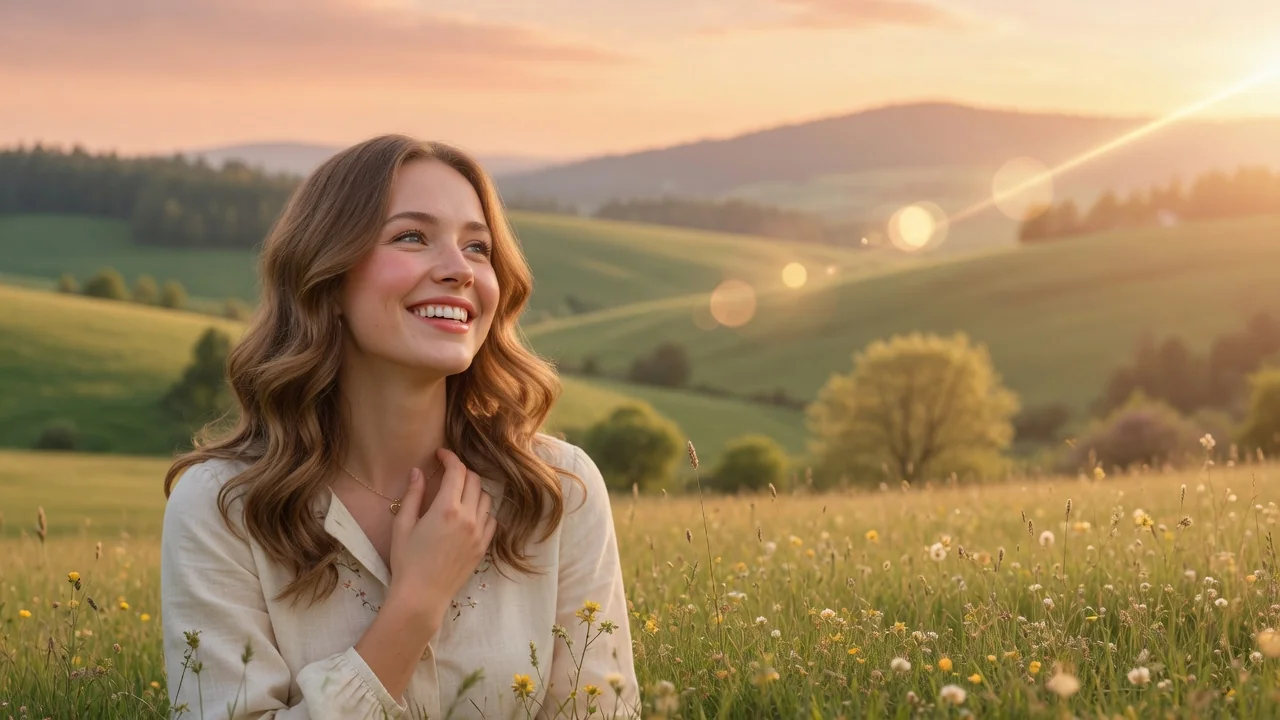
Enhance image quality with AI. Improve clarity, lighting, color, and perceived detail to make dull or low-quality photos look crisp and vibrant.
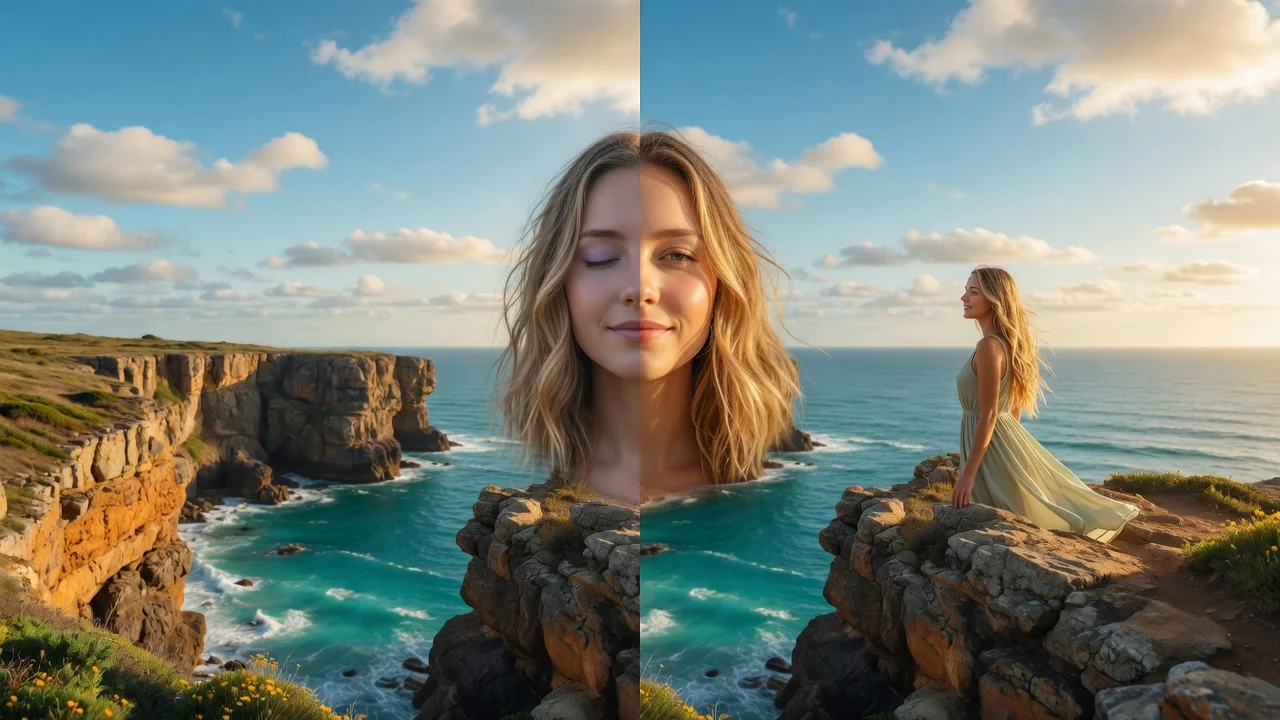
Edit portraits naturally with AI. Subtle retouching, expression polish, and face-safe adjustments that refine skin and features without looking artificial.