
Upload your source image
Upload a portrait, landscape, or product photo. Clear subjects with defined edges animate most naturally. JPEG, PNG, and WebP are all accepted.
Video tools
Generate high-quality AI videos from images or text. A versatile entry point for image-to-video workflows with cinematic motion and coherent results.
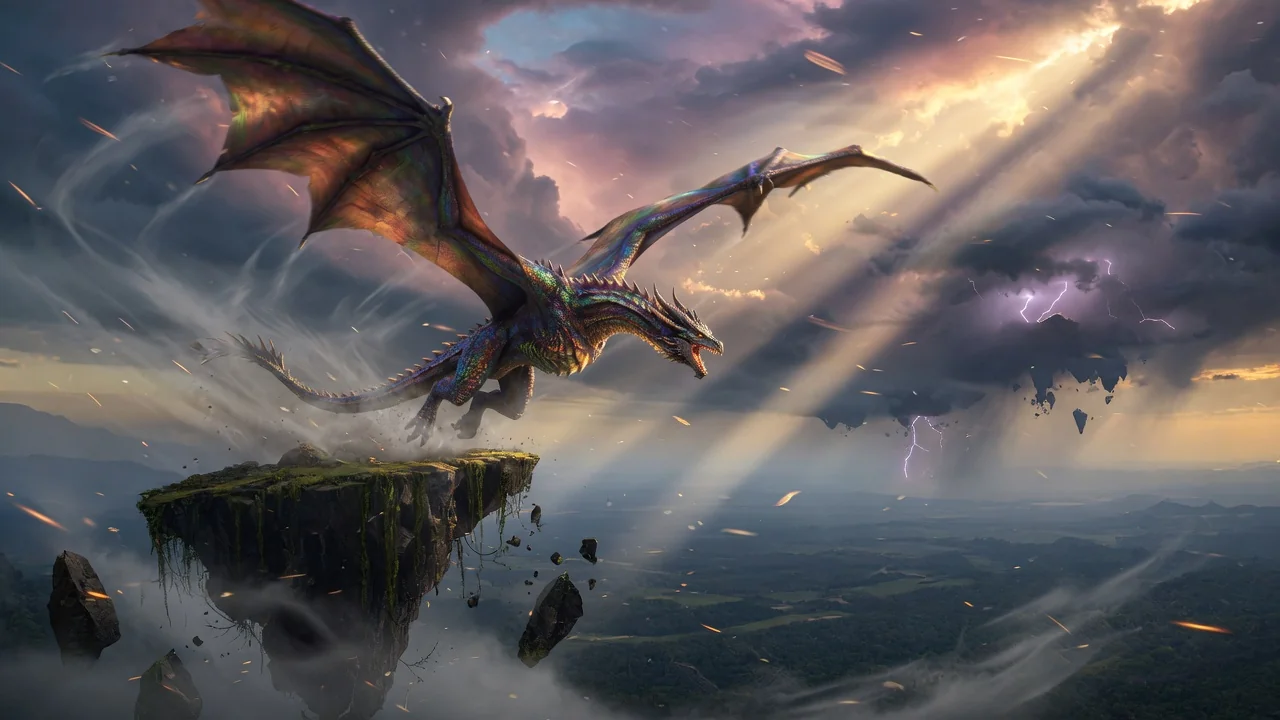
AI Video Generator
A general-purpose AI video generator entry point for image-to-video workflows.
Upload photo
PNG, JPG, WebP up to 10MB
How it works
Upload a portrait, landscape, or product photo. Clear subjects with defined edges animate most naturally. JPEG, PNG, and WebP are all accepted.
The generator automatically selects the best available model (Seedance 2.0, Kling v3, Veo 3.1 Fast, or Wan 2.6) based on image content and current queue load. Override manually from the model picker if needed.
Submit the job. Your HD clip typically renders in under two minutes and appears in the history page ready for download or social media upload.
Why use it
Each page maps one user job to the required video inputs and model family.
Default image-to-video route verified against live endpoint tags and tuned for short viral effects.
Ready tools connect to the AI Pin Maker video generation workspace.
Related video tools help continue from effects into editing, music, and production workflows.
Use cases
Create short campaign visuals for product, seasonal, and event launches.
Produce vertical hooks, reaction clips, and meme-ready effects for social channels.
Turn examples and step explanations into short visual teaching clips.
FAQ
Related tools
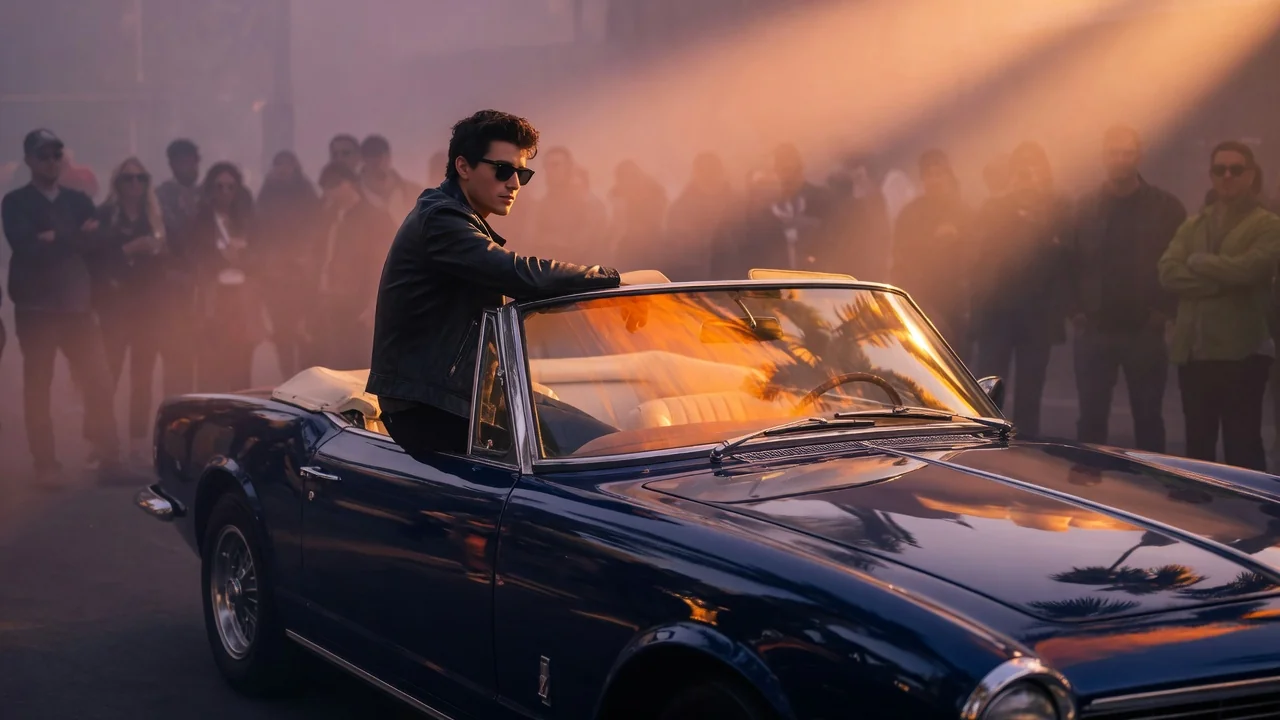
Animate still images into short AI videos with natural camera motion. Bring photos to life for social clips using verified image-to-video models.
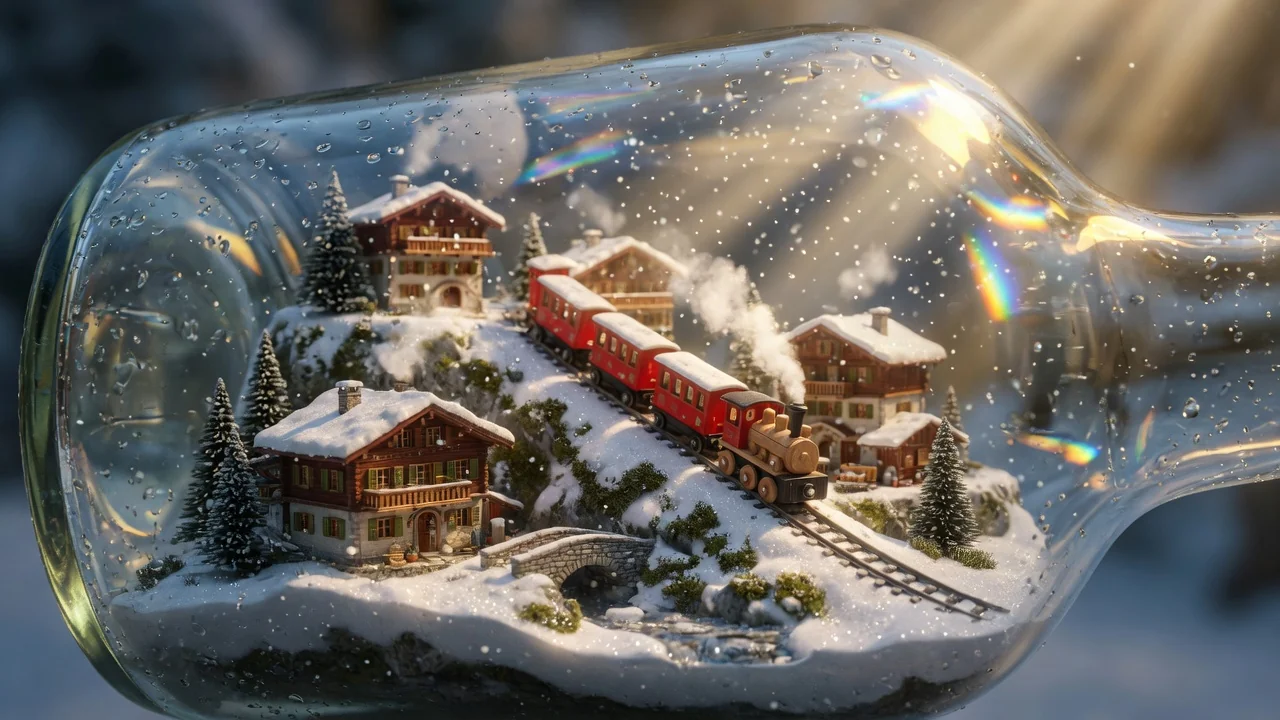
Turn text prompts into AI videos with full control over model, aspect ratio, duration, and camera direction. Create cinematic clips from words alone.
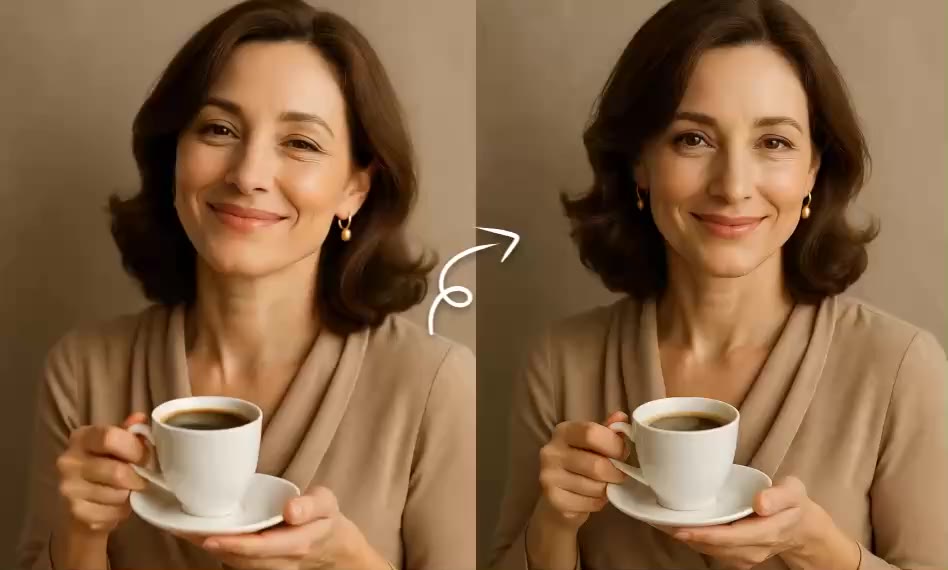
Bring still images to life with short AI animations. Add subtle, natural motion to photos and artwork for eye-catching, shareable social clips.