
Step 1
Upload a Casual Selfie
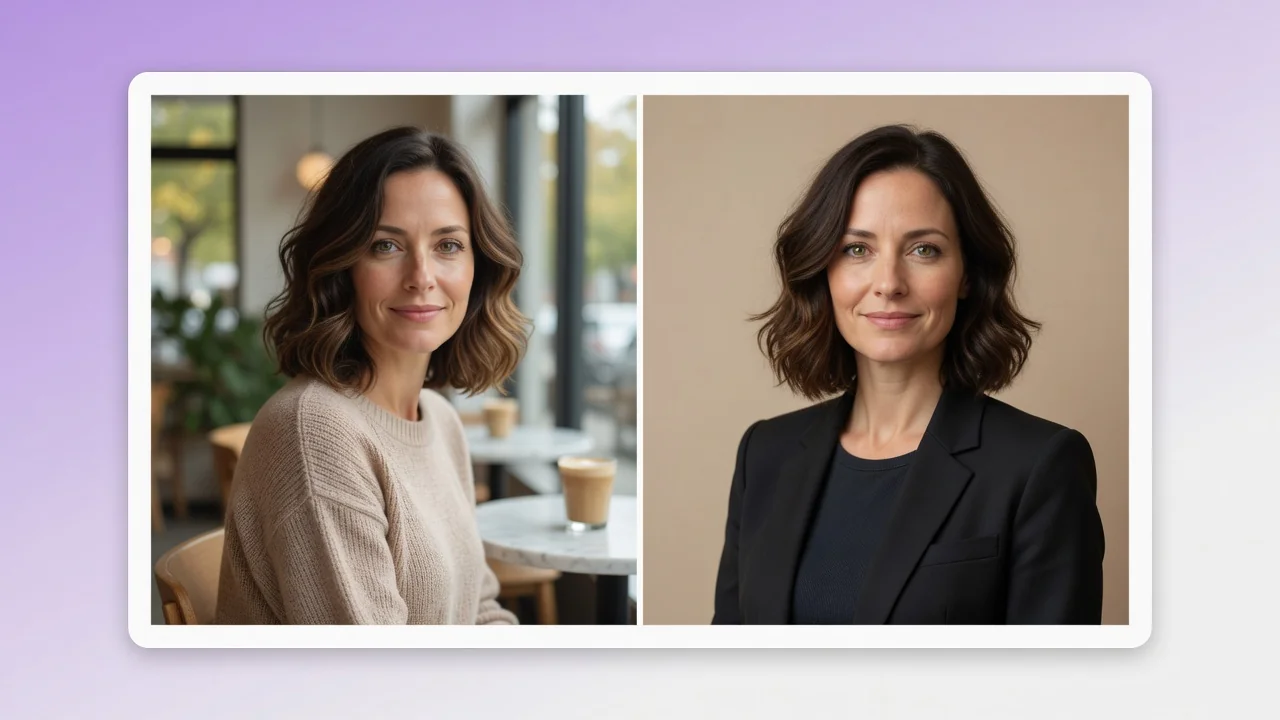
One decent phone photo is enough — face clearly visible, reasonable lighting. No studio setup, suit, or plain wall required; the generation handles all of that for you.
AI effects
Turn a casual selfie into a professional AI headshot for LinkedIn, resumes, and team pages. Studio lighting and clean backgrounds, no photographer needed.
Input
1 image upload
Output
Image
Generate with prompt
Default model
Aspect ratio
How it works
Step 1
One decent phone photo is enough — face clearly visible, reasonable lighting. No studio setup, suit, or plain wall required; the generation handles all of that for you.
Step 2
Keep the default professional treatment or specify details: neutral gray versus soft office backdrop, blazer color, and a 3:4, 4:5, or 1:1 crop for your platform.
Step 3
The output applies studio-style key lighting, a clean background, and natural retouching. Verify it still looks like you before uploading to LinkedIn or your team page.
Why use it
Each tool uses a known model route instead of asking users to guess IDs.
Best default for photorealistic edits, instruction following, and structure preservation.
Ready tools connect directly to the AI Pin Maker generation workspace.
Related tools help continue from generation into cleanup, conversion, and publishing assets.
FAQ
Yes. GPT Image 2 rebuilds the lighting, backdrop, and attire around your actual face rather than generating a lookalike, so the result passes as a photographed headshot while staying recognizably you.
LinkedIn displays profile photos in a circle, so generate at 1:1 and keep your face centered. For resumes and company team pages, the 3:4 or 4:5 portrait crops leave headroom for standard layouts.
Retouching is deliberately conservative — small blemish cleanup and lighting balance, not face reshaping. The model is selected for structure preservation, so colleagues who meet you in person won't notice a mismatch.
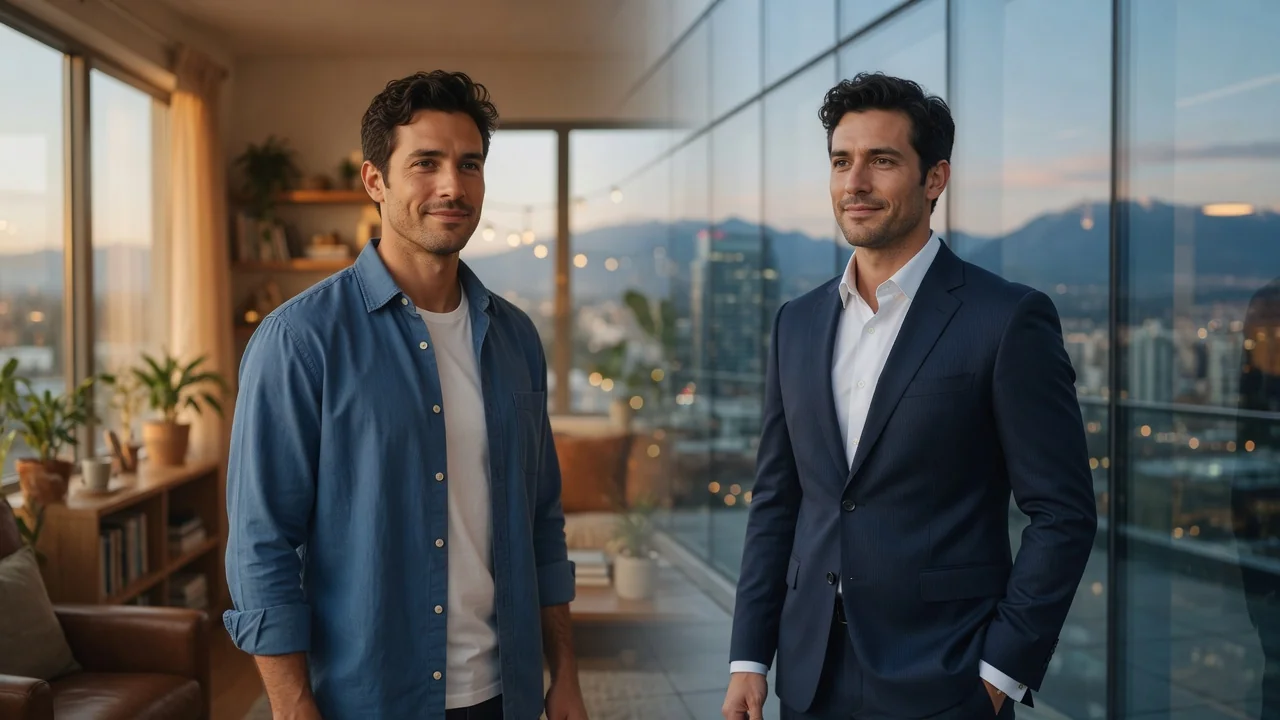
Yes — run each person's selfie individually with the same backdrop instruction to get a visually consistent set. It's a practical alternative to booking a photographer for a distributed team.
Related tools
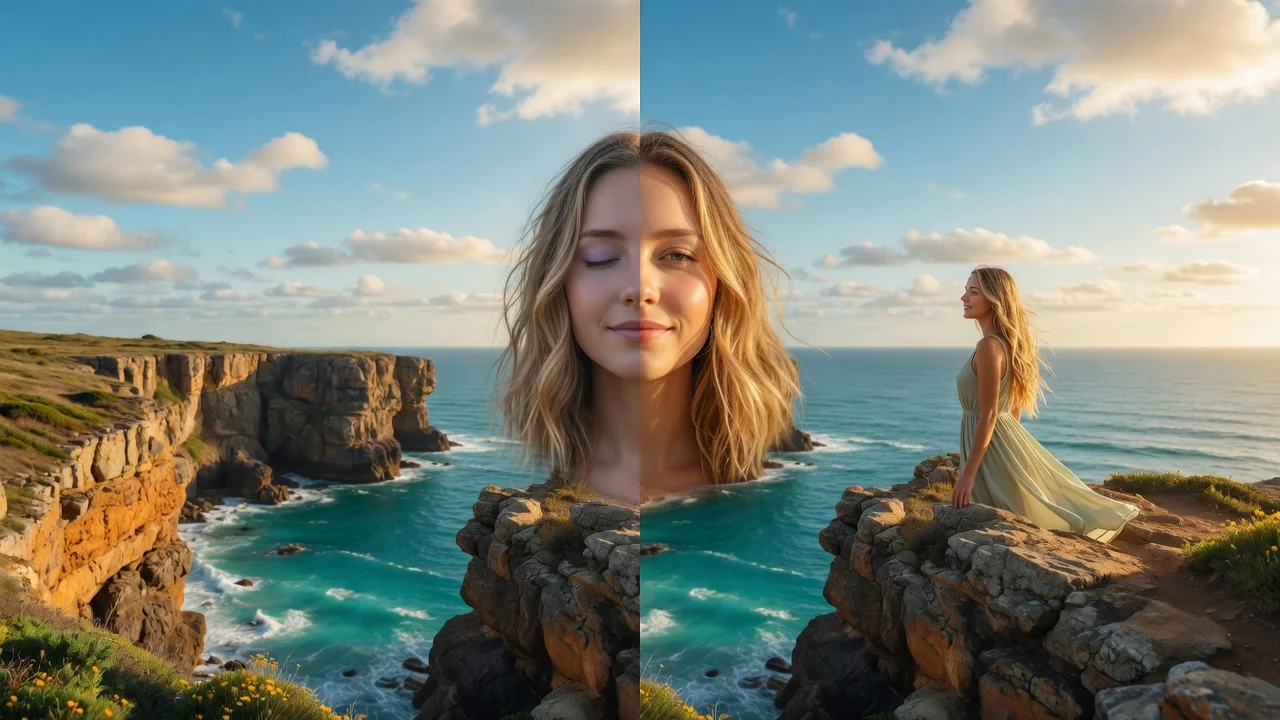
Edit portraits naturally with AI. Subtle retouching, expression polish, and face-safe adjustments that refine skin and features without looking artificial.
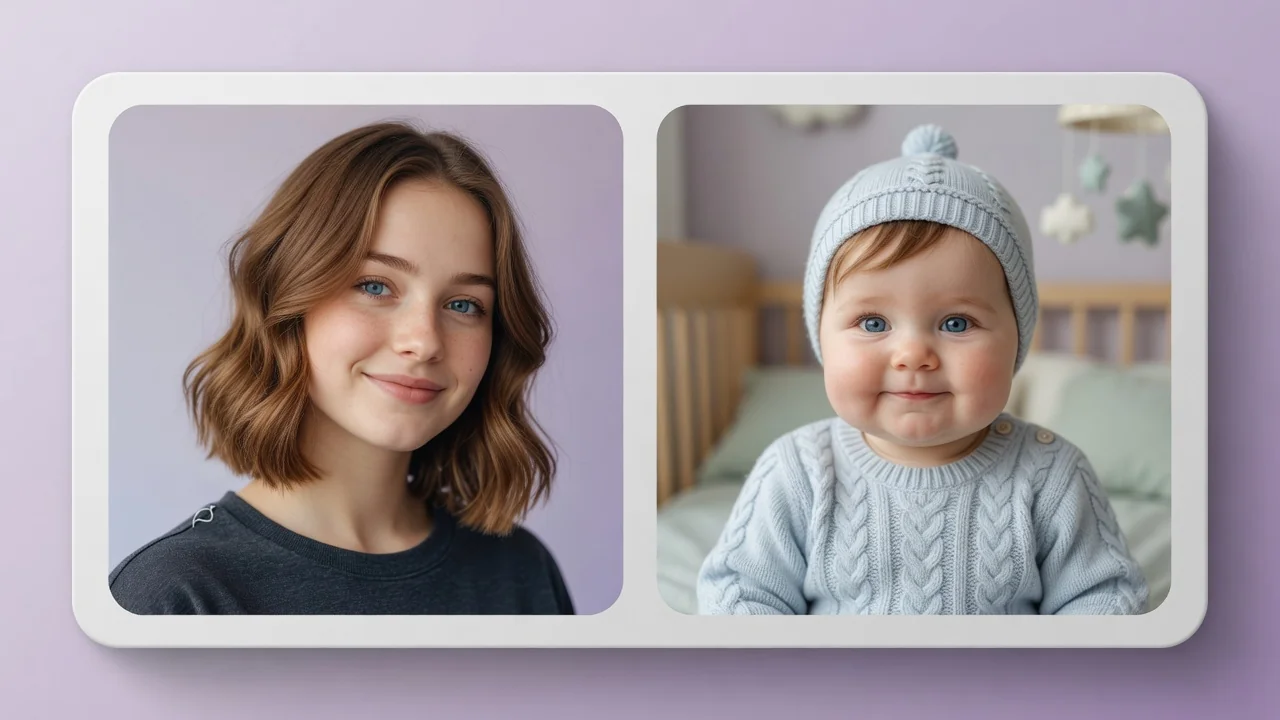
See yourself younger or older with the AI age filter. Realistic face aging and de-aging preserve your features for fun portraits and what-if previews.
Improve photo quality with AI enhancement tuned for portraits and social images. Sharper detail, balanced light, and natural skin tone in one tap.