AI Pin Maker
Contact us
Video EffectsAll Video Tools

Upgrade to Pro

Unlock advanced features and faster generation speed.

Upgrade now

© 2026 AI Pin Maker
Bring creativity within reach

TemplatesGenerate ImageRemix ImageGenerate VideoAnimate ImageAll-purpose ReferenceVideo EditGenerate MusicGeneration historyImage EffectsFormat ConverterAll Image ToolsVideo EffectsAll Video ToolsNew PinTemplatesMy PinsShowcaseMy MemoriesBaby albumPet albumCouple albumGrowth albumAI StickersCreditsPricingSettings
AI video tools/Talking Avatar

Video tools

AI Talking Avatar Creator

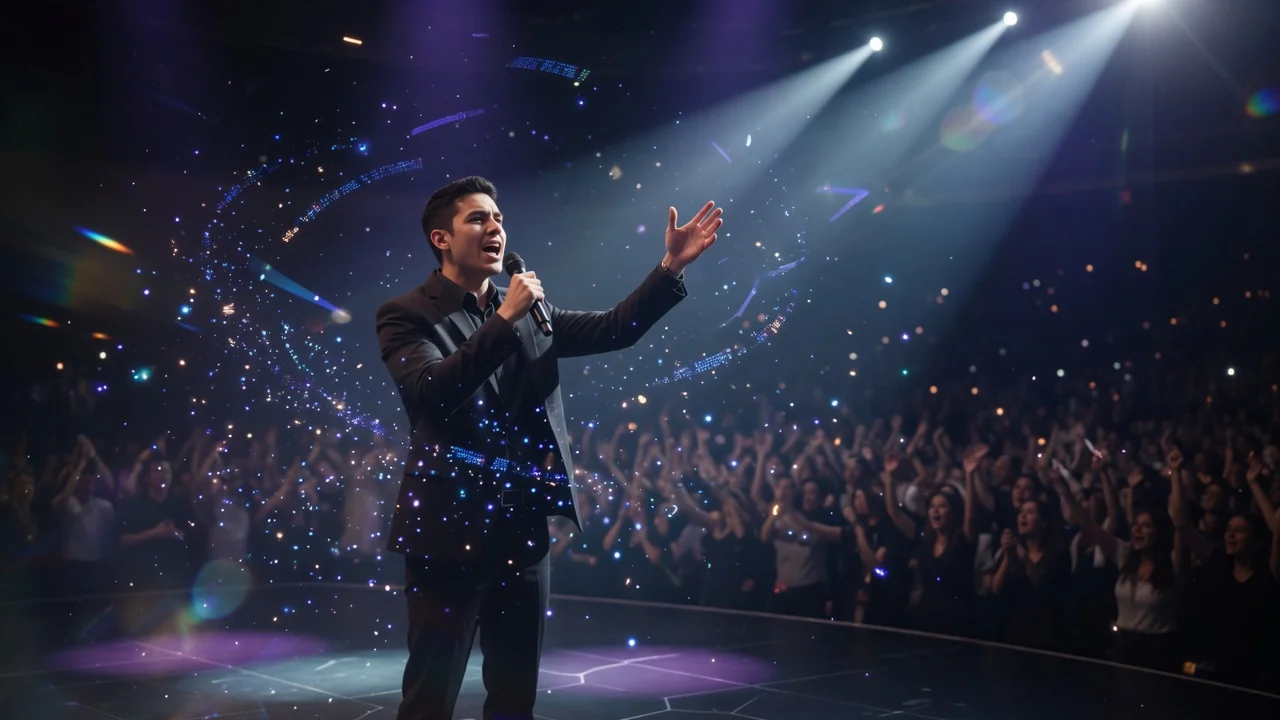
Create a talking avatar video from a portrait photo and a voice clip. AI generates natural facial animation and accurate lip sync for presenters and ads.
Previewvideo

Talking Avatar

Upload a portrait photo and a voice clip to generate a talking avatar video with natural facial animation and lip sync.

Upload reference

PNG, JPG, WebP up to 10MB

Upload audio

MP3, WAV, M4A up to 50MB

How it works

How to use Talking Avatar

1

Upload a clear forward-facing portrait

Upload a frontal or near-frontal portrait of the avatar you want to animate. The subject's face should be well-lit and visible — side profiles reduce lip-sync accuracy.

2

Attach the voice audio file

Upload a voice recording (MP3 or WAV, up to 60 seconds). Runway or HeyGen maps phoneme timing from the audio to facial expression and lip shape on the portrait.

3

Download the synced talking avatar video

Submit the job. The output is a synchronized talking-head video delivered as a single MP4 with audio embedded — ready for presentations, YouTube, or social media.

Why use it

Why use AI Pin Maker video tools

Workflow-first setup

Each page maps one user job to the required video inputs and model family.

Model fit

Seedance supports audio-driven character animation with reference audio metadata for talking-avatar workflows.

Runnable tools

Ready tools connect to the AI Pin Maker video generation workspace.

Connected routes

Related video tools help continue from effects into editing, music, and production workflows.

FAQ

Video tool FAQ

What portrait photo works best for a talking avatar?
A frontal or near-frontal portrait with the subject's face visible and well-lit gives the best lip-sync and expression results. Side profiles or heavily tilted faces reduce phoneme-to-shape accuracy.
Can I use a real person's photo to create a talking avatar?
You must have rights to the portrait you upload. The tool is intended for original characters, custom illustrations, personal portraits, and business personas — not for impersonating other people without consent.
What voice audio formats are supported?
MP3 and WAV are accepted. For clearest lip sync, use a recording with minimal background noise and distinct speech phonemes. Audio with heavy music or effects reduces mouth-shape accuracy.
How is the talking avatar creator different from the audio-to-video converter?
The talking avatar creator is specifically tuned for portrait-plus-voice lip-sync use cases, using a dedicated mouth-shape model layer (Runway / HeyGen). The audio-to-video converter handles general audio-driven scene animation for any image type — not just portrait close-ups.

Related tools

Explore more video tools

Original AI-generated cover art for the audio to video converter tool, cinematic horizontal scene
Image to Videovideo
Creation toolsReady

Audio to Video Converter

Turn audio into video with AI. Animate a portrait or scene image in sync with an uploaded track for music clips, podcasts, and lyric visuals.
audio-to-videoavatarseedance
AudioOpen tool
Original AI-generated cover art for the ai music video generator tool, cinematic horizontal scene
Videovideo
Creation toolsComing soon

AI Music Video Generator

Create AI music videos that blend audio, images, and scene prompts into rhythmic visuals. Preview the generator while full audio sync rolls out.

music-videoaudiopreview
AudioOpen tool
Original AI-generated cover art for the text to video generator tool, cinematic horizontal scene
Text to Videovideo
Creation toolsReady

Text to Video Generator

Turn text prompts into AI videos with full control over model, aspect ratio, duration, and camera direction. Create cinematic clips from words alone.

text-to-videopromptcamera-motion
PromptOpen tool