
Step 1
Upload Person and Outfit
Add a photo of the person in the first slot and a reference of the clothing you want in the second — a product shot, lookbook image, or another photo.
AI effects
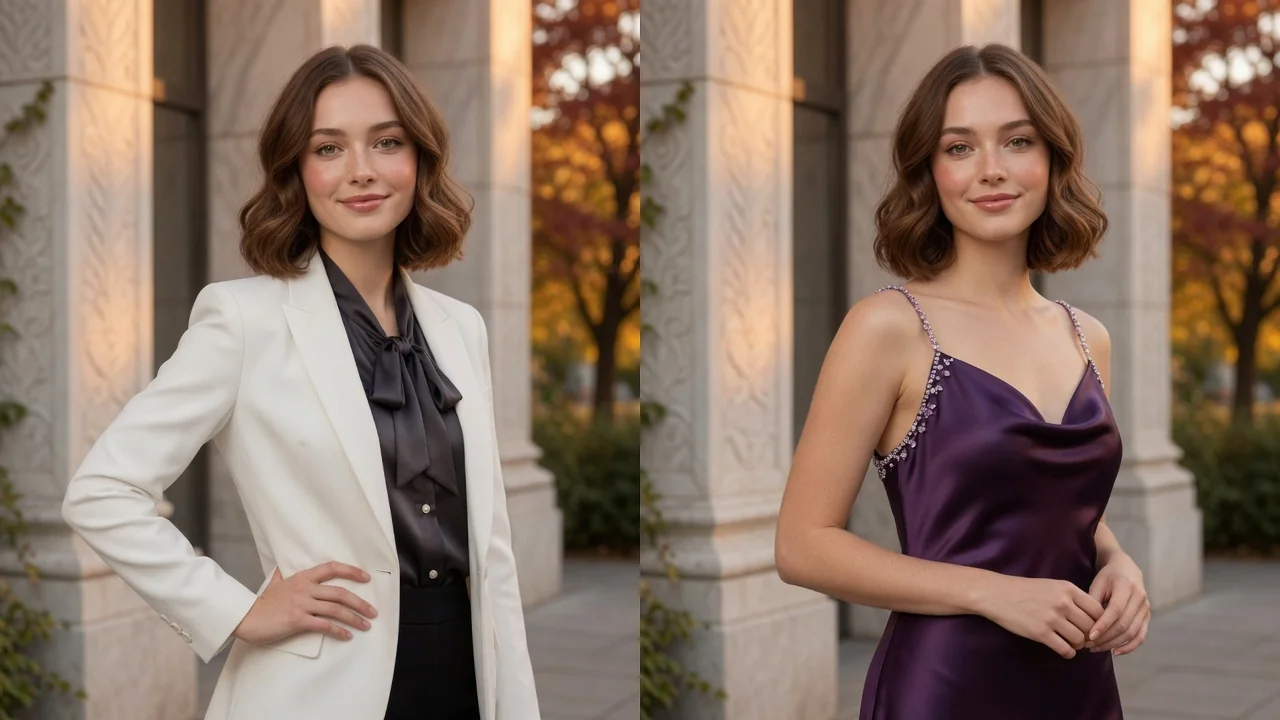
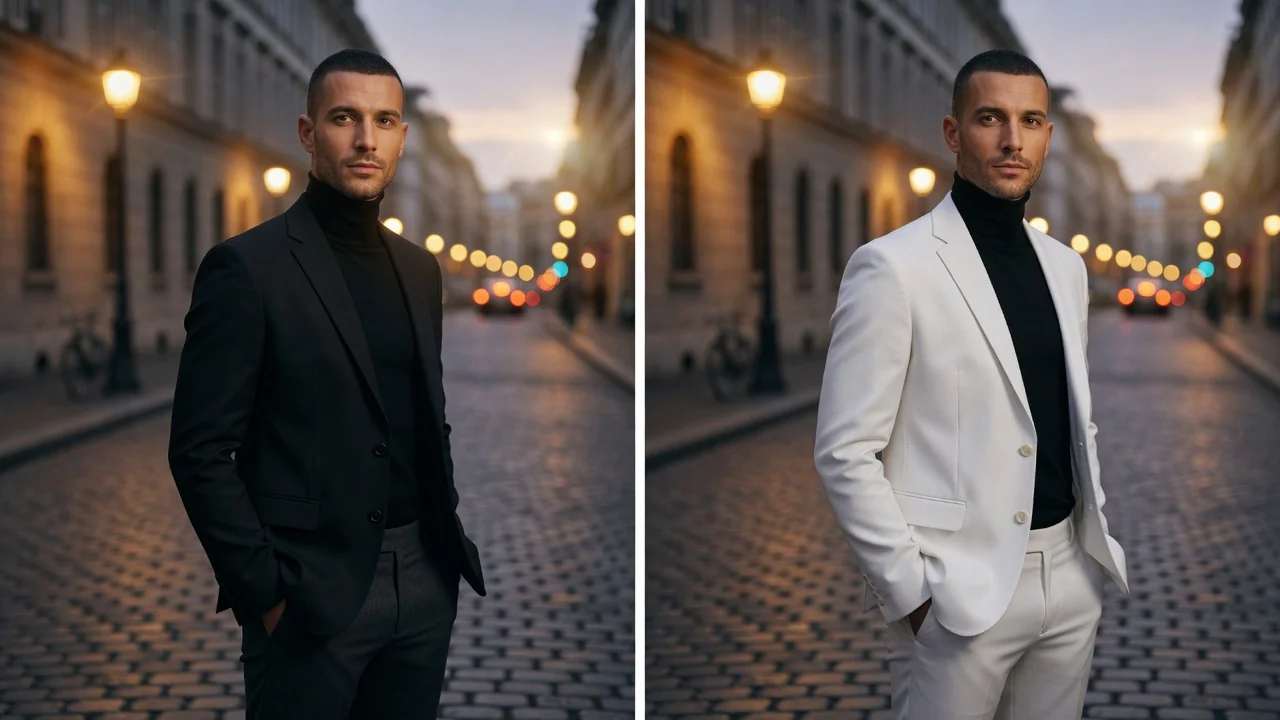
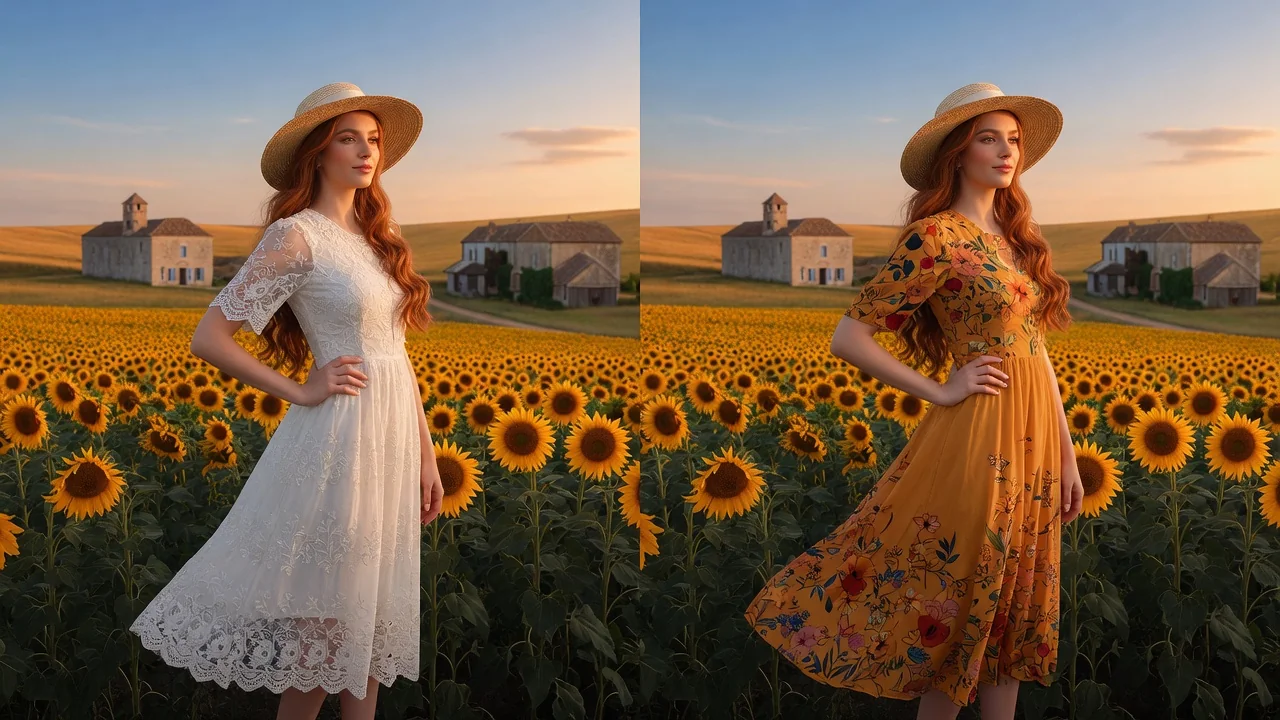
Change outfits in any photo with AI. Try new styles, fashion looks, and try-on concepts while keeping the same person, pose, and lighting intact.
Input
2 image uploads
Output
Image
Generate with prompt
Default model
Aspect ratio
How it works
Step 1
Add a photo of the person in the first slot and a reference of the clothing you want in the second — a product shot, lookbook image, or another photo.
Step 2
Refine the default instruction with fabric, color, or fit notes, like oversized wool coat with sleeves pushed up. The person, pose, and lighting stay locked while the outfit changes.
Step 3
Create the image and check how the garment drapes on the original pose. Rerun with tweaked wording if the fit or length isn't right, then download.
Why use it
Each tool uses a known model route instead of asking users to guess IDs.
Supports multi-image references, making it safer for face, outfit, couple, and try-on workflows.
Ready tools connect directly to the AI Pin Maker generation workspace.
Related tools help continue from generation into cleanup, conversion, and publishing assets.
FAQ
Yes — that's the core of this tool. GPT Image 2's multi-reference editing keeps the face, body pose, and scene lighting from your first photo and only rebuilds the clothing region.
Flat product shots, e-commerce listings, and photos of someone else wearing the item all work. Cleaner references with the full garment visible transfer the pattern and cut more accurately.
Both. Set the scope in your prompt — replace the entire outfit versus swap only the jacket. The model follows garment-level instructions and leaves everything outside that scope untouched.
Yes. Portrait outputs in 3:4, 4:5, or 1:1 suit product pages and social lookbooks, letting you preview styles on an existing model photo before committing to a new shoot.
Related tools
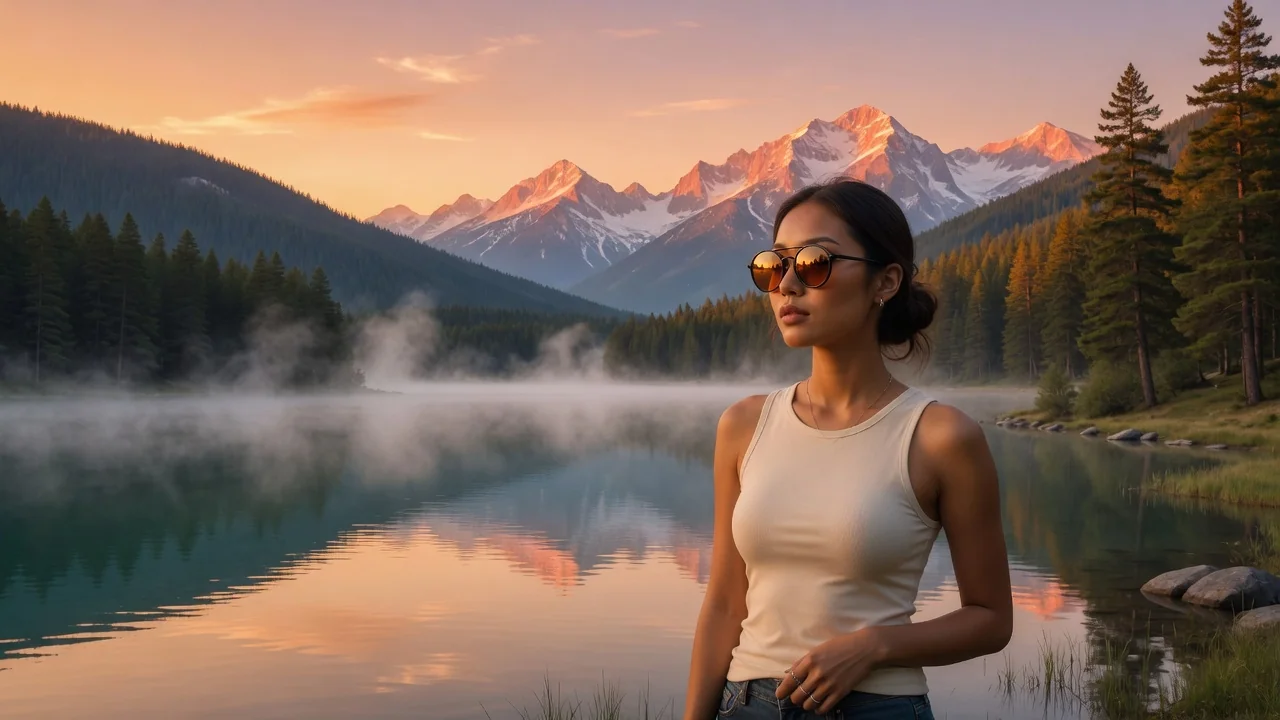
Try on glasses virtually with AI. Upload a portrait and a frame to preview the fit, style, and look with face-consistent multi-reference editing.
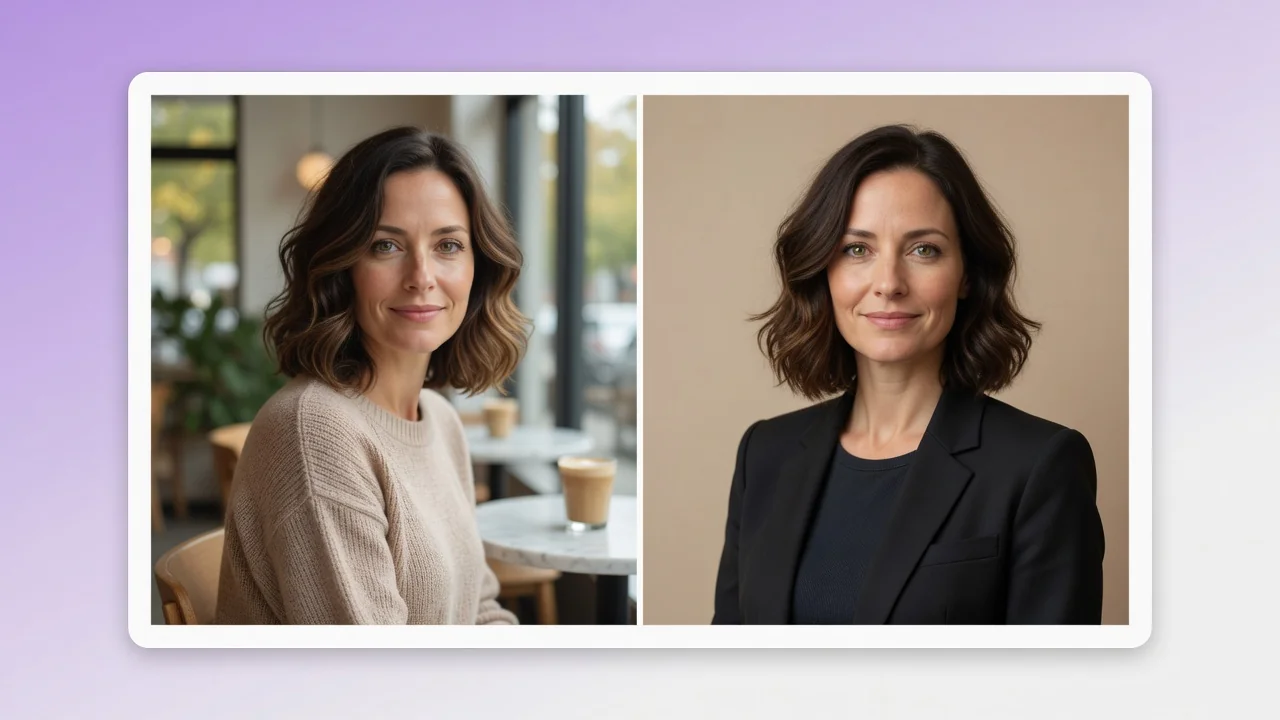
Turn a casual selfie into a professional AI headshot for LinkedIn, resumes, and team pages. Studio lighting and clean backgrounds, no photographer needed.
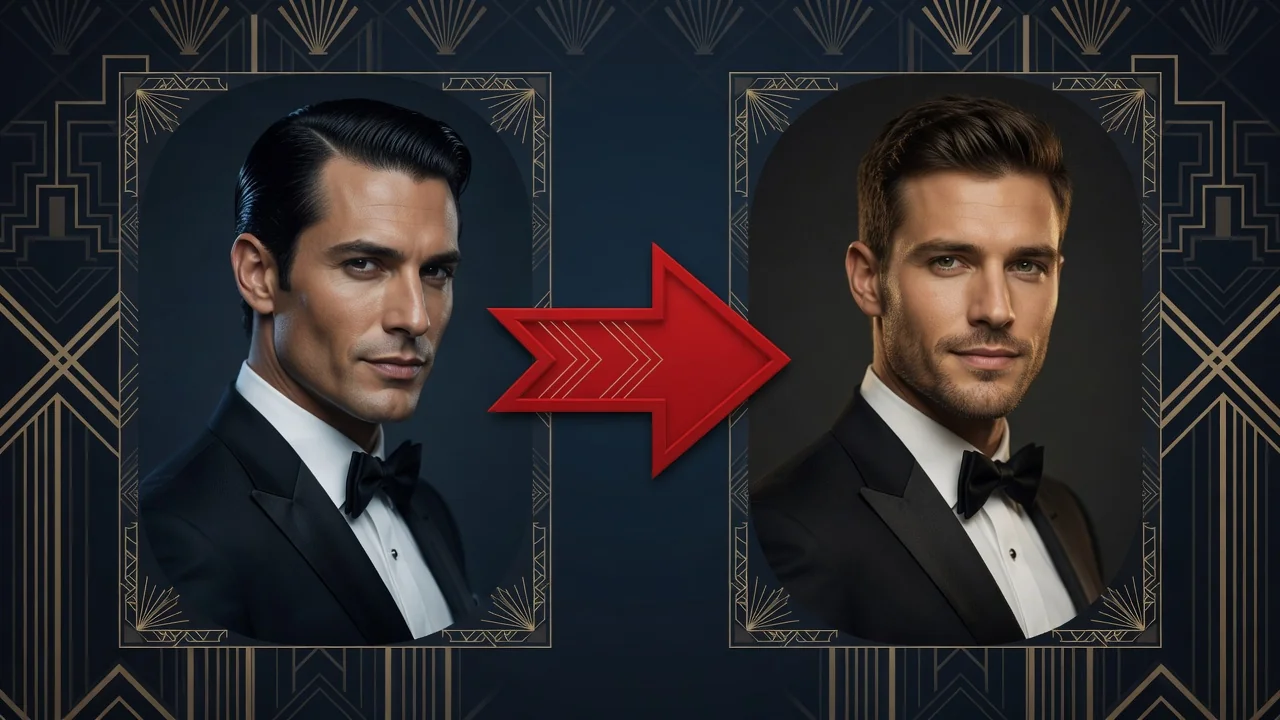
Swap faces between two photos with AI. Skin tone, lighting, and angle match automatically so every identity stays sharp and natural for portraits or memes.