
Step 1
Upload Both Photos
Add the source photo containing the face you want to use, then the target photo receiving it. Clear, front-facing shots with even lighting give the cleanest swap.
AI effects
Swap faces between two photos with AI. Skin tone, lighting, and angle match automatically so every identity stays sharp and natural for portraits or memes.
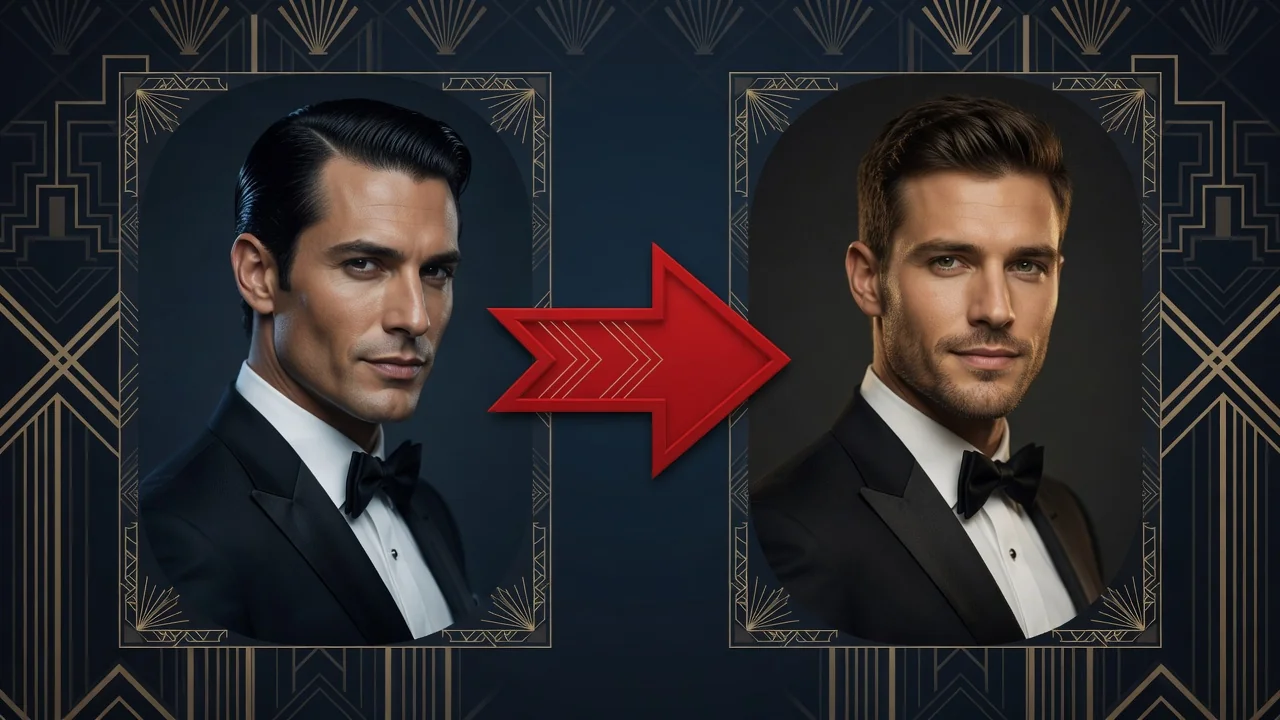
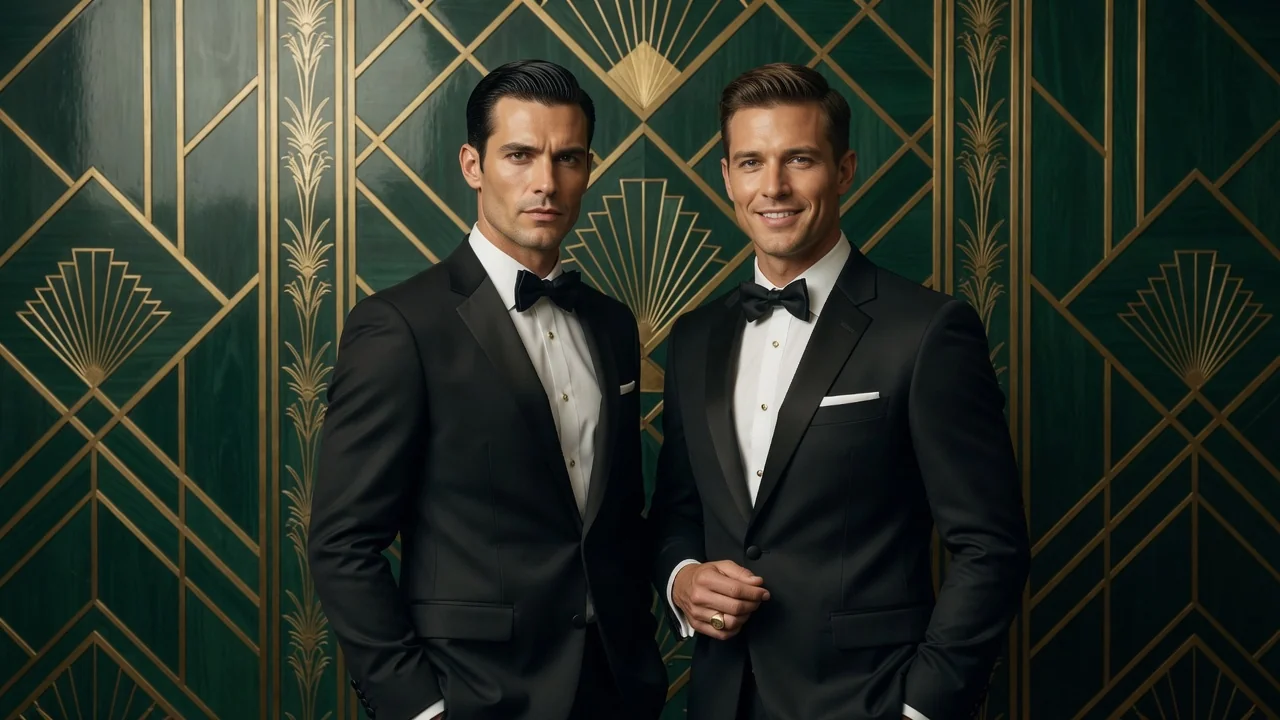
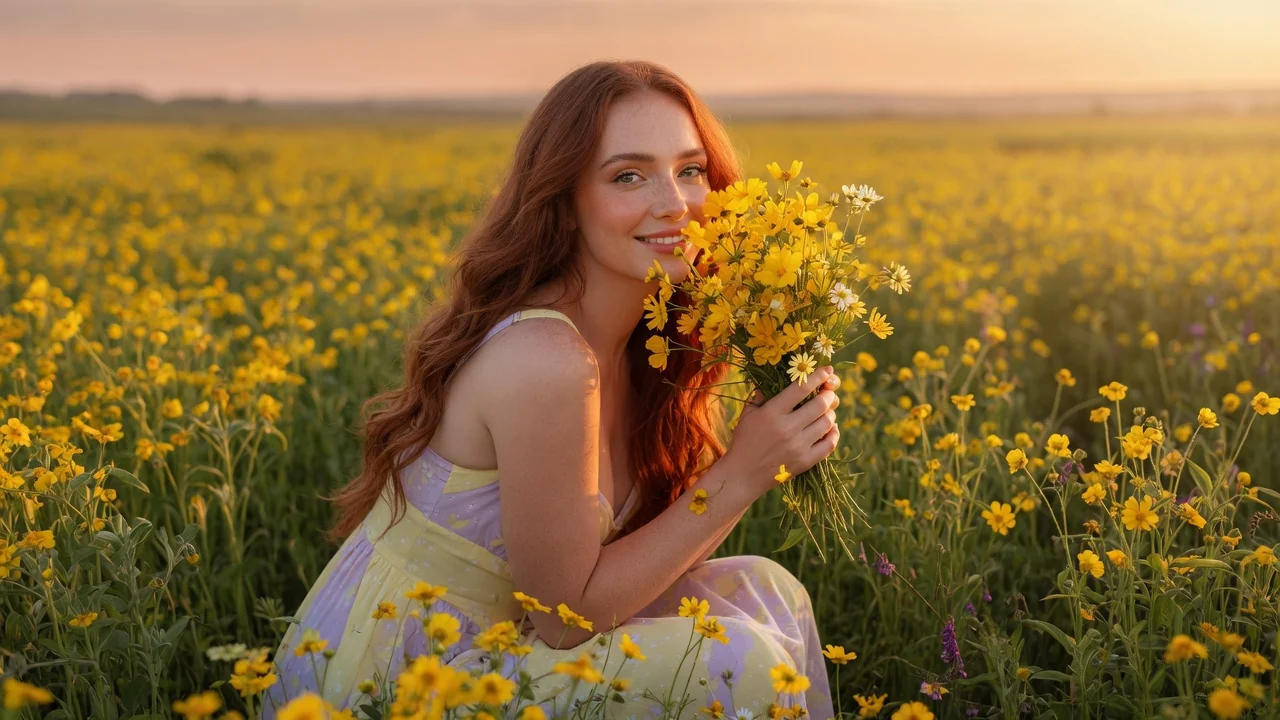
Input
2 image uploads
Output
Image
Generate with prompt
Default model
Aspect ratio
How it works
Step 1
Add the source photo containing the face you want to use, then the target photo receiving it. Clear, front-facing shots with even lighting give the cleanest swap.
Step 2
Keep the default instruction or note details worth preserving, like glasses, expression, or hair. Pick a portrait ratio of 3:4, 4:5, or 1:1 to match where you'll post.
Step 3
Run the swap and check the blended result against both originals. Skin tone, lighting, and head angle are matched automatically; download when the identity reads naturally.
Why use it
Each tool uses a known model route instead of asking users to guess IDs.
Supports multi-image references, making it safer for face, outfit, couple, and try-on workflows.
Ready tools connect directly to the AI Pin Maker generation workspace.
Related tools help continue from generation into cleanup, conversion, and publishing assets.
FAQ
The tool runs GPT Image 2 with multi-image references, so it reads lighting, skin tone, and head angle from the target photo before blending in the source face, rather than pasting pixels on top.
Sharp, front-facing photos where both faces are unobstructed. Heavy sunglasses, motion blur, or extreme side profiles reduce accuracy. The two uploads don't need matching lighting — the model reconciles it during generation.
Yes — upload the meme or group shot as the target image. For groups, describe which person to replace in the instruction so the model targets the right face and leaves the others untouched.
No. GPT Image 2 rebuilds the swapped face at the target photo's scale, pose, and perspective, so a close-up selfie can be swapped into a much wider shot without distortion.
Related tools
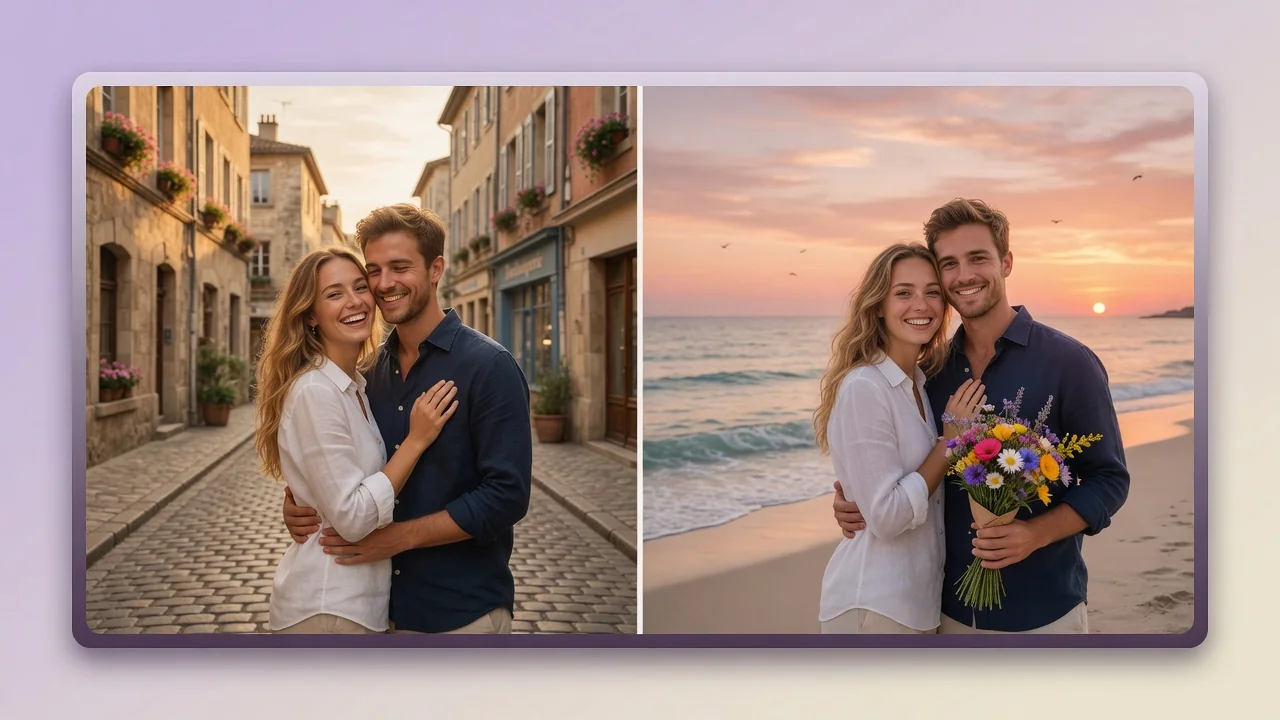
Merge two people into one natural couple photo with AI. Multi-reference matching keeps both faces recognizable for romantic portraits, anniversaries, and posts.
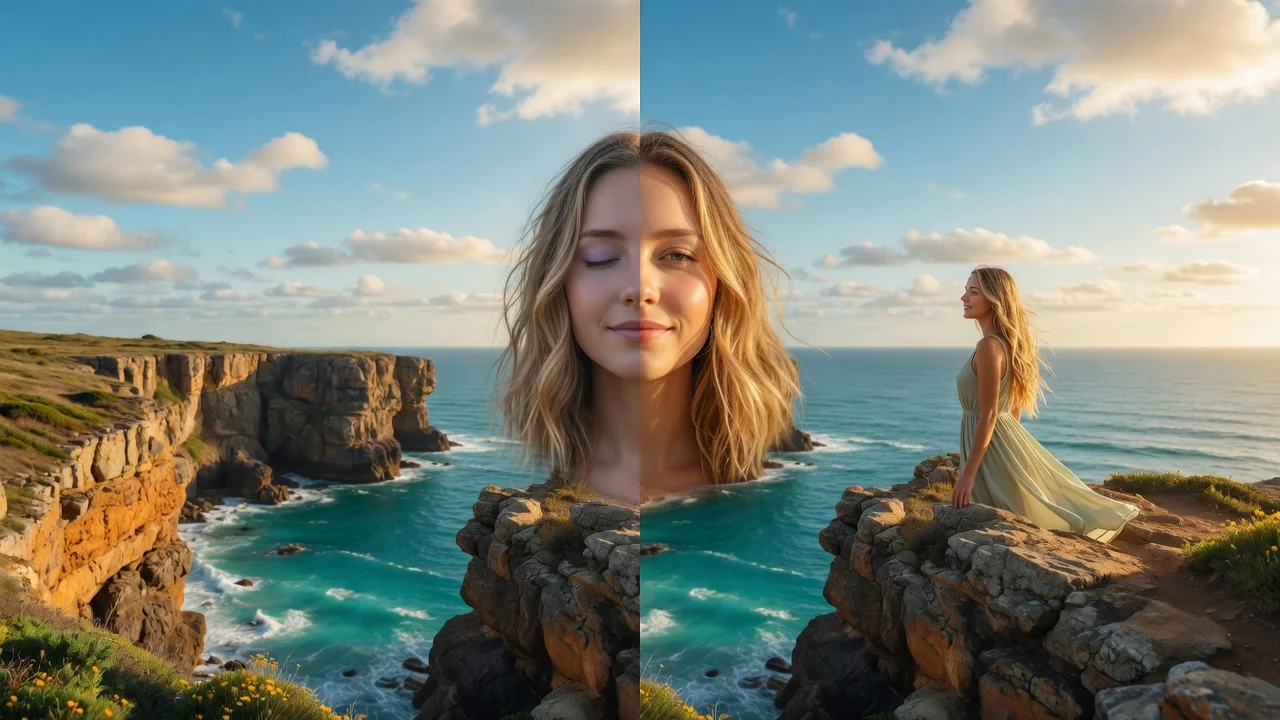
Edit portraits naturally with AI. Subtle retouching, expression polish, and face-safe adjustments that refine skin and features without looking artificial.
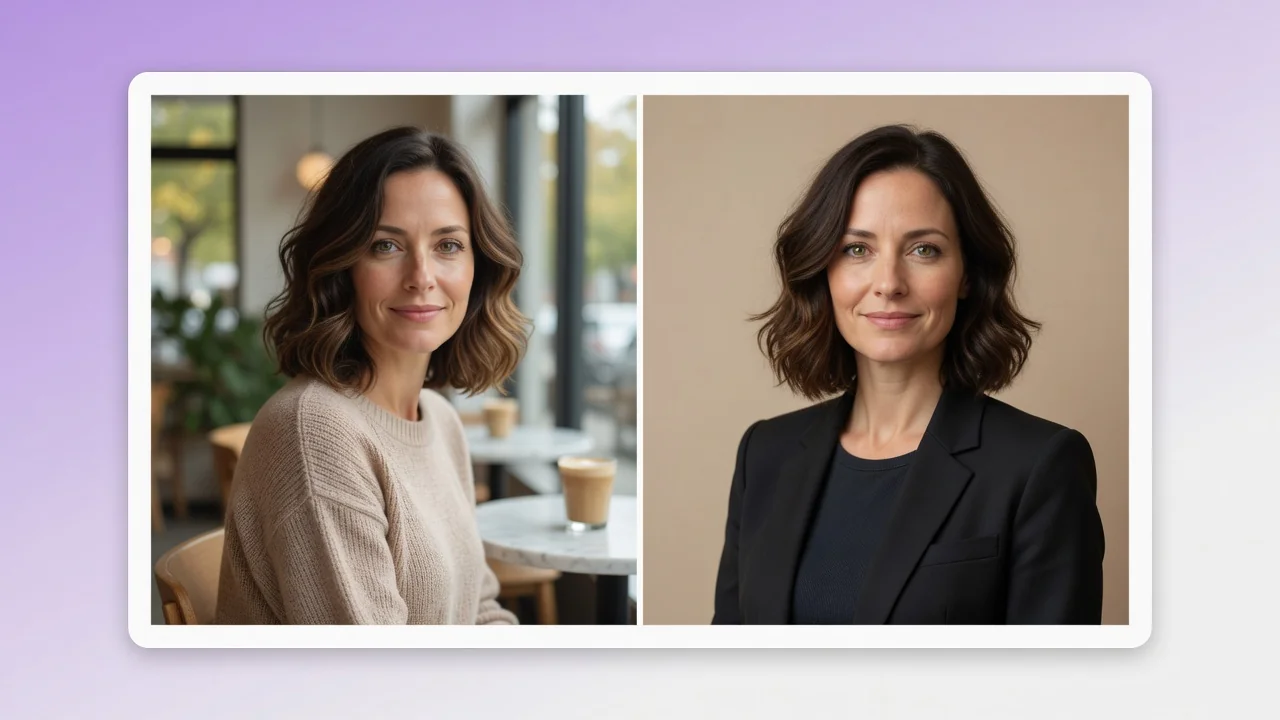
Turn a casual selfie into a professional AI headshot for LinkedIn, resumes, and team pages. Studio lighting and clean backgrounds, no photographer needed.