AI Pin Maker
Contact us
Video EffectsAll Video Tools

Upgrade to Pro

Unlock advanced features and faster generation speed.

Upgrade now

© 2026 AI Pin Maker
Bring creativity within reach

TemplatesGenerate ImageRemix ImageGenerate VideoAnimate ImageAll-purpose ReferenceVideo EditGenerate MusicGeneration historyImage EffectsFormat ConverterAll Image ToolsVideo EffectsAll Video ToolsNew PinTemplatesMy PinsShowcaseMy MemoriesBaby albumPet albumCouple albumGrowth albumAI StickersCreditsPricingSettings
AI video tools/Text to Video

Video tools

Text to Video Generator

Turn text prompts into AI videos with full control over model, aspect ratio, duration, and camera direction. Create cinematic clips from words alone.

Previewvideo

Text to Video

Turn prompts into AI videos with model selection, aspect ratio, duration, and camera direction.

How it works

How to use Text to Video

1

Write your scene description

Type a prompt describing subject, environment, camera movement, and mood. "A cherry blossom tree swaying in wind, slow tilt-up, golden hour" produces better results than vague descriptions.

2

Choose model, aspect ratio, and duration

Select Wan 2.6, Seedance 2.0, Kling v3, or Sora 2. Pick aspect ratio — 9:16 for Shorts/Reels, 16:9 for YouTube, 1:1 for feed posts — and clip duration (4–10 seconds depending on model).

3

Submit and iterate

Submit the generation job. Your clip appears in the history page. Download or refine the prompt and re-submit to iterate — no source footage is ever needed.

Why use it

Why use AI Pin Maker video tools

Workflow-first setup

Each page maps one user job to the required video inputs and model family.

Model fit

Default text-to-video route verified against live endpoint tags with broad aspect-ratio and duration support.

Runnable tools

Ready tools connect to the AI Pin Maker video generation workspace.

Connected routes

Related video tools help continue from effects into editing, music, and production workflows.

Use cases

Where to use these videos

Marketing clips

Create short campaign visuals for product, seasonal, and event launches.

Social posts

Produce vertical hooks, reaction clips, and meme-ready effects for social channels.

Education

Turn examples and step explanations into short visual teaching clips.

FAQ

Video tool FAQ

How is text-to-video different from a video editor?
This is a fully generative tool — you start from a text description rather than existing footage. No camera, no actor, no footage library required. The AI renders every frame from scratch based on your prompt alone.
What aspect ratios and clip lengths are supported?
Available options depend on the selected model. Most routes cover 9:16 (vertical), 16:9 (horizontal), and 1:1 (square) formats, with clip lengths from 4 to 10 seconds. The model selector shows exact options before you submit.
Which model should I choose for social media content?
Seedance 2.0 and Wan 2.6 are popular for social-first content — Seedance for photorealistic motion, Wan for prompt fidelity and stylized scenes. For premium cinematic quality at longer lengths, Sora 2 produces the most coherent 10-second cuts.
Can I use a negative prompt to remove unwanted elements?
Yes — most model routes accept a negative prompt field that reduces unwanted artifacts, blurriness, or specific scene elements. Enter terms like "watermark, blurry, distorted" to steer the output toward cleaner results.

Related tools

Explore more video tools

Original AI-generated cover art for the image to video generator tool, cinematic horizontal scene
Image to Videovideo
Creation toolsReady

Image to Video Generator

Animate still images into short AI videos with natural camera motion. Bring photos to life for social clips using verified image-to-video models.
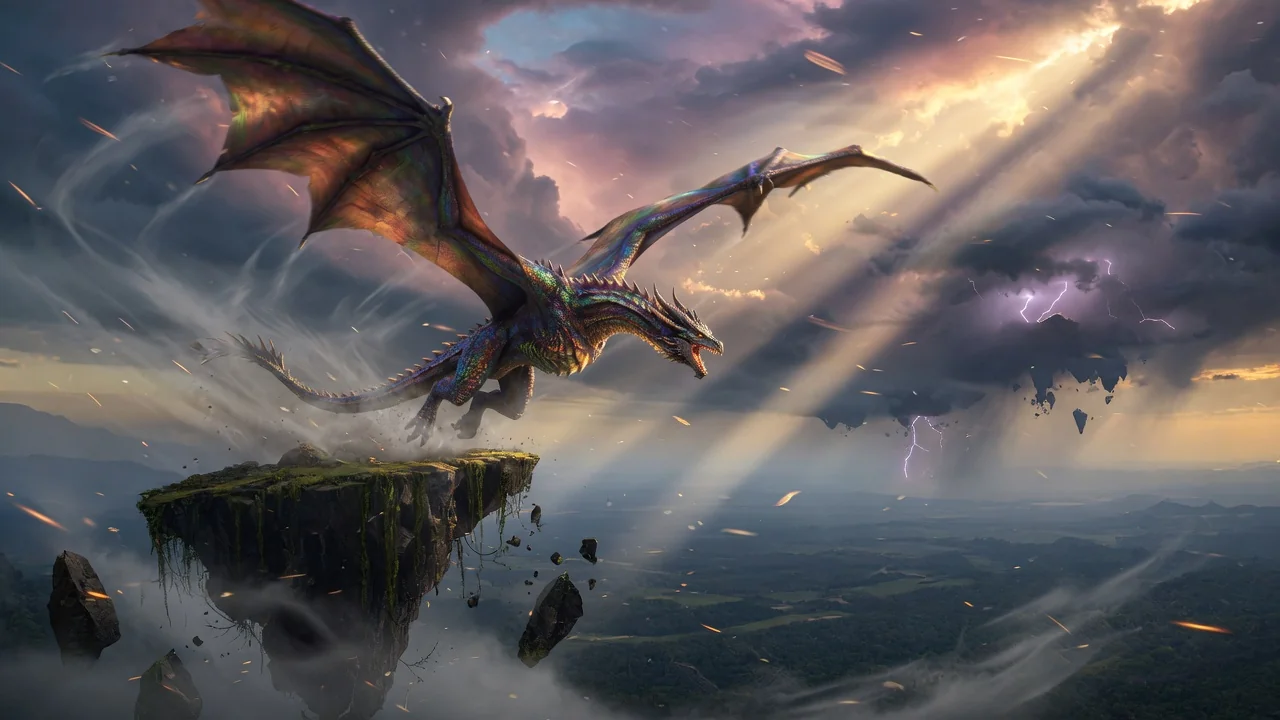
image-to-videoanimationsocial-video
ImageOpen tool
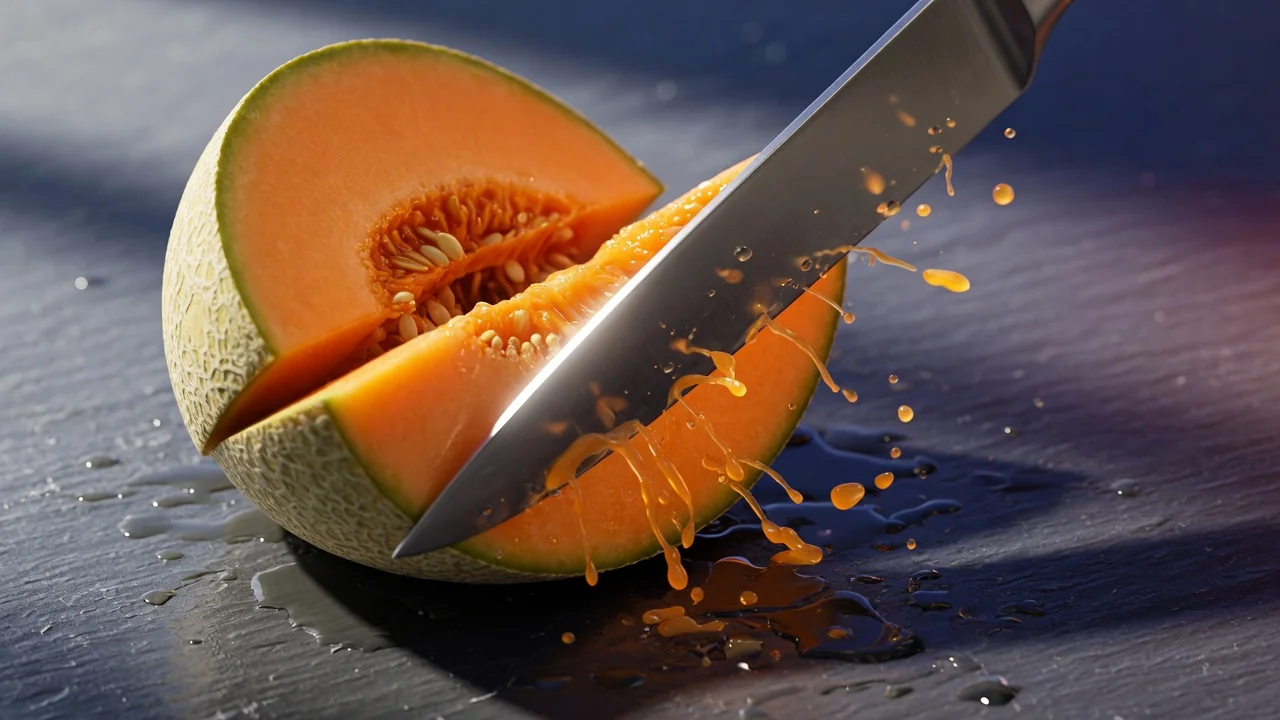
Original AI-generated cover art for the ai video generator tool, cinematic horizontal scene
Image to Videovideo
Creation toolsReady

AI Video Generator

Generate high-quality AI videos from images or text. A versatile entry point for image-to-video workflows with cinematic motion and coherent results.
ai-videogeneratorimage-to-video
ImageOpen tool
Original AI-generated cover art for the ai asmr generator tool, cinematic horizontal scene
Text to Videovideo
Video effectsReady

AI ASMR Video Generator

Generate soothing AI ASMR videos from text prompts. Audio-focused creative direction crafts calming, satisfying clips for relaxing short-form content.

asmrtext-to-videoaudio
PromptOpen tool