AI Pin Maker
Contact us
Video EffectsAll Video Tools

Upgrade to Pro

Unlock advanced features and faster generation speed.

Upgrade now

© 2026 AI Pin Maker
Bring creativity within reach

TemplatesGenerate ImageRemix ImageGenerate VideoAnimate ImageAll-purpose ReferenceVideo EditGenerate MusicGeneration historyImage EffectsFormat ConverterAll Image ToolsVideo EffectsAll Video ToolsNew PinTemplatesMy PinsShowcaseMy MemoriesBaby albumPet albumCouple albumGrowth albumAI StickersCreditsPricingSettings
AI video tools/Video Editor

Video tools

AI Video Editor

Edit short videos with AI using prompts and reference images. Restyle, adjust, and refine clips through the verified video edit route, no timeline needed.
Previewvideo

Video Editor

Edit short videos with prompts, reference images, and the verified video edit route.

Upload reference

PNG, JPG, WebP up to 10MB

Upload video

MP4, MOV, WebM up to 100MB

How it works

How to use Video Editor

1

Upload video and reference images

Upload your source video (up to 15 seconds). Attach reference images to anchor the edit — a target outfit, background scene, or subject face that the model should inject or preserve.

2

Write an edit instruction prompt

Describe the change you want — "add snow falling from the sky," "replace the background with a wooden studio set, keep the subject," or "remove the clock on the wall and fill naturally." Specify what stays and what changes.

3

Generate and review

Submit the edit job. HappyHorse 1.0 Video Edit or Runway applies changes frame by frame while maintaining temporal continuity. Review in history and iterate with a refined prompt if needed.

Why use it

Why use AI Pin Maker video tools

Workflow-first setup

Each page maps one user job to the required video inputs and model family.

Model fit

Uses the currently verified video-edit endpoint in the live model list.

Runnable tools

Ready tools connect to the AI Pin Maker video generation workspace.

Connected routes

Related video tools help continue from effects into editing, music, and production workflows.

FAQ

Video tool FAQ

Why is the video length limited to 15 seconds for the editor?
Short clips are processed frame-by-frame with a global temporal consistency pass. Reference-guided editing is scoped to 15 seconds for quality and turnaround reasons. Longer clips (up to 120 seconds) are handled by the video-to-video style transfer generator.
What are reference images used for in the video editor?
Reference images tell the model what to inject or preserve — attach a target outfit, a background scene, or a subject face. The edit model blends the reference style or identity into the video while keeping the original motion and timing intact.
Can I use the video editor to remove objects from a clip?
Yes — include removal intent in the prompt, such as "remove the clock on the wall and fill naturally with the background." Results depend on the complexity of the object; cluttered or fine-detail removals benefit from a more specific prompt.
How does the video editor differ from the video-to-video generator?
The video editor uses reference images as anchors and supports surgical, prompt-guided operations on short clips (under 15 seconds). The video-to-video generator applies global style transfer to longer clips (up to 120 seconds) without reference pinning.

Related tools

Explore more video tools

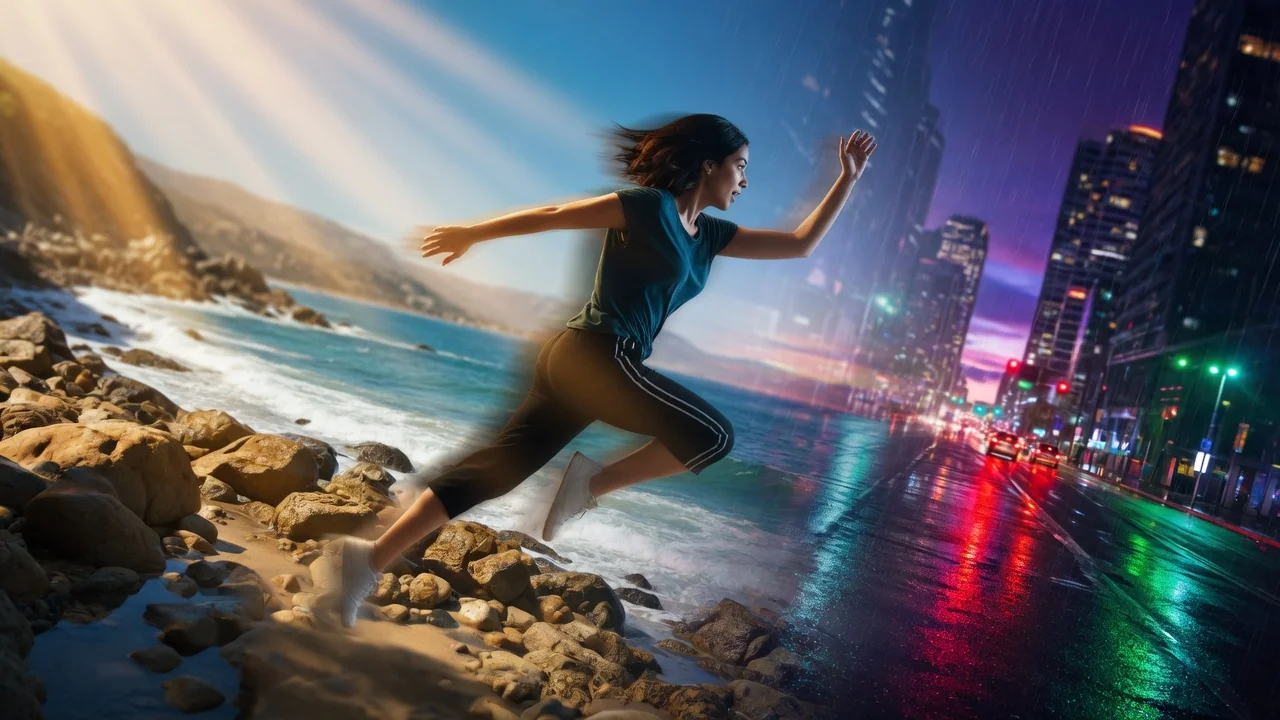
Original AI-generated cover art for the video to video generator tool, cinematic horizontal scene
Video Editvideo
Creation toolsReady

AI Video to Video Generator

Convert and restyle uploaded videos with AI. Apply new visual styles while keeping core motion and scene continuity through the verified edit endpoint.
video-editstyle-transfervideo-to-video
VideoOpen tool
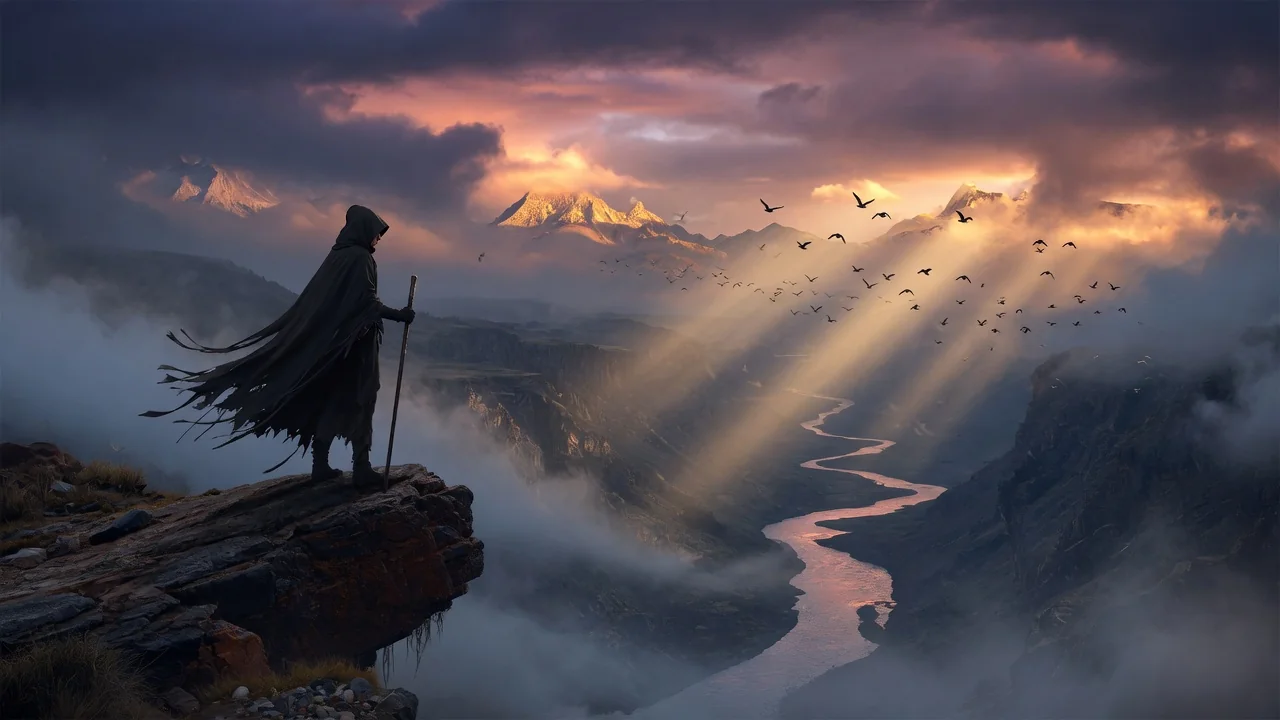
Original AI-generated cover art for the video background changer tool, cinematic horizontal scene
Video Editvideo
Creation toolsReady

AI Video Background Changer

Change video backgrounds with prompt-based AI editing. Swap scenes behind your subject for clean, professional clips without green screen or manual masking.
backgroundvideo-editprompt-edit
VideoOpen tool
Original AI-generated cover art for the ai video extender tool, cinematic horizontal scene
Video Editvideo
Creation toolsReady

AI Video Extender

Extend video length with AI using prompt guidance. Seamlessly continue clips through the verified edit endpoint to add seconds without reshooting.

video-extendervideo-editcontinuation
VideoOpen tool