
Step 1
Drop in the photo to cartoonify
Upload a selfie, family shot, or pet photo. The converter keeps your main subject readable, so faces looking toward the camera translate into cleaner, more expressive cartoon features.
Image converters
Turn any photo into a polished cartoon with AI. Clean linework and vivid color keep your subject recognizable for avatars, stickers, and fun profile pics.
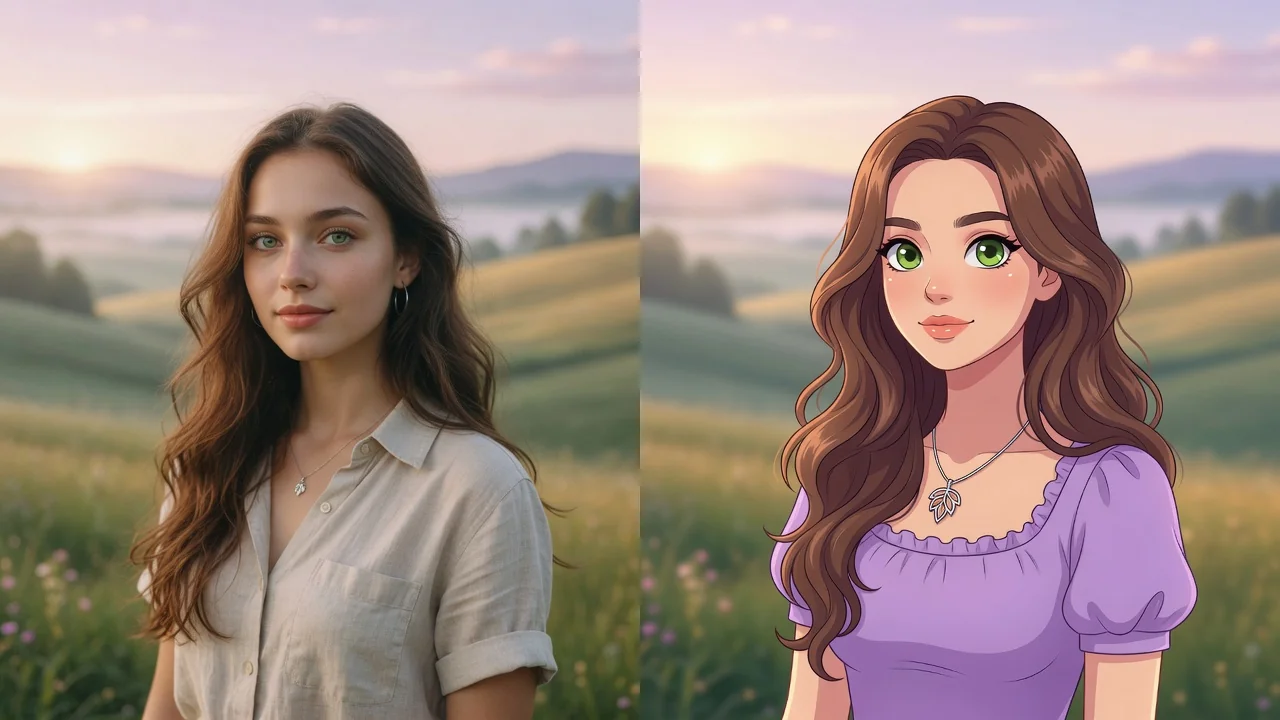
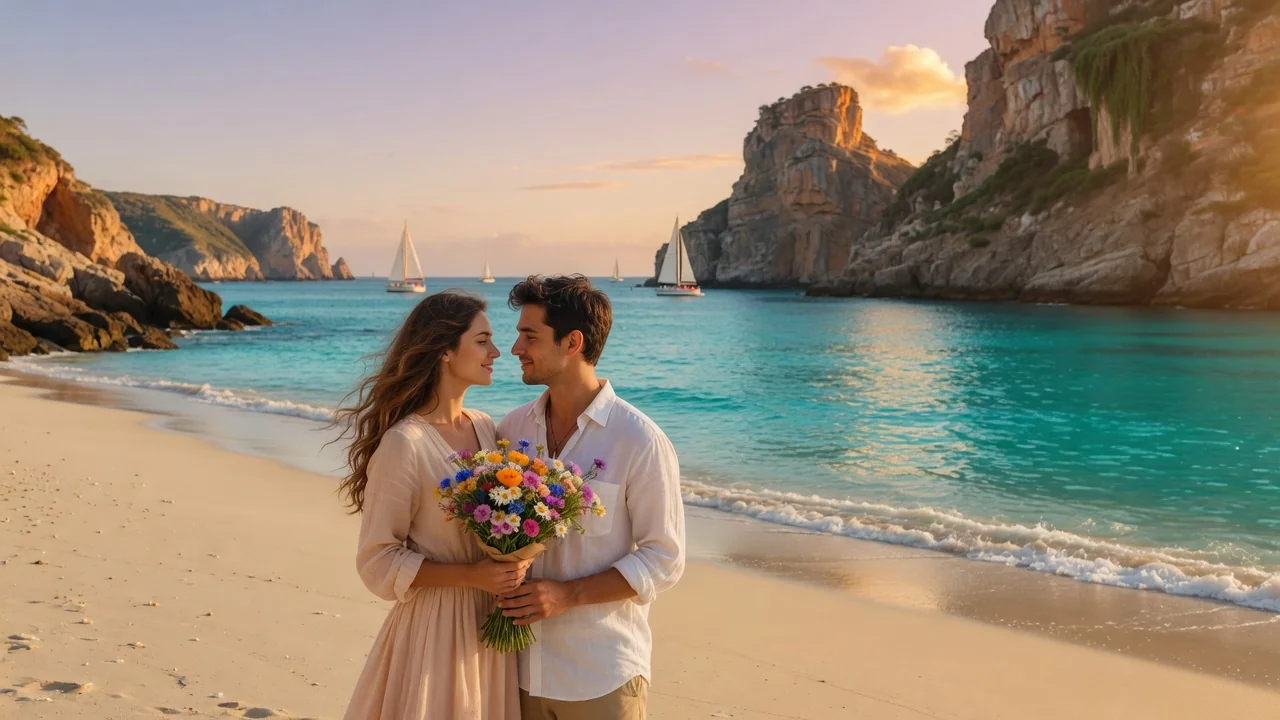
Input
1 image upload
Output
Image
Convert an uploaded image
Default model
Upload photo
PNG, JPG, WebP up to 10MB
Aspect ratio
How it works
Step 1
Upload a selfie, family shot, or pet photo. The converter keeps your main subject readable, so faces looking toward the camera translate into cleaner, more expressive cartoon features.
Step 2
The default asks Seedream 4.5 for expressive shapes and friendly colors. Add notes like thicker outlines, pastel palette, or comic-style shading to push the illustration where you want it.
Step 3
Create the cartoon in one pass, then download at square or vertical ratios for avatars and stickers. Rerun with different wording to explore alternate line weights and color moods.
Why use it
Each tool uses a known model route instead of asking users to guess IDs.
Default for anime, character, and seasonal stylization where style intensity matters most.
Ready tools connect directly to the AI Pin Maker generation workspace.
Related tools help continue from generation into cleanup, conversion, and publishing assets.
FAQ
This tool aims for a general clean-cartoon illustration — flexible linework and color rather than one franchise-flavored aesthetic. Choose the Disney-style tool for fairy-tale portraits or the Pixar-style tool for glossy 3D character renders.
Yes, within cartoon logic. Seedream 4.5 simplifies features into shapes but keeps hair color, glasses, expression, and pose, so friends recognize the subject even with stylized proportions.
Both work. Groups of two or three keep individual likeness best; larger crowds get more generic faces. Pets convert especially well because fur patterns and markings survive the simplification.
Profile pictures, sticker packs, birthday cards, and social posts. Exports come in 1:1, 4:5, 3:4, and 16:9, so you can go straight from render to upload without cropping.
Related tools
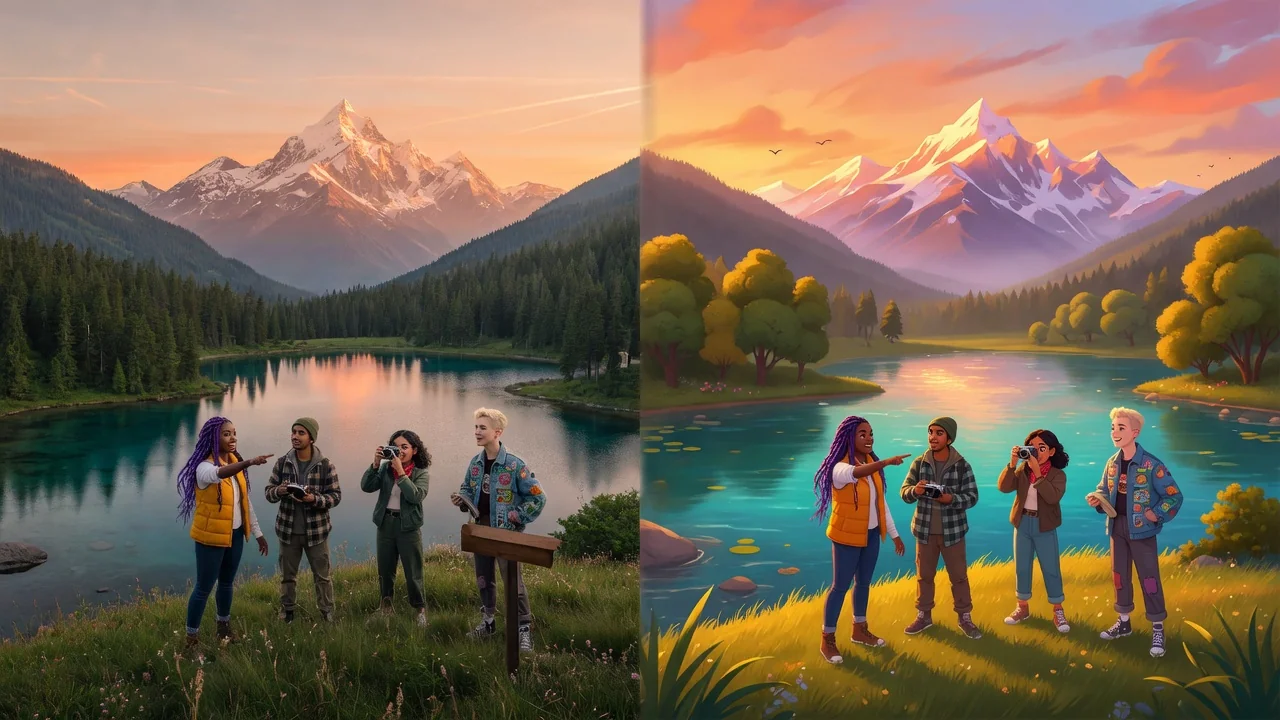
Transform photos into a bright Disney-style animation look with AI. Expressive fairy-tale characters perfect for avatars, story posts, and magical portraits.
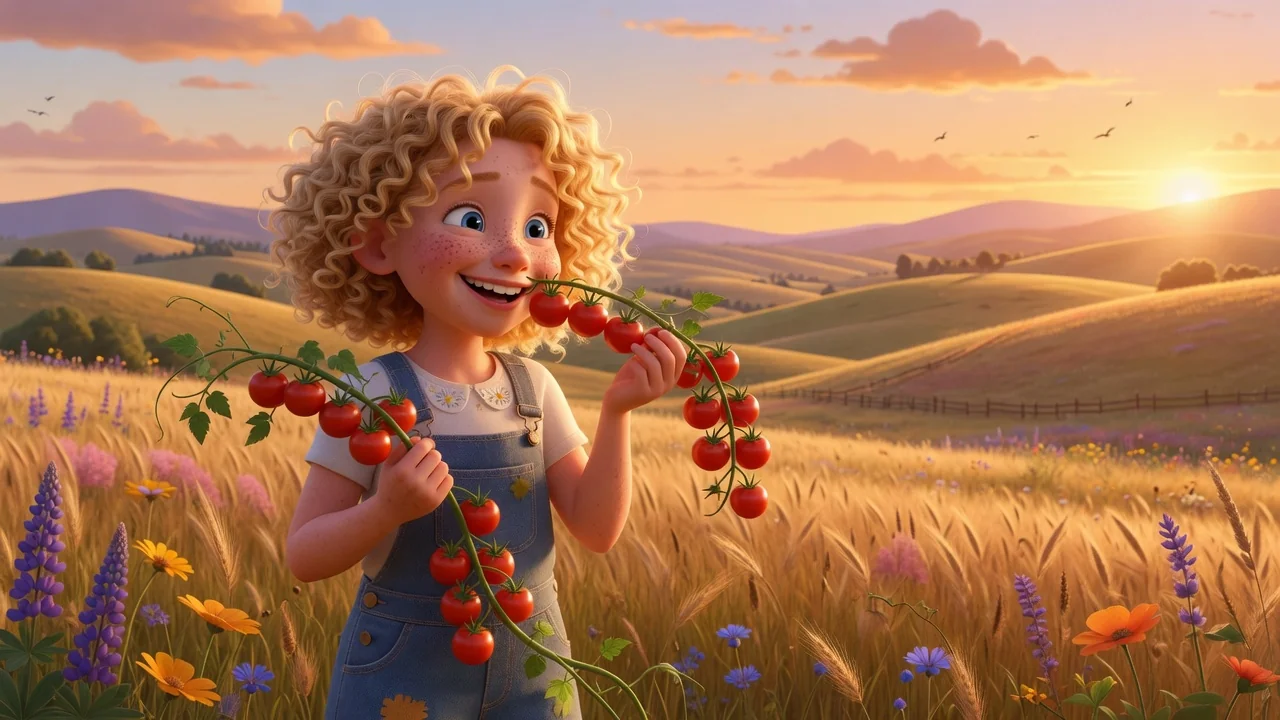
Create a polished Pixar-style 3D animation look from any photo with AI. Expressive character features and soft cinematic lighting for avatars and posters.
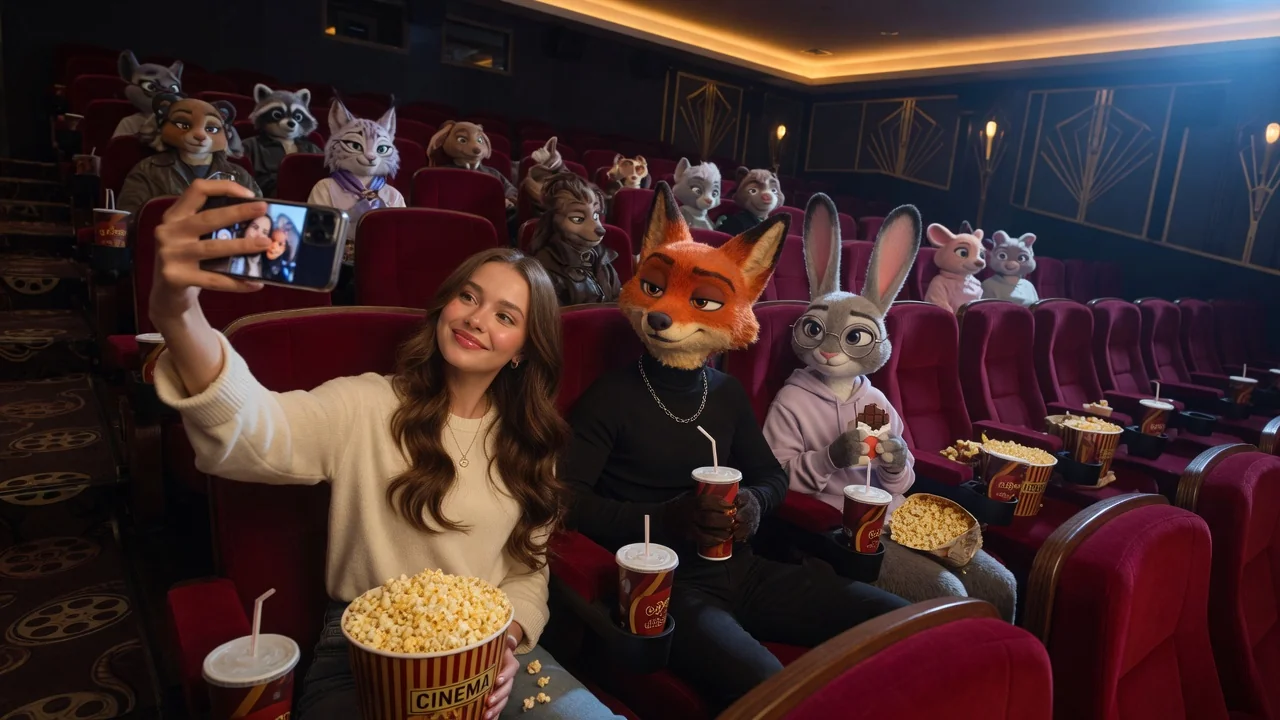
Turn portraits or pets into a playful animal-city cartoon character with expressive fur detail and bright animation styling inspired by the Zootopia look.