
Text to Image
Cinematic 3D logo with auto-assigned texture — AI Image Prompt
A prompt for generating a cinematic 3D logo where the AI chooses a realistic texture based on the brand style, with dramatic lighting and a product-ad feel.
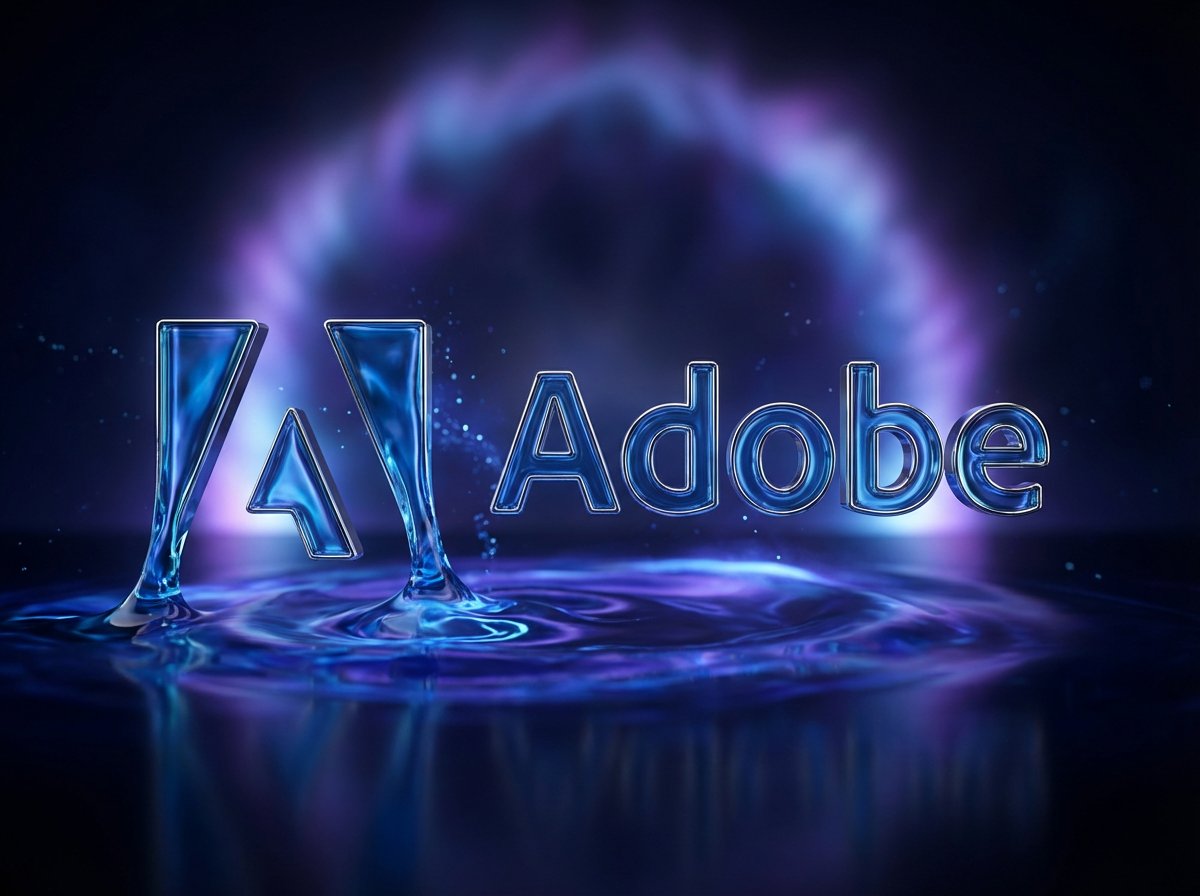
Prompt
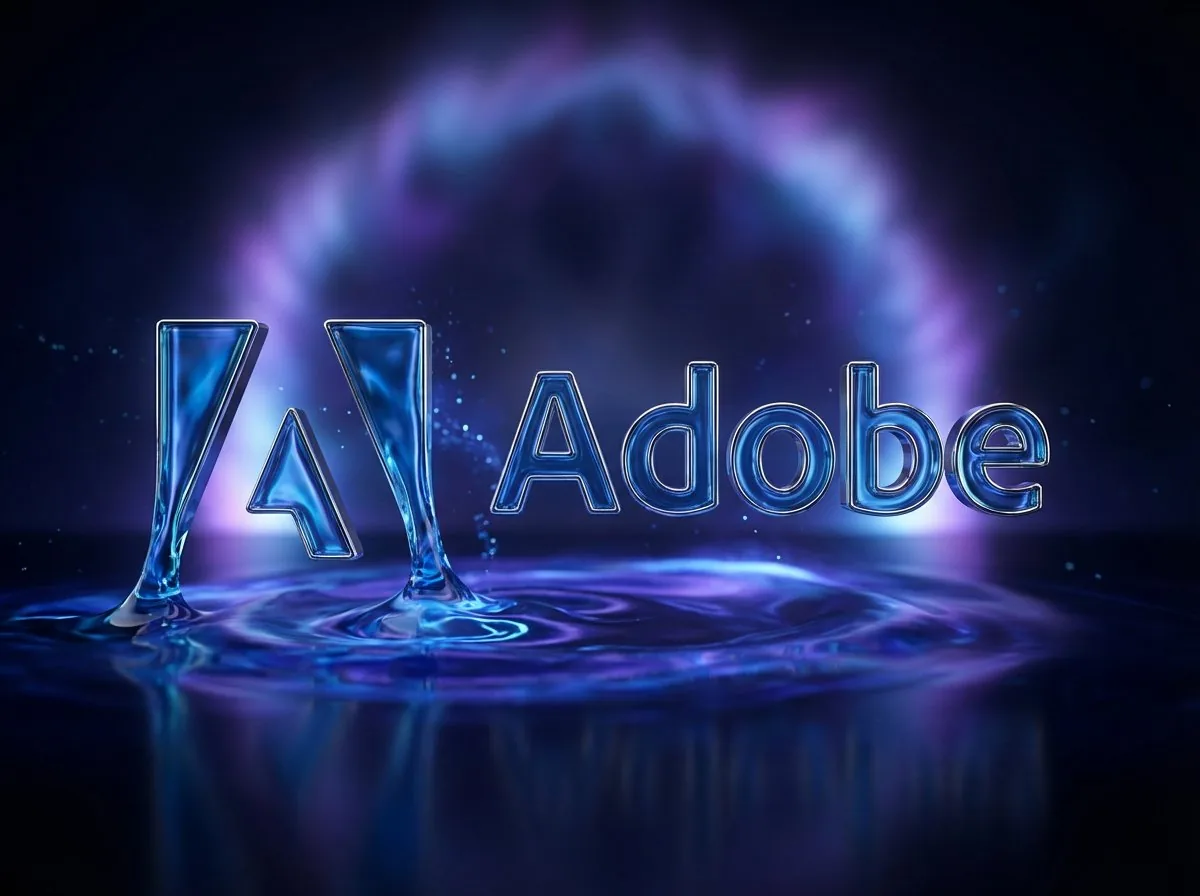
Create a cinematic image of Cinematic 3d Logo With Auto Assigned Texture. Style: photorealistic. Composition: balanced and well-framed. Lighting: natural with cinematic mood. Category: cinematic-video. Reference: cinematic-3d-logo-with-auto-assigned-texture-479.
Prompt breakdown
- Subject
- Cinematic 3D logo with auto-assigned texture
- Style
- photorealistic
- Lighting
- natural with cinematic mood
- Composition
- balanced and well-framed
- Mood
- cinematic
Remix ideas
- Add 'brushed metal' to force a specific auto-texture outcome
- Lower the camera to a heroic three-quarter angle
- Layer in faint film grain and lens flare for extra cinematic-video polish
Reference images
How to use this AI Image prompt template
 1
1Copy the prompt — grab this template’s prompt and negative prompt.  2
2Pick a model — choose a recommended AI model for the best match.  3
3Generate — open the studio with one click and create your result.
Related templates
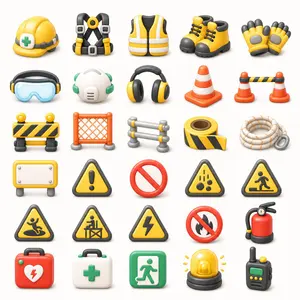
3D Construction Safety Icon Set
{"type":"3D construction and safety equipment icon set","format":"transparent background PNG asset sheet","style":"cute glossy 3D clay-render icons, rounded edges, soft studio lighting, subtle ambient occlusion, clean toy-like proportions, high-detail but simple shapes, consistent scale, front-facing three-quarter view","color palette":"bright safety yellow, orange, black, white, gray, green, and red accents","layout":{"grid":"7 rows by 5 columns","total icon count":35,"spacing":"evenly spaced with generous white/transparent negative space, no text labels, no borders","icons":[{"position":"row 1 column 1","description":"yellow construction hard hat with gray strap and green medical cross badge"},{"position":"row 1 column 2","description":"black and yellow fall-arrest safety harness with gray buckles and central yellow ring"},{"position":"row 1 column 3","description":"yellow high-visibility safety vest with white reflective stripes and black arm openings"},{"position":"row 1 column 4","description":"pair of yellow work boots with black toes, soles, collars, and laces"},{"position":"row 1 column 5","description":"pair of yellow protective work gloves with black fingertips and gray padded palms"},{"position":"row 2 column 1","description":"blue transparent safety goggles with black and yellow earmuff-like side pieces"},{"position":"row 2 column 2","description":"white respirator mask with green elastic straps and side filters"},{"position":"row 2 column 3","description":"black and yellow over-ear hearing protection headphones"},{"position":"row 2 column 4","description":"single orange traffic cone with two white reflective bands"},{"position":"row 2 column 5","description":"two small orange traffic cones connected by a black-and-yellow striped barrier bar"},{"position":"row 3 column 1","description":"portable black-and-yellow striped road barricade with two round yellow warning lights on top"},{"position":"row 3 column 2","description":"orange plastic mesh safety fence panel with gray feet"},{"position":"row 3 column 3","description":"small gray metal crowd-control barrier with yellow connector caps"},{"position":"row 3 column 4","description":"roll of black-and-yellow caution tape with loose strip extended"},{"position":"row 3 column 5","description":"coiled white safety rope with orange flecks and a gray carabiner"},{"position":"row 4 column 1","description":"blank rectangular yellow warning signboard on gray legs with white center panel and screw heads"},{"position":"row 4 column 2","description":"yellow triangular caution sign with black border and exclamation mark"},{"position":"row 4 column 3","description":"red prohibition symbol, empty no-entry circle with diagonal slash"},{"position":"row 4 column 4","description":"yellow triangular falling objects hazard sign with black border and falling rocks icon"},{"position":"row 4 column 5","description":"yellow triangular pedestrian construction crossing warning sign with black border"},{"position":"row 5 column 1","description":"yellow triangular slippery surface warning sign with black border and person slipping icon"},{"position":"row 5 column 2","description":"yellow triangular construction worker barrier warning sign with black border"},{"position":"row 5 column 3","description":"yellow triangular electrical hazard warning sign with black border and lightning bolt"},{"position":"row 5 column 4","description":"red no-fire prohibition sign with black flame crossed by a red slash"},{"position":"row 5 column 5","description":"red fire extinguisher with black hose, pressure gauge, yellow nozzle detail, and dark base"},{"position":"row 6 column 1","description":"red emergency first aid kit case with handle, green latches, white heart emblem, and red lightning bolt"},{"position":"row 6 column 2","description":"white medical first aid kit case with handle, green latches, and green cross"},{"position":"row 6 column 3","description":"green emergency exit sign icon with white running figure and door arrow"},{"position":"row 6 column 4","description":"yellow rotating warning beacon light on black base with small yellow rays"},{"position":"row 6 column 5","description":"black handheld walkie-talkie with green display, yellow buttons, and antenna"}],"canvas":"square composition, centered asset sheet, transparent background or pure white preview background","rendering":"crisp edges, soft shadows directly under each item, consistent material roughness, no typography, no watermark"},"customization":{"theme":"{argument name=\"icon theme\" default=\"construction and safety equipment\"}","primary color":"{argument name=\"primary safety color\" default=\"yellow\"}","secondary color":"{argument name=\"secondary safety color\" default=\"orange\"}","background":"{argument name=\"background\" default=\"transparent PNG\"}","icon style":"{argument name=\"icon style\" default=\"cute glossy 3D clay-render\"}"}}

3D Glass Wallet and Coins Icon
UI图标,钱包里面装满了金币,一堆金币,金币上面是人民币 (货币类型)符号,3D效果,玻璃质感,柔和的金色渐变,半透明材质光晕效果,浅色背景衬托色彩流动,3D渲染风格,画面充满呼吸感

Royal Golden Cobra Emblem
Create a dark luxury heraldic emblem featuring a royal cobra (animal subject) centered on a wide horizontal canvas. The cobra faces forward with its hood fully spread, coiled body at the bottom, glossy black scales edged in reflective metallic gold, a golden segmented belly, intense glowing eyes, and a black forked tongue. Place exactly 1 ornate gold crown on the cobra's head and exactly 1 small black-and-gold shield crest below the neck, showing a tiny crowned cobra symbol. Surround the cobra with an elaborate symmetrical baroque frame: exactly 1 large circular gold arch behind the head, 2 mirrored large gold acanthus-leaf flourishes at the lower left and lower right, 2 mirrored vertical side ornaments with black diamond gemstones, and 4 ornate gold corner decorations connected by a thin rectangular gold border. Use a black, metallic gold, and deep bronze (color palette) palette with high contrast, polished 3D metal rendering, dramatic rim lighting, sparkling gold dust accents, and a dark textured damask background. The mood should be regal, dangerous, and opulent (mood). Make the composition perfectly centered and symmetrical, ultra-detailed, sharp, cinematic, premium fantasy insignia style, with no text, no watermark, and no extra animals.

Liquid Gloss Logo Generation
Create a creative image of Liquid Gloss Logo Generation. Style: photorealistic. Composition: balanced and well-framed. Lighting: natural with cinematic mood. Category: photography. Reference: liquid-gloss-logo-generation-2631.

Isometric Security Icon Grid
Create a modern isometric illustration sheet on a clean light gray background, showing a seamless grid of cybersecurity, privacy, and compliance icons with soft shadows, glossy 3D materials, rounded edges, and a blue, white, gray, red, and orange accent palette. Use a wide horizontal canvas, evenly spaced rows and columns, with no border or watermark. Include exactly 15 discrete icons arranged in a 3-row by 5-column grid: top row: 1) a blue padlock with silver shackle and black keyhole, 2) a blue shield badge with a white check mark and metallic rim, 3) a silver key angled diagonally, 4) a dark smartphone-like biometric panel showing a glowing blue fingerprint scan line, 5) a desktop monitor login screen with a lock icon, password dots, and a blue button labeled “LOGIN”; middle row: 6) a white document page with folded corner, blue lock icon, and label “ENCRYPTED”, 7) a red brick firewall with an orange flame in front, 8) a white surveillance camera with blue lens mounted on a small wall bracket, 9) an ID badge with clip, portrait thumbnail, text lines, and barcode, 10) a red triangular warning sign with black exclamation mark; bottom row: 11) a dark server stack with colored status lights and a blue shield check badge in front, 12) a clipboard checklist labeled “COMPLIANCE” with green checkboxes, 13) a dark smartphone facial-recognition screen showing a wireframe face, scan brackets, and “VERIFYING...” text, 14) an alert dashboard card labeled “ALERT” with a magnifying glass inspecting the list, 15) a gray safe/vault box with round combination dial beside a white policy document labeled “POLICY” with gray lines and green check mark. Keep all icons consistent in isometric perspective, miniature object scale, polished SaaS/security branding style, crisp edges, ambient occlusion, and subtle contact shadows. Text should be minimal and legible only where specified. Theme customization: security and compliance (theme); primary color customization: deep blue (primary color); background customization: light gray (background color).37:T872,Create a modern

Logo Variation Grid
Create a creative image of Logo Variation Grid. Style: photorealistic. Composition: balanced and well-framed. Lighting: natural with cinematic mood. Category: photography. Reference: logo-variation-grid-22746.
Explore more prompts
Browse more AI image and video prompts by category.
FAQ
- What does the auto-assigned texture do here?
- The AI selects and maps a texture automatically onto the 3D logo geometry, eliminating manual material choices while keeping the output photorealistic.
- Where does this reference number come from?
- cinematic-3d-logo-with-auto-assigned-texture-479 identifies this exact variation inside a larger series of cinematic logo renders.
- Is the Cinematic 3D logo with auto-assigned texture prompt free to use?
- Yes, this prompt is completely free on AI Pin Maker and you can copy it directly with no signup or payment required.
- How do I use the Cinematic 3D logo with auto-assigned texture prompt to generate an image or video?
- Copy the prompt, tweak the subject or style to fit your idea, then paste it into AI Pin Maker and generate your image or video in one click.
- Can I change the Cinematic 3D logo with auto-assigned texture prompt into my own version?
- Absolutely, just replace the subject, style, or parameters in AI Pin Maker to make the prompt entirely your own.