
Text to Image
Playful Hand-Drawn Doodle Overlays — AI Image Prompt
An instruction set for adding interactive, sketchy doodles and whimsical text to an existing photo while preserving the original subject's identity.
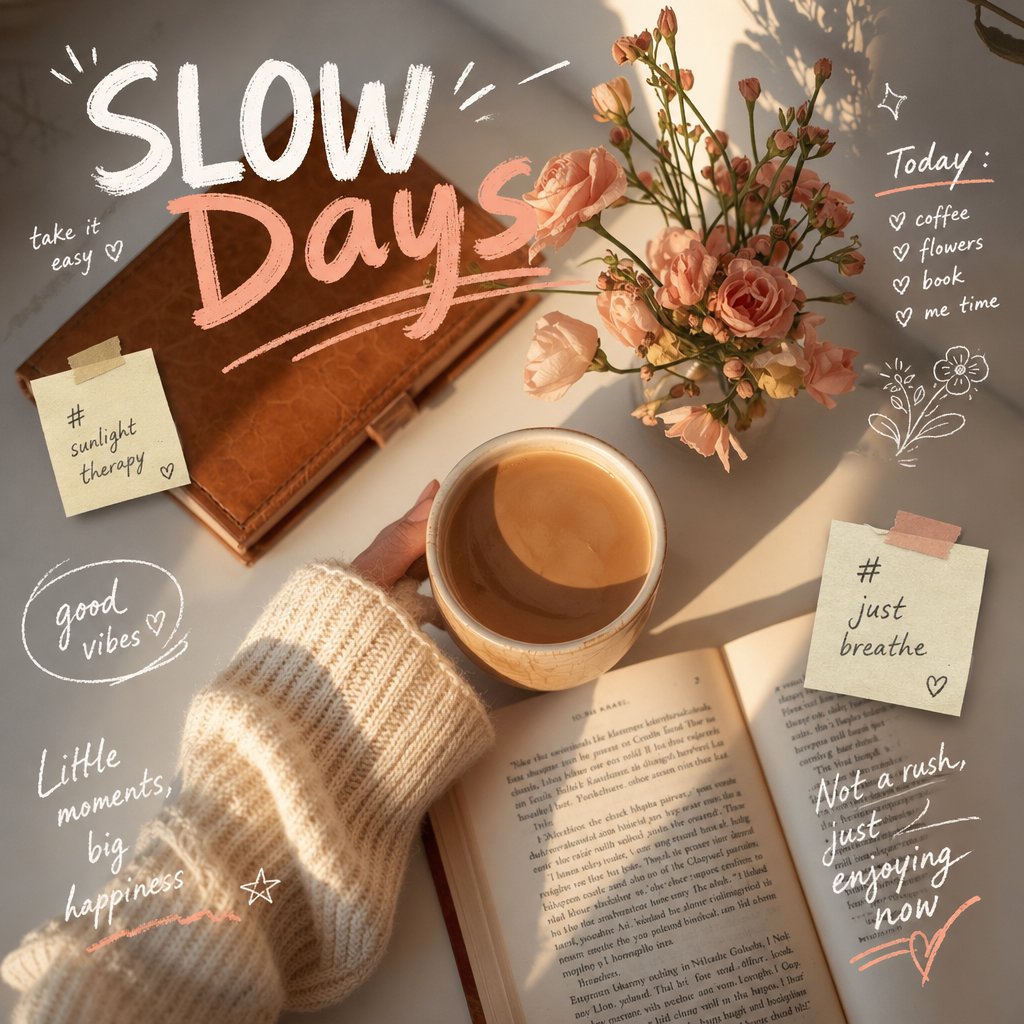
Prompt
Analyze the uploaded image and preserve the original subject, composition, and lighting. Do not alter the identity or structure of the main subject. Add playful, {argument name="doodle style" default="hand-drawn doodles"} that interact directly with the subject in the image. The doodles should mimic, follow, or exaggerate the shapes, gestures, or motion present-such as outlining poses, extending limbs, adding motion lines, or creating imaginative elements that

"respond" to the subject.

Ensure the doodles feel naturally integrated into the scene, as if they were drawn on top of the photo with intention.

Use a sketchy, imperfect, hand-drawn style with organic lines, slightly uneven strokes, and a casual illustrated feel.

Include whimsical handwritten text elements placed around the image. The text should match the mood or implied context of the scene, with a playful and spontaneous tone.

Avoid fixed phrases-generate context-aware, creative, and humorous text that fits each unique image. Maintain a balanced composition so the doodles enhance the image without overwhelming the original subject. Keep the overall aesthetic fun, expressive, and social-media-ready. High resolution, clean overlay, vibrant yet natural color harmony.Prompt breakdown
- Subject
- original uploaded image preserved exactly with no changes to identity or structure
- Style
- sketchy imperfect hand-drawn doodles using organic uneven strokes plus context-aware whimsical handwritten text
- Lighting
- original lighting from the uploaded photo maintained unchanged
- Composition
- balanced placement so doodles interact with but never overwhelm the main subject
- Mood
- playful expressive fun with spontaneous humorous tone
Remix ideas
- Change doodle weight to thicker marker lines while keeping the same interaction points
- Place text elements that specifically reference a visible gesture or clothing detail in the photo
- Add one accent color only to the motion lines for extra pop against the natural color harmony
Reference images
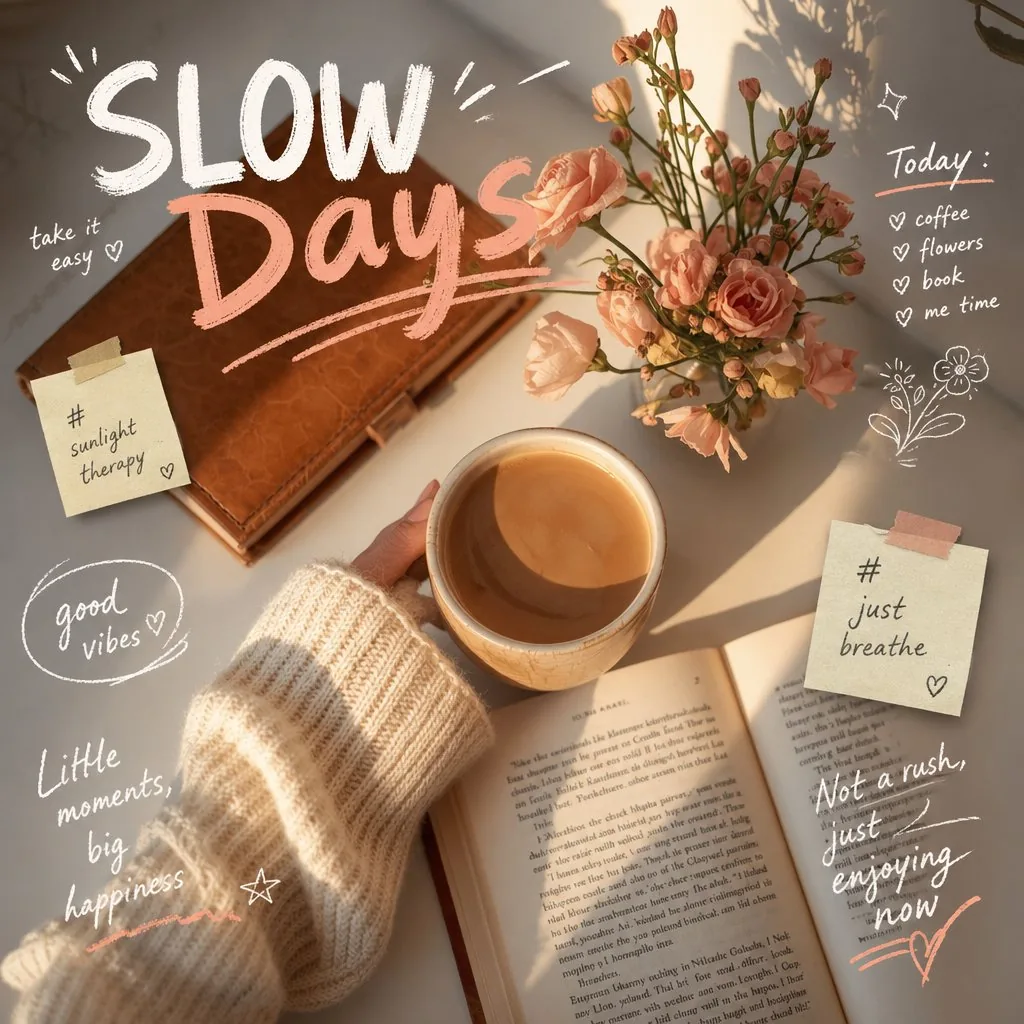
How to use this AI Image prompt template
 1
1Copy the prompt — grab this template’s prompt and negative prompt.  2
2Pick a model — choose a recommended AI model for the best match.  3
3Generate — open the studio with one click and create your result.
Related templates

Pencil Sketch to MS Paint Abomination
Create a creative image of Pencil Sketch To Ms Paint Abomination. Style: photorealistic. Composition: balanced and well-framed. Lighting: natural with cinematic mood. Category: photography. Reference: pencil-sketch-to-ms-paint-abomination-17554.

Funny Ugly Doodle Sketch
Create a creative image of Funny Ugly Doodle Sketch. Style: photorealistic. Composition: balanced and well-framed. Lighting: natural with cinematic mood. Category: photography. Reference: funny-ugly-doodle-sketch-20481.
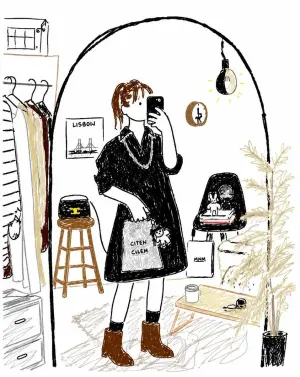
Bad MS Paint Redraw
Create a creative image of Bad Ms Paint Redraw. Style: photorealistic. Composition: balanced and well-framed. Lighting: natural with cinematic mood. Category: photography. Reference: bad-ms-paint-redraw-19249.

Bad MS Paint Redraw
Create a creative image of Bad Ms Paint Redraw. Style: photorealistic. Composition: balanced and well-framed. Lighting: natural with cinematic mood. Category: photography. Reference: bad-ms-paint-redraw-17600.

Interactive Photo Doodles
Analyze the uploaded image and preserve the original subject, composition, and lighting. Do not alter the identity or structure of the main subject. Add playful, hand-drawn doodles (doodle style) that interact directly with the subject in the image. The doodles should mimic, follow, or exaggerate the shapes, gestures, or motion present—such as outlining poses, extending limbs, adding motion lines, or creating imaginative elements that “respond” to the subject. Ensure the doodles feel naturally integrated into the scene, as if they were drawn on top of the photo with intention. Use a sketchy, imperfect, hand-drawn style with organic lines, slightly uneven strokes, and a casual illustrated feel. Include whimsical handwritten text elements placed around the image. The text should match the mood or implied context of the scene, with a playful and spontaneous tone. Avoid fixed phrases—generate context-aware, creative, and humorous text that fits each unique image. Maintain a balanced composition so the doodles enhance the image without overwhelming the original subject. Keep the overall aesthetic fun, expressive, and social-media-ready (mood). High resolution, clean overlay, vibrant yet natural color harmony.39:T505,

MS Paint Doodle Remake
Create a creative image of Ms Paint Doodle Remake. Style: photorealistic. Composition: balanced and well-framed. Lighting: natural with cinematic mood. Category: photography. Reference: ms-paint-doodle-remake-17622.
Explore more prompts
Browse more AI image and video prompts by category.
FAQ
- How do the doodles actually respond to the photo?
- They follow the subject's shapes and implied motion by outlining limbs, exaggerating poses or adding matching imaginative elements as if reacting in real time.
- Can I control what the handwritten text says?
- The prompt generates fresh context-aware phrases each time, but you can guide tone by describing the scene's mood before running it.
- Is the Playful Hand-Drawn Doodle Overlays prompt free to use?
- Yes, this prompt is completely free on AI Pin Maker and you can copy it directly with no signup or payment required.
- How do I use the Playful Hand-Drawn Doodle Overlays prompt to generate an image or video?
- Copy the prompt, tweak the subject or style to fit your idea, then paste it into AI Pin Maker and generate your image or video in one click.
- Can I change the Playful Hand-Drawn Doodle Overlays prompt into my own version?
- Absolutely, just replace the subject, style, or parameters in AI Pin Maker to make the prompt entirely your own.