
Text to Image
Photorealistic 8K Pet Photo Restoration — AI Image Prompt
Transforms a blurry low-quality pet photo into a sharp cinematic photorealistic restoration while preserving the original composition and identity.
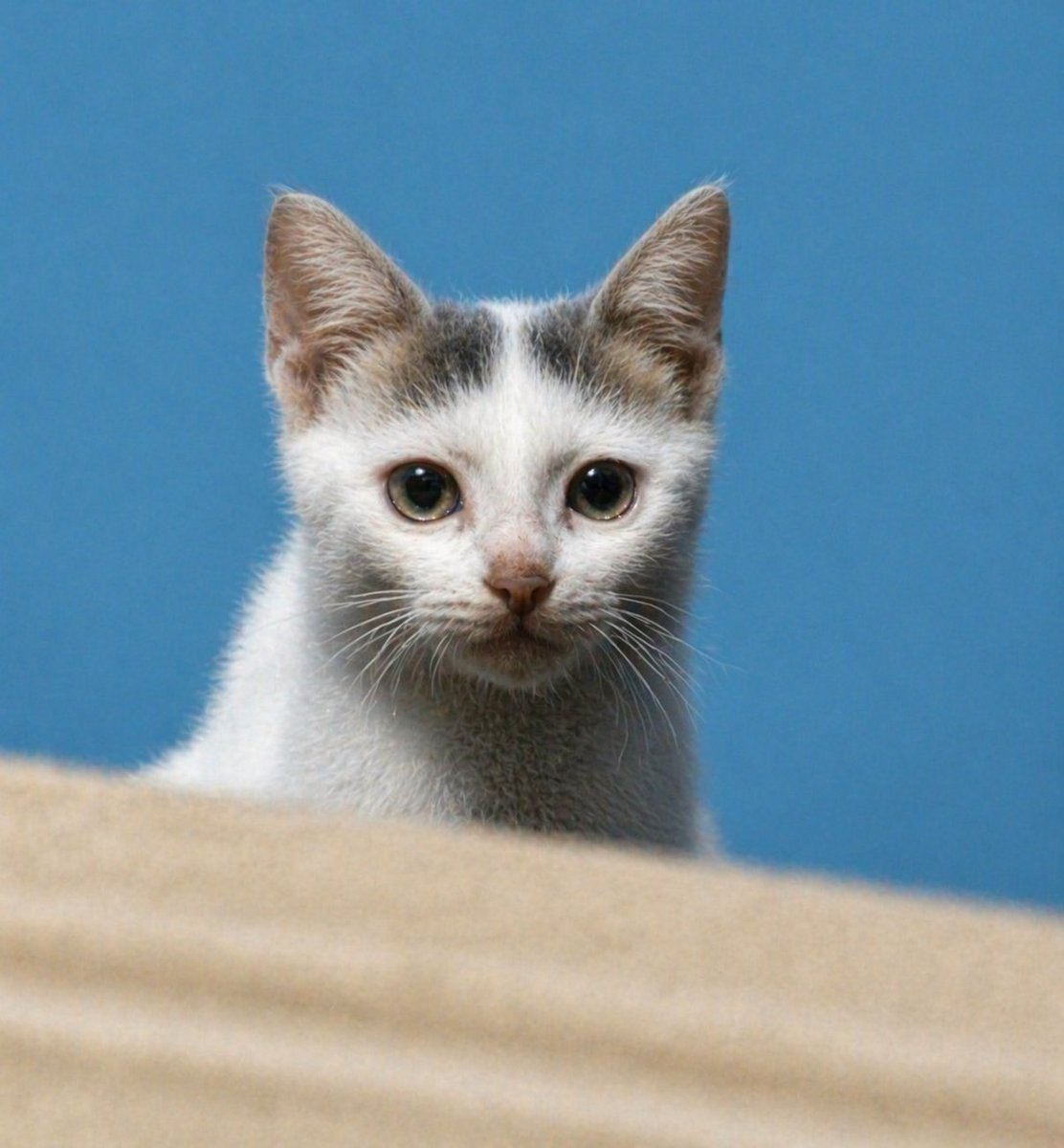
Prompt
Create a creative image of Photorealistic 8k Pet Photo Restoration. Style: photorealistic. Composition: balanced and well-framed. Lighting: natural with cinematic mood. Category: photography. Reference: photorealistic-8k-pet-photo-restoration-24832.
Prompt breakdown
- Subject
- Pet photo restoration in photorealistic 8K
- Style
- Photorealistic
- Lighting
- Natural with cinematic mood
- Composition
- Balanced and well-framed
- Mood
- Cinematic
Remix ideas
- Overlay faint scan-line artifacts from the original damaged photo
- Swap the pet breed to a long-haired cat while keeping the same restored 8K detail level
- Shift natural lighting to soft window-side illumination for a warmer indoor restoration feel
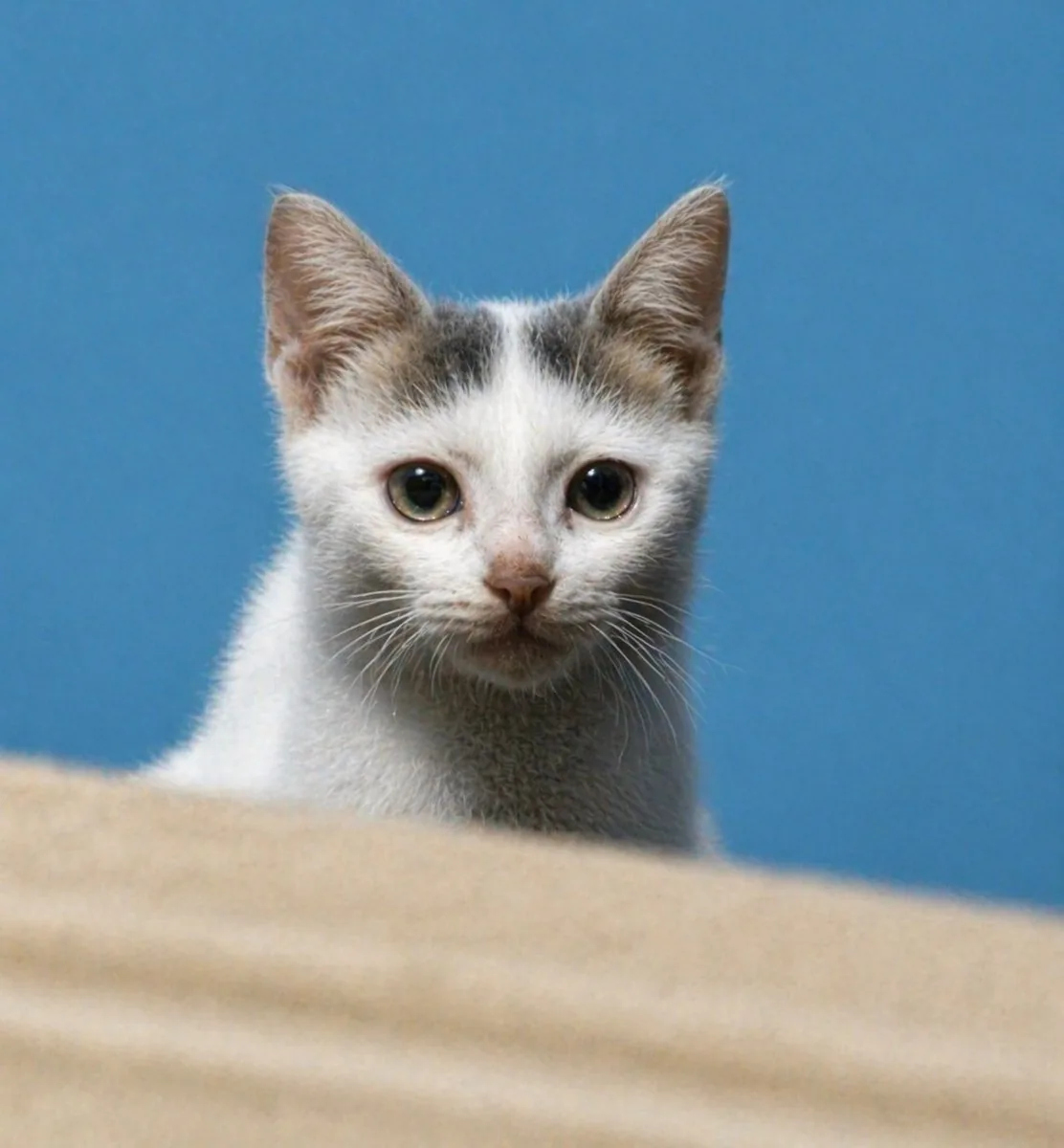
Reference images
How to use this AI Image prompt template
 1
1Copy the prompt — grab this template’s prompt and negative prompt.  2
2Pick a model — choose a recommended AI model for the best match.  3
3Generate — open the studio with one click and create your result.
Related templates

Minimalist Cormorant Fishing Poster
Using the provided reference image, transform the scene into a minimalist stylized flat vector illustration (art style) while preserving the original river-cormorant-fishing composition, subject placement, bamboo rafts, mountain river setting, and overall atmosphere. Simplify the photo into bold geometric shapes, clean silhouettes, limited detail, and layered poster-like forms with no photorealistic texture. Use a muted teal, deep blue, olive green, and warm cream palette, with angular stylized clouds and mountains, calm reflective water, and simplified rocky foreground. Keep exactly 3 fishermen on 3 bamboo rafts, exactly 4 black cormorants, and exactly 2 lanterns. Maintain the fishermen’s conical hats and dark traditional clothing, but render all people as simplified graphic figures with obscured/featureless faces. Make the result vertical in a 3:4 (aspect ratio) poster composition, crisp-edged, atmospheric, and suitable as a minimalist travel illustration.39

Image-to-Image Action Generation Template
Create a cinematic image of Image To Image Action Generation Template. Style: photorealistic. Composition: balanced and well-framed. Lighting: natural with cinematic mood. Category: cinematic-video. Reference: image-to-image-action-generation-template-9155.

12-Style Anime Photo Collage
Using the provided reference photo as the subject base, create a vertical 3-column by 4-row comparison collage that transforms the same child-and-dog scene into exactly 12 popular animation/game-inspired visual styles. Keep the child and dog recognizable in pose, relative placement, clothing, and outdoor park feeling, and preserve any existing face anonymization/privacy masking from the reference rather than inventing facial details. Add a bold style-title logo at the top of each panel. Canvas and layout: Use a tall poster layout with 12 equal rectangular panels separated by thin white grid lines, arranged as 3 columns x 4 rows. Each panel should show the same subject pairing from the reference but redrawn in a different style, with bright saturated colors and clean promotional collage composition. Panels, in order from top-left to bottom-right, exactly 12: 1. “STUDIO GHIBLI” — soft hand-painted fantasy countryside look. 2. “PIXAR” — polished 3D animated movie look. 3. “DRAGON BALL” — dynamic action-anime look with speed lines and rocky landscape. 4. “ONE PIECE” — adventurous nautical anime look with ship/sea elements. 5. “NARUTO” — ninja-anime look with village background and orange/black outfit influence. 6. “ドラえもん” — cheerful rounded Japanese cartoon suburb style. 7. “サザエさん” — classic family-anime neighborhood style. 8. “Lilo&Stitch” — tropical island cartoon look with beach and palm trees. 9. “POKÉMON” — bright monster-adventure world look; add a cap/backpack vibe to the child and a cute creature-like treatment for the dog. 10. “鬼滅の刃” — dramatic sword-anime look with purple lighting and patterned haori influence. 11. “クレヨンしんちゃん” — simple cute children’s cartoon style with big expressive shapes. 12. “MINECRAFT” — blocky voxel game style with cubic characters and environment. Customizable text: Use anime style comparison poster (collage title style) as the overall design intent, and keep the panel labels exactly as listed unless replaced by STUDIO GHIBLI, PIXAR, DRAGON BALL, ONE PIECE, NARUTO, ドラえもん, サザエさん, Lilo&Stitch, POKÉMON, 鬼滅の刃, クレヨンしんちゃん, MINECRAFT (panel label set). Constraints: Do not add extra panels, extra people, or extra pets. Keep the dog’s happy expression and fluffy tan appearance consistent across panels. Keep the child close to the dog in every panel. Maintain visible privacy blocks/anonymization over faces if present in the reference. Make the final image look like a shareable social media collage showcasing one photo converted into many animation styles.38:Taba,Using the provided reference photo as the subject base, create a vertical 3-column by 4-row comparison collage that transforms the same child-and-dog scene into e

Ultra-Detailed 3D Graphite Sketch
Create a creative image of Ultra Detailed 3d Graphite Sketch. Style: photorealistic. Composition: balanced and well-framed. Lighting: natural with cinematic mood. Category: photography. Reference: ultra-detailed-3d-graphite-sketch-2557.

Image Restoration and Upscale Prompt
Create a creative image of Image Restoration And Upscale Prompt. Style: photorealistic. Composition: balanced and well-framed. Lighting: natural with cinematic mood. Category: photography. Reference: image-restoration-and-upscale-prompt-9422.
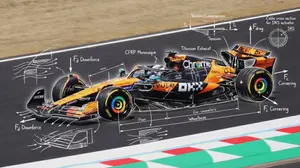
Engineering annotations overlay
{ "image_description": { "overall_theme": "High-technology augmented reality analysis of a scenic outdoor portrait", "resolution": "4K UHD, hyper-realistic with sharp data overlay", "subject": { "name": "Woman_Model_A", "pose": "Seated_profile, looking_left, side", "attire": { "garment": "Draped_One_Shoulder Pleated_Silk_Green_Dress", "color_hex": "#1E6641", "footwear": "Boots_Maroon", "accessory": { "type": "Bag_Two-Tone Leather/Metal", "details": "Gold_Buckle_feature" } } }, "environment": { "location": "Nusa_Penida_Cliffside", "terrain": "Rocky_Path", "details": { "main_trees": { "type": "Fern_Tree", "count": 3 }, "vegetation": "Lush mossy trees, vibrant red flowers, exotic plants", "boundary": "Wooden fence posts with thick rope rail", "background": "Distant tree-covered cliffs partially obscured by mist, with birds in flight", "specific_sign": "Small sign on a fence post with the text 'Kelingking'" } }, "data_overlay": { "style": "Translucent cyan digital interface with glowing gridlines and panel outlines", "panels": [ { "position": "Top-Left (Stacked Vertical)", "content": [ "ANALYSIS: SUBJECT_DETECT", "POSE: SEATED_PROFILE", "OUTFIT: DRAPED_ONE_SHOULDER", "COLOR: #1E6641_SILK_GREEN", "ACCESSORY_1: BAG_TWO-TONE", "MATERIAL: LEATHER/METAL", "HEEL: BOOTS_MAROON" ] }, { "position": "Top-Center (Floating Block)", "content": "COORDINATES: -8.7495° S, 115.0934° E" }, { "position": "Center-Left (Embedded Annotation)", "linked_to": "Leftmost Fern Tree", "content": "FERN_TREE (count: 3)" }, { "position": "Center-Right (Embedded Annotation)", "linked_to": "Rightmost Fern Tree", "content": "FERN_TREE (count: 3)" }, { "position": "Top-Right (Annotation)", "linked_to": "Cliffs", "content": "CLIFF_DISTANCE (approx: 450m)" }, { "position": "Bottom-Right (Formatted JSON Block)", "content": "{\n \"model\": {\n \"name\": \"Woman_Model_A\",\n \"pose\": \"Seated_left_looking_side\"\n },\n \"apparel\": {\n \"garment\": \"Pleated_Silk_Green_Dress\",\n \"style\": \"One-Shoulder_Draped\"\n },\n \"bag\": {\n \"type\": \"Two-Tone_Leather_Gold-Buckle\",\n \"brand\": \"Luxury_Accessory\"\n },\n \"location\": \"Nusa_Penida_Cliffside\",\n \"terrain\": \"Rocky_Path\"\n}" } ] } } }4e
Explore more prompts
Browse more AI image and video prompts by category.
FAQ
- Why does 8K resolution matter specifically for pet photo restoration?
- It captures individual strands of fur, whisker details, and eye reflections that become visible only at this scale, turning a faded snapshot into a lifelike portrait.
- How does the cinematic mood enhance a restored pet image?
- Natural lighting with subtle contrast creates depth around the animal's face and body, evoking filmic emotion while still reading as authentic photography.
- Is the Photorealistic 8K Pet Photo Restoration prompt free to use?
- Yes, this prompt is completely free on AI Pin Maker and you can copy it directly with no signup or payment required.
- How do I use the Photorealistic 8K Pet Photo Restoration prompt to generate an image or video?
- Copy the prompt, tweak the subject or style to fit your idea, then paste it into AI Pin Maker and generate your image or video in one click.
- Can I change the Photorealistic 8K Pet Photo Restoration prompt into my own version?
- Absolutely, just replace the subject, style, or parameters in AI Pin Maker to make the prompt entirely your own.