
Text to Image
Minecraft Statue of Musashi — AI Image Prompt
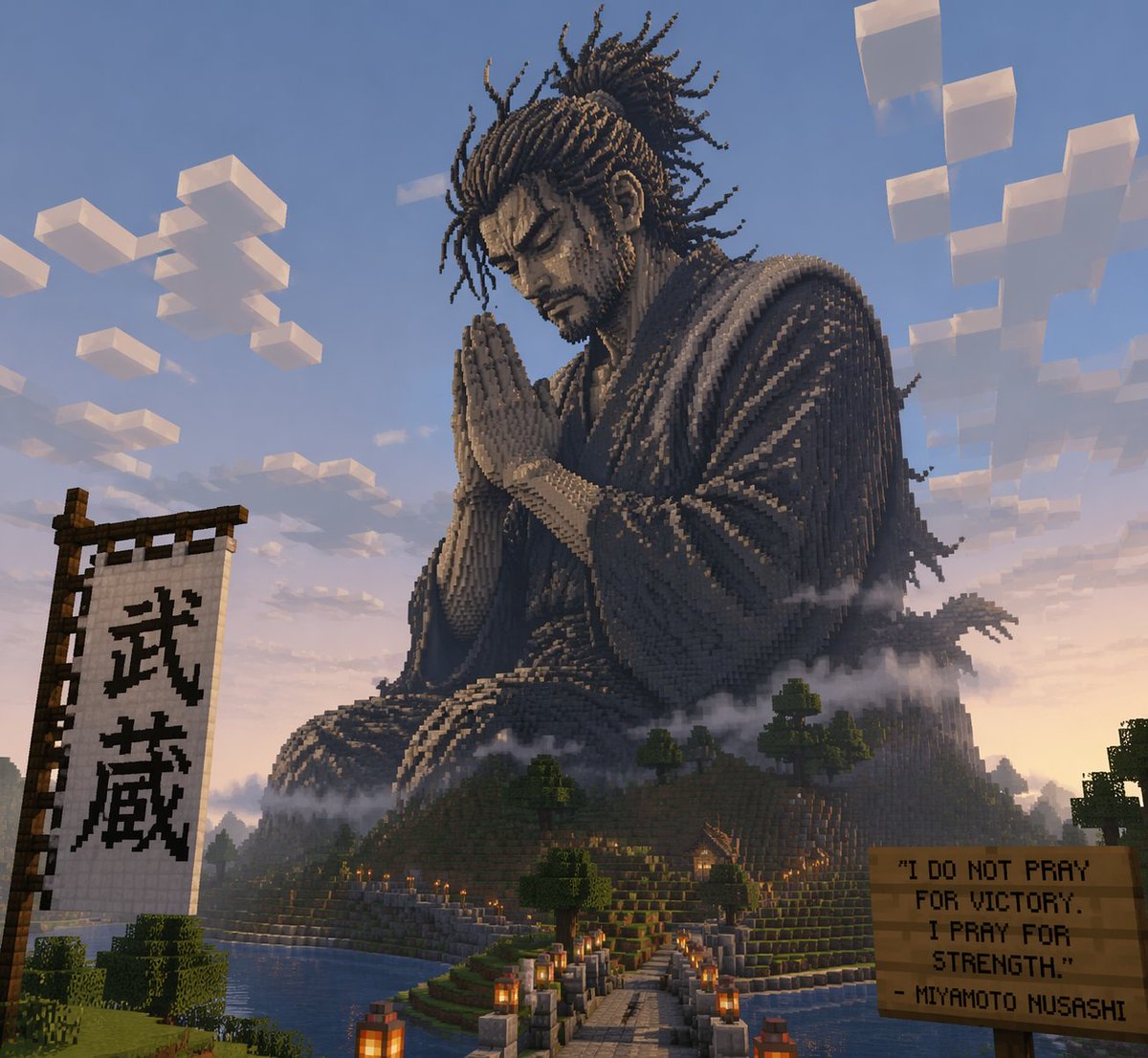
A prompt for creating a massive, block-style statue of Miyamoto Musashi in a prayer pose within the world of Minecraft.
Prompt
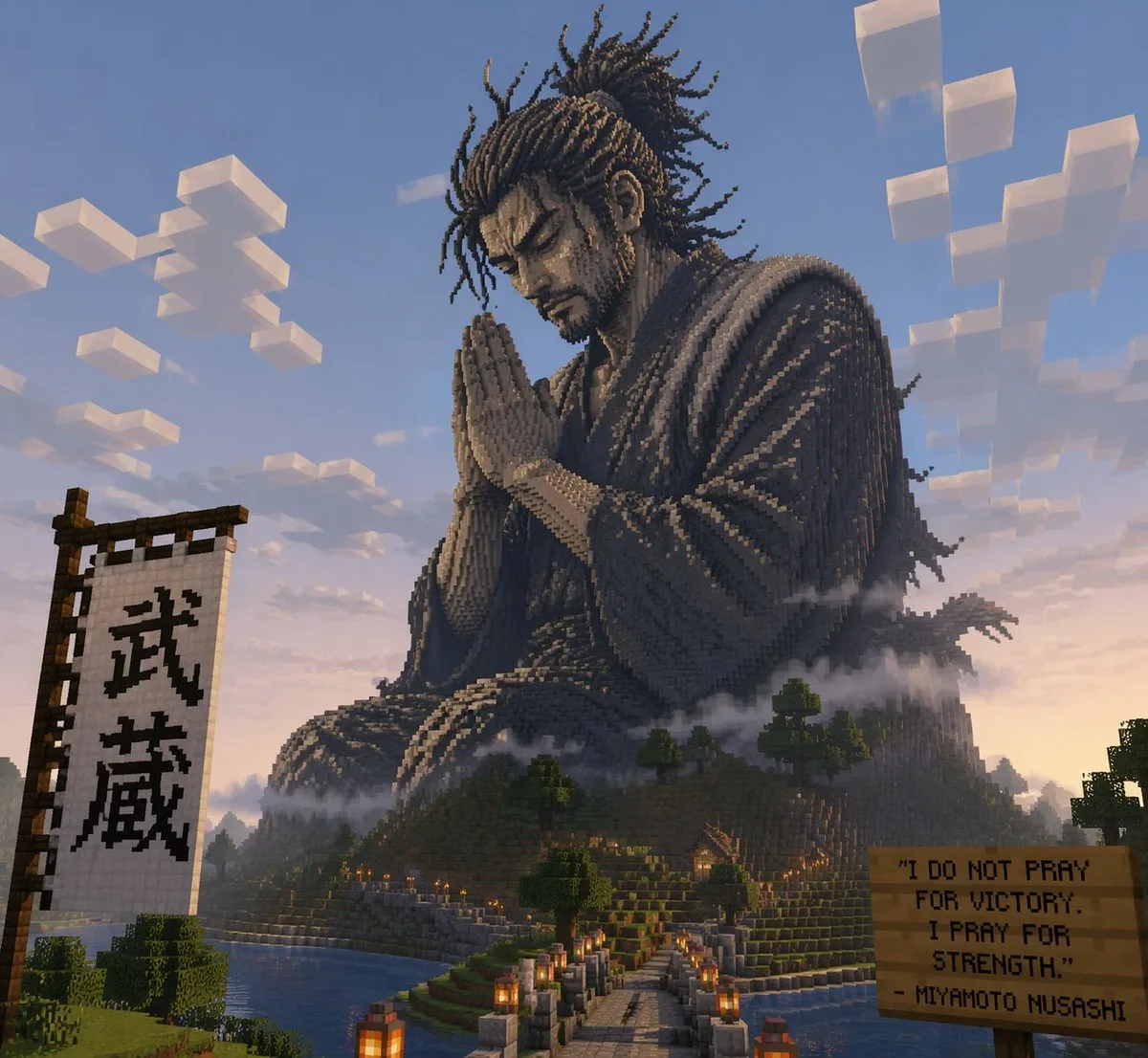
Create a creative image of Minecraft Statue Of Musashi. Style: photorealistic. Composition: balanced and well-framed. Lighting: natural with cinematic mood. Category: photography. Reference: minecraft-statue-of-musashi-14121.
Prompt breakdown
- Subject
- Minecraft Statue of Musashi
- Style
- photorealistic
- Lighting
- natural with cinematic mood
- Composition
- balanced and well-framed
- Mood
- cinematic
Remix ideas
- Shift to dusk lighting with longer shadows across the blocky stone surfaces
- Add faint Minecraft pixelated cherry blossom petals drifting around the statue base
- Lower the camera angle for a more heroic upward view of the dual swords
Reference images
How to use this AI Image prompt template
 1
1Copy the prompt — grab this template’s prompt and negative prompt.  2
2Pick a model — choose a recommended AI model for the best match.  3
3Generate — open the studio with one click and create your result.
Related templates
Retro Snowy Tactical Selfie
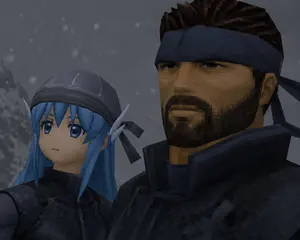
Create a low-resolution retro 3D video game cutscene-style close-up selfie of exactly two characters standing shoulder to shoulder in a snowy, gray mountain environment. Use a dark, moody PlayStation 1 / early PlayStation 2 aesthetic with visible polygonal geometry, blocky textures, jagged edges, muted lighting, and a 4:3 aspect ratio. The left character is a petite blue-haired elf girl named Yuki (left character) with long bright blue hair, pointed elf ears, a dark stitched cap or hood with black ribbon ties, and black tactical clothing; her face is deliberately covered by one opaque square censor block in a cool gray-blue tone. The right character is a rugged Solid Snake-like soldier (right character) with spiky dark brown hair, a navy headband tied at the back, tan skin, and bulky black tactical armor with a high collar; his face is deliberately covered by one larger opaque square censor block in a dark brown-black gradient. The composition is an intimate upward-angled close-up, with the left character lower and partly cropped on the left side, and the right character taller, dominating the right side and cropped at the top. Add a cold foggy background with a blurred snowy slope on the far left and exactly two visible face-covering censor squares, one over each character. Include soft falling snow made of small square pixel-like flakes scattered through the background. Keep the image dark, cinematic, and intentionally imperfect, like a captured frame from an old stealth-action game.

Real Hiker in Minecraft Forest
Create a cinematic Minecraft-style screenshot of a lone real human hiker walking away from the camera through a dense blocky forest. The person should remain realistic rather than voxelized: an adult man seen from behind, wearing a light beige wide-brim hiking hat, muted teal short-sleeve shirt, dark gray shorts, black hiking shoes, and a large black backpack, centered slightly left on a dirt-and-stone trail. Transform the entire environment into a vivid Minecraft world made of cubes: tall square-trunk trees with pixelated bark, cubic leafy canopies, stepped grassy dirt banks on both sides, blocky gray stone cubes, pixelated tall grass, and a winding path of brown dirt and cobblestone blocks leading into the distance. Use bright midday sunlight filtering through the trees, strong dappled shadows, saturated greens, blue sky with blocky white clouds visible through the canopy, high detail, wide-angle adventure-game composition, realistic lighting with voxel geometry, no text, no UI, no watermark. Customize the subject as adult male hiker (main subject), clothing as beige hiking hat, muted teal T-shirt, dark gray shorts, black backpack (outfit), setting as dense Minecraft forest trail (environment), lighting as bright midday sun with dappled shadows (lighting), and camera view as rear view, eye-level wide shot (camera view).

32-bit Low Poly Action RPG Prompt
Create a cinematic image of 32 Bit Low Poly Action Rpg Prompt. Style: photorealistic. Composition: balanced and well-framed. Lighting: natural with cinematic mood. Category: cinematic-video. Reference: 32-bit-low-poly-action-rpg-prompt-21338.

3D Pixar-Style Character Grid
Create a anime image of 3d Pixar Style Character Grid. Style: photorealistic. Composition: balanced and well-framed. Lighting: natural with cinematic mood. Category: anime. Reference: 3d-pixar-style-character-grid-10079.
Minecraft Voxel Wedding Ceremony
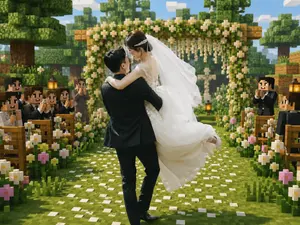
Create a cinematic Minecraft-inspired voxel wedding scene that blends realistic newlyweds with a blocky game world. In the center foreground, show a groom in a black suit lifting and carrying a bride in a flowing white lace wedding dress; the couple should be the only mostly realistic photographic figures, with softly anonymized/blurred faces, while the environment and guests are fully voxel/block-style. The bride wears a long white veil, delicate hair accessory, sleeveless lace bodice, and voluminous skirt lifted by motion; the groom faces away slightly, holding her romantically. Place them on a grassy aisle covered with scattered white flower petals, leading toward a square wooden floral wedding arch decorated with dense green leaves, white blossoms, and hanging flower strands. Surround the aisle with exactly two rows of wooden benches, one row on the left and one on the right, filled with blocky Minecraft-style wedding guests in dark formal suits and white shirts, clapping and smiling; include visible lanterns on posts near the seating. Add abundant blocky flowers along both sides of the aisle, mostly white daisies with a few pink blossoms. The background should show cubic trees, layered voxel foliage, wooden blocks, a bright blue sky with rectangular clouds, warm daylight, soft depth of field, and a joyful romantic atmosphere. Use a square-to-landscape 4:3 composition, centered perspective down the aisle, high-detail voxel textures, vibrant greens, warm highlights, realistic fabric detail on the bride and groom, and a seamless blend of real wedding photography with Minecraft game-map aesthetics. No text, no watermark, no UI elements.
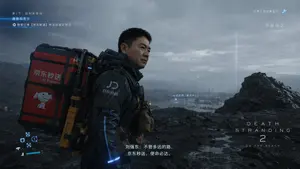
Cinematic Sci-Fi Delivery Game Screenshot
{ "type": "video game screenshot", "style": "photorealistic, cinematic, post-apocalyptic sci-fi", "scene": { "character": "A {argument name=\"character face\" default=\"middle-aged Asian man resembling Richard Liu\"} in a futuristic black tactical delivery suit with blue glowing accents and a 'JD' logo on the shoulder. He is looking off into the distance with a serious expression.", "equipment": "Carrying a massive, heavy-duty red and black mechanical cargo backpack. The backpack features the text '{argument name=\"company logo\" default=\"京东秒送 JD Express\"}' and a graphic of a {argument name=\"mascot\" default=\"cartoon white dog\"}.", "environment": "Bleak, rocky, overcast wasteland with dark volcanic soil, a distant body of water, and a futuristic industrial facility in the background under a cloudy, moody sky." }, "ui_overlay": { "top_left": "Quest tracker with three lines of text indicating chapter progress, current objective, and delivery order details.", "top_right": "Network status with a star icon and text indicating network coverage and region.", "center_right": "Waypoint marker pointing to a distant facility with text indicating destination and distance of 1328m.", "bottom_left": "Abstract futuristic HUD status icons including circles, squares, and directional arrows.", "bottom_center": "Cinematic subtitles reading '{argument name=\"subtitle text\" default=\"刘强东:不管多远的路,京东秒送,使命必达。\"}'.", "bottom_right": "Game logo reading '{argument name=\"game title\" default=\"DEATH STRANDING 2 ON THE BEACH\"}'." } }3c:T663,{ "type": "video game screenshot", "st
Explore more prompts
Browse more AI image and video prompts by category.
FAQ
- How does photorealism change the Minecraft statue of Musashi?
- It converts the cubic blocks into realistic stone and metal textures while keeping the recognizable Minecraft proportions and stance intact.
- What specific elements define the Musashi statue here?
- The figure features blocky samurai armor, a poised dual-sword grip, and voxel-style details that reference classic Minecraft builds.
- Is the Minecraft Statue of Musashi prompt free to use?
- Yes, this prompt is completely free on AI Pin Maker and you can copy it directly with no signup or payment required.
- How do I use the Minecraft Statue of Musashi prompt to generate an image or video?
- Copy the prompt, tweak the subject or style to fit your idea, then paste it into AI Pin Maker and generate your image or video in one click.
- Can I change the Minecraft Statue of Musashi prompt into my own version?
- Absolutely, just replace the subject, style, or parameters in AI Pin Maker to make the prompt entirely your own.