
Text to Image
Hand-Drawn Doodles Overlay — AI Image Prompt
A creative prompt for adding expressive, hand-drawn doodles to an existing photo while preserving the original subject's identity, pose, and lighting for a playful, sketchbook-like aesthetic.
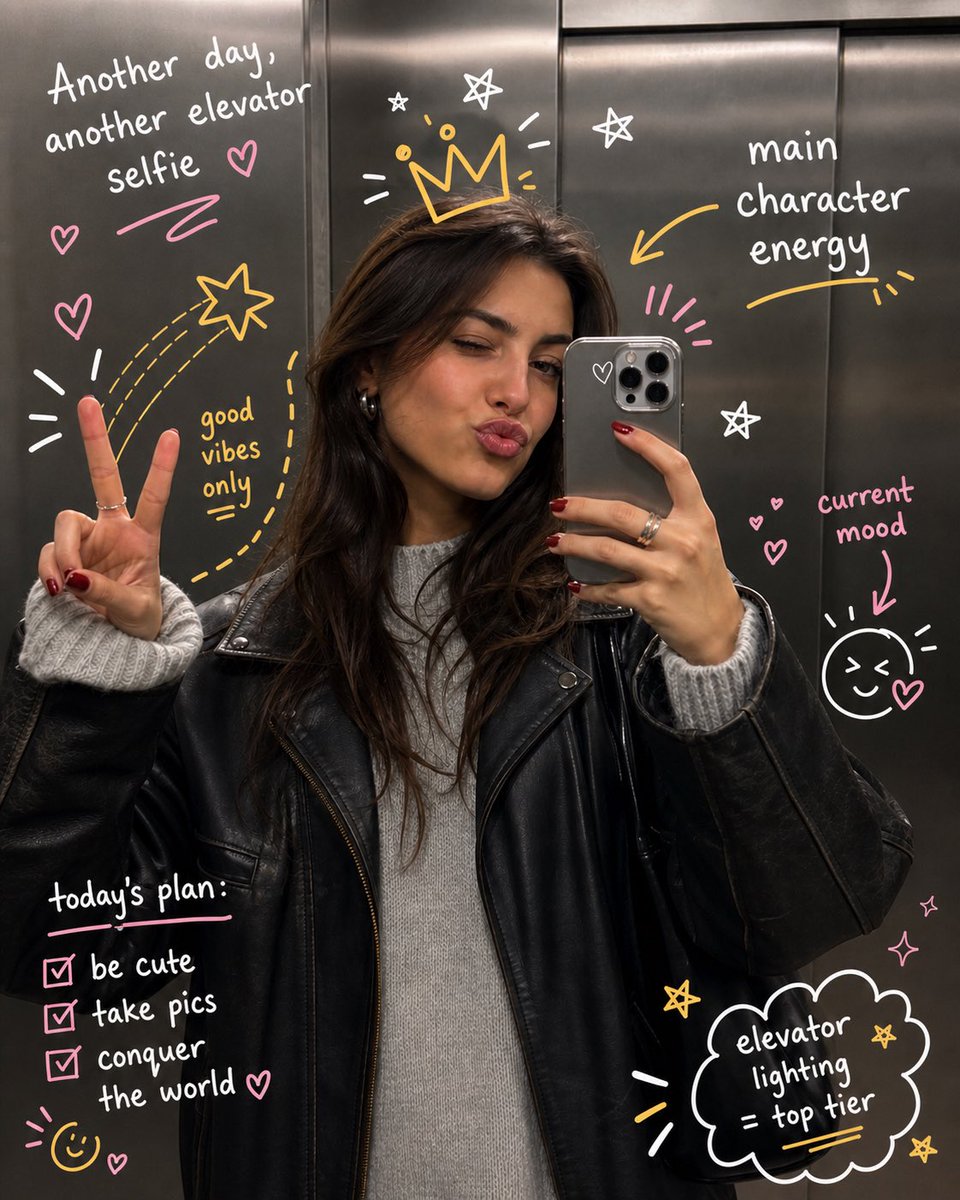
Prompt
Transform the uploaded image by keeping the {argument name="subject" default="subject"} exactly as they are—preserve their identity, pose, composition, and lighting without any distortion or alteration. Build on top of the original photo by adding expressive, hand-drawn doodles that interact playfully with the subject. Let the illustrations respond to the scene, trace or exaggerate gestures, extend movement, highlight contours, or introduce imaginative elements that feel connected to what’s happening in the frame. The doodles should feel intentional, as if they were sketched directly onto the image in a spontaneous yet thoughtful way. Use a loose, imperfect drawing style with slightly uneven strokes, organic lines, and a casual, sketchbook-like vibe. Incorporate {argument name="notes" default="handwritten notes or captions"} around the image that match the mood or narrative—keep them witty, context-aware, and naturally playful rather than generic. Make sure the added elements complement the photo instead of overpowering it. Aim for a visually balanced composition with a clean, high-resolution finish and colors that blend harmoniously with the original scene.3b:T49Prompt breakdown
- Subject
- original uploaded subject preserved exactly with no distortion to identity, pose or composition
- Style
- loose imperfect hand-drawn doodles using uneven organic strokes in a casual sketchbook vibe
- Lighting
- original photo lighting kept completely unchanged
- Composition
- balanced layout where doodles and notes complement rather than dominate the preserved scene
- Mood
- playful and spontaneous with intentional yet thoughtful interaction
Remix ideas
- vary note placement to point directly at specific gestures in the subject
- switch doodle line weight from thin sketch lines to thicker marker strokes
- add one or two imaginative extensions like thought bubbles or motion lines that connect to the subject's action
Reference images
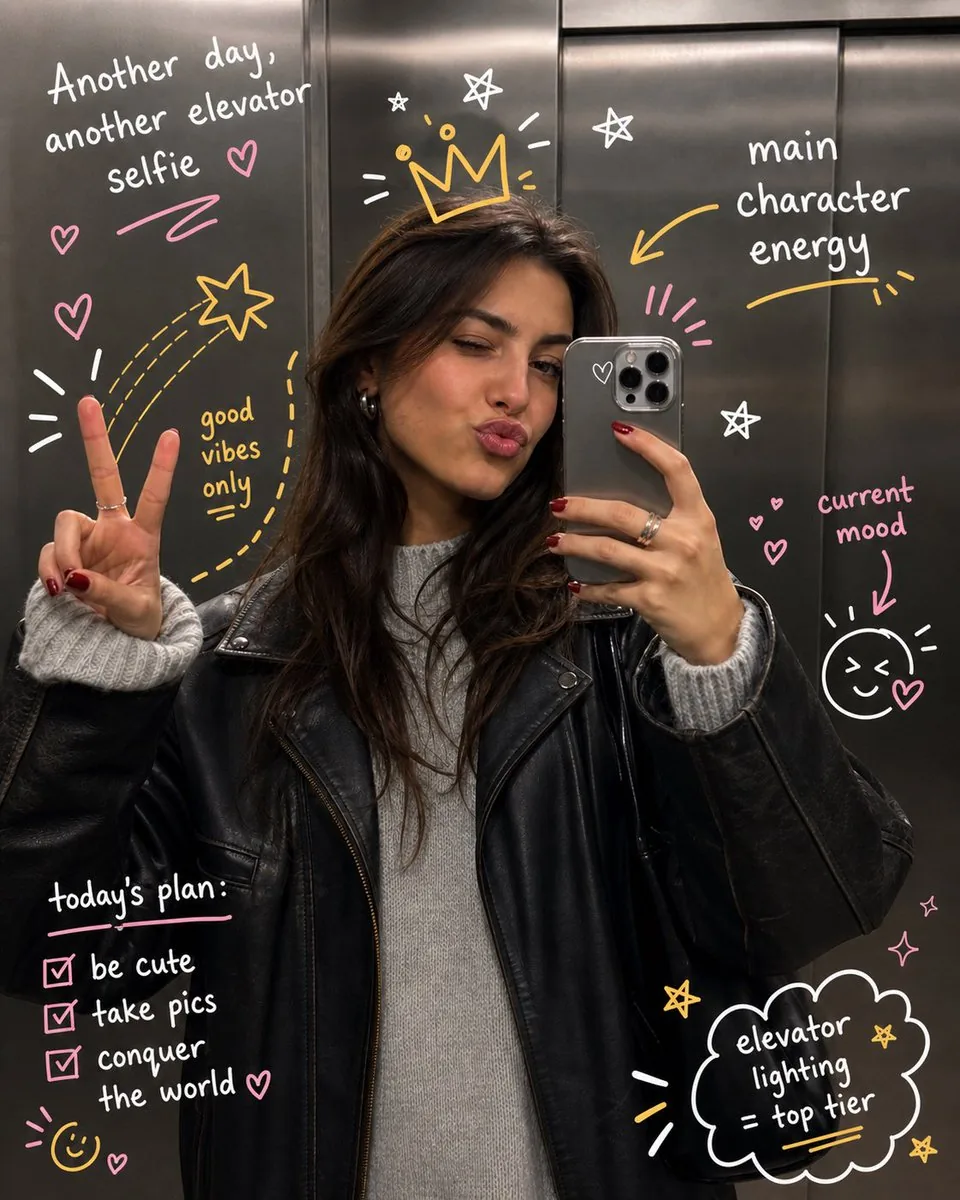
How to use this AI Image prompt template
 1
1Copy the prompt — grab this template’s prompt and negative prompt.  2
2Pick a model — choose a recommended AI model for the best match.  3
3Generate — open the studio with one click and create your result.
Related templates
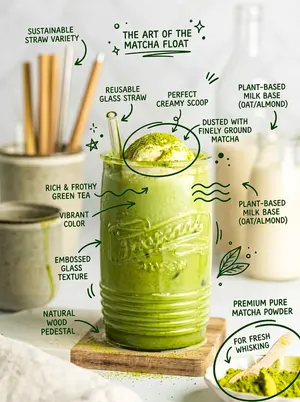
Hand-Drawn Doodles Overlay Prompt
Create a creative image of Hand Drawn Doodles Overlay Prompt. Style: photorealistic. Composition: balanced and well-framed. Lighting: natural with cinematic mood. Category: photography. Reference: hand-drawn-doodles-overlay-prompt-17814.

Interactive Hand-Drawn Doodle Overlay
Create a creative image of Interactive Hand Drawn Doodle Overlay. Style: photorealistic. Composition: balanced and well-framed. Lighting: natural with cinematic mood. Category: photography. Reference: interactive-hand-drawn-doodle-overlay-19220.

Hand-Drawn Style Photo Annotation
Create a creative image of Hand Drawn Style Photo Annotation. Style: photorealistic. Composition: balanced and well-framed. Lighting: natural with cinematic mood. Category: photography. Reference: hand-drawn-style-photo-annotation-17326.

Nano Banana Pro torn paper style-switching edit prompt - Nano Banana Pro AI Prompt for Social Media Post
task: "edit-image: add widened torn-paper layered effect" base_image: use_reference_image: true preserve_everything: - character identity - facial features and expression - hairstyle and anatomy - outfit design and colors - background, lighting, composition - overall art style rules: - Only modify the torn-paper interior areas. - Do not change pose, anatomy, proportions, clothing details, shading, or scene elements. effects: - effect: "torn-paper-reveal" placement: "across chest height" description: - Add a wide, natural horizontal tear across the chest area. - The torn interior uses the style defined in `interior_style`. - effect: "torn-paper-reveal" placement: "lower abdomen height" description: - Add a wide horizontal tear across the lower abdomen. - The torn interior uses the style defined in `interior_style`. interior_style: mode: line-art (画風モード) style_settings: line-art: palette: "monochrome" line_quality: "clean, crisp" paper: "notebook paper with subtle ruled lines" sumi-e: palette: "black ink tones" brush_texture: "soft bleeding edges" paper: "plain textured paper" figure-render: material: "PVC-like" shading: "semi-realistic highlights" paper: "plain smooth surface" colored-pencil: stroke_texture: "visible pencil grain" palette: "soft layered hues" paper: "rough sketchbook paper" watercolor: palette: "soft transparent pigments" blending: "smooth bleeding" edges: "soft contours" paper: "watercolor paper texture" pencil-drawing: graphite_texture: "visible pencil grain" shading: "smooth gradients" line_quality: "mixed sharp and soft" tone: "gray-scale" paper: "notebook paper with faint ruled lines"3f:T770,ta

Pencil Sketch to MS Paint Abomination
Create a creative image of Pencil Sketch To Ms Paint Abomination. Style: photorealistic. Composition: balanced and well-framed. Lighting: natural with cinematic mood. Category: photography. Reference: pencil-sketch-to-ms-paint-abomination-17554.
Bad MS Paint Redraw Prompt
Create a creative image of Bad Ms Paint Redraw Prompt. Style: photorealistic. Composition: balanced and well-framed. Lighting: natural with cinematic mood. Category: photography. Reference: bad-ms-paint-redraw-prompt-17530.
Explore more prompts
Browse more AI image and video prompts by category.
FAQ
- How do the doodles interact with the preserved subject?
- They trace contours, exaggerate gestures or add connected imaginative elements while leaving the original photo untouched.
- What kind of handwritten notes work best with this prompt?
- Witty, context-aware captions that feel naturally playful and match the mood of the specific scene rather than generic labels.
- Is the Hand-Drawn Doodles Overlay prompt free to use?
- Yes, this prompt is completely free on AI Pin Maker and you can copy it directly with no signup or payment required.
- How do I use the Hand-Drawn Doodles Overlay prompt to generate an image or video?
- Copy the prompt, tweak the subject or style to fit your idea, then paste it into AI Pin Maker and generate your image or video in one click.
- Can I change the Hand-Drawn Doodles Overlay prompt into my own version?
- Absolutely, just replace the subject, style, or parameters in AI Pin Maker to make the prompt entirely your own.