
Text to Image
Closed Shop Shutter Mural Art — AI Image Prompt
A creative prompt for turning a character into realistic shutter art found on closed shops, blending OC art with urban street aesthetics.
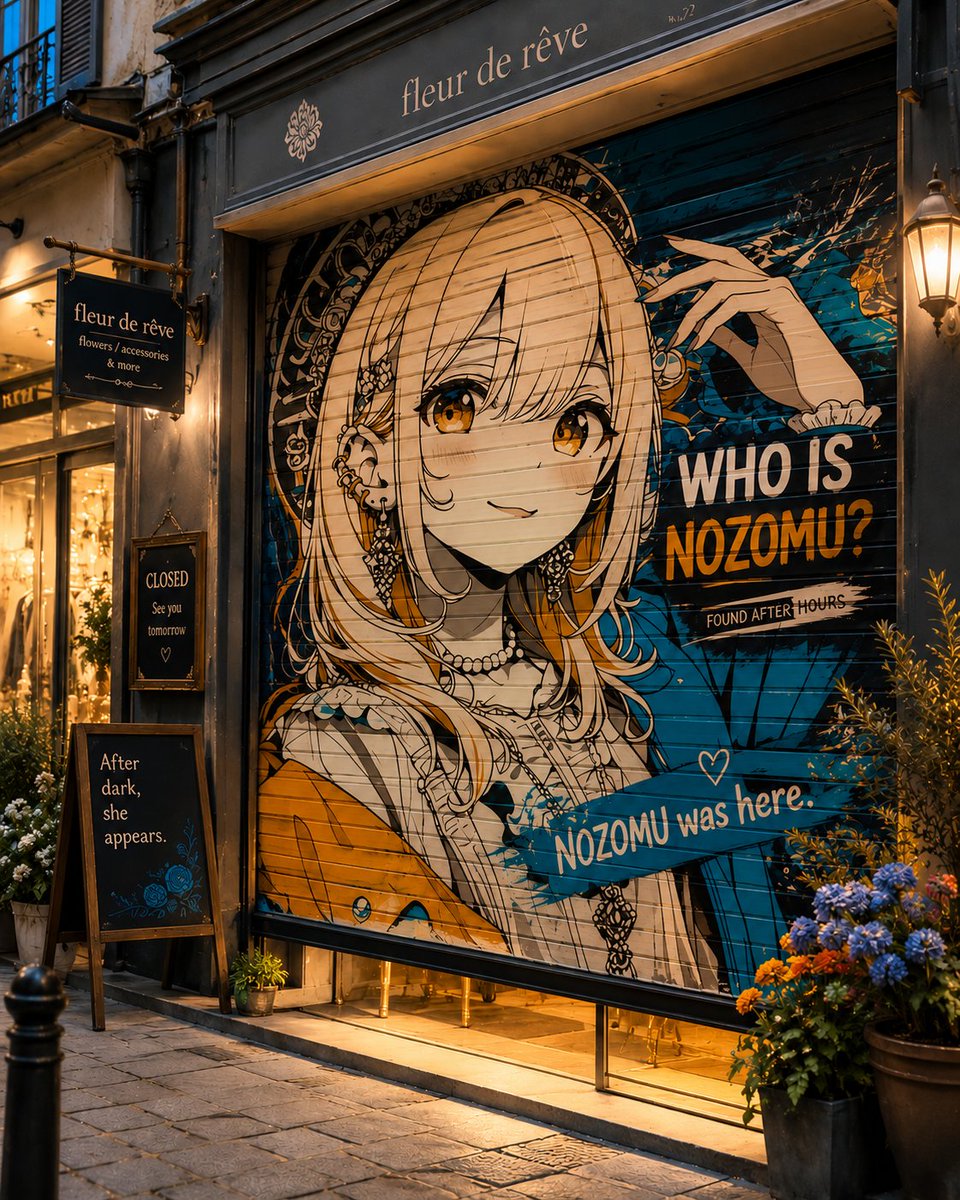
Prompt
Create a creative image of Closed Shop Shutter Mural Art. Style: photorealistic. Composition: balanced and well-framed. Lighting: natural with cinematic mood. Category: photography. Reference: closed-shop-shutter-mural-art-20237.
Prompt breakdown
- Subject
- Closed Shop Shutter Mural Art
- Style
- photorealistic
- Lighting
- natural with cinematic mood
- Composition
- balanced and well-framed
- Mood
- cinematic
Remix ideas
- Change the mural subject to bold typography spelling out the shop's former name
- Add faint rust streaks running down the shutter to emphasize age and weathering
- Shift the viewpoint slightly lower to include more of the sidewalk and door threshold below the shutter
Reference images
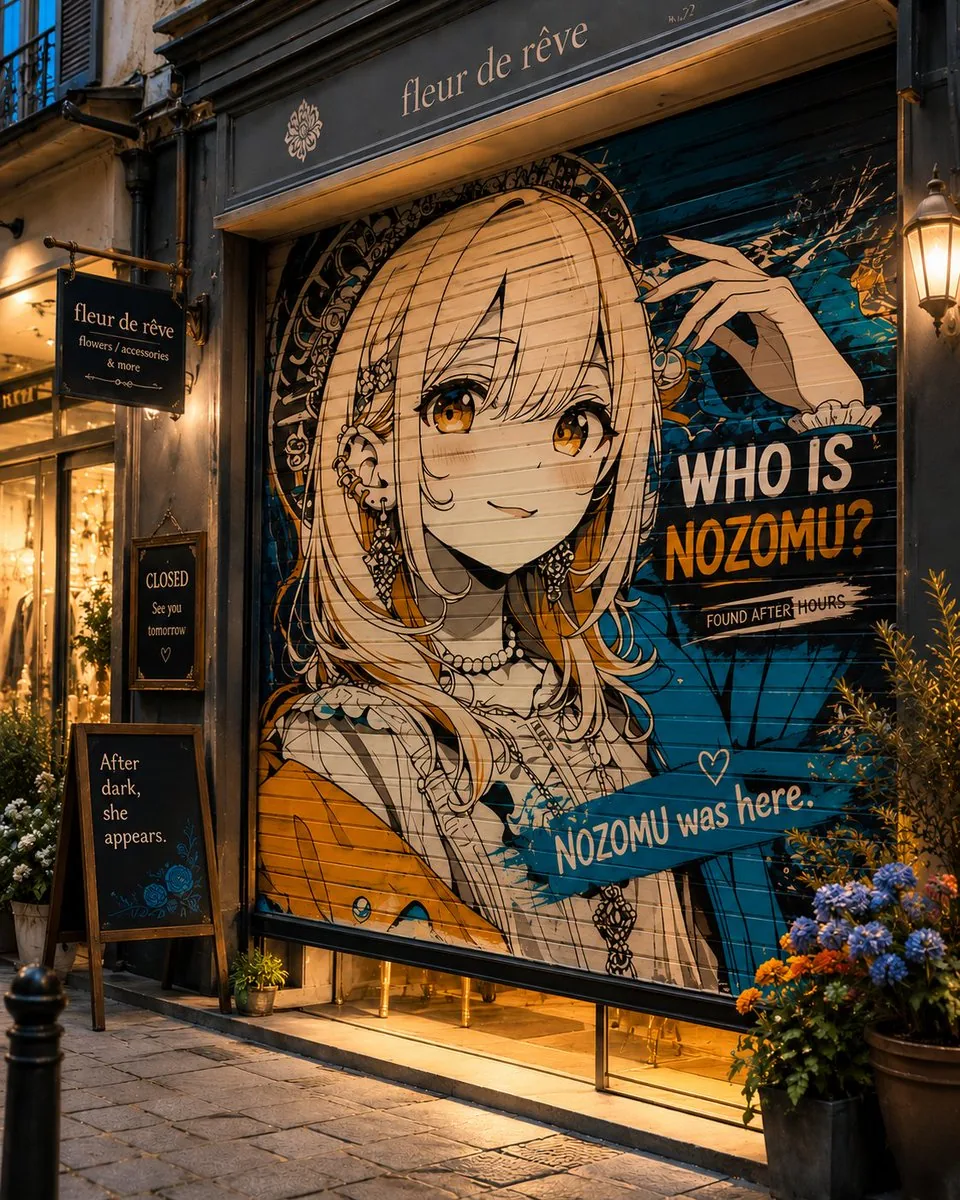
How to use this AI Image prompt template
 1
1Copy the prompt — grab this template’s prompt and negative prompt.  2
2Pick a model — choose a recommended AI model for the best match.  3
3Generate — open the studio with one click and create your result.
Related templates

Street Artist Mural Transformation
Create a cinematic image of Street Artist Mural Transformation. Style: photorealistic. Composition: balanced and well-framed. Lighting: natural with cinematic mood. Category: cinematic-video. Reference: street-artist-mural-transformation-22682.

Cinematic Tokyo Street Color Grade
Create a cinematic image of Cinematic Tokyo Street Color Grade. Style: photorealistic. Composition: balanced and well-framed. Lighting: natural with cinematic mood. Category: cinematic-video. Reference: cinematic-tokyo-street-color-grade-16406.

Concept to Stop-Motion Puppet
transform this 2D character concept into a real photographed stop-motion puppet, as if shot on a physical miniature film set. The yakuza (character type) character must become an actual hand-carved wooden puppet: raw unsanded wood with visible chisel facet cuts catching the light, real wood grain, exposed mechanical ball-and-socket joints at shoulders, elbows and knees, brass screws, metal washers and eyelets, yellow string ligatures threaded through the torso like tendons. His irezumi chest tattoos (body art) are woodburned pyrography engravings etched directly into the wooden surface, slightly charred dark brown. Long ponytail made of frayed black fiber rope. Black suit trousers in real ragged matte fabric, torn and frayed, draped naturally over the wooden legs. He lights a cigarette, tiny practical ember glow, thin real smoke. Photography: macro lens, shallow depth of field, the puppet stands on worn wooden stage planks against an absolute black void background. Lighting: single hard warm tungsten key light from the side, extreme theatrical chiaroscuro, deep shadows, amber rim light carving the silhouette and revealing every chisel mark and wood grain detail. The image must look like a frame from a handcrafted stop-motion samurai film: tangible, tactile, imperfect, physical. No 3D render look, no smooth CGI surfaces, no digital painting feel — real materials, real light, real miniature set photography39

Origami Paper Craft Movie Poster Transformation
Create a social-media image of Origami Paper Craft Movie Poster Transformation. Style: photorealistic. Composition: balanced and well-framed. Lighting: natural with cinematic mood. Category: poster. Reference: origami-paper-craft-movie-poster-transformation-12721.

Transform Image into LEGO Version
Create a creative image of Transform Image Into Lego Version. Style: photorealistic. Composition: balanced and well-framed. Lighting: natural with cinematic mood. Category: photography. Reference: transform-image-into-lego-version-1227.

Extreme Wide-Angle Perspective Transformation
Create a cinematic image of Extreme Wide Angle Perspective Transformation. Style: photorealistic. Composition: balanced and well-framed. Lighting: natural with cinematic mood. Category: cinematic-video. Reference: extreme-wide-angle-perspective-transformation-1291.
Explore more prompts
Browse more AI image and video prompts by category.
FAQ
- Why does the corrugated texture matter in this shutter mural image?
- The photorealistic rendering shows how the metal ridges interact with the painted design, creating natural distortion and depth that flat walls lack.
- Can this prompt work for color versus monochrome versions?
- Yes, the natural lighting already supports both; desaturate in post to emphasize the shutter's industrial lines over the mural's hues.
- Is the Closed Shop Shutter Mural Art prompt free to use?
- Yes, this prompt is completely free on AI Pin Maker and you can copy it directly with no signup or payment required.
- How do I use the Closed Shop Shutter Mural Art prompt to generate an image or video?
- Copy the prompt, tweak the subject or style to fit your idea, then paste it into AI Pin Maker and generate your image or video in one click.
- Can I change the Closed Shop Shutter Mural Art prompt into my own version?
- Absolutely, just replace the subject, style, or parameters in AI Pin Maker to make the prompt entirely your own.