
Text to Image
Vintage Skeuomorphic Icon Set — AI Image Prompt
Generates a set of icons for vintage electronic devices in a retro skeuomorphic style with visible labels. - AIPinMaker
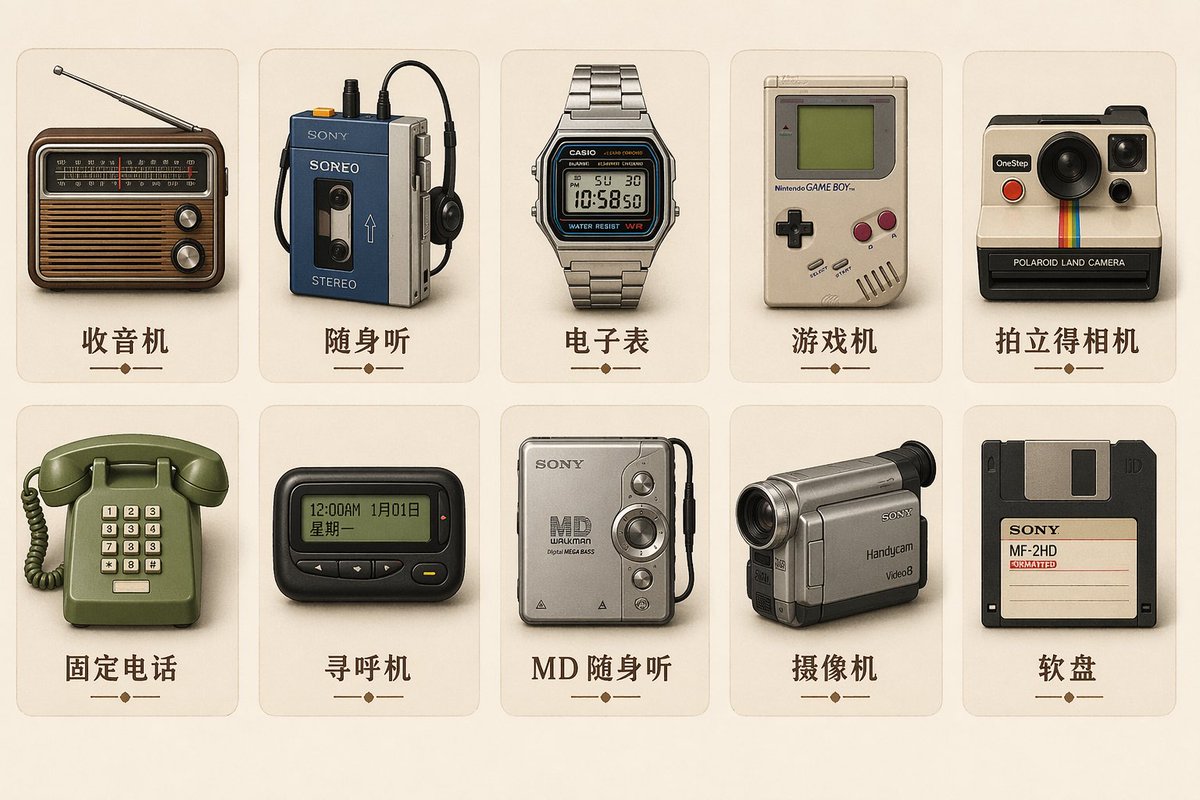
Prompt
Create a creative image of Vintage Skeuomorphic Icon Set. Style: photorealistic. Composition: balanced and well-framed. Lighting: natural with cinematic mood. Category: photography. Reference: vintage-skeuomorphic-icon-set-14138.
Prompt breakdown
- Subject
- Vintage Skeuomorphic Icon Set
- Style
- photorealistic
- Lighting
- natural with cinematic mood
- Composition
- balanced and well-framed
- Mood
- cinematic
Remix ideas
- Introduce more cracked enamel and Bakelite textures on the larger dials
- Lower the key light slightly to deepen shadows inside the recessed switch grooves
- Crop tighter on the left third to emphasize a single oversized volume knob
Reference images
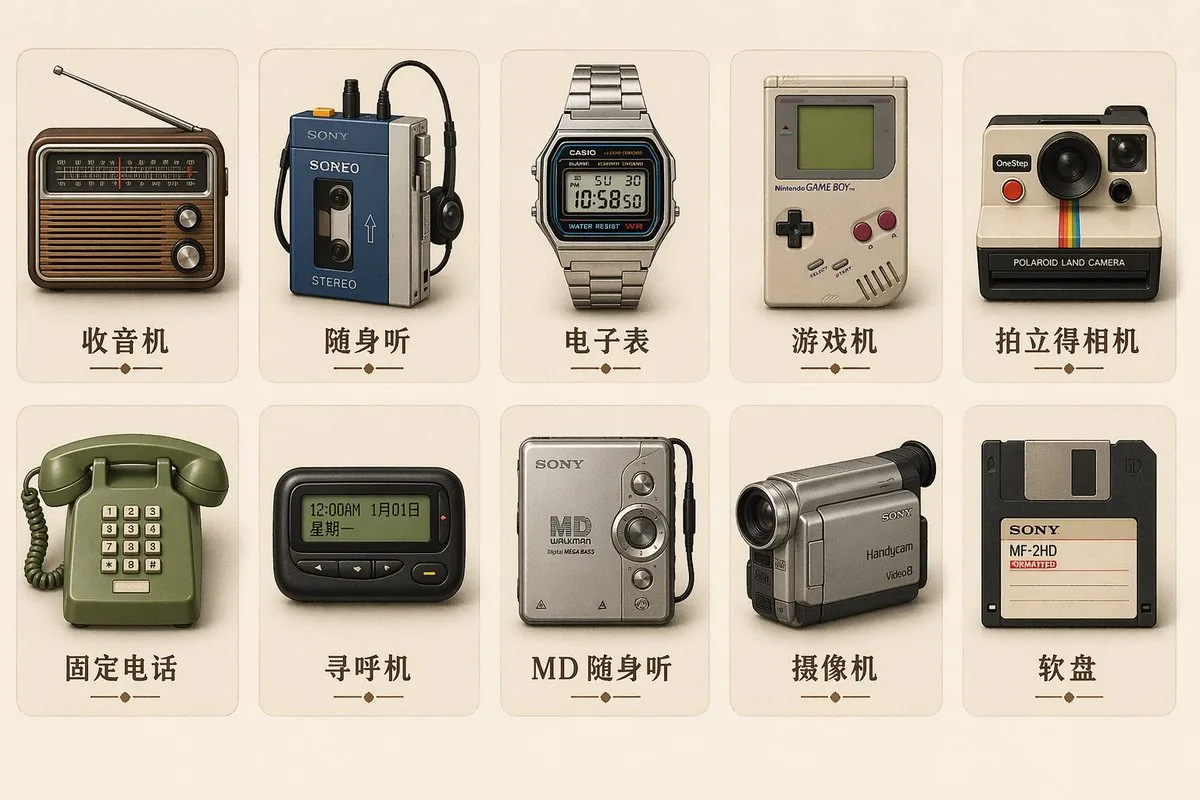
How to use this AI Image prompt template
 1
1Copy the prompt — grab this template’s prompt and negative prompt.  2
2Pick a model — choose a recommended AI model for the best match.  3
3Generate — open the studio with one click and create your result.
Related templates
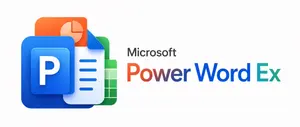
Microsoft PowerWordEx Logo Mockup
A clean minimalist tech logo composition on a light gray background, wide horizontal layout. On the left, show a stacked cluster of 4 overlapping Microsoft Office-style app icons with soft gradients, rounded corners, subtle depth, and glossy modern vector shading. The front icon is a large blue square tile with a smaller raised blue panel containing a bold white capital P. Behind and slightly above it, place an orange presentation icon with a white pie-chart symbol. Behind the blue icon to the right, place a white document page icon with a folded blue corner and 4 horizontal blue text lines. At the back on the right, place a green spreadsheet icon with a white grid. Arrange the 4 icons so they overlap tightly and read as a unified hybrid Office app mark. On the right side, place the product name in a clean sans-serif font: small black text reading Microsoft above a large multicolor wordmark reading PowerWordEx (headline text). Color the word in segmented Microsoft-style hues: warm orange-red for Power, deep blue for Word, and teal-green for Ex. Center the whole composition vertically, keep generous whitespace, and render it as polished corporate branding mockup, crisp vector illustration, soft shadowing, no extra objects.
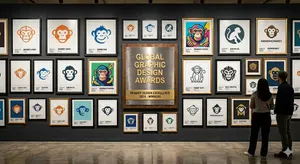
Logo Design Wall Generation Prompt for Monkey Theme
Create a creative image of Logo Design Wall Generation Prompt For Monkey Theme. Style: photorealistic. Composition: balanced and well-framed. Lighting: natural with cinematic mood. Category: photography. Reference: logo-design-wall-generation-prompt-for-monkey-theme-11446.
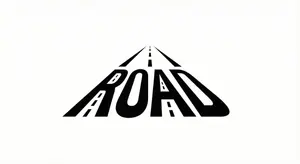
Minimalist Word-as-Object Logo Design
A minimalist logo design where the word "WORD (word)" is transformed into a physical object related to its meaning. The letters are subtly reshaped to form the silhouette of the object while remaining readable. Clean white background, monochrome black design, balanced composition, modern branding style, flat graphic aesthetic, even lighting, high contrast.

Gothic VTuber Logo Grid
{ "type": "VTuber logo design concepts", "theme": "{argument name=\"main theme\" default=\"gothic dark fantasy\"}", "background": "{argument name=\"background color\" default=\"pitch black\"}", "layout": "2x3 grid containing 6 distinct logo designs", "logos": [ { "position": "top-left", "main_text": "{argument name=\"logo 1 main text\" default=\"魔界のメシア\"}", "sub_text": ["魔界の観測者", "MAKAI NO KANSOKUSHA"], "colors": ["purple", "silver"], "motifs": ["horns", "glowing purple eye", "bat wings"] }, { "position": "top-center", "main_text": "{argument name=\"logo 2 main text\" default=\"深淵プレシア\"}", "sub_text": ["Shinen Lucia", "魔界の断罪者"], "colors": ["red", "black", "gold"], "motifs": ["chains", "demonic spikes", "glowing red runes"] }, { "position": "top-right", "main_text": "{argument name=\"logo 3 main text\" default=\"夢喰いメフィ\"}", "sub_text": ["まかいのゆめくい"], "colors": ["pink", "purple"], "motifs": ["skull with crown", "bat wings", "sparkles"] }, { "position": "bottom-left", "main_text": "蒼影カナタ", "sub_text": ["魔界の影詩人", "- AOKAGE KANATA -"], "colors": ["blue", "silver"], "motifs": ["large central eye", "silver bat wings", "gothic architecture"] }, { "position": "bottom-center", "main_text": "黄昏ベリアル", "sub_text": ["Tasogare Belial", "魔界の王子"], "colors": ["gold", "purple"], "motifs": ["crown", "bat wings", "hanging gems"] }, { "position": "bottom-right", "main_text": "禍朧シオン", "sub_text": ["魔界の記憶屋", "- MAGATSU SHION -"], "colors": ["silver", "purple", "black"], "motifs": ["crescent moon", "glowing purple flame", "chains", "dark smoke"] } ] }

Retro 1980s-1990s Computer Graphics Logo Redesign - Nano Banana Pro AI Prompt for App / Web Design
Act as a Digital Archaeologist and Retro Visual Designer specializing in 1980s-1990s Computer Graphics Aesthetics. PHASE 1: HISTORICAL CONTEXT Autonomously research the brand's modern logo and visual identity. Mentally transport this contemporary design back to the 1980s-1990s era of personal computing. Deconstruct the logo into geometric primitives that would have been technically feasible on early computer systems (squares, circles, simple gradients, limited color palettes). PHASE 2: LOGO REINTERPRETATION Redesign the [GROK (logo name)] logo as if it was created for MS-DOS, Windows 3.1, or early Macintosh systems. Rules: - Simplify complex gradients to solid fills or basic two-tone transitions - Convert modern sans-serifs to bitmap/pixelated typography - Reduce color complexity to 4-16 vibrant colors maximum - Add retro geometric elements: concentric squares, stepped borders, blocky shadows - Maintain brand recognition while applying 80s/90s design constraints PHASE 3: PIXEL STRUCTURE The logo must display visible digital pixelation characteristics: - Visible RGB subpixel grid (red, green, blue dots arranged in tight clusters) - Horizontal scanline pattern across the entire composition - Black grid separating luminous colored pixels - Chromatic aberration at high-contrast edges - Electron beam bloom around bright elements creating soft glow halos PHASE 4: VISUAL TREATMENT - Background: Pure black (#000000) with subtle digital noise/grain - Logo colors: Oversaturated, glowing, with visible RGB subpixel separation - Text rendering: Chunky bitmap font with visible pixel stepping - Surface texture: Moiré patterns, slight dust particles floating in space PHASE 5: LUMINOSITY & ATMOSPHERE - Light behavior: Emissive glow from within the pixels themselves - Bloom effect: Soft white halo around peak brightness areas - Color bleed: Slight RGB fringing where bright colors meet black background - Ambient: Complete darkness surrounding the glowing logo - Luminance falloff: Edges slightly dimmer than center (vignette effect) PHASE 6: COMPOSITION - Framing: Tight crop on logo, filling 60-70% of frame - Alignment: Perfect center, logo floating on pure black void - Focus: Sharp on pixel grid structure with shallow depth revealing slight curvature TECH SPECS: - Macro photography perspective at f/4 aperture - ISO 400 sensitivity to capture luminous glow - Color space: sRGB with boosted saturation (+30%) - Resolution: High detail showing individual pixel structure - Grain: Analog film grain overlay (ISO 800 equivalent) for vintage feel - No modern post-processing or sharpening CRITICAL DIRECTIVES: - Logo appears as PURE DIGITAL GRAPHIC floating in void—NOT displayed on any physical device - NO bezels, NO frames, NO hardware, NO screens visible - The aesthetic is "1987-1995 computer graphics" NOT "photo of old technology" - Log3f:
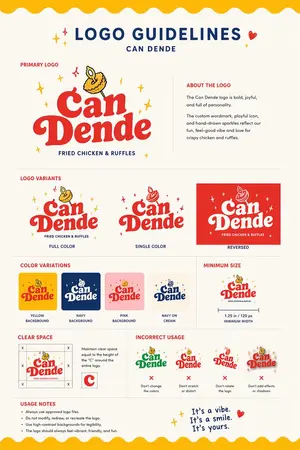
Restaurant Logo Guidelines Board
Using the provided reference image as the brand inspiration, transform the fried chicken burger and waffle fries meal into a polished one-page logo guidelines board for a restaurant brand named Can Dende (brand name). Create a cheerful, modern fast-casual identity derived from the food in the reference: turn the crispy fried topping into a playful mascot/icon above the wordmark, and build a bold custom logo in a warm palette inspired by the photo. Design the output as a clean editorial brand sheet on an off-white background with navy and red typography, yellow scalloped borders at the top and bottom, and small sparkle doodles. Include these exact sections and counts: 1 main header reading "LOGO GUIDELINES" with the brand name beneath it; 1 "PRIMARY LOGO" section with the main logo and an "ABOUT THE LOGO" text block; 1 "LOGO VARIANTS" section with 3 variants labeled "FULL COLOR", "SINGLE COLOR", and "REVERSED"; 1 "COLOR VARIATIONS" section with 4 tiles labeled "YELLOW BACKGROUND", "NAVY BACKGROUND", "PINK BACKGROUND", and "NAVY ON CREAM"; 1 "MINIMUM SIZE" section showing the logo with a width guide and the text "1.25 in / 120 px MINIMUM WIDTH"; 1 "CLEAR SPACE" section with a spacing diagram based on the height of the letter C; 1 "INCORRECT USAGE" section with 4 wrong examples labeled "Don't change the colors", "Don't stretch or distort", "Don't rotate the logo", and "Don't add effects or shadows"; 1 "USAGE NOTES" section with 4 bullet points; and a handwritten-style closing tagline at bottom right that says It's a vibe. It's a smile. It's yours. (tagline text). Keep the composition crisp, print-ready, highly legible, and presentation-quality, like a real branding deliverable for a restaurant.
Explore more prompts
Browse more AI image and video prompts by category.
FAQ
- What materials are implied in the skeuomorphic details?
- The prompt evokes leather stitching, brushed aluminum, faded plastic, and embossed metal typical of 1950s-60s devices.
- How can the cinematic mood be strengthened further?
- Add a faint film-grain overlay and a subtle cool rim light along the icon edges to heighten the photographic drama.