
Text to Image
Halftone Screen Print Style — AI Image Prompt
A detailed prompt for creating a stylized three-color silkscreen print effect with varying halftone dots, specifically optimized for maintaining facial textures while abstracting backgrounds and clothing. - AIPinMaker
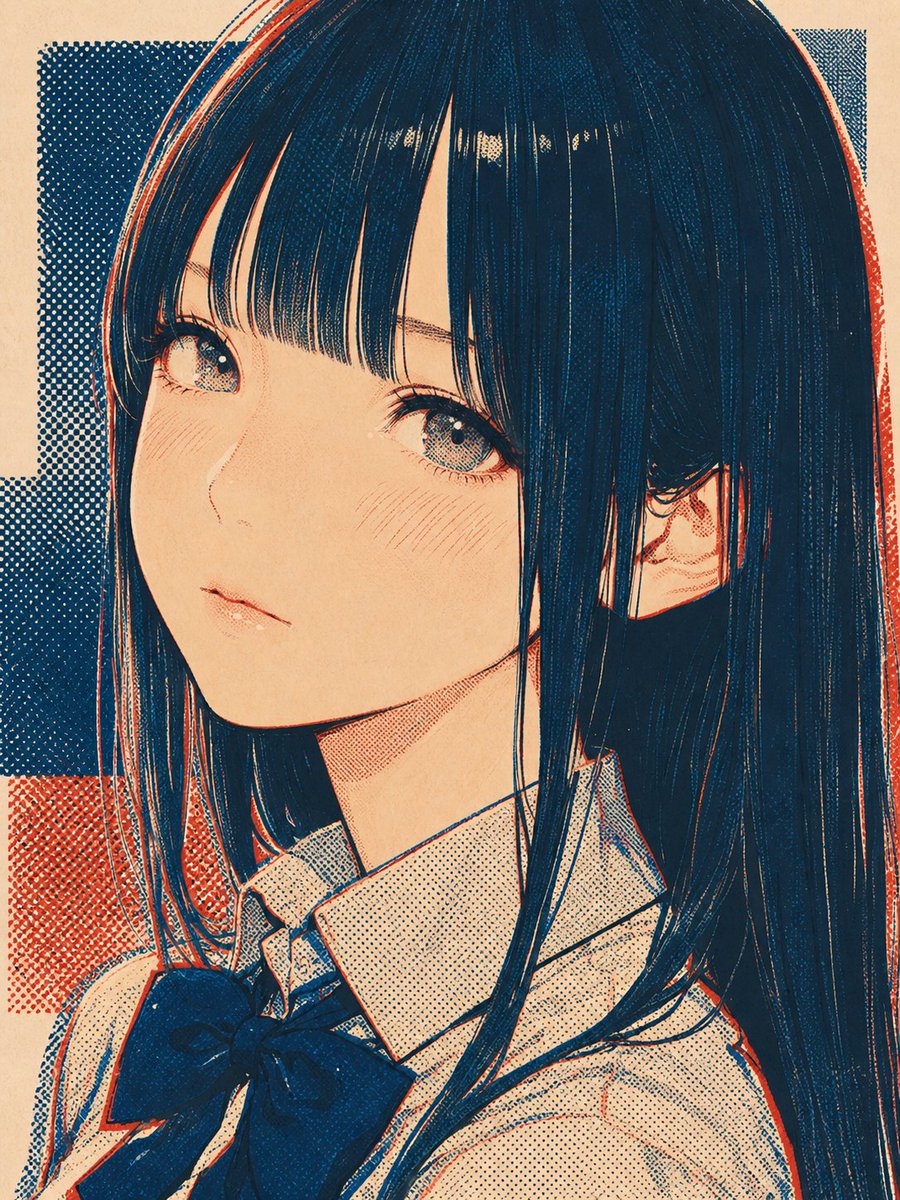
Prompt
Create a creative image of Halftone Screen Print Style. Style: photorealistic. Composition: balanced and well-framed. Lighting: natural with cinematic mood. Category: photography. Reference: halftone-screen-print-style-17269.
Prompt breakdown
- Subject
- creative image of Halftone Screen Print Style
- Style
- photorealistic
- Lighting
- natural with cinematic mood
- Composition
- balanced and well-framed
- Mood
- cinematic
Remix ideas
- Vary halftone dot density across the frame to emphasize certain areas
- Shift to a limited color palette like two-tone inks for classic screen print results
- Overlay subtle paper grain texture to enhance the print medium feel
Reference images
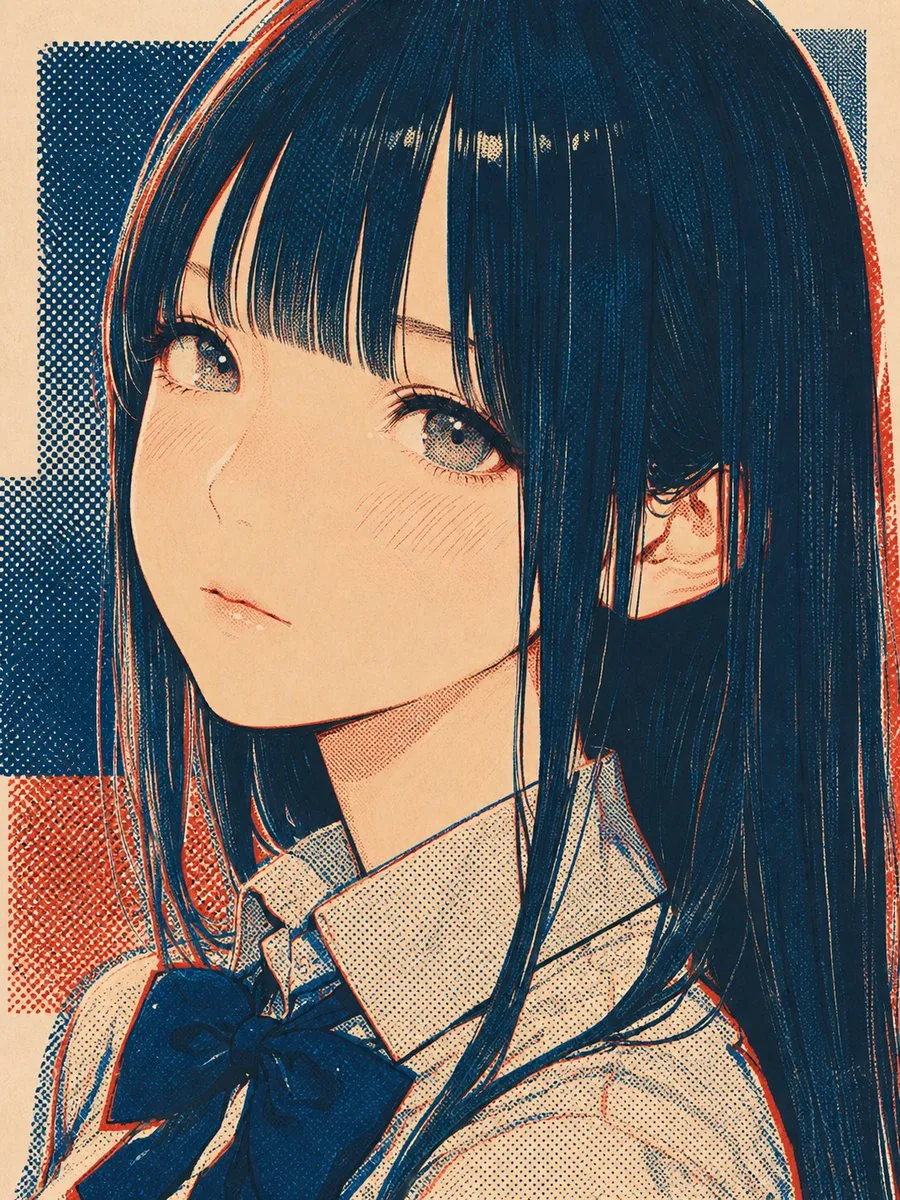
How to use this AI Image prompt template
 1
1Copy the prompt — grab this template’s prompt and negative prompt.  2
2Pick a model — choose a recommended AI model for the best match.  3
3Generate — open the studio with one click and create your result.
Related templates
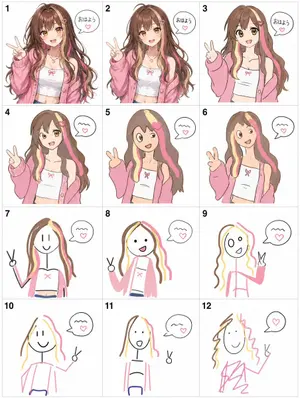
Visual Telephone Game Grid
Create a game image of Visual Telephone Game Grid. Style: photorealistic. Composition: balanced and well-framed. Lighting: natural with cinematic mood. Category: illustration. Reference: visual-telephone-game-grid-20512.

4-Panel Animal Infographic Grid
{ "type": "{argument name=\"layout style\" default=\"2x2 grid infographic\"}", "panels": [ { "position": "top-left", "title": "{argument name=\"animal one\" default=\"ヒマラヤマーモット\"}", "image_description": "Himalayan marmot sitting on rocks with a snowy mountain background", "text_content": "Detailed biological facts including distribution, habitat, diet, behavior, sociality, hibernation, and characteristics", "icon_count": 4, "icons": [ {"color": "blue", "symbol": "mountain", "label": "高山性"}, {"color": "brown", "symbol": "cave", "label": "巣穴生活"}, {"color": "yellow", "symbol": "sun", "label": "昼行性"}, {"color": "blue", "symbol": "snowflake", "label": "長期冬眠"} ] }, { "position": "top-right", "title": "{argument name=\"animal two\" default=\"ウォンバット\"}", "image_description": "Wombat standing on dirt ground", "text_content": "Detailed biological facts including distribution, habitat, diet, behavior, digging ability, excretion, defense, and reproduction", "icon_count": 4, "icons": [ {"color": "purple", "symbol": "moon", "label": "夜行性"}, {"color": "brown", "symbol": "digging animal", "label": "穴掘り名人"}, {"color": "green", "symbol": "leaf", "label": "草食"}, {"color": "brown", "symbol": "acorn", "label": "有袋類"} ] }, { "position": "bottom-left", "title": "{argument name=\"animal three\" default=\"レッサーパンダ\"}", "image_description": "Red panda resting on a mossy tree branch", "text_content": "Detailed biological facts including distribution, habitat, diet, behavior, physical characteristics, sociality, conservation, and charm", "icon_count": 4, "icons": [ {"color": "green", "symbol": "tree", "label": "樹上生活"}, {"color": "green", "symbol": "bamboo", "label": "竹を食べる"}, {"color": "orange", "symbol": "tail", "label": "長い尾"}, {"color": "green", "symbol": "mountain", "label": "山地森林"} ] }, { "position": "bottom-right", "title": "{argument name=\"animal four\" default=\"ハイラックス\"}", "image_description": "Rock hyrax standing on a rocky outcrop", "text_content": "Detailed biological facts including distribution, habitat, diet, behavior, sociality, mobility, taxonomy, and characteristics", "icon_count": 4, "icons": [ {"color": "grey", "symbol": "rock", "label": "岩場適応"}, {"color": "purple", "symbol": "group of people", "label": "群れ生活"}, {"color": "yellow", "symbol": "sun", "label": "昼行性"}, {"color": "orange", "symbol": "sun", "label": "日光浴"} ] } ], "styling": { "layout": "4 equal quadrants separated by white borders", "text_panel": "Semi-transparent white vertical rectangle on the right side of each quadrant", "typography": "Large bold Japanese title at the top left of each quadrant, dense informational text in the white panel", "icon_style": "Row of 4 circular colored icons with white silhouettes and black text labels placed at the bottom edge of each quadrant" } }
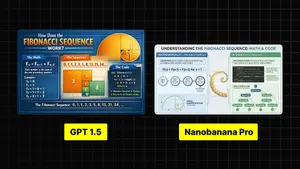
Infographic Explaining Fibonacci Sequence with Math and Code
Create a cinematic image of Infographic Explaining Fibonacci Sequence With Math And Code. Style: photorealistic. Composition: balanced and well-framed. Lighting: natural with cinematic mood. Category: cinematic-video. Reference: infographic-explaining-fibonacci-sequence-with-math-and-code-1867.
Premium Pitch Deck Storyboard
Create a game image of Premium Pitch Deck Storyboard. Style: photorealistic. Composition: balanced and well-framed. Lighting: natural with cinematic mood. Category: illustration. Reference: premium-pitch-deck-storyboard-25540.

Dense vs MoE Neural Network Infographic
{ "type": "infographic comparison diagram", "header": { "title": "{argument name=\"main title\" default=\"Dense と MoE の違い\"}" }, "layout": { "structure": "two main columns separated by a central VS badge, with a split footer at the bottom", "sections": [ { "position": "left column", "theme_color": "blue", "header": "{argument name=\"left model name\" default=\"Dense モデル\"}", "subtitle": "全てのニューロンが活性化", "diagram": { "type": "fully connected neural network", "elements": [ "1 orange input node labeled 入力", "4 hidden layers with 4, 5, 4, and 2 nodes respectively", "nodes colored white, blue, and yellow", "dense intersecting connection lines between all adjacent nodes" ] }, "bullet_points": { "count": 2, "items": [ "{argument name=\"left bullet point\" default=\"全てのパラメータが使用\"}", "計算コストが高い" ] } }, { "position": "right column", "theme_color": "orange", "header": "{argument name=\"right model name\" default=\"MoE モデル\"}", "subtitle": "一部の専門家が選択的に活性化", "diagram": { "type": "mixture of experts network", "elements": [ "1 orange input node labeled 入力", "3 rectangular blocks labeled Expert 1, Expert 2, Expert 3", "1 yellow output node labeled 出力", "branching arrows connecting input to experts, and experts to output" ] }, "bullet_points": { "count": 2, "items": [ "{argument name=\"right bullet point\" default=\"一部のエキスパートのみ使用\"}", "効率的でスケーラブル" ] } }, { "position": "center", "element": "red circular badge with text VS", "connections": "blue arrow pointing left, orange arrow pointing right" }, { "position": "footer left", "background": "light blue", "text": "Dense: すべての層が常時稼働し全パラメータを使用", "icon": "1 CPU chip graphic", "label": "高い消費電力" }, { "position": "footer right", "background": "light orange", "text": "MoE: 必要なエキスパートのみを動員", "icons": "2 circular graphics (orange arrows, blue lightning bolt)", "label": "低コスト・高効率" } ] } }3b:Ta7a,{ "type": "infographic comparison diagram", "header": { "title": "{argument name=\"main title\" default=\"Dense と MoE の違い\"}" }, "layout": { "structure": "two main columns separated by a central VS badge, with a split footer at the bottom",

Encyclopedia Style Infographic Generator
Create a infographic image of Encyclopedia Style Infographic Generator. Style: photorealistic. Composition: balanced and well-framed. Lighting: natural with cinematic mood. Category: illustration. Reference: encyclopedia-style-infographic-generator-14129.
Explore more prompts
Browse more AI image and video prompts by category.
FAQ
- How does photorealism work with halftone here?
- The photorealistic base supplies realistic forms and lighting that the halftone dots then convert into a stylized print simulation without losing depth.
- Why include the specific reference ID?
- The halftone-screen-print-style-17269 reference guides the model toward consistent dot patterns and print characteristics across generations.