
Text to Image
Abstract Geometry Portrait in Zen Space — AI Image Prompt
A concise prompt for generating an abstract image where a subject is reduced to simple geometric forms floating in a monochromatic zen space. It focuses on clean lines, soft gradients, and architectural minimalism with a cinematic wide aspect ratio. - AIPinMaker
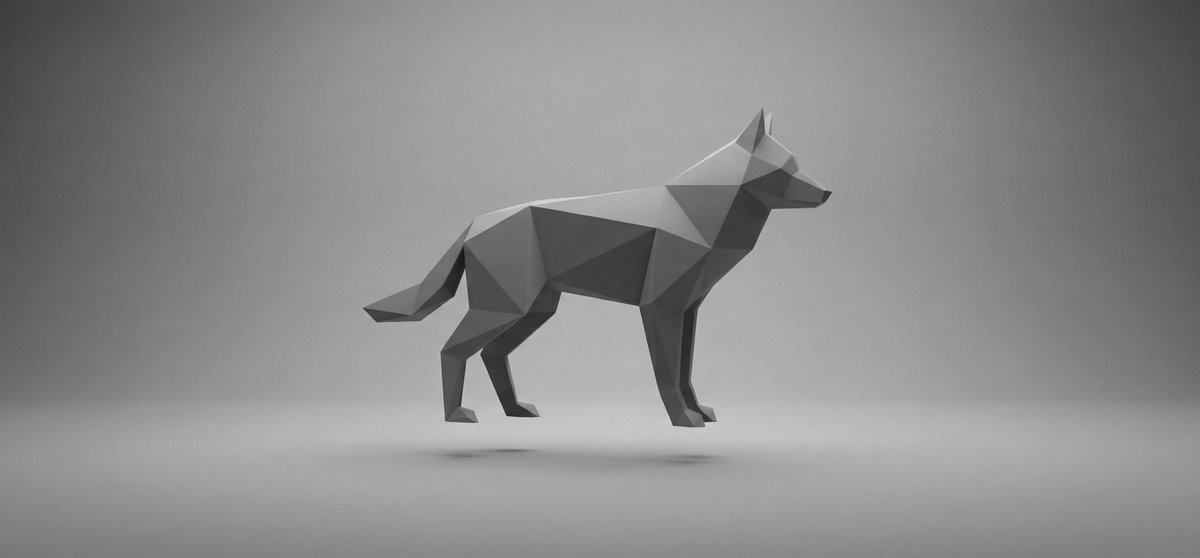
Prompt
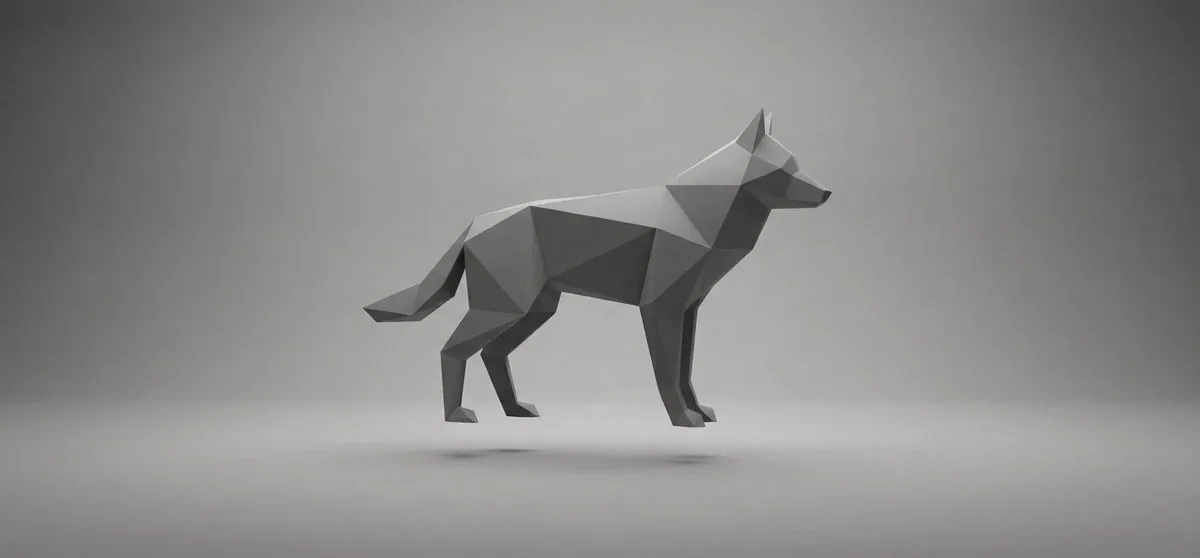
[SUBJECT] abstracted into simple geometric forms, floating in a monochromatic zen space. Clean lines, soft gradients of gray, deliberate spacing between elements. Cinematic framing with wide aspect ratio, meditative stillness, architectural minimalism, calm visual tempo.
Prompt breakdown
- Subject
- abstracted into simple geometric forms floating in monochromatic zen space
- Style
- clean lines, architectural minimalism
- Lighting
- soft gradients of gray
- Composition
- cinematic framing with wide aspect ratio and deliberate spacing between elements
- Mood
- meditative stillness, calm visual tempo
Remix ideas
- Keep the gray zen space but replace geometric forms with a single curved organic shape for subtle tension
- Tighten the wide aspect ratio to 16:9 while moving one floating element closer to the frame edge
- Introduce one matte black plane behind the subject to add depth without breaking the monochrome palette
Reference images
How to use this AI Image prompt template
 1
1Copy the prompt — grab this template’s prompt and negative prompt.  2
2Pick a model — choose a recommended AI model for the best match.  3
3Generate — open the studio with one click and create your result.
Related templates
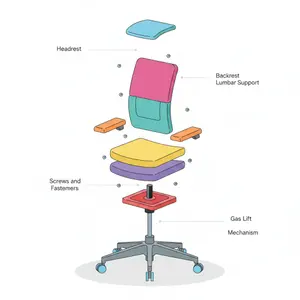
Minimalist Exploded View Industrial Design Diagram - Nano Banana Pro AI Prompt for Infographic / Edu Visual
{ "prompt": { "objective": "Create a colorful minimalist exploded view of a chair with clearly labeled parts", "style": "minimalist, modern industrial design, flat yet slightly 3D, clean lines, soft shadows", "composition": "chair centered in frame, all components separated vertically in an exploded view, evenly spaced, balanced layout", "subject": { "type": "chair", "chair_style": "modern ergonomic chair", "parts": [ "Headrest", "Backrest", "Lumbar Support", "Seat Cushion", "Seat Base", "Armrests", "Armrest Pads", "Gas Lift Cylinder", "Tilt Mechanism", "Five-Star Base", "Caster Wheels", "Screws and Fasteners" ], "labels": "clear part names placed beside each component, thin connector lines, clean sans-serif font" }, "colors": "bright yet soft colors for each part, pastel and vibrant mix, each component in a different color, white or very light background", "lighting": "soft studio lighting, gentle shadows under each floating part", "camera": { "angle": "slight isometric view for depth", "focus": "all parts sharp and readable" }, "extra": "educational product diagram look, no clutter, modern design presentation, Instagram-friendly composition" }, "size": "1024x1024", "format": "png", "style_transfer": false }

Pixel art game concept prompt
Create a game image of Pixel Art Game Concept Prompt. Style: photorealistic. Composition: balanced and well-framed. Lighting: natural with cinematic mood. Category: illustration. Reference: pixel-art-game-concept-prompt-15922.

Stylized Tech Illustration Template
Create a creative image of Stylized Tech Illustration Template. Style: photorealistic. Composition: balanced and well-framed. Lighting: natural with cinematic mood. Category: photography. Reference: stylized-tech-illustration-template-8777.

Soft UI Style Illustration Generator
Soft minimal illustration of [SUBJECT] (subject), rounded shapes, gentle gradients, calming tones, modern UI illustration style, friendly, clean, and contemporary.

Isometric Business Presenter Pose Set
Goal: Create an isometric vector illustration set of the same professional businesswoman presenter (character type) in many presentation and office situations, arranged like a clean pose library on a white background. Canvas: Wide horizontal 16:9 canvas, bright white or very light gray background, no borders, no title, no captions, no watermark. Use soft oval gray floor shadows under each figure. Visual style: Polished modern isometric people illustration, semi-flat vector style with subtle gradients and soft shading. The character has a simplified faceless face, light skin, brown hair tied in a low bun, navy business suit, white blouse, cropped trousers, and black high heels. Keep proportions consistent across all poses and use the same outfit throughout. Layout: Arrange exactly 13 separate full-body figures in two rows with generous spacing, like a presentation asset sheet. Top row contains 7 figures; bottom row contains 6 figures. All figures face slightly different isometric angles and remain isolated with no overlapping. Pose count and details: Include exactly 13 discrete poses: 1) standing presenter facing forward with one hand open in a welcoming gesture, 2) rear-view presenter pointing with a stick at a wall presentation board showing a pie chart and lines, 3) standing presenter holding a small object or remote and gesturing to the side, 4) standing presenter holding a remote in one hand and gesturing with the other, 5) walking businesswoman carrying a gray folder under one arm, 6) walking businesswoman holding a spiral notebook or report, 7) standing businesswoman gesturing as if speaking to someone, 8) standing figure raising one index finger to make a point, 9) standing figure holding up a spiral report sheet with chart lines, 10) standing figure with arms crossed confidently, 11) seated figure on a gray chair using an open laptop while gesturing, 12) leaning forward and pointing to papers or charts on the floor, 13) standing figure leaning slightly with one hand on hip and the other index finger raised. Subject customization: Keep the character recognizable as the same person in every pose, but allow the overall character to be changed to light-skinned woman with brown hair in a low bun (character appearance). Use dark navy suit, white blouse, black heels (outfit). Optional props should match a corporate business presentation (presentation theme). Keep the illustration clean, minimal, and presentation-ready.

ChatGPT Game Asset Generation Screenshot
Goal: Create a realistic screenshot of a ChatGPT-style web conversation showing an image-generation result for game assets, with Japanese UI text and four generated asset thumbnails. Canvas: Landscape browser/app screenshot, approximately 797×750 px, white background, clean minimal interface, cropped so only the assistant response area and the bottom row of images are visible. Layout: At the top center, place one rounded light-gray user message bubble containing image genでゲームで使えそうなアセットの画像を4枚を個別で生成して それぞれを3D化してみて! (user request text). Below it, left aligned, show a small gray status line reading 「25m 50s作業しました 〉」 followed by a thin horizontal divider. Under that, create an assistant response in Japanese with file lists and blue clickable file links. Text content: Include the assistant paragraph 「できました。4枚のゲーム向けアセット画像を生成して、それぞれPixal3DでGLB化まで通しました。」 Then the label 「画像:」 followed by exactly 4 bullet links with small image/file icons: 1) mana_crystal_alpha.png, 2) treasure_chest_alpha.png, 3) energy_turret_alpha.png, 4) mushroom_house_alpha.png. Then the label 「3D化したGLB:」 followed by exactly 4 bullet links with document icons: 1) mana_crystal.glb, 2) treasure_chest.glb, 3) energy_turret.glb, 4) mushroom_house.glb. Then add the closing Japanese sentence 「生成したのは、魔法クリスタル、宝箱、SFエネルギータレット、きのこ家です。背景はクロマキーから透明化して、3D化に渡しています。」 Bottom image strip: Show exactly 4 rounded-square thumbnail cards in one horizontal row, each about 178×178 px with small gaps. Thumbnail 1 has a vivid green chroma-key background and a stylized fantasy blue mana crystal obelisk on a dark stone base (asset one). Thumbnail 2 has a vivid green chroma-key background and a wooden treasure chest with dark metal bands, gold lock, and red jewel (asset two). Thumbnail 3 has a vivid green chroma-key background and a gray sci-fi energy turret with blue glowing core and cannon barrel (asset three). Thumbnail 4 has a bright magenta chroma-key background and a cute mushroom house with red spotted cap roof, wooden door, and warm windows (asset four). All four assets are polished 3D game-art icons with transparent-cutout style lighting, centered and isolated. Visual style: Modern ChatGPT interface screenshot, Japanese typography, black body text, blue link text, small monochrome icons, generous margins, subtle divider lines. The asset thumbnails should look like high-quality mobile game props rendered in colorful semi-realistic 3D. Constraints: Include exactly 8 file links total, exactly 4 PNG links and exactly 4 GLB links, and exactly 4 asset thumbnail images. Do not add extra panels, watermarks, browser chrome, avatars, or unrelated UI controls.39:Tc15,Goal: Create a realistic screenshot of a ChatGPT-style web conversation showing an image-generation result for game assets, with Japanese UI text and four generated asset thumbnails. Canvas: Landscape browser/app screenshot, approximately 797×750 px, white background, clean minimal interface, cropped so only t
Explore more prompts
Browse more AI image and video prompts by category.
FAQ
- How should I choose a subject for this geometric reduction?
- Portraits with strong silhouettes, such as a head in profile or a seated figure, translate cleanly into overlapping rectangles, triangles, and circles while retaining recognizability.
- Does the prompt work better with human or object subjects?
- Both succeed, but mechanical objects like a chair or lamp often produce stronger results because their inherent angles already align with the clean-line aesthetic.