AI Pin Maker
Contact us
Video EffectsAll Video Tools

Upgrade to Pro

Unlock advanced features and faster generation speed.

Upgrade now

© 2026 AI Pin Maker
Bring creativity within reach

TemplatesGenerate ImageRemix ImageGenerate VideoAnimate ImageAll-purpose ReferenceVideo EditGenerate MusicGeneration historyImage EffectsFormat ConverterAll Image ToolsVideo EffectsAll Video ToolsNew PinTemplatesMy PinsShowcaseMy MemoriesBaby albumPet albumCouple albumGrowth albumAI StickersCreditsPricingSettings
AI video tools/Audio to Video

Video tools

Audio to Video Converter

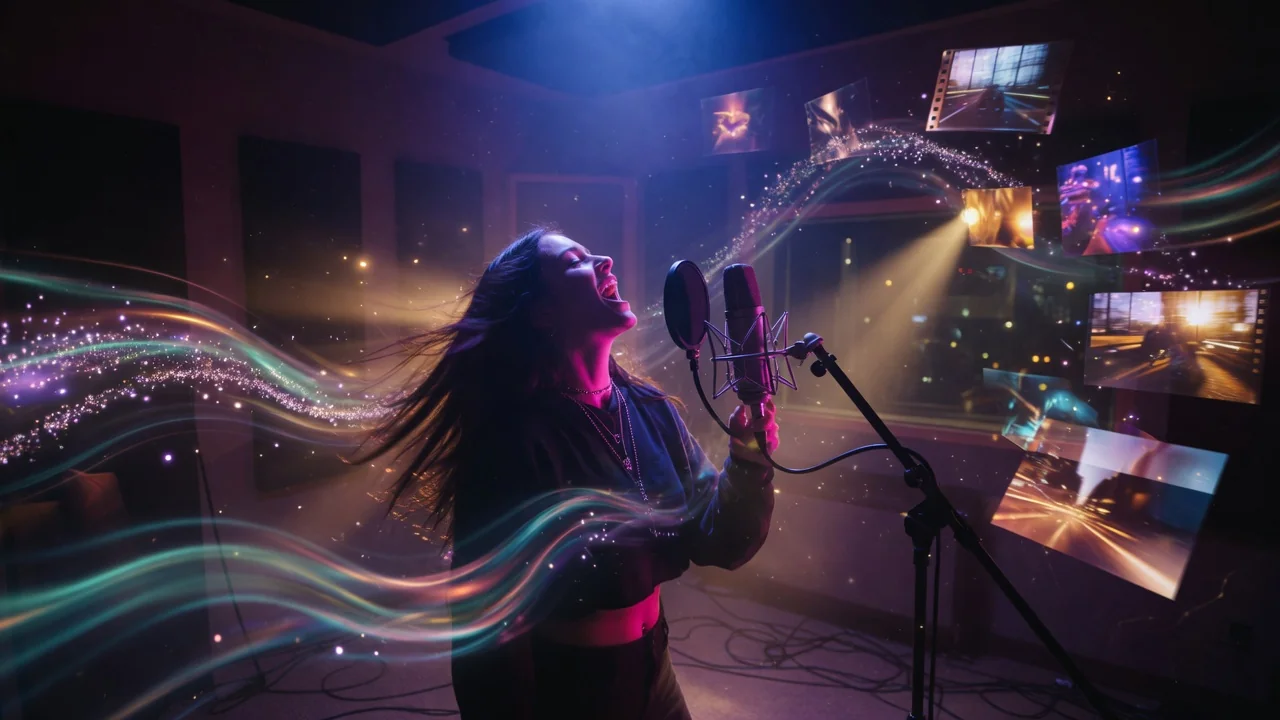
Turn audio into video with AI. Animate a portrait or scene image in sync with an uploaded track for music clips, podcasts, and lyric visuals.

Previewvideo

Audio to Video

Animate a portrait or scene image in sync with an uploaded audio track using AI video generation.

Upload reference

PNG, JPG, WebP up to 10MB

Upload audio

MP3, WAV, M4A up to 50MB

How it works

How to use Audio to Video

1

Upload an image and an audio file

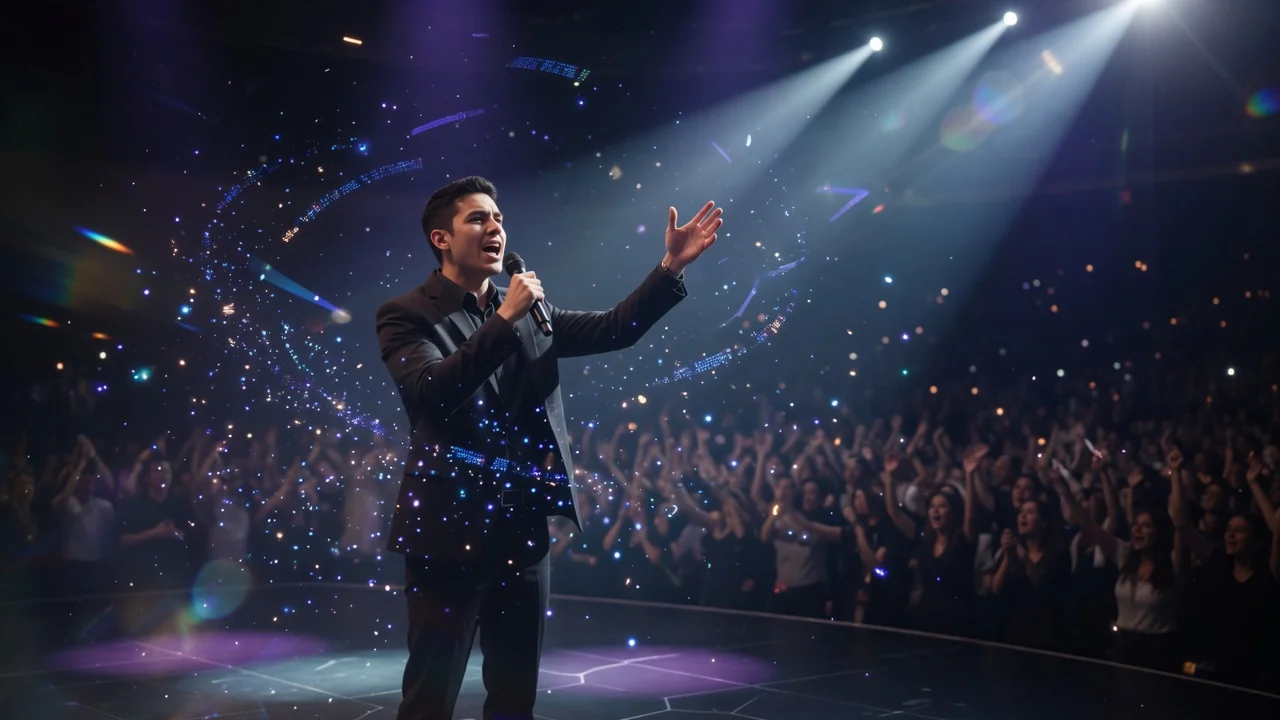
Upload a portrait or scene image as the visual base, then attach the audio track (speech, music, or ambient sound). Both inputs are required — the image provides the visual frame while the audio drives the animation.
2

The pipeline syncs audio to animation

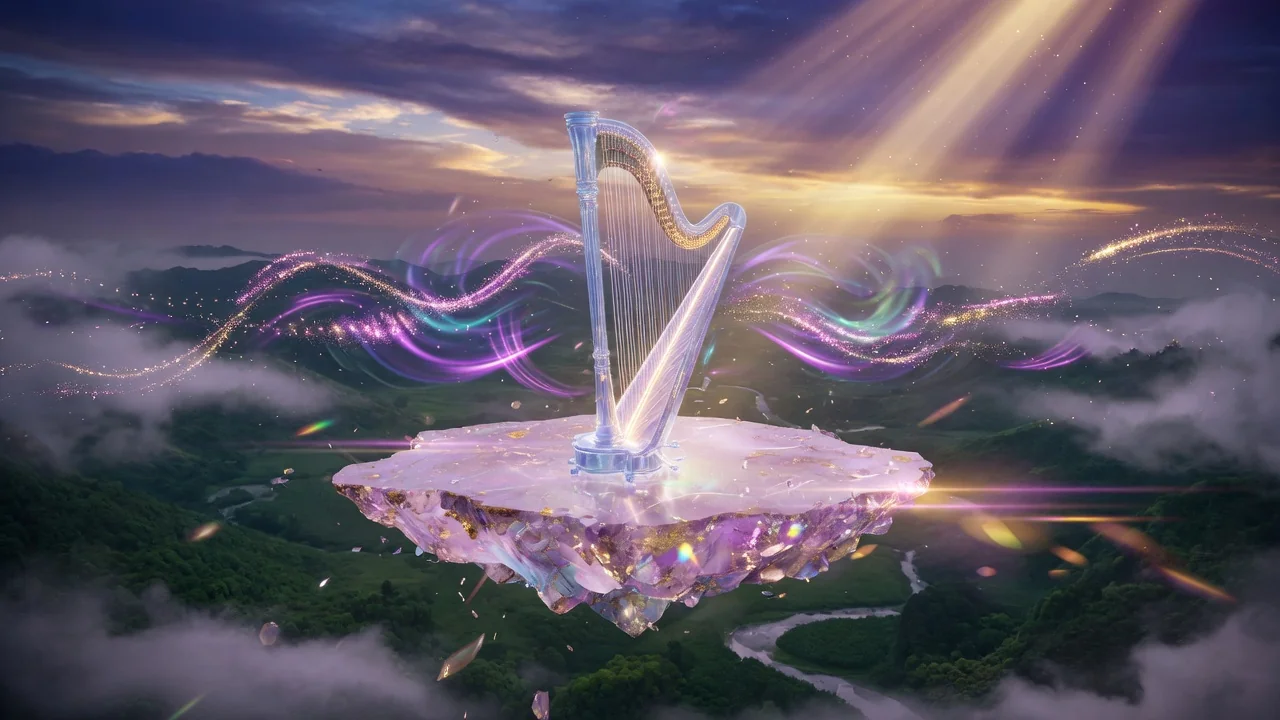
Sora 2, Runway, or PixVerse analyzes the audio waveform and drives facial animation, scene movement, and rhythm in sync with the audio content. Speech audio produces the most accurate lip movement.

3

Download the merged MP4

Submit the job. Audio and video are delivered as a single merged MP4 file from your history page — ready to upload to social media or embed in a presentation.

Why use it

Why use AI Pin Maker video tools

Workflow-first setup

Each page maps one user job to the required video inputs and model family.

Model fit

Seedance supports audio-driven character animation with reference audio metadata for talking-avatar workflows.

Runnable tools

Ready tools connect to the AI Pin Maker video generation workspace.

Connected routes

Related video tools help continue from effects into editing, music, and production workflows.

FAQ

Video tool FAQ

Can I use any type of audio — music, speech, or sound effects?
Speech audio produces the most accurate lip-sync and facial animation. Music clips create rhythmic scene motion. Ambient sound files drive subtle environment movement. All three formats are accepted.
Does the audio-to-video converter generate lip sync from speech?
Yes — when the audio contains speech, the model maps phoneme timing to mouth shape animation on the portrait. Accuracy is highest with a clean, clear voice recording and a forward-facing portrait image.
How long can the audio file be?
Most routes accept audio clips up to 60 seconds. Longer audio can be split into segments and the resulting clips chained in a standard video editor after generation.
What is the difference between this tool and the talking avatar creator?
Both tools use audio-driven video synthesis. The audio-to-video converter handles general scene animation for any image and audio pairing. The talking avatar creator is specifically optimized for portrait-plus-voice combinations with a dedicated lip-sync conditioning layer.

Related tools

Explore more video tools

Original AI-generated cover art for the talking avatar creator tool, cinematic horizontal scene
Image to Videovideo
Creation toolsReady

AI Talking Avatar Creator

Create a talking avatar video from a portrait photo and a voice clip. AI generates natural facial animation and accurate lip sync for presenters and ads.

talking-avatarlip-syncseedance
AudioOpen tool
Original AI-generated cover art for the ai music video generator tool, cinematic horizontal scene
Videovideo
Creation toolsComing soon

AI Music Video Generator

Create AI music videos that blend audio, images, and scene prompts into rhythmic visuals. Preview the generator while full audio sync rolls out.

music-videoaudiopreview
AudioOpen tool
Original AI-generated cover art for the text to video generator tool, cinematic horizontal scene
Text to Videovideo
Creation toolsReady

Text to Video Generator

Turn text prompts into AI videos with full control over model, aspect ratio, duration, and camera direction. Create cinematic clips from words alone.

text-to-videopromptcamera-motion
PromptOpen tool