AI Pin Maker
Contact us
Video EffectsAll Video Tools

Upgrade to Pro

Unlock advanced features and faster generation speed.

Upgrade now

© 2026 AI Pin Maker
Bring creativity within reach

TemplatesGenerate ImageRemix ImageGenerate VideoAnimate ImageAll-purpose ReferenceVideo EditGenerate MusicGeneration historyImage EffectsFormat ConverterAll Image ToolsVideo EffectsAll Video ToolsNew PinTemplatesMy PinsShowcaseMy MemoriesBaby albumPet albumCouple albumGrowth albumAI StickersCreditsPricingSettings
AI video tools/Music Video

Video tools

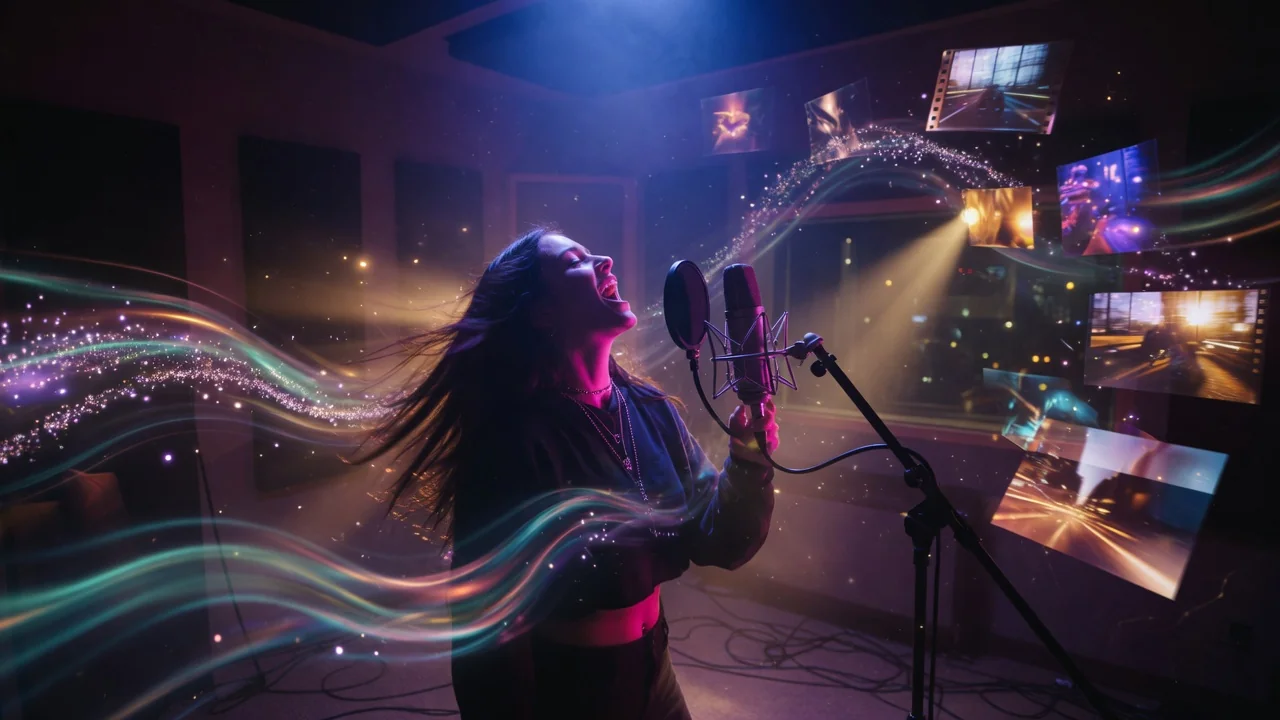
AI Music Video Generator

Create AI music videos that blend audio, images, and scene prompts into rhythmic visuals. Preview the generator while full audio sync rolls out.

Previewvideo

Music Video

Preview a music video generator that combines audio, images, and scene prompts.

Coming soon

This workflow is listed for planning and will become runnable after model/API support is available.

How it works

How to use Music Video

1

Upload your music audio file

Upload the track you want to build the video around (MP3 or WAV). Optionally add scene images or write a prompt describing the visual concept — genre, mood, and color palette help guide the output.

2

The workflow analyzes beat structure and mood

Sonic Music + Sora 2 or Runway analyzes beat structure, tempo, and musical mood to drive scene transitions and visual pacing synced to the audio.

3

Submit your music video order

Submit the job. Synchronized music video output will be available once the audio-driven video endpoint is generally connected. Current status: preview.

Why use it

Why use AI Pin Maker video tools

Workflow-first setup

Each page maps one user job to the required video inputs and model family.

Model fit

No live endpoint currently supports this exact video workflow, so generation is disabled.

Preview roadmap

Preview tools make upcoming video workflows visible before launch.

Connected routes

Related video tools help continue from effects into editing, music, and production workflows.

FAQ

Video tool FAQ

Is the AI music video generator available now?
The tool is in preview mode. You can upload your audio and configure the visual concept now; synchronized video generation launches once the audio-to-video music synthesis endpoint is live.
What music genres produce the best AI video results?
The pipeline is genre-agnostic. Electronic and pop tracks with clear beat grids produce the most rhythmically accurate scene transitions. Ambient or atonal compositions drive more abstract, flow-based visuals.
Can I control the visual style of the music video?
Yes — attach reference images or write a scene description prompt to guide the visual aesthetic. Without a reference, the model derives visual style from the audio mood and instrumentation.
How long can the music track be?
The planned maximum track length is 3–4 minutes. Longer tracks may be processed as segmented clips that are stitched together to match the full runtime.

Related tools

Explore more video tools

Original AI-generated cover art for the audio to video converter tool, cinematic horizontal scene
Image to Videovideo
Creation toolsReady

Audio to Video Converter

Turn audio into video with AI. Animate a portrait or scene image in sync with an uploaded track for music clips, podcasts, and lyric visuals.
audio-to-videoavatarseedance
AudioOpen tool
Original AI-generated cover art for the talking avatar creator tool, cinematic horizontal scene
Image to Videovideo
Creation toolsReady

AI Talking Avatar Creator

Create a talking avatar video from a portrait photo and a voice clip. AI generates natural facial animation and accurate lip sync for presenters and ads.

talking-avatarlip-syncseedance
AudioOpen tool
Original AI-generated cover art for the text to video generator tool, cinematic horizontal scene
Text to Videovideo
Creation toolsReady

Text to Video Generator

Turn text prompts into AI videos with full control over model, aspect ratio, duration, and camera direction. Create cinematic clips from words alone.

text-to-videopromptcamera-motion
PromptOpen tool