
Step 1
Upload Your Photo
Add a portrait or full-body shot. Confident poses and clearly visible facial features translate best into the idol-action character style this filter builds around your image.
AI effects
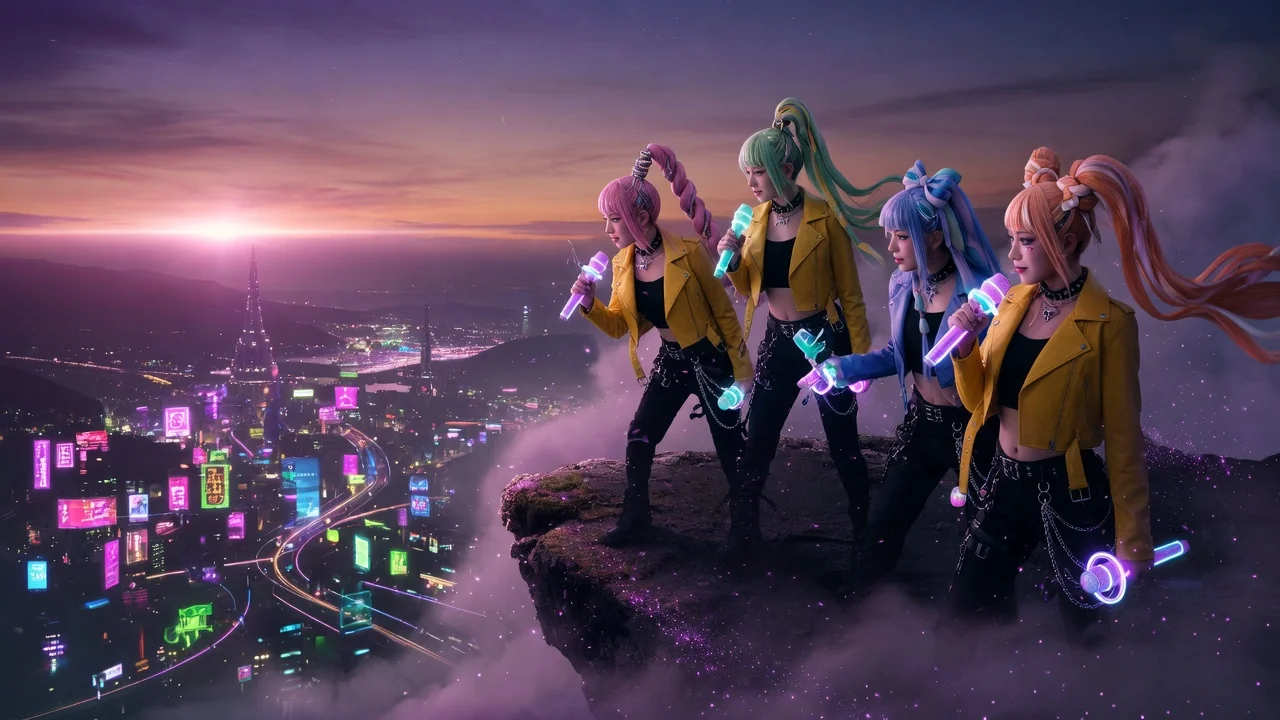
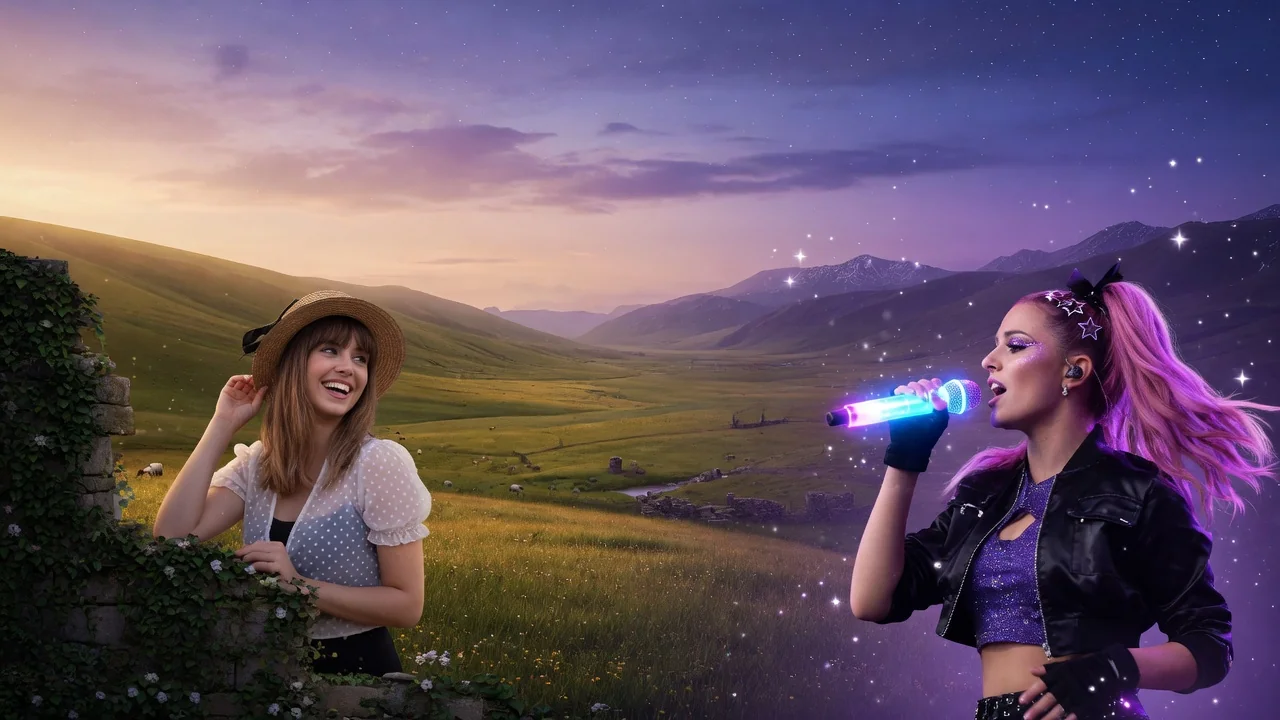
Turn your photo into a K-pop demon hunter character with dramatic lighting, fantasy styling, and bold poster energy inspired by the viral idol-action look.
Input
1 image upload
Output
Image
Convert an uploaded image
Default model
Upload photo
PNG, JPG, WebP up to 10MB
Aspect ratio
How it works
Step 1
Add a portrait or full-body shot. Confident poses and clearly visible facial features translate best into the idol-action character style this filter builds around your image.
Step 2
The default prompt creates a neon fantasy poster look. Push it further with weapon details, hair color, or outfit notes — this stylization is meant to be bold.
Step 3
Get a high-drama character rendering with neon rim light and poster composition. Choose 4:5 or 3:4 for feed posts, or 16:9 for a widescreen banner crop.
Why use it
Each tool uses a known model route instead of asking users to guess IDs.
Default for anime, character, and seasonal stylization where style intensity matters most.
Ready tools connect directly to the AI Pin Maker generation workspace.
Related tools help continue from generation into cleanup, conversion, and publishing assets.
FAQ
It's the viral idol-meets-action-fantasy aesthetic: stage-ready styling, glowing weapons, neon rim lighting, and movie-poster composition. The filter reimagines your photo as that kind of character rather than applying a simple color overlay.
It defaults to Seedream 4.5, selected specifically for anime and character stylization where style intensity matters more than pixel-perfect likeness. GPT Image 2 and Nano Banana 2 are available as fallbacks.
Your pose, hair silhouette, and key facial features carry through, but this is a heavy stylization by design — expect an animated character inspired by you, not a retouched photograph.
Four options: 1:1, 4:5, 3:4, and 16:9. Use 4:5 for Instagram feed posts, 3:4 for phone wallpapers, and 16:9 when you want a widescreen poster or video thumbnail crop.
Related tools
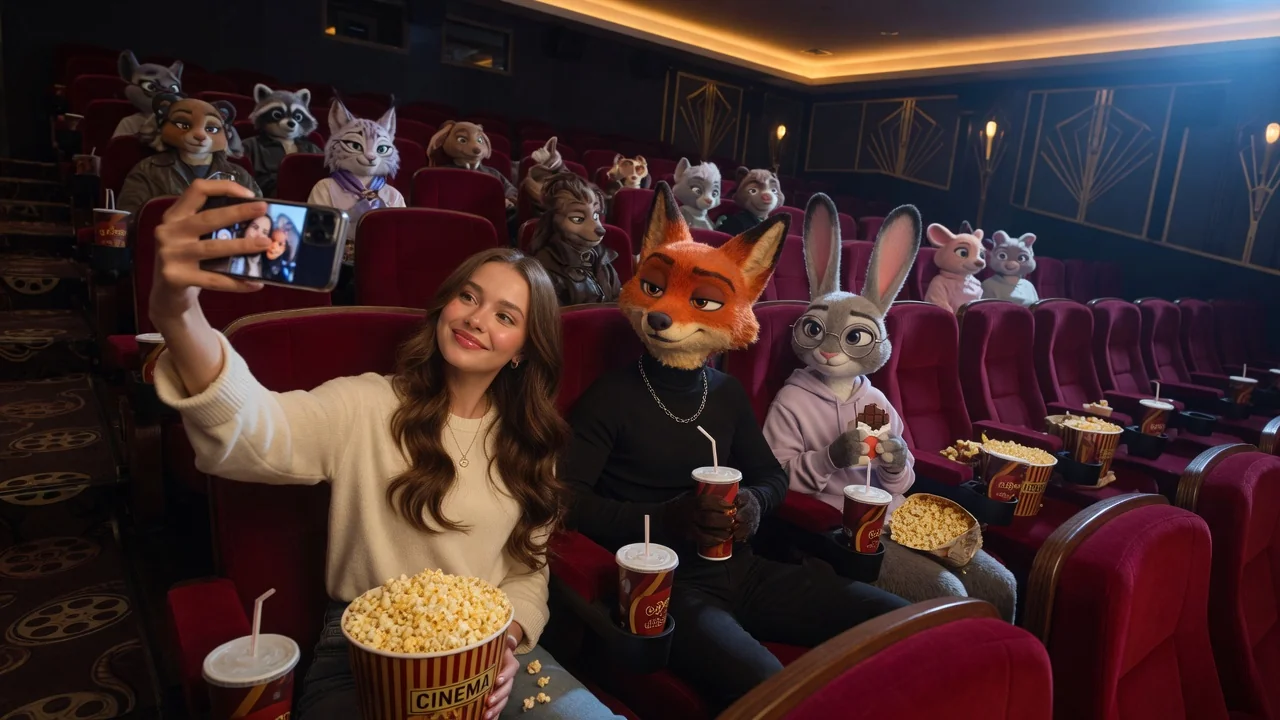
Turn portraits or pets into a playful animal-city cartoon character with expressive fur detail and bright animation styling inspired by the Zootopia look.
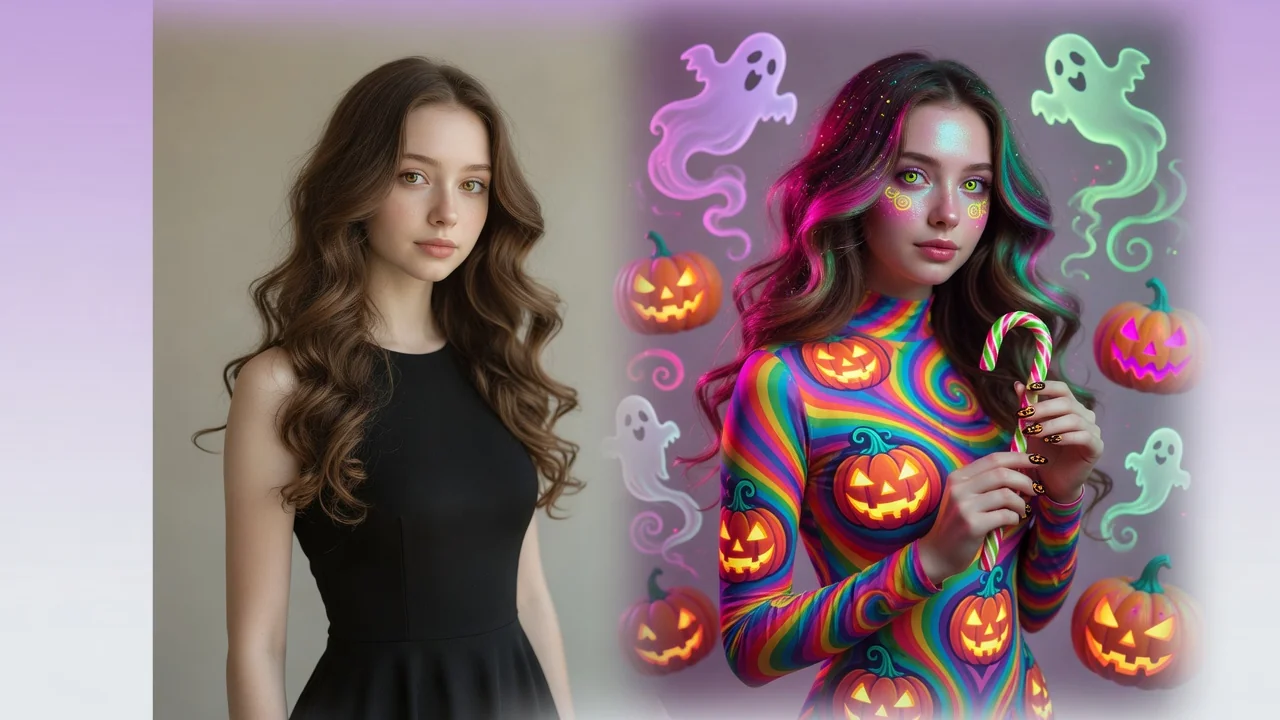
Give photos a spooky Halloween makeover with AI. Costume styling, moody lighting, and eerie atmosphere for social-ready portraits and seasonal posts.
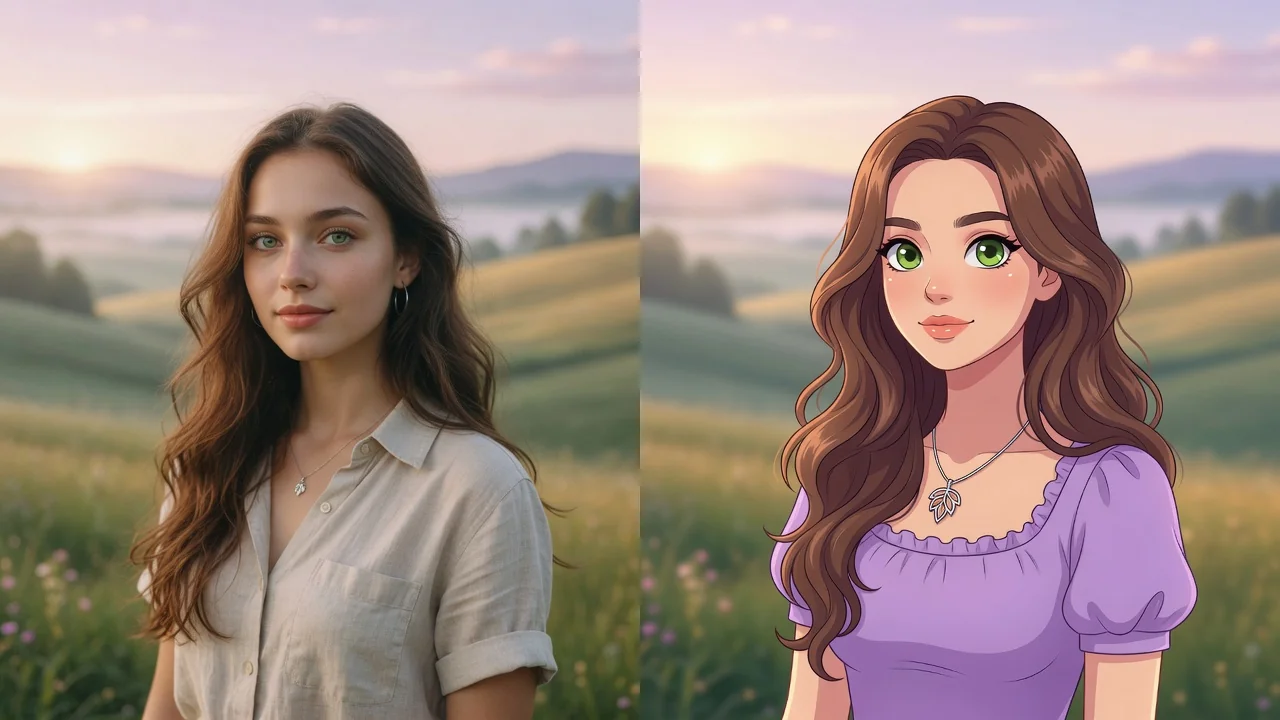
Turn any photo into a polished cartoon with AI. Clean linework and vivid color keep your subject recognizable for avatars, stickers, and fun profile pics.