
Step 1
Upload a Person or Pet
One photo works for either: turn yourself into an anthropomorphic animal citizen, or give your actual pet the bright animal-city animation treatment with expressive character detail.
AI effects
Turn portraits or pets into a playful animal-city cartoon character with expressive fur detail and bright animation styling inspired by the Zootopia look.
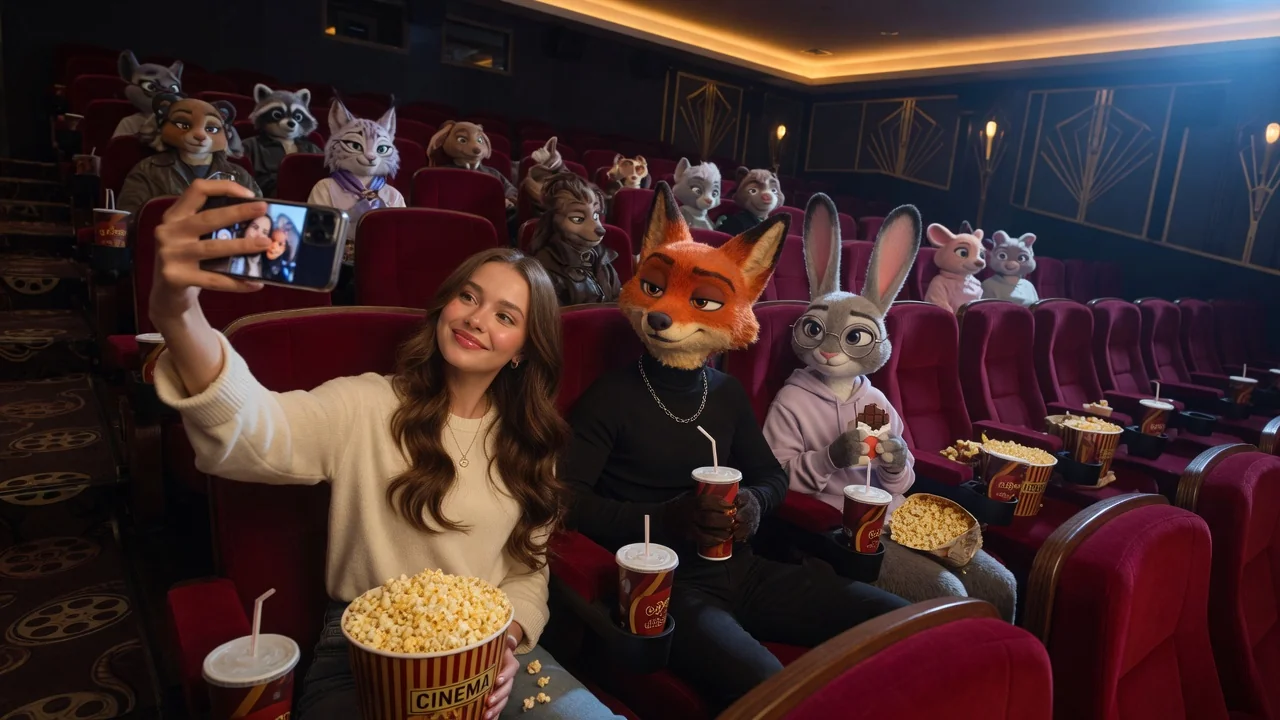
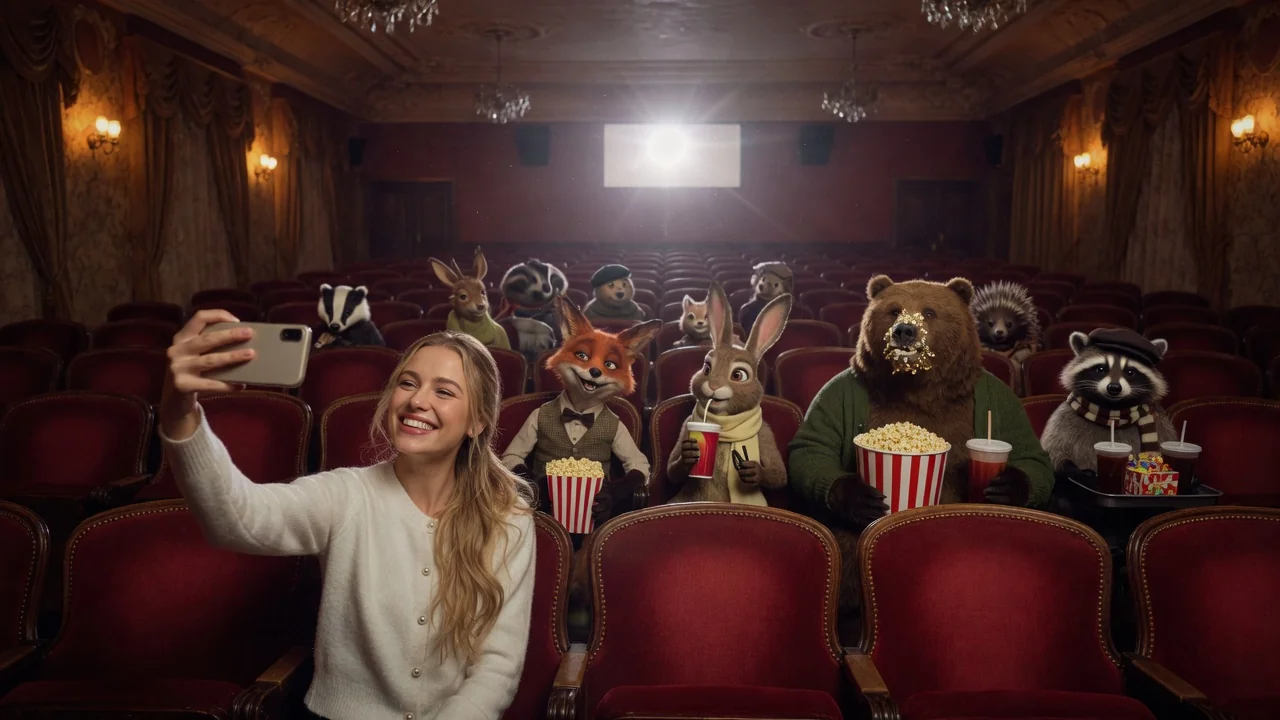
Input
1 image upload
Output
Image
Convert an uploaded image
Default model
Upload photo
PNG, JPG, WebP up to 10MB
Aspect ratio
How it works
Step 1
One photo works for either: turn yourself into an anthropomorphic animal citizen, or give your actual pet the bright animal-city animation treatment with expressive character detail.
Step 2
Steer the transformation in the prompt — a red fox in a linen shirt, or let the model choose a species based on your features and expression.
Step 3
You get an expressive cartoon character with detailed fur and animation-style lighting. Export at 1:1 for avatars, or 4:5 and 16:9 for posts and headers.
Why use it
Each tool uses a known model route instead of asking users to guess IDs.
Default for anime, character, and seasonal stylization where style intensity matters most.
Ready tools connect directly to the AI Pin Maker generation workspace.
Related tools help continue from generation into cleanup, conversion, and publishing assets.
FAQ
Yes — name the species in your prompt and Seedream 4.5 builds the character around it. Leave it unspecified and the model picks an animal that matches your features, coloring, and expression.
Yes, and it's one of the most popular uses: pets become upright, expressive animal-city citizens while keeping their real markings and personality. Photos where the pet's face is clearly visible convert best.
Instead of tracing your photo into flat cartoon lines, it re-imagines the subject as a 3D-animation-style anthropomorphic character — expressive fur detail, big readable emotions, and cinematic animation lighting.
Yes — pose and personality transfer is written into the default instruction. A grinning photo yields a grinning character, and a head-tilt survives the species change. Only the anatomy goes animal.
Related tools
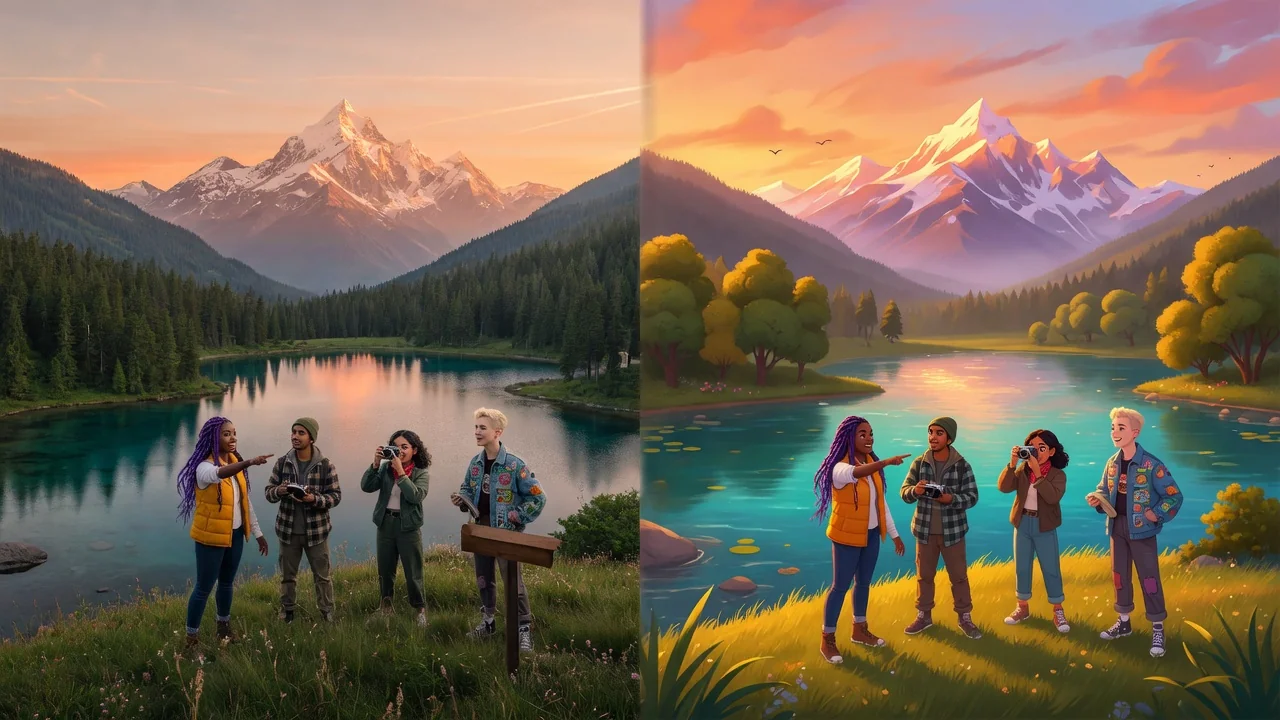
Transform photos into a bright Disney-style animation look with AI. Expressive fairy-tale characters perfect for avatars, story posts, and magical portraits.
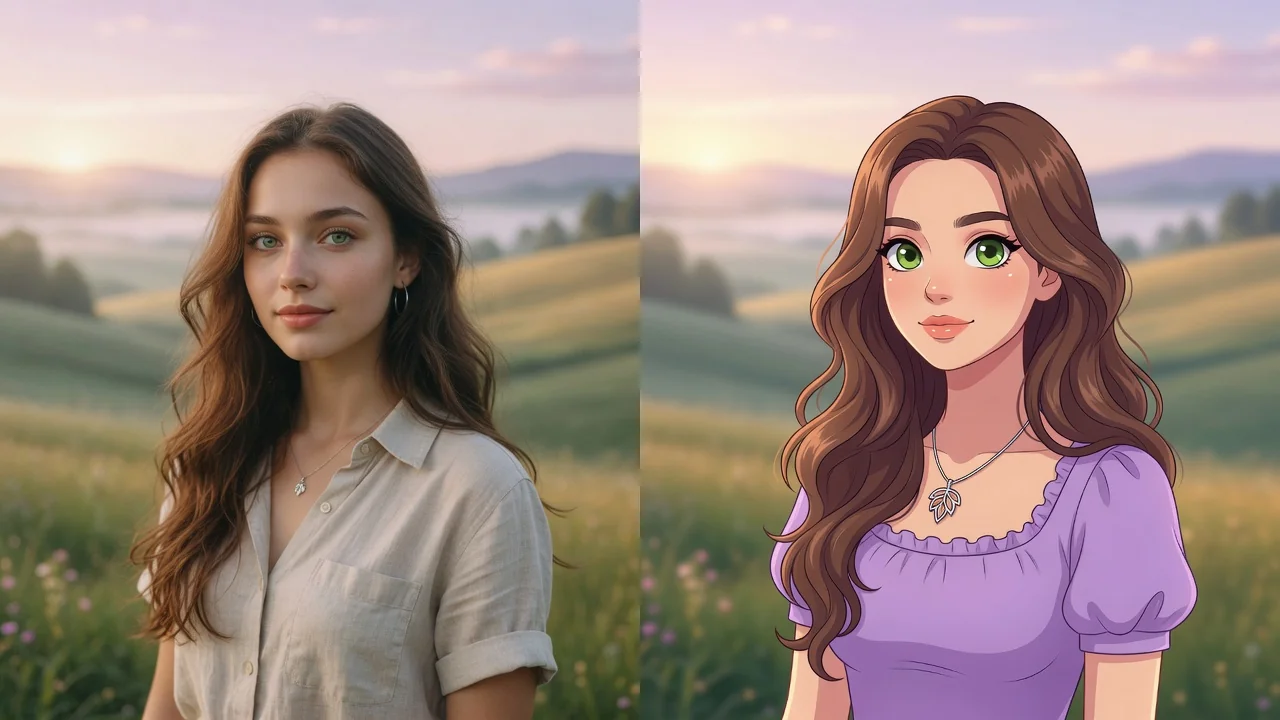
Turn any photo into a polished cartoon with AI. Clean linework and vivid color keep your subject recognizable for avatars, stickers, and fun profile pics.
Imagine your pet as a human with AI. Turn dog and cat photos into character portraits that keep their personality, color, and expressive charm intact.