
Step 1
Upload the Photo to Haunt
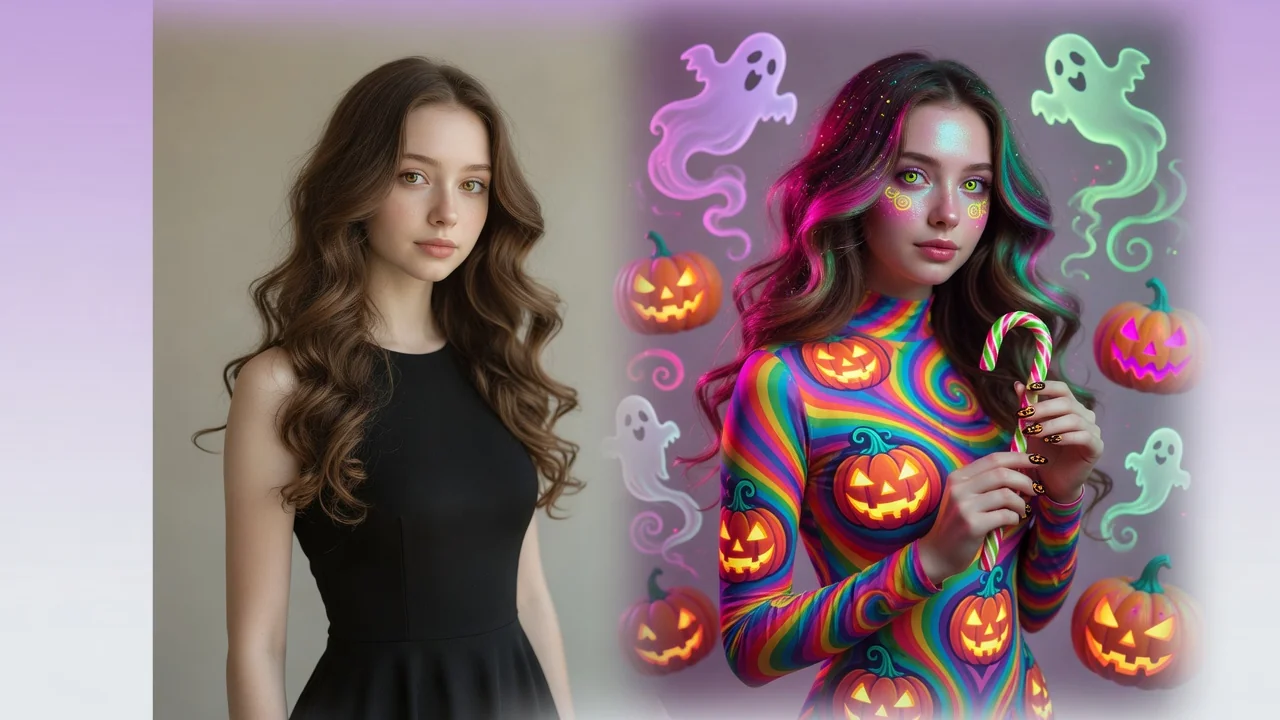
Any portrait or group shot works. The filter transforms the atmosphere and styling around your subject, so even a bright daytime photo can go full October.
AI effects
Give photos a spooky Halloween makeover with AI. Costume styling, moody lighting, and eerie atmosphere for social-ready portraits and seasonal posts.
Input
1 image upload
Output
Image
Convert an uploaded image
Default model
Upload photo
PNG, JPG, WebP up to 10MB
Aspect ratio
How it works
Step 1
Any portrait or group shot works. The filter transforms the atmosphere and styling around your subject, so even a bright daytime photo can go full October.
Step 2
Steer between moods in the prompt: elegant gothic, horror-movie cinematic, or playful trick-or-treat. Costume detail and shadow depth follow whatever direction you describe.
Step 3
The output layers moody lighting, costume styling, and eerie ambiance into a social-ready composition. Export 1:1 or 4:5 for posts, 16:9 for event banners.
Why use it
Each tool uses a known model route instead of asking users to guess IDs.
Default for anime, character, and seasonal stylization where style intensity matters most.
Ready tools connect directly to the AI Pin Maker generation workspace.
Related tools help continue from generation into cleanup, conversion, and publishing assets.
FAQ
The filter transforms the entire photo — lighting, atmosphere, and styling — into a cinematic Halloween scene using Seedream 4.5. The separate costume generator focuses on realistic outfit previews on your actual body.
Yes — intensity follows your prompt. Ask for playful pumpkin-patch styling with warm dusk light and you get whimsical autumn rather than horror shadows. The default sits at stylish-spooky.
Photos with a clear subject and some depth behind them — the model uses background space for fog, moonlight, and set dressing. Group costume shots also convert well as party mementos.
Four ratios: 1:1, 4:5, 3:4, and 16:9. Use 4:5 for feed posts, 1:1 for spooky-season avatars, and 16:9 for party invites and event cover images.
Related tools
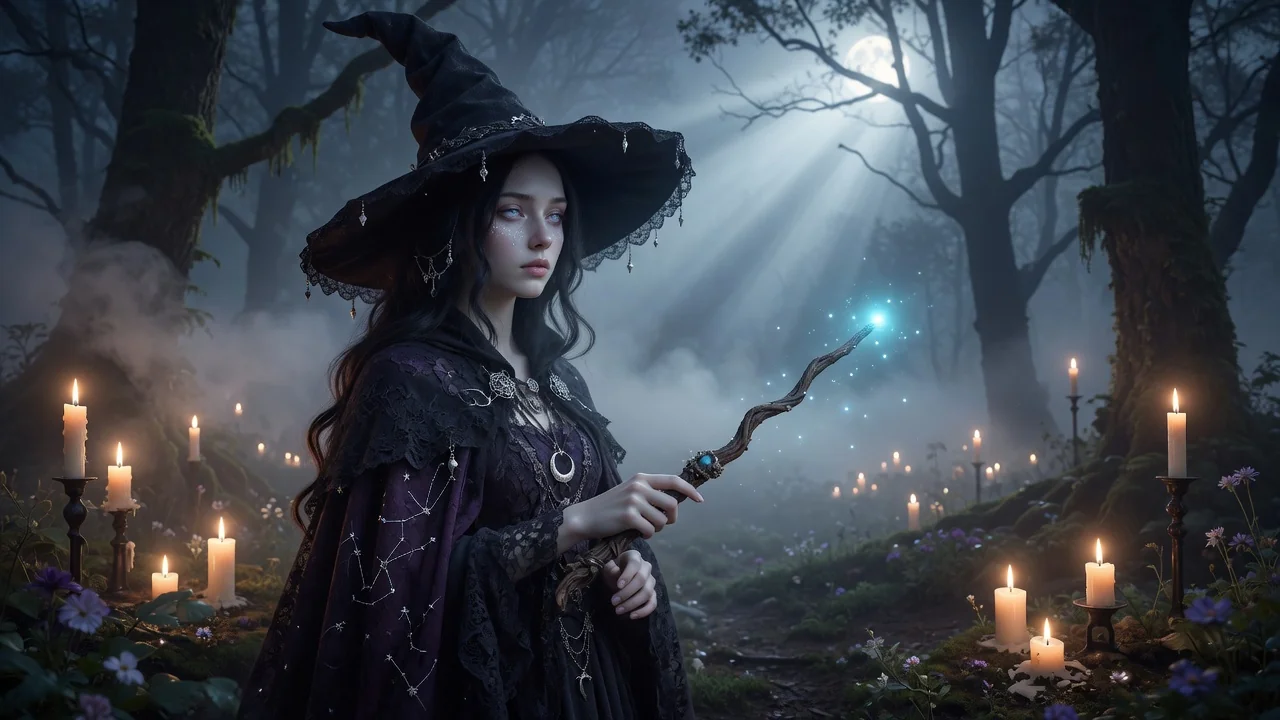
Try on Halloween costumes in any photo with AI. Preview realistic outfits, makeup, and character looks with believable fabric and lighting before the party.
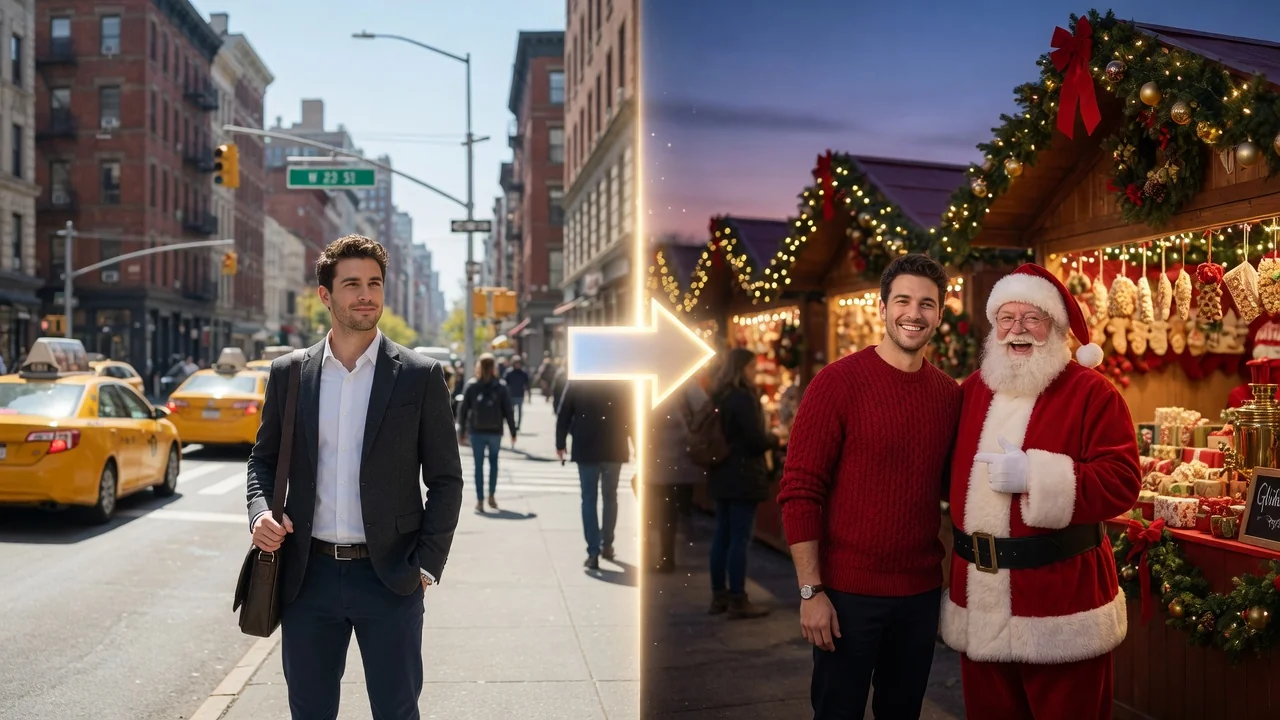
Add a festive Christmas look to any photo with AI. Warm lights, snow, and holiday atmosphere with polished portrait styling for cards and seasonal posts.
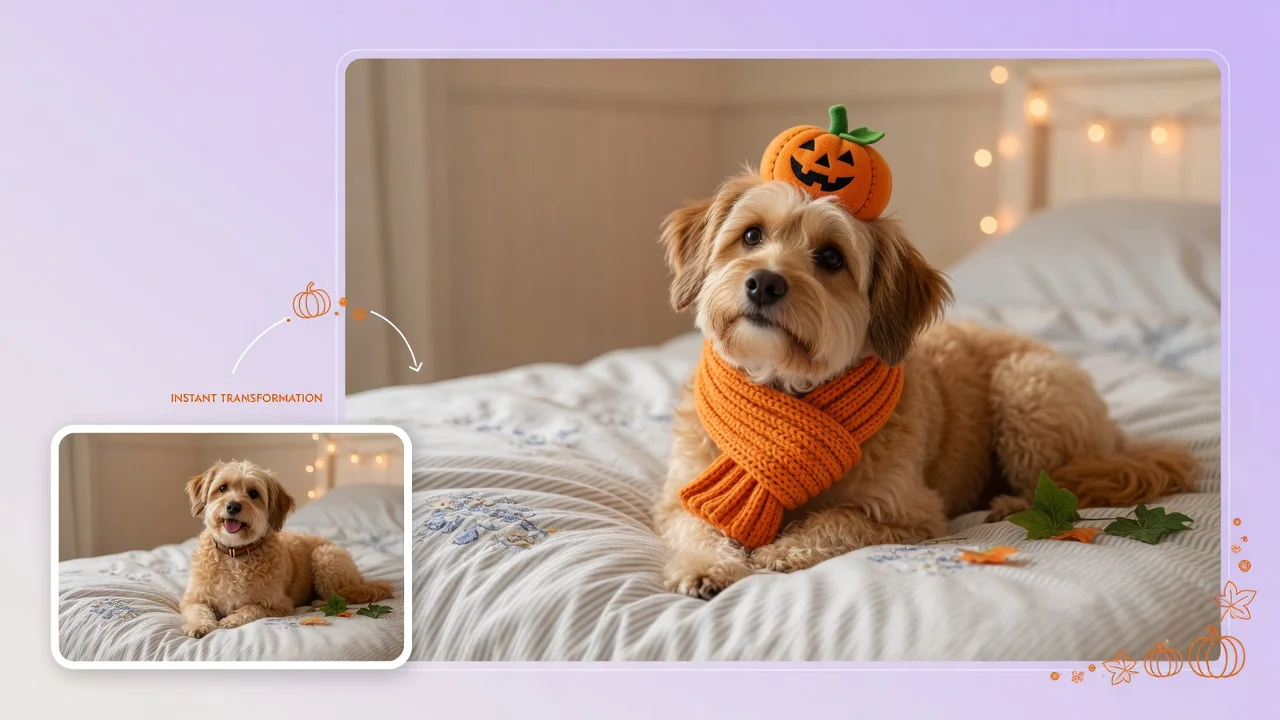
Dress your pet in adorable Halloween costumes with AI. Turn dog and cat photos into cute character portraits for social posts and holiday cards.