
Step 1
Upload a Full or Half-Body Photo
A photo showing your build and pose helps the costume fit believably. Keep your face visible too — identity preservation is a core part of this tool.
AI effects
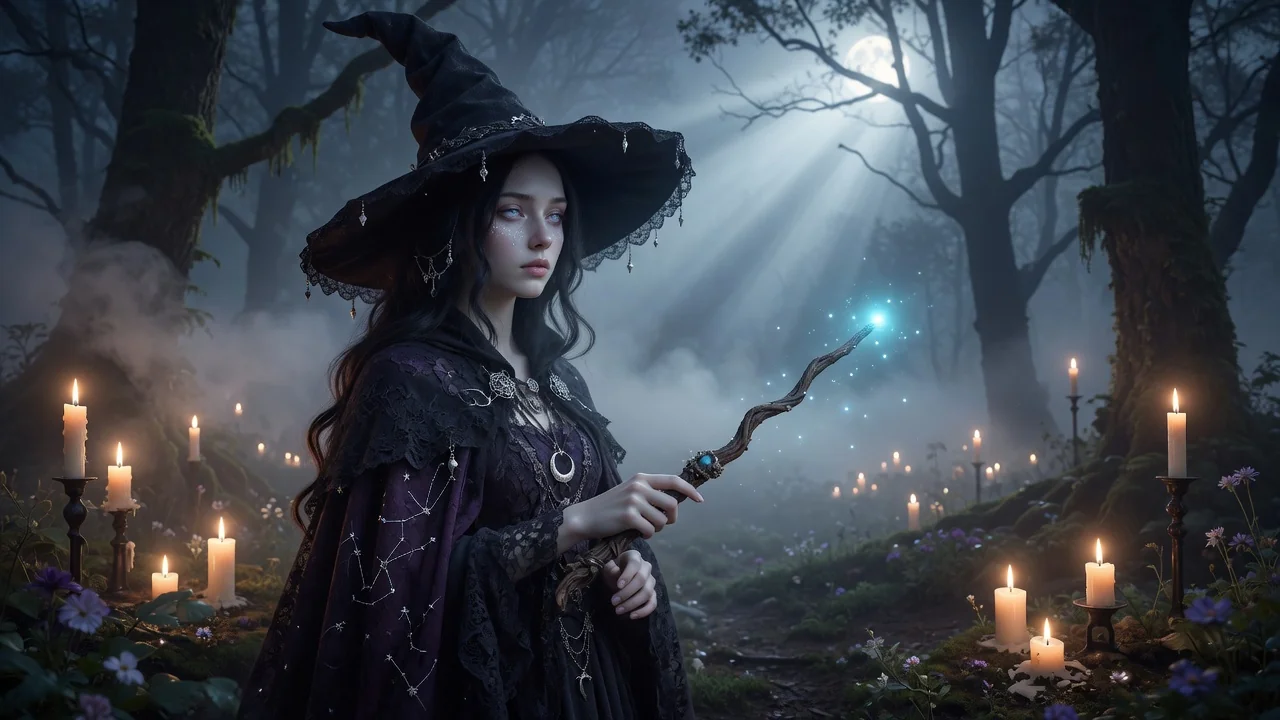
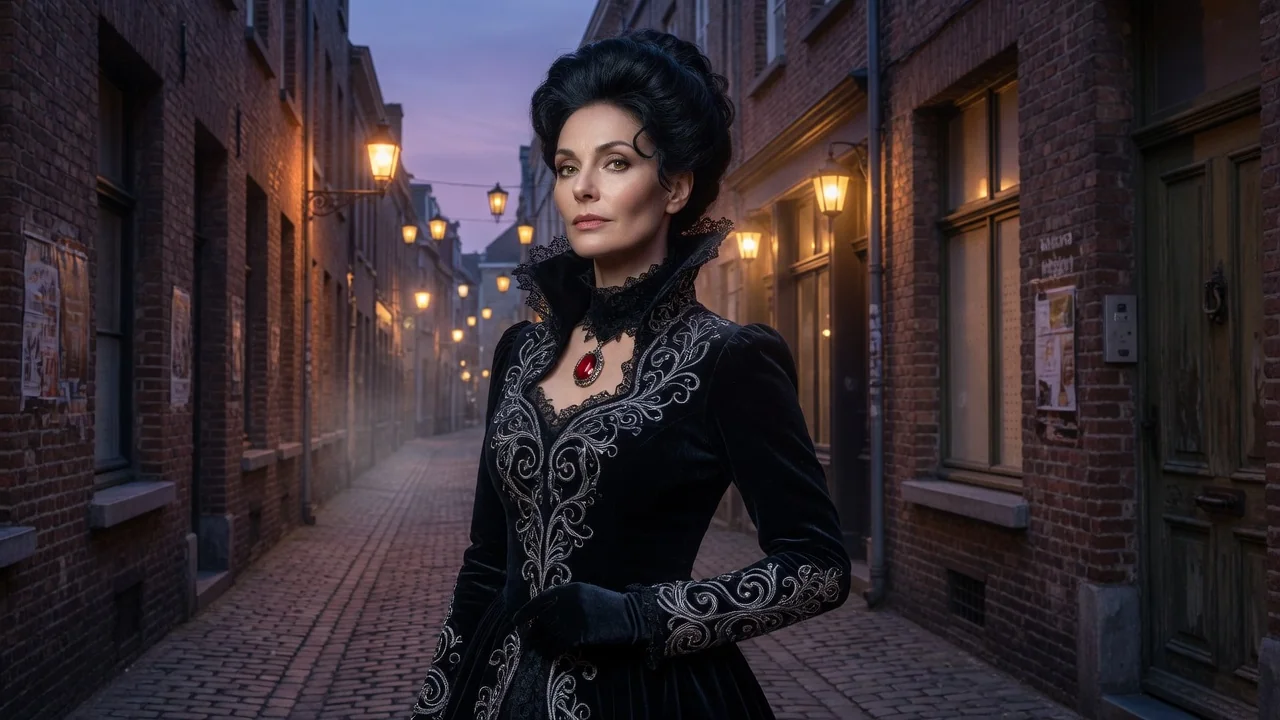
Try on Halloween costumes in any photo with AI. Preview realistic outfits, makeup, and character looks with believable fabric and lighting before the party.
Input
1 image upload
Output
Image
Generate with prompt
Default model
Aspect ratio
How it works
Step 1
A photo showing your build and pose helps the costume fit believably. Keep your face visible too — identity preservation is a core part of this tool.
Step 2
Describe the outfit, like a Victorian vampire in a velvet coat or a retro astronaut. Fabric behavior, fit, and lighting render realistically on your actual body.
Step 3
Preview the result, then rerun with different concepts to compare. It's a fast way to shortlist costume ideas before renting, buying, or sewing anything.
Why use it
Each tool uses a known model route instead of asking users to guess IDs.
Supports multi-image references, making it safer for face, outfit, couple, and try-on workflows.
Ready tools connect directly to the AI Pin Maker generation workspace.
Related tools help continue from generation into cleanup, conversion, and publishing assets.
FAQ
Yes — that's the tool's purpose. Upload your photo, describe the costume, and GPT Image 2 renders the outfit on your body with believable fabric drape and lighting, keeping your face and pose intact.
Very — materials, era, and accessories all render. A weathered leather plague-doctor coat with brass buckles beats scary doctor, because specifics control fabric behavior and character detail in the output.
Yes — include makeup or prosthetic notes like skeletal face paint in the prompt. Because identity preservation is built in, the character look applies while your recognizable features remain underneath.
Run each person's photo separately with a shared theme description — matching art-deco ghosts, for example — to check how a coordinated group concept looks on everyone before committing.
Related tools
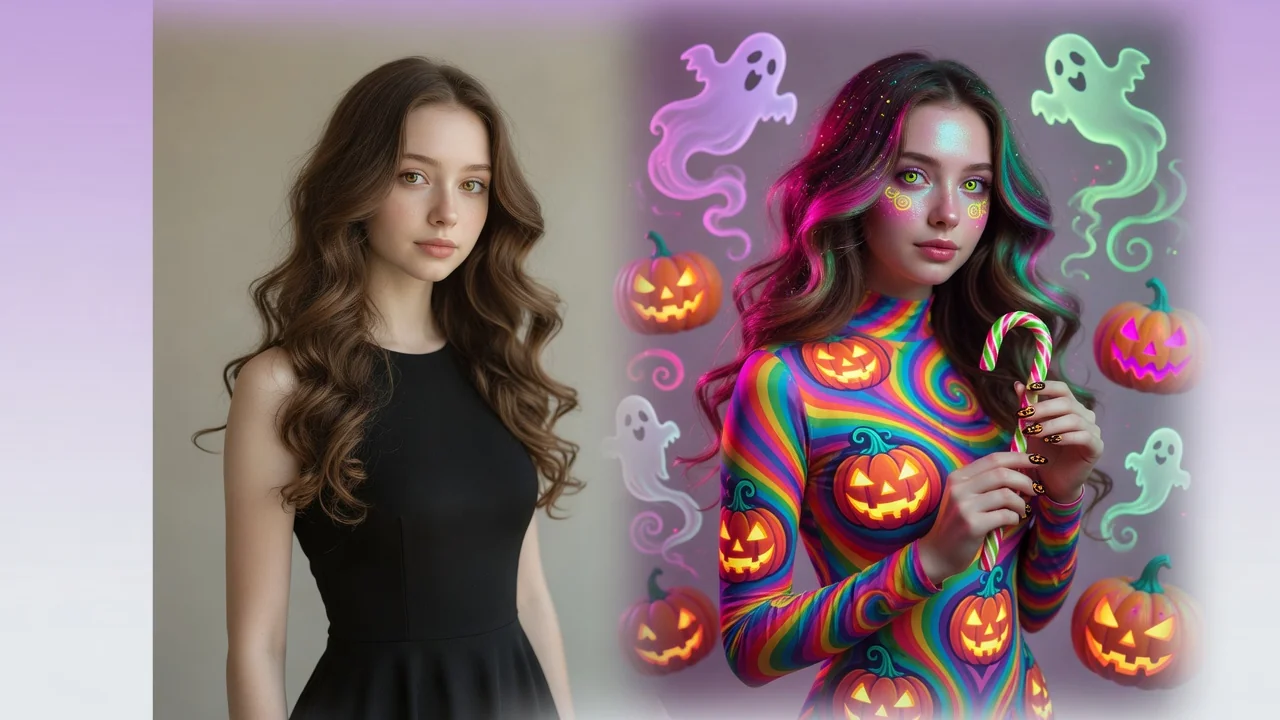
Give photos a spooky Halloween makeover with AI. Costume styling, moody lighting, and eerie atmosphere for social-ready portraits and seasonal posts.
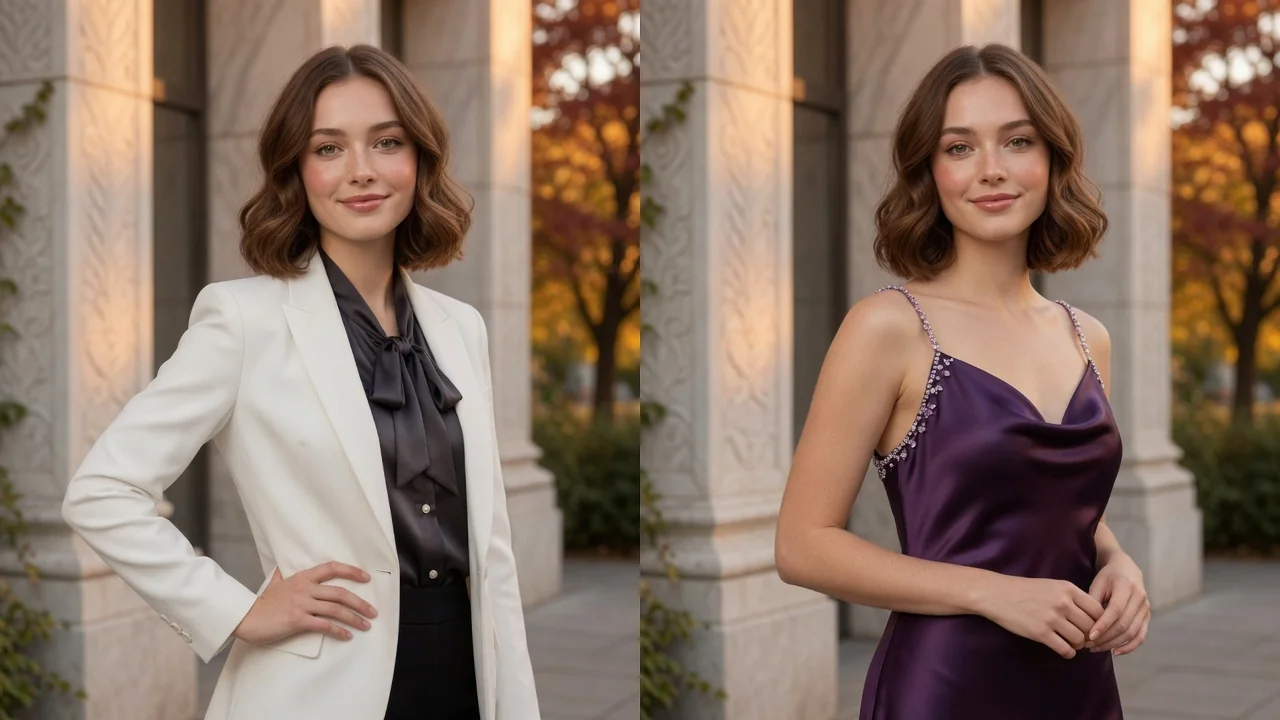
Change outfits in any photo with AI. Try new styles, fashion looks, and try-on concepts while keeping the same person, pose, and lighting intact.
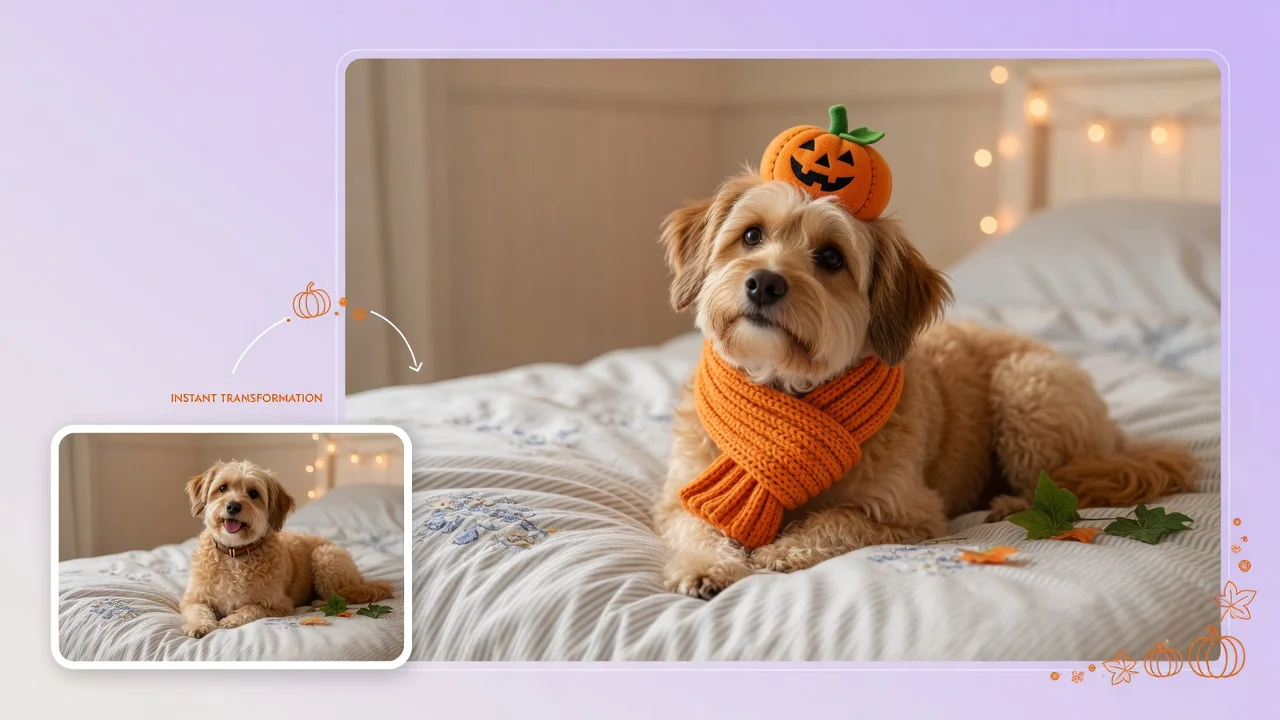
Dress your pet in adorable Halloween costumes with AI. Turn dog and cat photos into cute character portraits for social posts and holiday cards.