
Step 1
Upload a Clear Pet Photo
A well-lit shot where your pet's face and body are visible works best. Sitting or standing poses give the costume a natural place to render.
AI effects
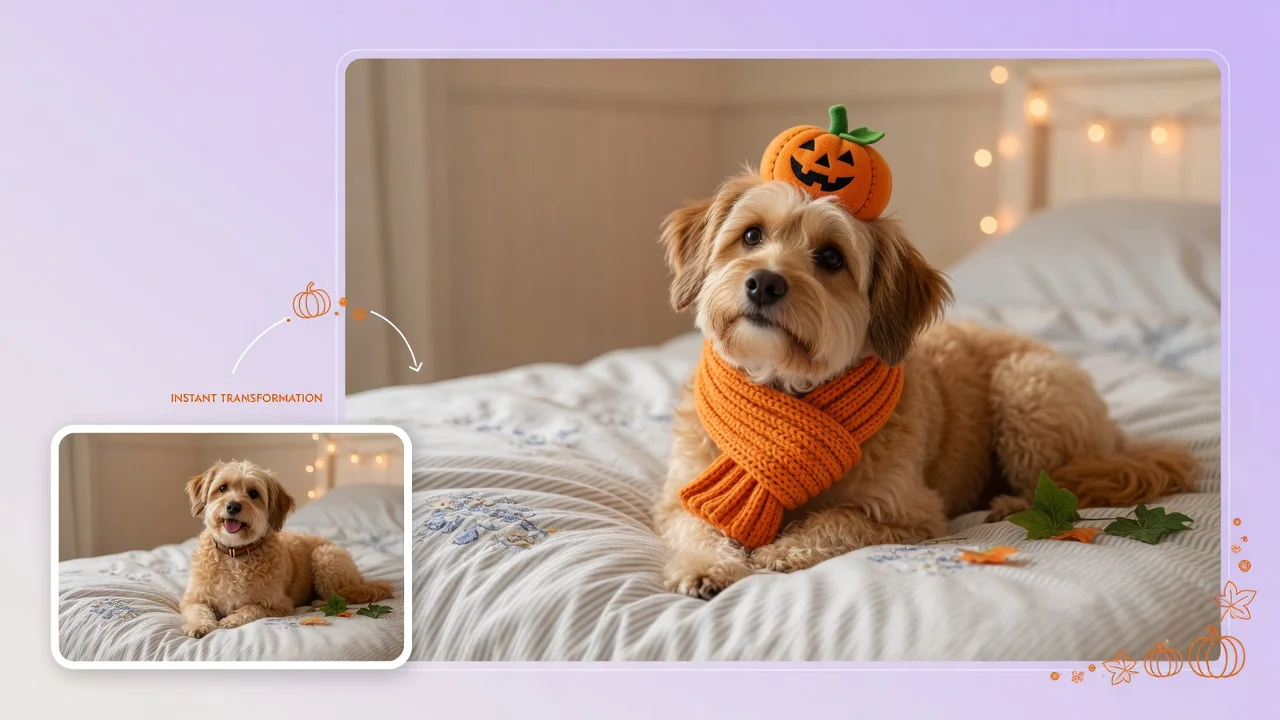
Dress your pet in adorable Halloween costumes with AI. Turn dog and cat photos into cute character portraits for social posts and holiday cards.
Input
1 image upload
Output
Image
Convert an uploaded image
Default model
Upload photo
PNG, JPG, WebP up to 10MB
Aspect ratio
How it works
Step 1
A well-lit shot where your pet's face and body are visible works best. Sitting or standing poses give the costume a natural place to render.
Step 2
Describe the outfit — pumpkin, wizard, tiny pirate — or let the default pick something adorable. Fur texture and your pet's real markings stay preserved under the costume.
Step 3
You get a cute costume portrait with realistic fur detail — and no actual pet has to tolerate wearing anything. Export at 1:1 or 4:5 for posts and cards.
Why use it
Each tool uses a known model route instead of asking users to guess IDs.
Best default for photorealistic edits, instruction following, and structure preservation.
Ready tools connect directly to the AI Pin Maker generation workspace.
Related tools help continue from generation into cleanup, conversion, and publishing assets.
FAQ
Yes — upload one photo and describe the costume. GPT Image 2 renders the outfit around your pet's actual pose and fur, so the result looks photographed rather than pasted on.
Yes — coat colors, markings, and face shape all carry through. The costume is added around your pet's real features, which is exactly what makes these portraits work for cards and posts.
For photos, often yes — many pets find costumes stressful. The generator delivers the cute portrait without the wrestling match, and you can try unlimited outfits from one relaxed photo.
Dogs and cats convert most reliably, but any pet with a clear photo works — rabbits, birds, even reptiles. Unusual anatomy just benefits from a slightly more specific costume description.
Related tools
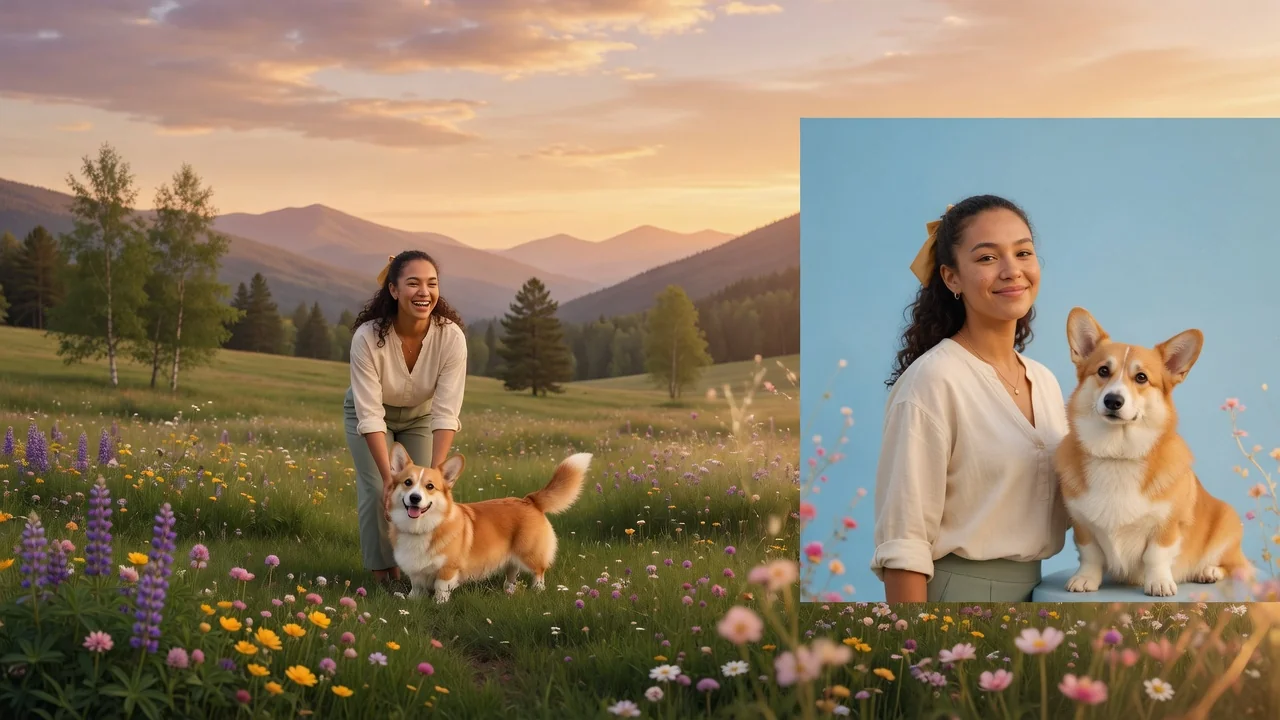
Create a clean pet passport photo with AI. Centered framing, neutral background, and even lighting that meets common pet ID and travel document styles.
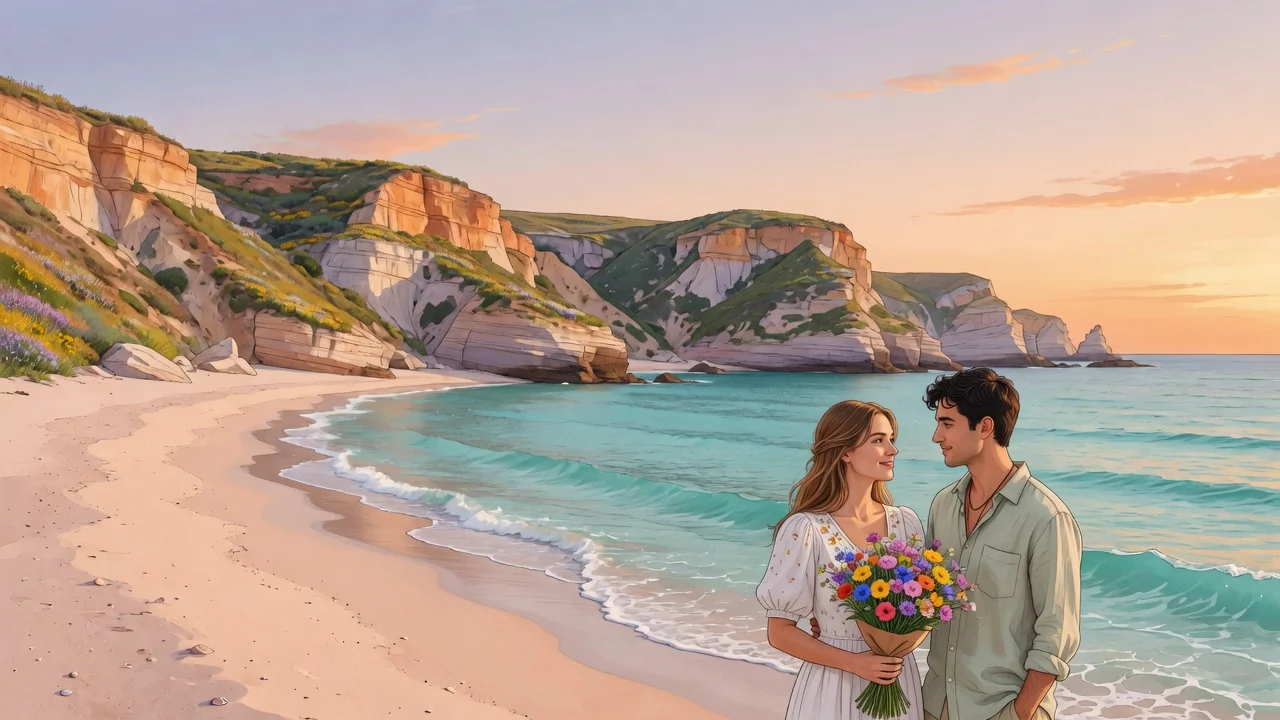
Imagine your pet as a human with AI. Turn dog and cat photos into character portraits that keep their personality, color, and expressive charm intact.
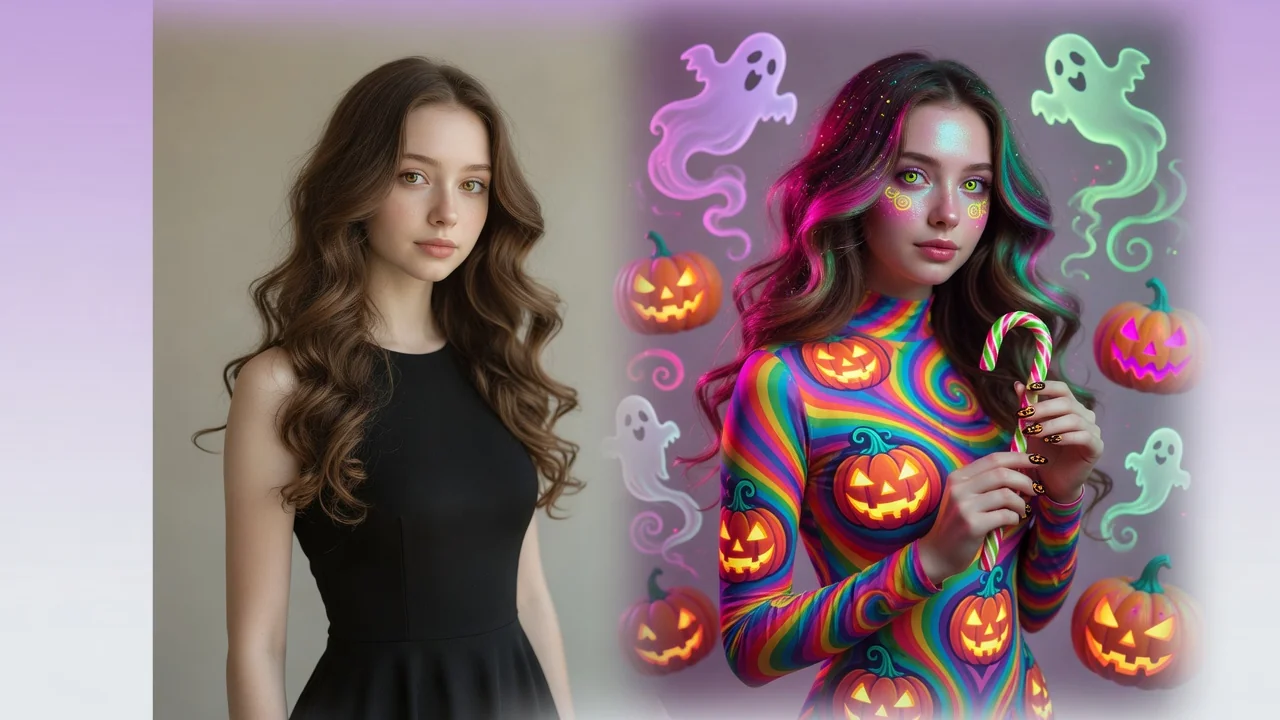
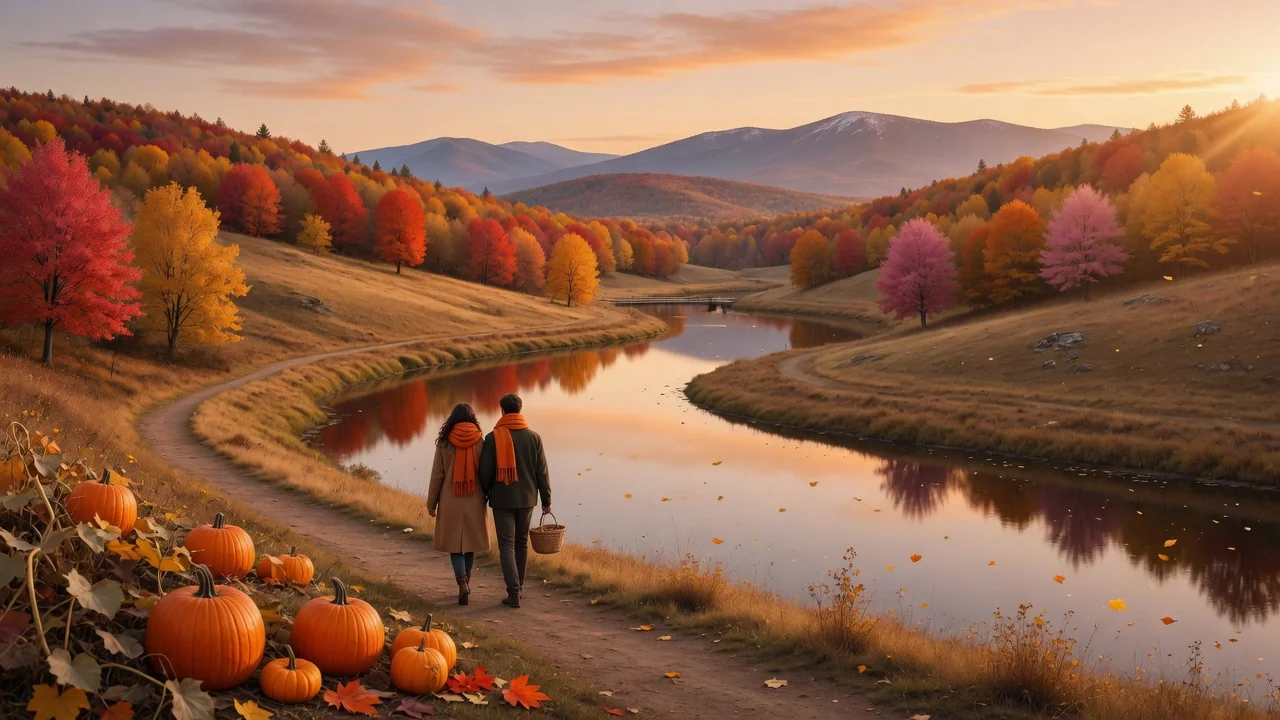
Give photos a spooky Halloween makeover with AI. Costume styling, moody lighting, and eerie atmosphere for social-ready portraits and seasonal posts.