
Text to Image
Old Photo Restoration Prompt — AI Image Prompt
A prompt designed to restore and enhance an old, grainy photograph into a professional, high-quality portrait with vivid color and clarity, maintaining the original facial features while applying advanced upscaling techniques. - AIPinMaker
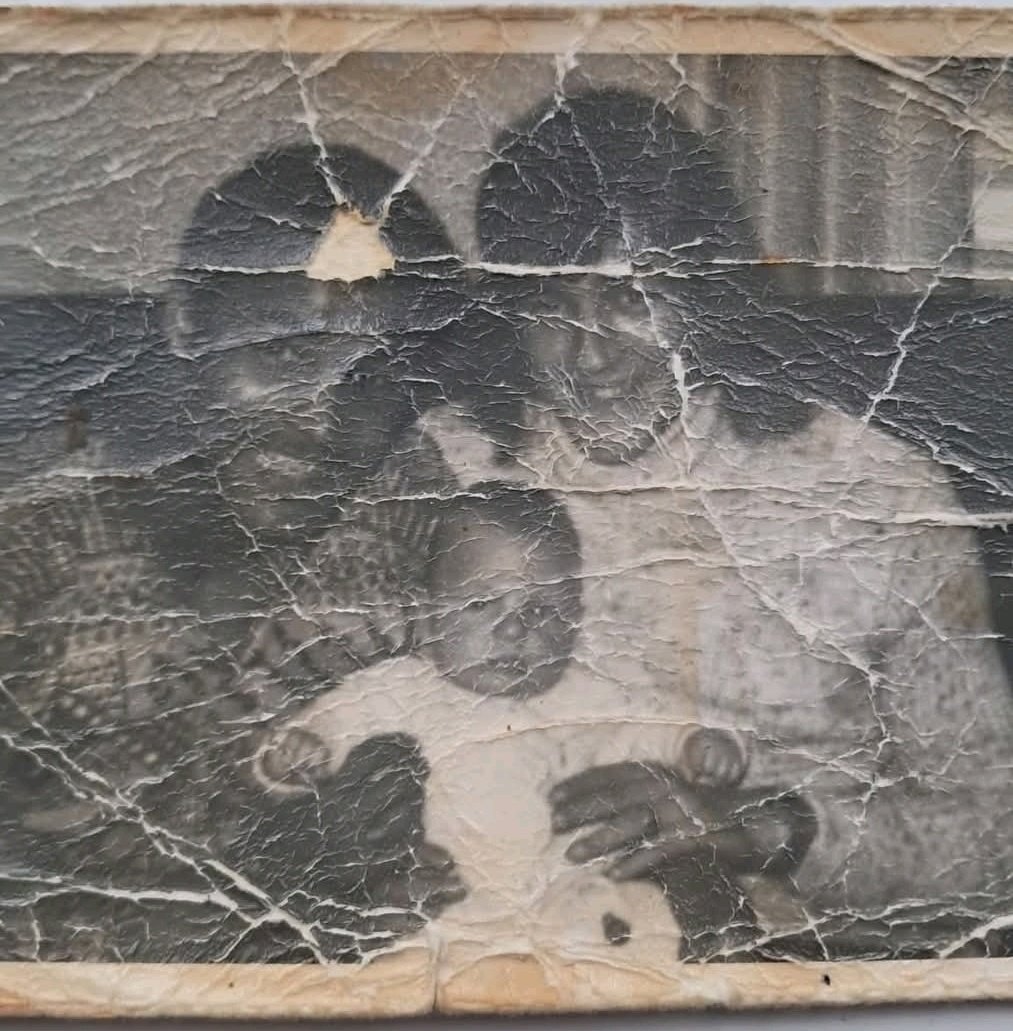
Prompt
Create a creative image of Old Photo Restoration Prompt. Style: photorealistic. Composition: balanced and well-framed. Lighting: natural with cinematic mood. Category: photography. Reference: old-photo-restoration-prompt-9993.
Prompt breakdown
- Subject
- Old Photo Restoration Prompt
- Style
- photorealistic
- Lighting
- natural with cinematic mood
- Composition
- balanced and well-framed
- Mood
- cinematic
Remix ideas
- Layer in visible film grain and edge wear to heighten the pre-restoration contrast
- Shift focus to a single repaired corner with subtle hand-coloring effects
- Introduce a faint overlay of the original negative for a before-and-after narrative feel
Reference images
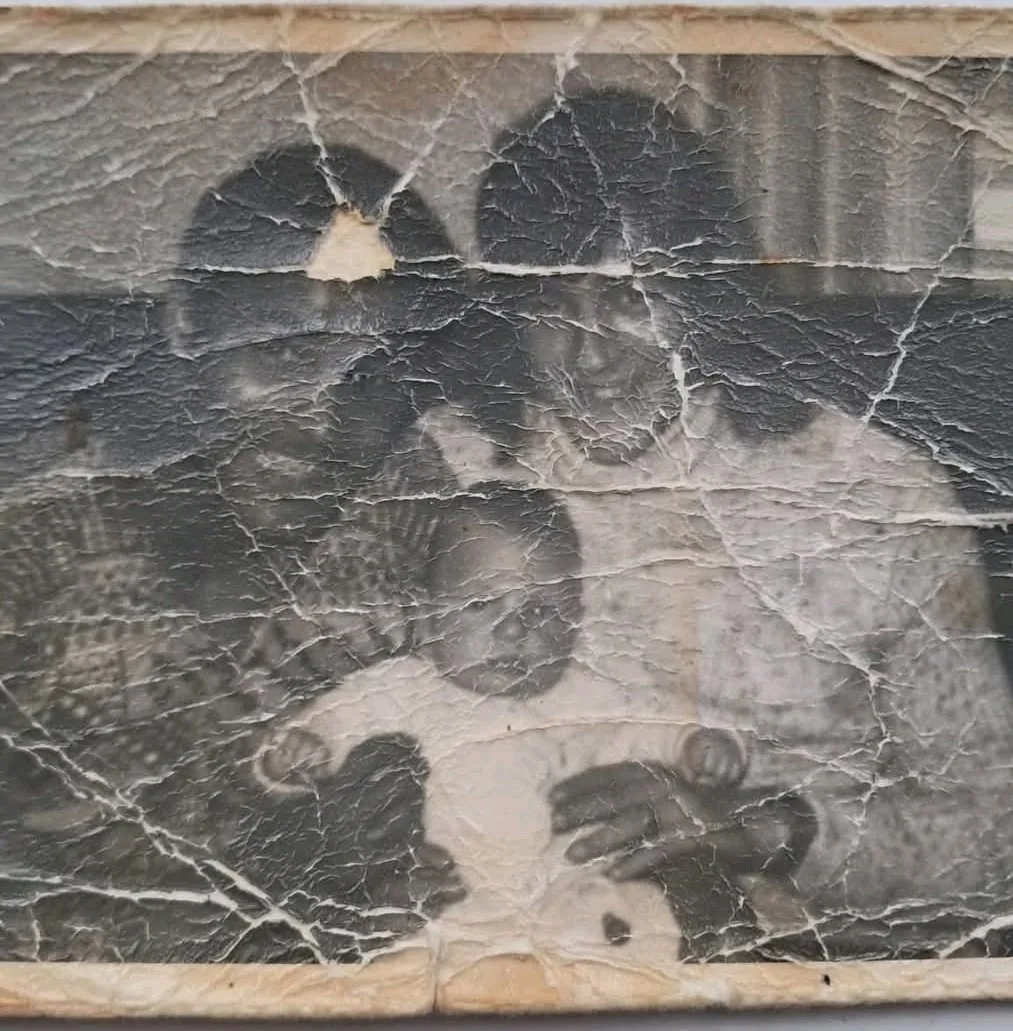
How to use this AI Image prompt template
 1
1Copy the prompt — grab this template’s prompt and negative prompt.  2
2Pick a model — choose a recommended AI model for the best match.  3
3Generate — open the studio with one click and create your result.
Related templates
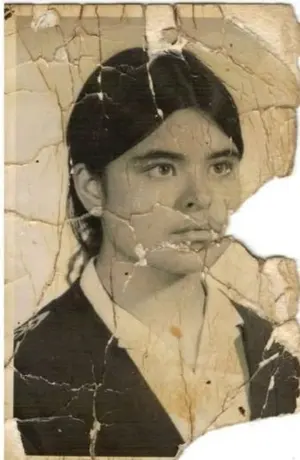
Cinematic Portrait Restoration with Golden-Hour Lighting
Create a portrait image of Cinematic Portrait Restoration With Golden Hour Lighting. Style: photorealistic. Composition: balanced and well-framed. Lighting: natural with cinematic mood. Category: portrait. Reference: cinematic-portrait-restoration-with-golden-hour-lighting-9911.

Vintage Photo Restoration Prompt - Nano Banana Pro AI Prompt for Portrait / Selfie
{ "task": "image-to-image restoration", "input_image": "output_from_prompt_1", "reference_image": { "type": "face_reference", "description": "Same face as damaged photo, identity must remain unchanged" }, "restoration_settings": { "restore_face": true, "restore_skin_texture": true, "remove_damage": true, "preserve_expression": true, "preserve_pose": true }, "image_settings": { "aspect_ratio": "2:3 portrait", "resolution": "8K ultra-HD", "color_mode": "natural warm color", "clarity": "high-end modern portrait" }, "subject": { "pose": "unchanged from damaged photo", "expression": "same gentle smile", "details": "natural skin texture, realistic eyes, clean hair detail" }, "lighting": { "type": "soft cinematic studio lighting", "quality": "even, flattering, modern" }, "background": { "style": "clean neutral studio backdrop", "look": "soft bokeh, no texture damage" }, "quality_targets": [ "no scratches", "no folds", "no stains", "no blur", "no aging artifacts" ], "realism": "photorealistic modern portrait photography", "negative_prompt": [ "face alteration", "identity change", "over-smoothing", "plastic skin", "artistic illustration look" ] }

Hyper-Realistic Skin Texture Prompt for Nano Banana Pro (Detailed Version)
Create a creative image of Hyper Realistic Skin Texture Prompt For Nano Banana Pro Detailed Version. Style: photorealistic. Composition: balanced and well-framed. Lighting: natural with cinematic mood. Category: photography. Reference: hyper-realistic-skin-texture-prompt-for-nano-banana-pro-detailed-version-12235.

High-Quality Portrait Restoration
Create a portrait image of High Quality Portrait Restoration. Style: photorealistic. Composition: balanced and well-framed. Lighting: natural with cinematic mood. Category: portrait. Reference: high-quality-portrait-restoration-15895.

Old Photo Restoration to DSLR Portrait
Create a portrait image of Old Photo Restoration To Dslr Portrait. Style: photorealistic. Composition: balanced and well-framed. Lighting: natural with cinematic mood. Category: portrait. Reference: old-photo-restoration-to-dslr-portrait-16890.

Detailed prompt for old photo restoration using GPT Image 1.5
{ "task": "portrait_restoration", "language": "zh-CN", "prompt": { "subject": { "type": "human_portrait", "identity_fidelity": "match_uploaded_face_100_percent", "no_facial_modification": true, "expression": "natural", "eye_detail": "sharp_clear", "skin_texture": "ultra_realistic", "hair_detail": "natural_individual_strands", "fabric_detail": "rich_high_frequency_detail" }, "lighting": { "exposure": "bright_clear", "style": "soft_studio_light", "brightness_balance": "even", "specular_highlights": "natural_on_face_and_eyes", "shadow_transition": "smooth_gradual" }, "image_quality": { "resolution": "8k", "clarity": "high", "noise": "clean_low", "artifacts": "none", "over_smoothing": "none" }, "optics": { "camera_style": "full_frame_dslr", "lens": "85mm", "aperture": "f/1.8", "depth_of_field": "soft_shallow", "bokeh": "smooth_natural" }, "background": { "style": "clean_elegant", "distraction_free": true, "tone": "neutral" }, "color_grading": { "style": "cinematic", "saturation": "rich_but_natural", "white_balance": "accurate", "skin_tone": "natural_true_to_subject" }, "style_constraints": { "no_cartoon": true, "no_beauty_filter": true, "no_plastic_skin": true, "no_face_reshaping": true, "no_ai_face_swap": true } }, "negative_prompt": [ "cartoon", "anime", "cgi", "painterly", "plastic skin", "over-smoothing", "over-sharpening halos", "heavy skin retouching", "face reshaping", "identity drift", "face swap", "beauty filter", "uncanny", "washed out", "color cast", "blown highlights", "crushed shadows", "banding", "jpeg artifacts", "extra fingers", "deformed eyes", "asymmetrical face", "warped features" ], "parameters": { "fidelity_priority": "identity", "detail_priority": "eyes_skin_hair_fabric", "realism_strength": 0.95, "sharpening": "micro_contrast_only", "skin_retention": "keep_pores_and_microtexture", "recommended_denoise": "low_to_medium" } }
Explore more prompts
Browse more AI image and video prompts by category.
FAQ
- How does the cinematic mood enhance old photo restoration visuals?
- It adds dramatic yet natural depth that highlights texture recovery without straying from photorealistic accuracy.
- Can the reference old-photo-restoration-prompt-9993 be swapped for other workflows?
- Yes, replacing it with similar codes lets you adapt the same balanced framing and lighting to different restoration categories like color correction or damage repair.