
이어 붙일 영상을 업로드합니다
이어질 수 있는 장면으로 끝나는 짧은 클립을 업로드합니다. 모델이 마지막 몇 프레임에서 카메라 위치, 색 보정, 피사계 심도, 모션 속도를 추론해 이어지는 장면에 반영합니다.
비디오 도구
프롬프트 가이드로 AI가 영상 길이를 연장. 검증된 편집 엔드포인트로 클립을 자연스럽게 이어 재촬영 없이 초를 더할 수 있습니다.

Video Extender
Extend videos with prompt guidance through the verified video edit endpoint.
비디오 업로드
MP4, MOV, WebM 최대 100MB
사용 방법
이어질 수 있는 장면으로 끝나는 짧은 클립을 업로드합니다. 모델이 마지막 몇 프레임에서 카메라 위치, 색 보정, 피사계 심도, 모션 속도를 추론해 이어지는 장면에 반영합니다.
"해가 지는 가운데 캐릭터가 지평선을 향해 걸어간다", "카메라가 숲을 가로질러 천천히 오른쪽으로 돌리를 이어 간다"처럼 다음에 일어날 일을 설명합니다. 명시적인 프롬프트일수록 원본과의 장면 어긋남이 줄어듭니다.
작업을 제출하면 HappyHorse 1.0 또는 Seedance 2.0이 클립의 스타일에 맞는 2~8초의 새 장면을 생성합니다. 결과물을 다시 익스텐더에 넣어 반복하면 더 긴 시퀀스를 이어 갈 수 있습니다.
선택 이유
각 페이지는 하나의 사용자 작업을 필요한 비디오 입력과 모델군에 연결합니다.
현재 실시간 모델 목록에서 검증된 비디오 편집 엔드포인트를 사용합니다.
사용 가능 도구는 AI Pin Maker 비디오 생성 워크스페이스에 연결됩니다.
관련 비디오 도구로 효과에서 편집, 음악, 제작 워크플로까지 이어갈 수 있습니다.
FAQ
관련 도구

프롬프트와 참조 이미지로 AI가 짧은 영상을 편집. 검증된 영상 편집 경로로 리스타일·조정·보정을 타임라인 없이 진행하세요.
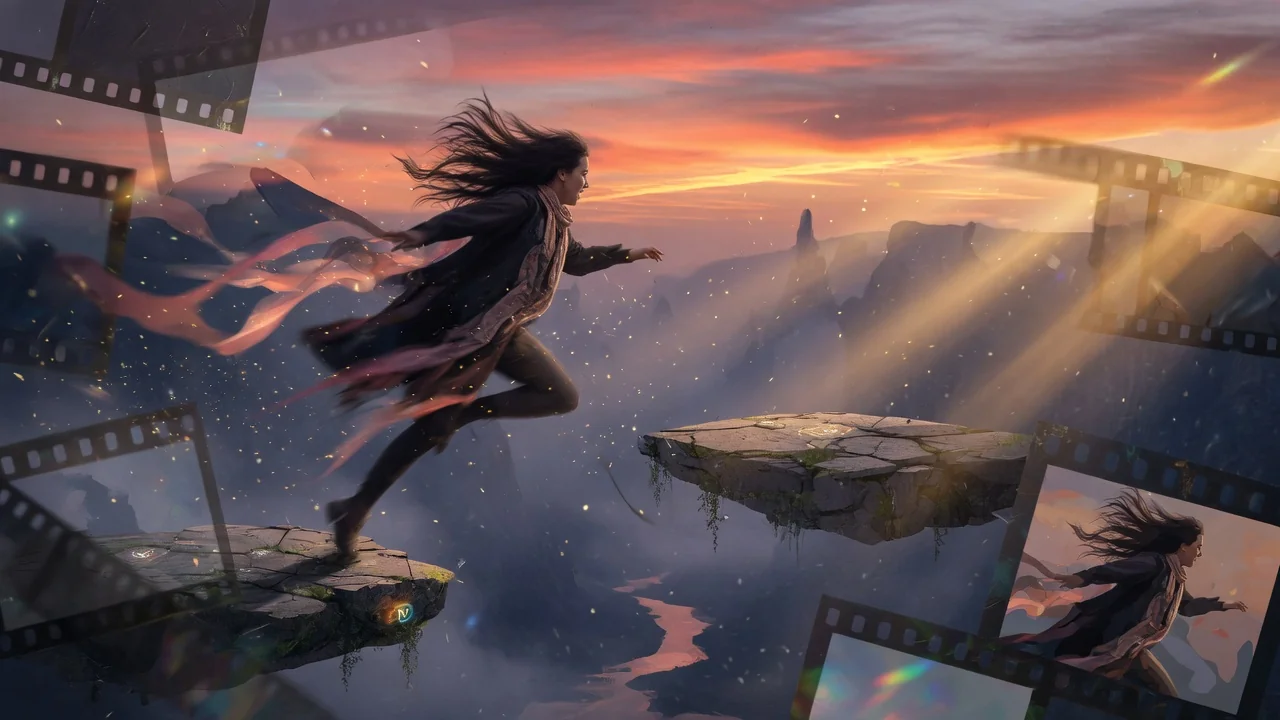
업로드한 영상을 AI로 변환·리스타일. 검증된 편집 엔드포인트로 핵심 움직임과 장면 연속성을 유지하며 새로운 비주얼 스타일을 적용.
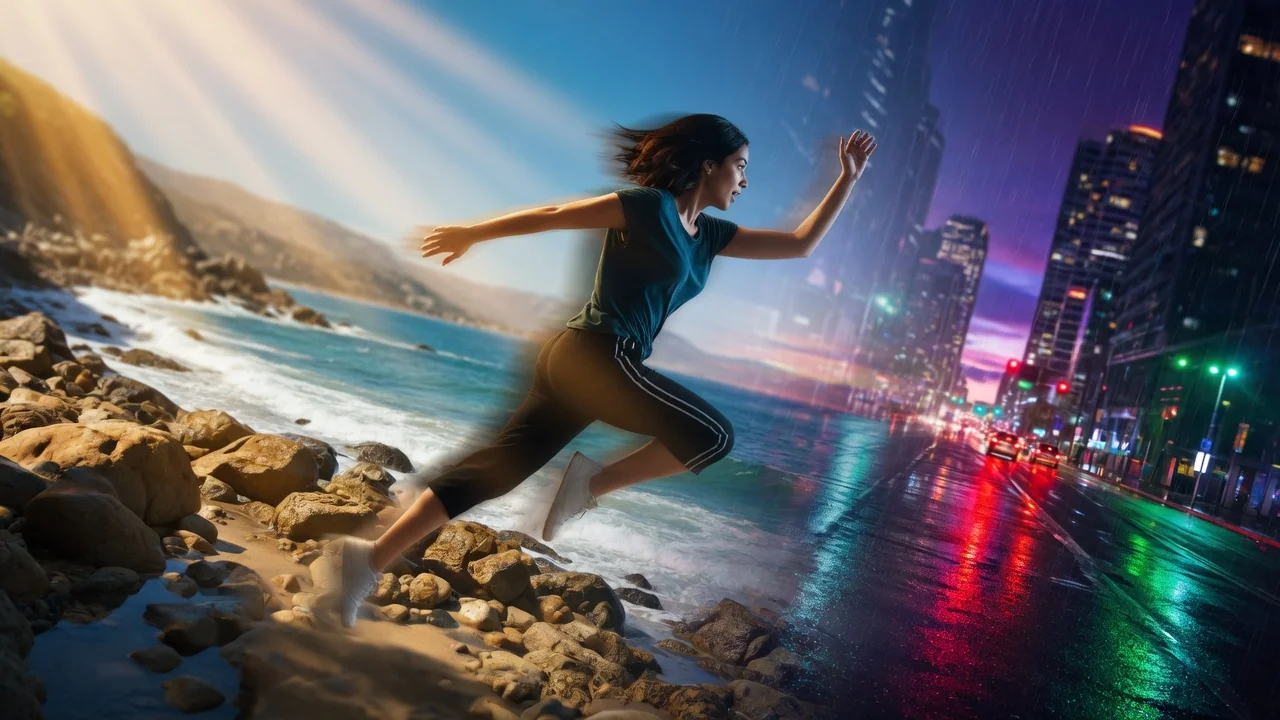
프롬프트 기반 AI 편집으로 영상 배경을 변경. 그린스크린이나 수동 마스킹 없이 피사체 뒤 장면을 깔끔하고 전문적으로 교체하세요.