
Upload video and reference images
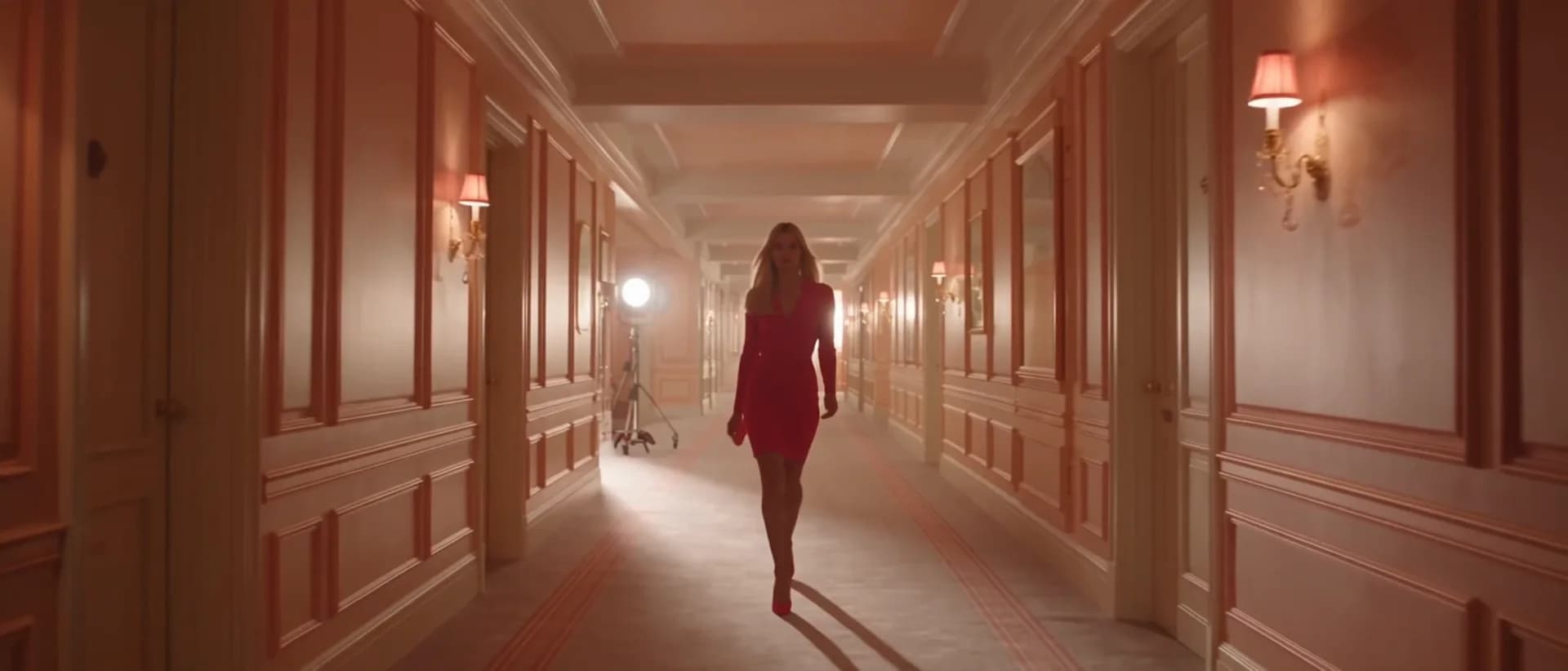
Upload your source video (up to 15 seconds). Attach reference images to anchor the edit — a target outfit, background scene, or subject face that the model should inject or preserve.
비디오 도구
프롬프트와 참조 이미지로 AI가 짧은 영상을 편집. 검증된 영상 편집 경로로 리스타일·조정·보정을 타임라인 없이 진행하세요.
Video Editor
Edit short videos with prompts, reference images, and the verified video edit route.
참고 업로드
PNG, JPG, WebP 최대 10MB
비디오 업로드
MP4, MOV, WebM 최대 100MB
사용 방법
Upload your source video (up to 15 seconds). Attach reference images to anchor the edit — a target outfit, background scene, or subject face that the model should inject or preserve.
Describe the change you want — "add snow falling from the sky," "replace the background with a wooden studio set, keep the subject," or "remove the clock on the wall and fill naturally." Specify what stays and what changes.
Submit the edit job. HappyHorse 1.0 Video Edit or Runway applies changes frame by frame while maintaining temporal continuity. Review in history and iterate with a refined prompt if needed.
선택 이유
각 페이지는 하나의 사용자 작업을 필요한 비디오 입력과 모델군에 연결합니다.
현재 실시간 모델 목록에서 검증된 비디오 편집 엔드포인트를 사용합니다.
사용 가능 도구는 AI Pin Maker 비디오 생성 워크스페이스에 연결됩니다.
관련 비디오 도구로 효과에서 편집, 음악, 제작 워크플로까지 이어갈 수 있습니다.
FAQ
관련 도구

업로드한 영상을 AI로 변환·리스타일. 검증된 편집 엔드포인트로 핵심 움직임과 장면 연속성을 유지하며 새로운 비주얼 스타일을 적용.

프롬프트 기반 AI 편집으로 영상 배경을 변경. 그린스크린이나 수동 마스킹 없이 피사체 뒤 장면을 깔끔하고 전문적으로 교체하세요.

프롬프트 가이드로 AI가 영상 길이를 연장. 검증된 편집 엔드포인트로 클립을 자연스럽게 이어 재촬영 없이 초를 더할 수 있습니다.