AI Pin Maker
문의하기
동영상 효과전체 동영상 도구

Pro로 업그레이드

고급 기능과 더 빠른 생성 속도를 잠금 해제하세요.

지금 업그레이드

© 2026 AI Pin Maker
창작을 더 가까이

템플릿이미지 생성이미지 리믹스동영상 생성이미지 애니메이션만능 참조동영상 편집음악 생성생성 기록이미지 효과형식 변환전체 이미지 도구동영상 효과전체 동영상 도구새 Pin템플릿내 핀쇼케이스나의 추억관베이비 앨범펫 앨범커플 앨범성장 앨범AI 이모티콘크레딧가격설정
AI 비디오 도구/AI 포옹

AI 비디오 효과

AI 포옹 영상 생성기

참조 사진으로 따뜻한 AI 포옹 영상을 만드세요. 자연스러운 움직임과 감성적인 구도로 가족·연인을 위한 뭉클한 영상을 완성합니다.
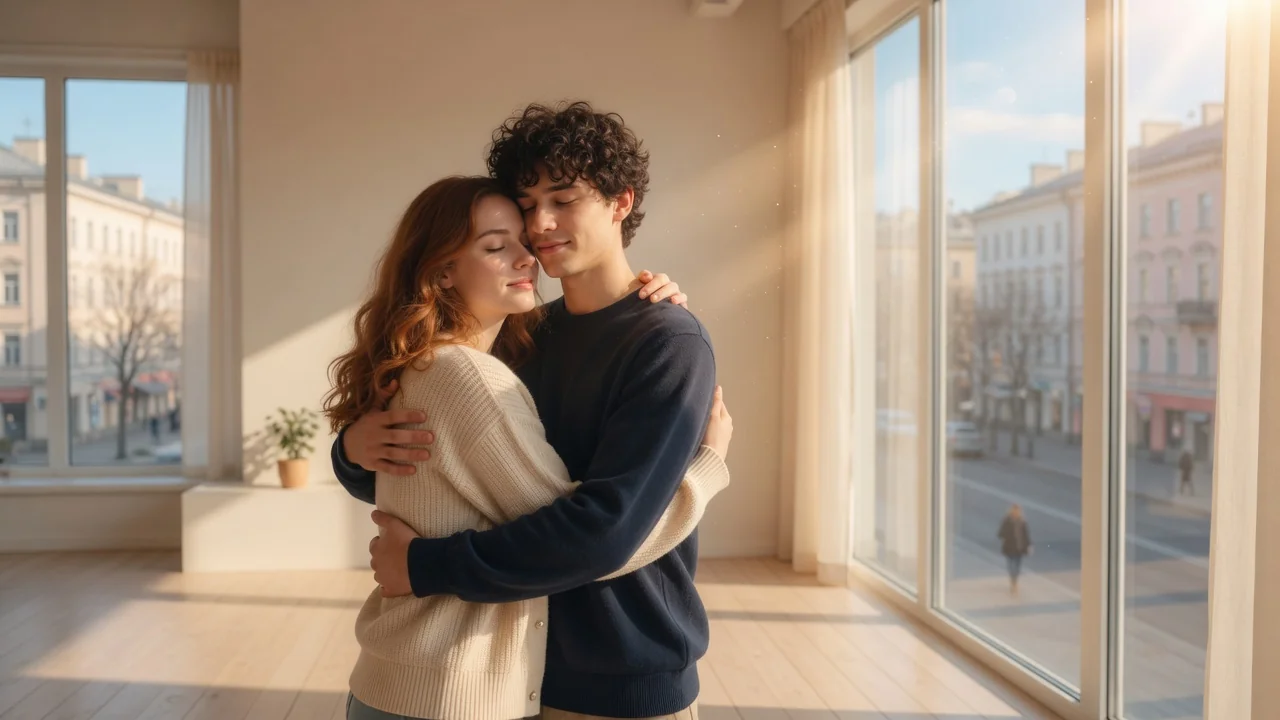
미리보기video

AI Hug

Create AI hug videos from a reference photo with natural motion and emotional framing.

이미지 업로드

PNG, JPG, WebP 최대 10MB

사용 방법

AI 포옹 사용 방법

1

Upload a photo of one or two people

Upload a couple photo with both subjects visible for a two-person hug. A single portrait can also generate a solo hug motion with an AI-synthesized second subject.

2

The model renders a warm cinematic hug

Seedance 2.0 or Sora 2 generates natural eye contact, soft body lean, and warm lighting matched to the scene. No additional prompt is needed for a natural result.

3

Download for milestones or social content

Submit the job. Download the 4–6 second clip for Valentine's Day, family milestone, reunion-day social content, or a heartfelt personalized greeting.

선택 이유

AI Pin Maker 비디오 도구를 사용하는 이유

워크플로 우선 구성

각 페이지는 하나의 사용자 작업을 필요한 비디오 입력과 모델군에 연결합니다.

모델 적합도

실시간 엔드포인트 태그로 검증된 기본 이미지-비디오 경로이며 짧은 바이럴 효과에 맞게 조정되었습니다.

실행 가능한 도구

사용 가능 도구는 AI Pin Maker 비디오 생성 워크스페이스에 연결됩니다.

연결된 경로

관련 비디오 도구로 효과에서 편집, 음악, 제작 워크플로까지 이어갈 수 있습니다.

FAQ

비디오 도구 FAQ

Can I generate a hug video from a single person's photo?
Yes — upload a single portrait and the model will synthesize a second subject for the hug sequence. For a specific real person-to-person hug, upload a couple or group photo instead.
What emotional tone do the hug videos have?
The default prompt produces a warm, cinematic reunion or affection hug — not dramatic or comedic. The framing and lighting lean toward emotional sincerity, making clips suitable for anniversary posts, family milestones, or heartfelt social content.
How realistic is the body and facial motion in the hug?
Seedance 2.0 and Sora 2 both handle the subtle interplay of leaning, pressing close, and arm movement with high physical plausibility — avoiding the stiff or puppet-like motion seen in earlier animation tools.
Is the generated hug clip suitable for looping on social media?
Most output clips are 4–6 seconds and end on a held pose that loops visually. For tighter looping, trim the last frame in any video editor before posting to Instagram or TikTok.

관련 도구

다른 비디오 도구 보기

Original AI-generated cover art for the ai kissing video generator tool, cinematic horizontal scene
Image to Videovideo
비디오 효과사용 가능

AI 키스 영상 생성기

사진이나 텍스트로 로맨틱한 AI 키스 영상을 만드세요. 타입 프리셋으로 자연스러운 커플 동작을 연출해 달콤한 숏폼을 완성합니다.
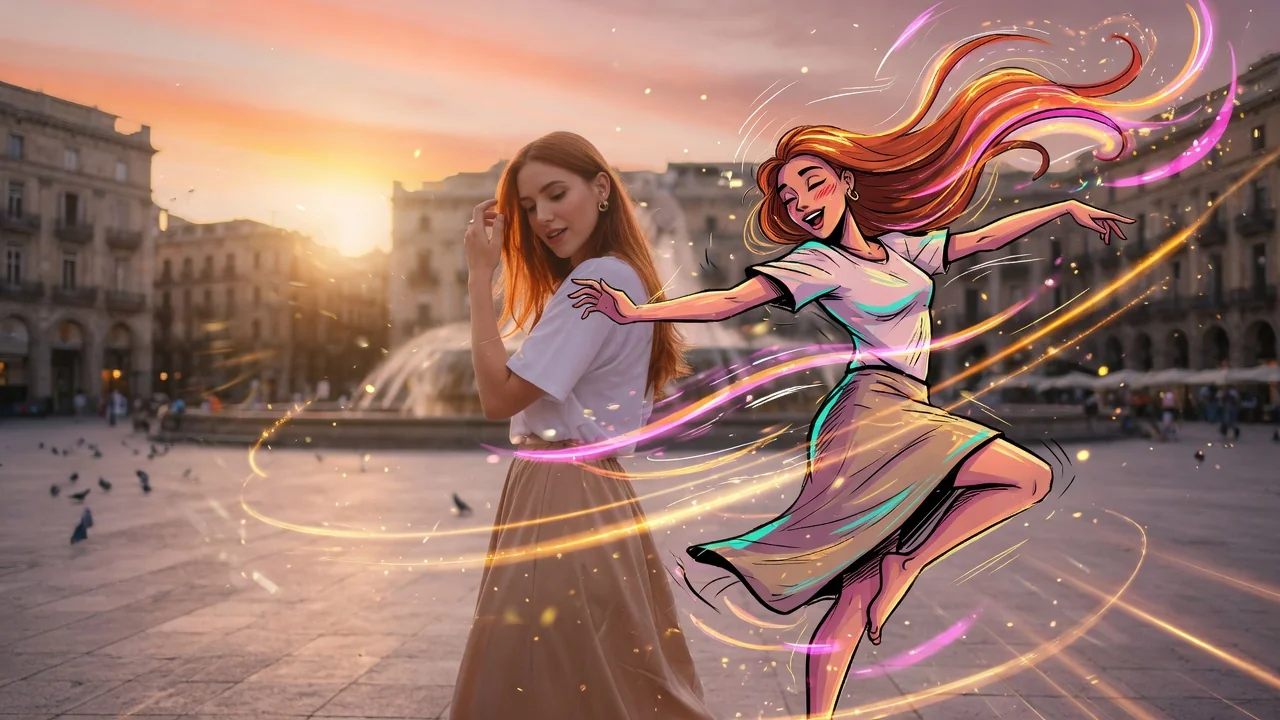
kissingcoupleromance
이미지도구 열기
Original AI-generated cover art for the ai dance generator tool, cinematic horizontal scene
Image to Videovideo
비디오 효과사용 가능

AI 댄스 영상 생성기

사진 한 장으로 재미있는 AI 댄스 영상을 만드세요. 자연스러운 움직임과 리듬을 더해 편집 없이 틱톡·릴스·쇼츠에 올릴 수 있습니다.

dancephoto-animationtiktok
이미지도구 열기
Original AI-generated cover art for the image to video generator tool, cinematic horizontal scene
Image to Videovideo
제작 도구사용 가능

이미지 영상 변환기

정지 이미지를 자연스러운 카메라 움직임의 AI 숏폼으로. 검증된 이미지 투 비디오 모델로 사진에 생명을 불어넣어 SNS 영상을 만드세요.

image-to-videoanimationsocial-video
이미지도구 열기