AI Pin Maker
문의하기
동영상 효과전체 동영상 도구

Pro로 업그레이드

고급 기능과 더 빠른 생성 속도를 잠금 해제하세요.

지금 업그레이드

© 2026 AI Pin Maker
창작을 더 가까이

템플릿이미지 생성이미지 리믹스동영상 생성이미지 애니메이션만능 참조동영상 편집음악 생성생성 기록이미지 효과형식 변환전체 이미지 도구동영상 효과전체 동영상 도구새 Pin템플릿내 핀쇼케이스나의 추억관베이비 앨범펫 앨범커플 앨범성장 앨범AI 이모티콘크레딧가격설정
AI 비디오 도구/이미지 영상

비디오 도구

이미지 영상 변환기

정지 이미지를 자연스러운 카메라 움직임의 AI 숏폼으로. 검증된 이미지 투 비디오 모델로 사진에 생명을 불어넣어 SNS 영상을 만드세요.
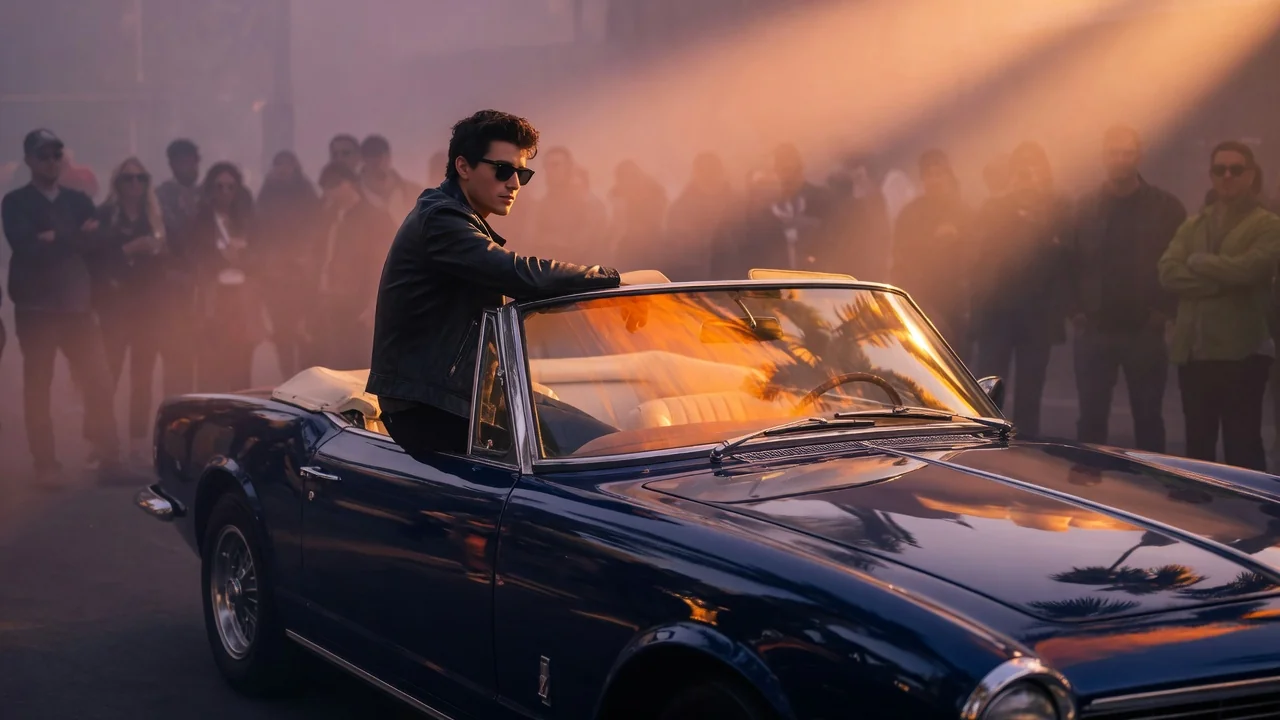
미리보기video

Image to Video

Animate still images into short AI videos with verified image-to-video models.

이미지 업로드

PNG, JPG, WebP 최대 10MB

사용 방법

이미지 영상 사용 방법

1

Upload your image

Upload a JPEG, PNG, or WebP image. Portrait, landscape, and product shots all work. Clear subjects with defined edges animate most naturally.

2

Write a motion prompt

Describe how the scene should move — camera direction, subject action, and depth cues (e.g. "slow dolly in with bokeh depth") help Seedance 2.0, Kling v3, Veo 3.1 Fast, or Sora 2 interpret intent. Leave blank for ambient motion inferred from the image.

3

Generate and download

Submit the job. Your 4–6 second HD clip appears in the history page. Switch models to compare outputs at no extra input cost.

선택 이유

AI Pin Maker 비디오 도구를 사용하는 이유

워크플로 우선 구성

각 페이지는 하나의 사용자 작업을 필요한 비디오 입력과 모델군에 연결합니다.

모델 적합도

실시간 엔드포인트 태그로 검증된 기본 이미지-비디오 경로이며 짧은 바이럴 효과에 맞게 조정되었습니다.

실행 가능한 도구

사용 가능 도구는 AI Pin Maker 비디오 생성 워크스페이스에 연결됩니다.

연결된 경로

관련 비디오 도구로 효과에서 편집, 음악, 제작 워크플로까지 이어갈 수 있습니다.

사용 사례

이 비디오를 사용할 곳

마케팅 클립

제품, 시즌, 이벤트 출시를 위한 짧은 캠페인 영상을 만듭니다.

소셜 게시물

세로형 훅, 리액션 클립, 밈에 적합한 효과를 제작합니다.

교육

예시와 단계 설명을 짧은 시각 교육 클립으로 바꿉니다.

FAQ

비디오 도구 FAQ

What is the difference between image-to-video and a photo animation filter?
Unlike app filters that apply a preset wiggle or zoom, the image-to-video pipeline uses a video diffusion model that reads scene depth, subject anatomy, and implied physics from the image — producing natural camera arcs, realistic cloth sway, and coherent background parallax across the full clip.
Which AI models are available for image-to-video generation?
You can route to Seedance 2.0, Kling v3, Veo 3.1 Fast, or Sora 2. Each model interprets motion differently: Seedance excels at photographic realism, Kling at stylized motion, Veo at fast turnaround, and Sora at cinematic coherence across longer clips.
How long will my generated video be?
Most routes produce a 4–6 second clip by default. Some model routes support extended durations; check the model selector after upload to see available length options for your chosen model.
Do I need a detailed prompt for good results?
A short directional cue helps — for example "slow dolly in with bokeh depth" or "subject turns to face camera." Leaving the prompt blank lets the model guess motion intent from the image alone, which works well for simple portrait or landscape shots.

관련 도구

다른 비디오 도구 보기

Original AI-generated cover art for the text to video generator tool, cinematic horizontal scene
Text to Videovideo
제작 도구사용 가능

텍스트 영상 변환기

텍스트 프롬프트로 AI 영상을 생성. 모델·화면 비율·길이·카메라 방향까지 제어해 글만으로 영화 같은 영상을 만들어 보세요.
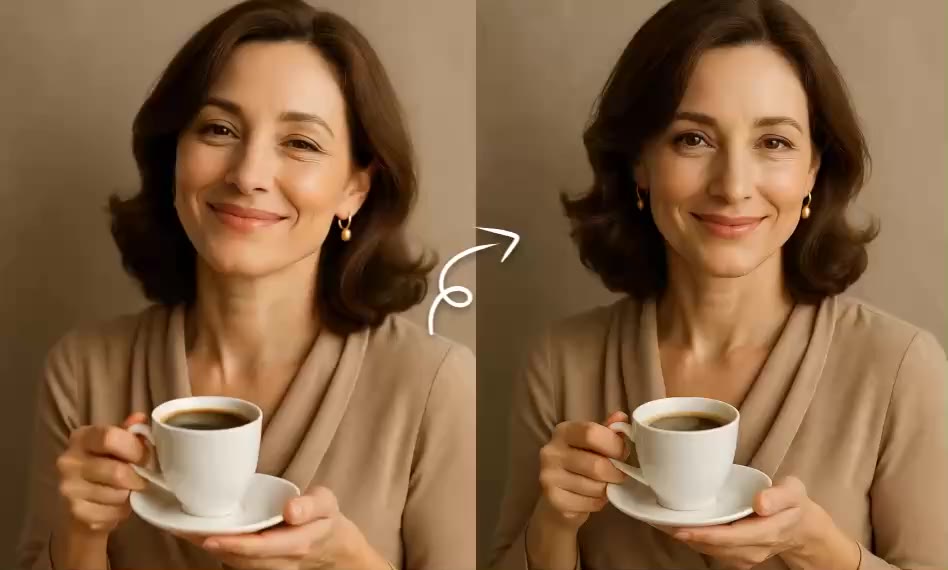
text-to-videopromptcamera-motion
프롬프트도구 열기
ai-image-animator poster
Image to Videovideo
제작 도구사용 가능

AI 이미지 애니메이터

짧은 AI 애니메이션으로 정지 이미지에 생동감을. 사진과 작품에 은은하고 자연스러운 움직임을 더해 눈길을 끄는 SNS 영상을 만드세요.
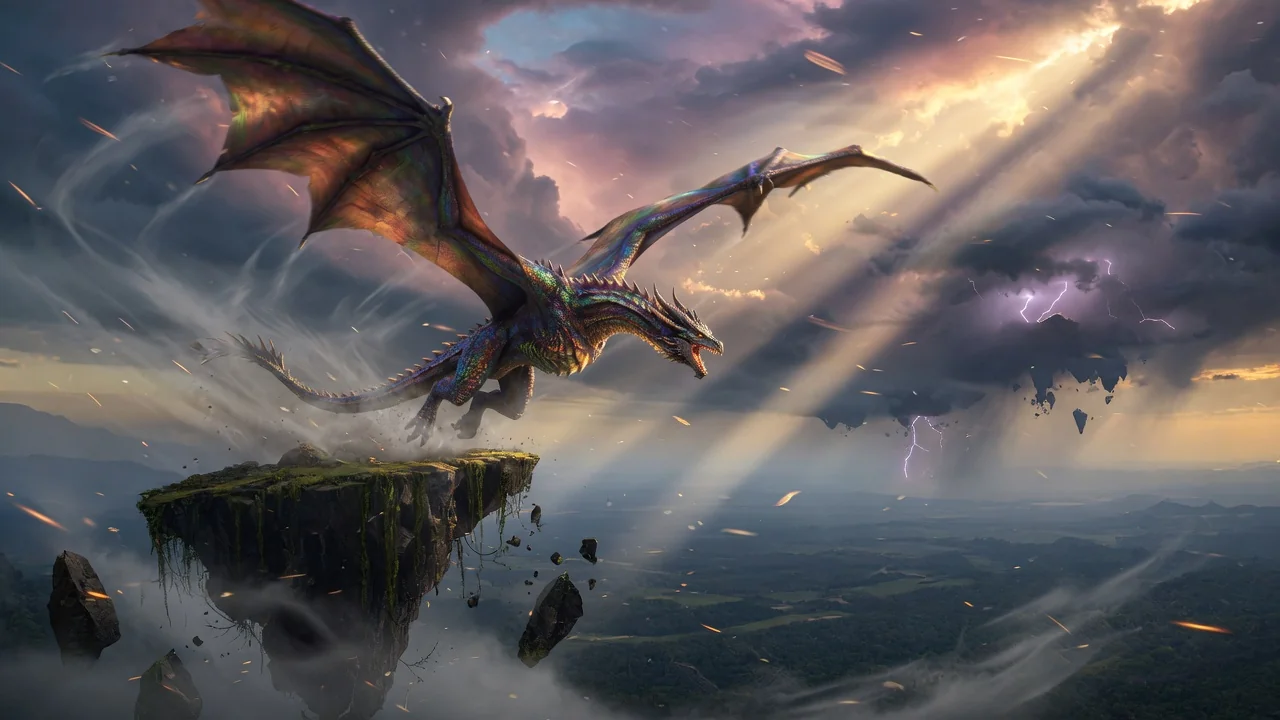
image-animatorphoto-animationimage-to-video
이미지도구 열기
Original AI-generated cover art for the ai video generator tool, cinematic horizontal scene
Image to Videovideo
제작 도구사용 가능

AI 영상 생성기

이미지나 텍스트로 고품질 AI 영상을 생성. 영화 같은 움직임과 일관된 결과를 제공하는 이미지 투 비디오 워크플로의 다재다능한 시작점.

ai-videogeneratorimage-to-video
이미지도구 열기