AI Pin Maker
문의하기
동영상 효과전체 동영상 도구

Pro로 업그레이드

고급 기능과 더 빠른 생성 속도를 잠금 해제하세요.

지금 업그레이드

© 2026 AI Pin Maker
창작을 더 가까이

템플릿이미지 생성이미지 리믹스동영상 생성이미지 애니메이션만능 참조동영상 편집음악 생성생성 기록이미지 효과형식 변환전체 이미지 도구동영상 효과전체 동영상 도구새 Pin템플릿내 핀쇼케이스나의 추억관베이비 앨범펫 앨범커플 앨범성장 앨범AI 이모티콘크레딧가격설정
AI 비디오 도구/AI 댄스

AI 비디오 효과

AI 댄스 영상 생성기

사진 한 장으로 재미있는 AI 댄스 영상을 만드세요. 자연스러운 움직임과 리듬을 더해 편집 없이 틱톡·릴스·쇼츠에 올릴 수 있습니다.
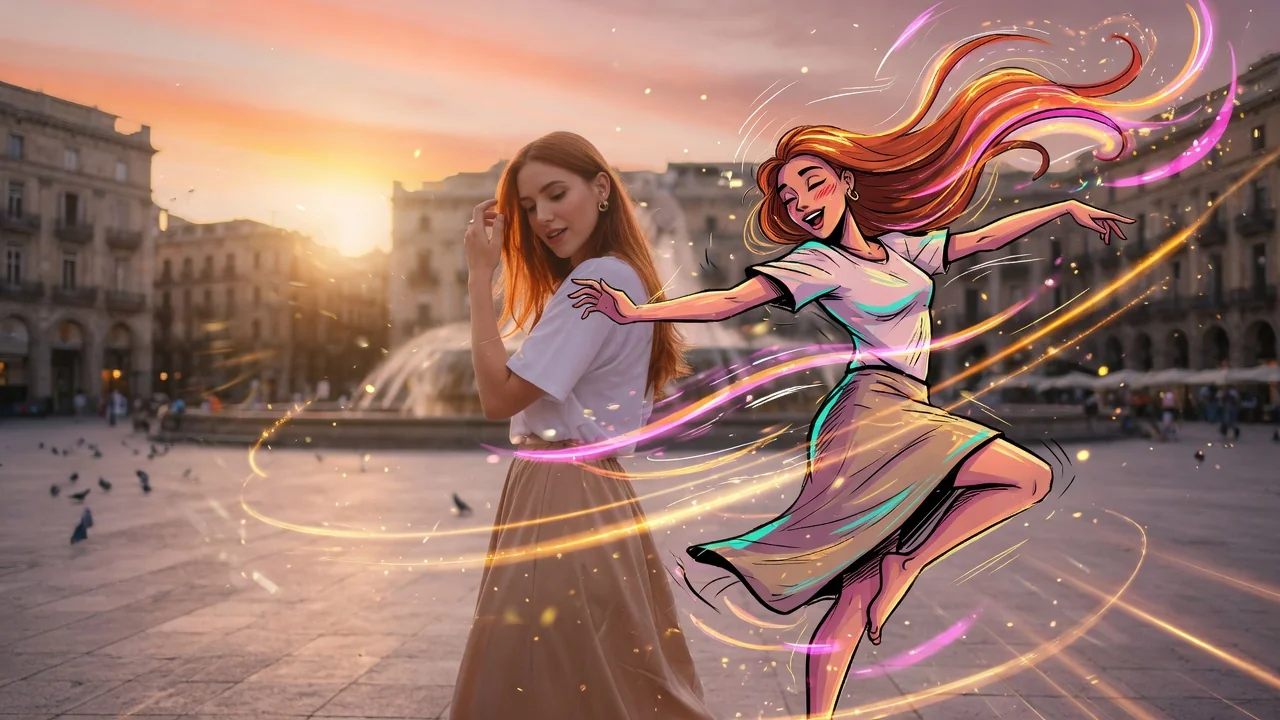
미리보기video

AI Dance

Turn a still photo into a dance video without pretending to support motion-transfer video references.

이미지 업로드

PNG, JPG, WebP 최대 10MB

사용 방법

AI 댄스 사용 방법

1

Upload a photo of the person to animate

Upload a photo of the person you want to see dancing. Standing or three-quarter body shots facing forward work best — they give the model the most limb geometry for natural movement.

2

Describe the dance style or leave it to the AI

Add a prompt for a specific style — "hip-hop bounce step," "slow waltz," "K-pop idol stage energy." Leave it blank and the model generates a natural confident dance matched to social media pacing.

3

Download and share to TikTok or Reels

Submit the job. Seedance 2.0, Runway, or PixVerse generates a 4–6 second vertical dance clip ready for direct upload to TikTok, Instagram Reels, or YouTube Shorts.

선택 이유

AI Pin Maker 비디오 도구를 사용하는 이유

워크플로 우선 구성

각 페이지는 하나의 사용자 작업을 필요한 비디오 입력과 모델군에 연결합니다.

모델 적합도

실시간 엔드포인트 태그로 검증된 기본 이미지-비디오 경로이며 짧은 바이럴 효과에 맞게 조정되었습니다.

실행 가능한 도구

사용 가능 도구는 AI Pin Maker 비디오 생성 워크스페이스에 연결됩니다.

연결된 경로

관련 비디오 도구로 효과에서 편집, 음악, 제작 워크플로까지 이어갈 수 있습니다.

FAQ

비디오 도구 FAQ

Do I need to provide a reference dance video to define the moves?
No. The AI generates dance motion directly from the still photo, producing natural body movement without requiring a motion-transfer source clip. For specific choreography, describe the style in the prompt (e.g., "hip-hop bounce step" or "slow waltz").
What types of photos produce the best dance animations?
Standing or three-quarter body shots with the subject facing forward and arms at sides give the model the most room to generate natural limb motion. Seated, heavily layered, or tightly cropped images limit the range of movement.
Is the dance clip output sized for TikTok and Reels?
Yes — the output is generated in 9:16 vertical format optimized for TikTok, Reels, and Shorts. Clip length is typically 4–6 seconds, matching the standard loop length for viral short-form dance content.
Can I animate a cartoon or illustrated character instead of a real photo?
Yes. The model handles illustrated and stylized subjects alongside photographic portraits. PixVerse tends to preserve illustration art style better than photo-tuned models for character animations.

관련 도구

다른 비디오 도구 보기

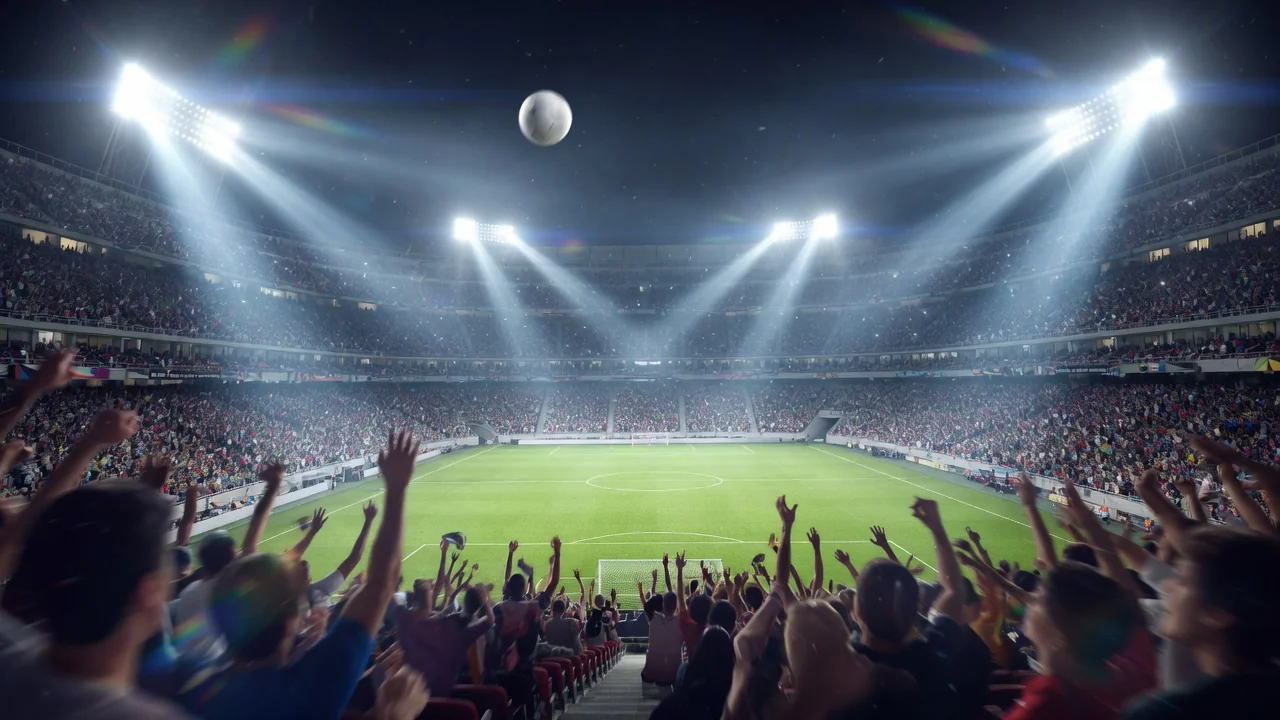
Original AI-generated cover art for the ai world cup 2026 tool, cinematic horizontal scene
Image to Videovideo
비디오 효과사용 가능

월드컵 2026 AI 영상

화제의 월드컵 2026 트렌드에 동참하세요. 인물 사진을 생생한 중계 스타일 응원 영상으로 만들어 틱톡·릴스에 바로 올릴 수 있습니다.
world-cupsportsviral
이미지도구 열기
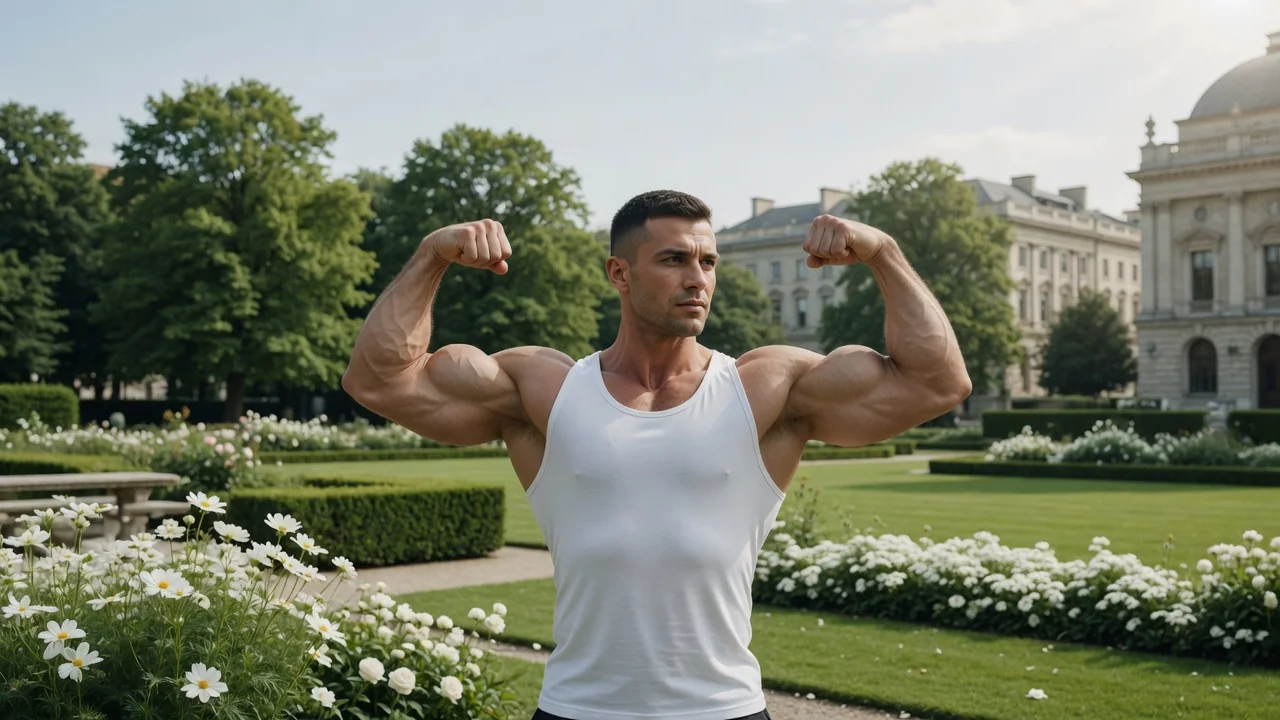
Original AI-generated cover art for the ai muscle generator tool, cinematic horizontal scene
Image to Videovideo
비디오 효과사용 가능

AI 근육 영상 생성기

인물 사진을 짧은 AI 근육 변신 영상으로. 비포·애프터 몸 변화를 보여주며 재미있는 바이럴 피트니스 콘텐츠를 만들어 보세요.
muscletransformationviral
이미지도구 열기
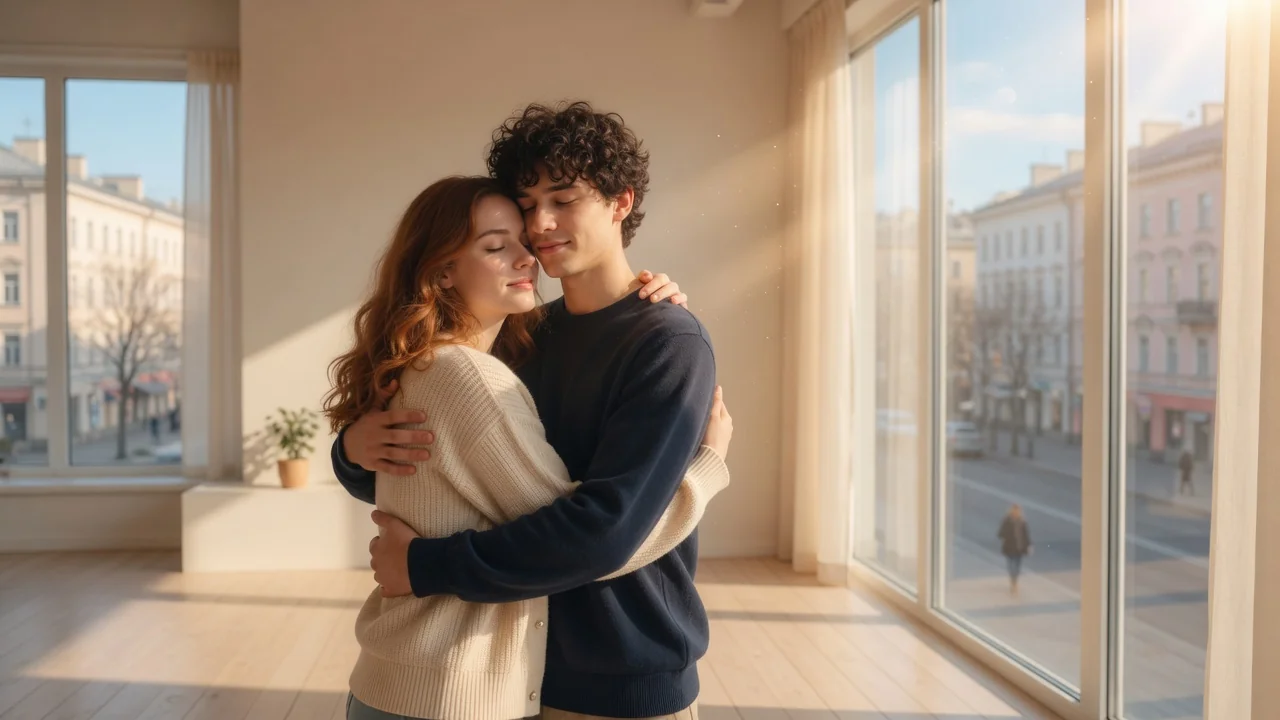
Original AI-generated cover art for the ai hug video generator tool, cinematic horizontal scene
Image to Videovideo
비디오 효과사용 가능

AI 포옹 영상 생성기

참조 사진으로 따뜻한 AI 포옹 영상을 만드세요. 자연스러운 움직임과 감성적인 구도로 가족·연인을 위한 뭉클한 영상을 완성합니다.

hugemotioncouple
이미지도구 열기