AI Pin Maker
お問い合わせ
動画エフェクトすべての動画ツール

Pro にアップグレード

高度な機能とより速い生成速度を解放します。

今すぐアップグレード

© 2026 AI Pin Maker
創造をもっと身近に

テンプレート画像生成画像リミックス動画生成画像アニメ化万能リファレンス動画編集音楽生成生成履歴画像エフェクトフォーマット変換すべての画像ツール動画エフェクトすべての動画ツール新規 Pinテンプレートマイピン作品ショーケース思い出ギャラリーベビーアルバムペットアルバムカップルアルバム成長アルバムAI スタンプクレジット料金設定
AI動画ツール/テキスト→動画

動画ツール

テキスト→動画ジェネレーター

テキストプロンプトからAI動画を生成。モデルやアスペクト比、長さ、カメラの動きを細かく指定し、言葉だけで映画的なクリップを。
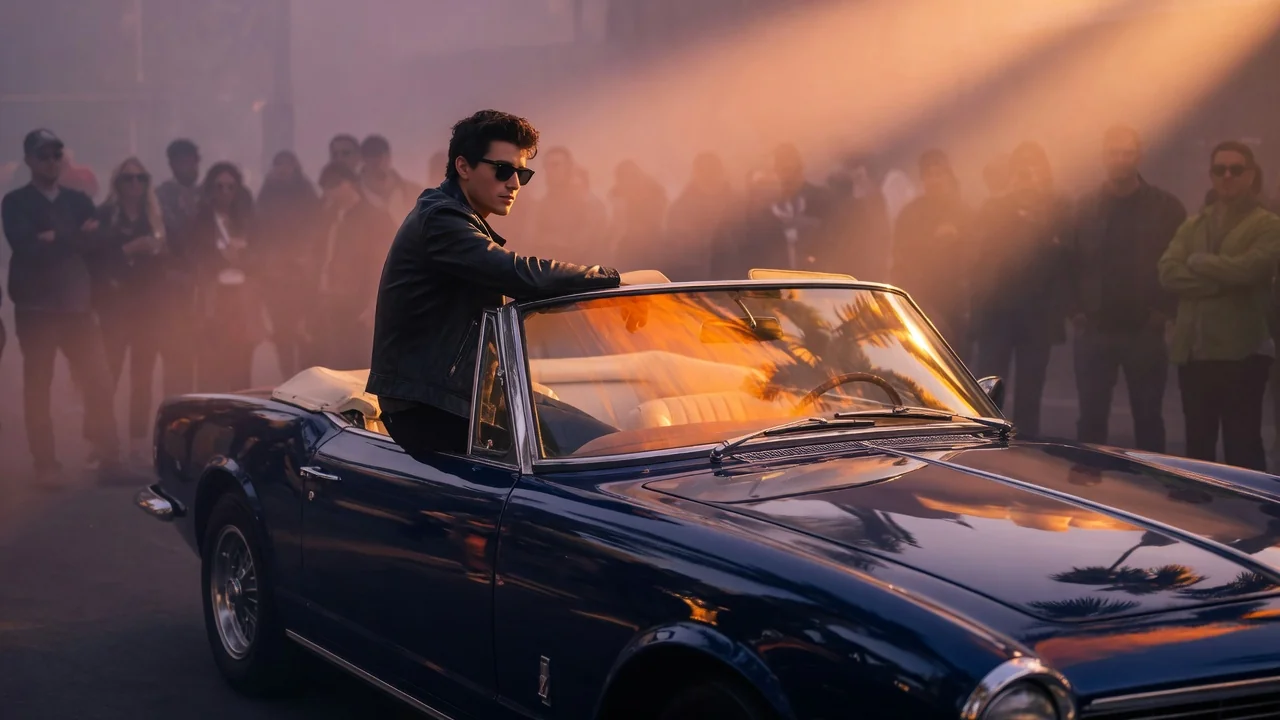
プレビューvideo

Text to Video

Turn prompts into AI videos with model selection, aspect ratio, duration, and camera direction.

使い方

テキスト→動画の使い方

1

Write your scene description

Type a prompt describing subject, environment, camera movement, and mood. "A cherry blossom tree swaying in wind, slow tilt-up, golden hour" produces better results than vague descriptions.

2

Choose model, aspect ratio, and duration

Select Wan 2.6, Seedance 2.0, Kling v3, or Sora 2. Pick aspect ratio — 9:16 for Shorts/Reels, 16:9 for YouTube, 1:1 for feed posts — and clip duration (4–10 seconds depending on model).

3

Submit and iterate

Submit the generation job. Your clip appears in the history page. Download or refine the prompt and re-submit to iterate — no source footage is ever needed.

選ぶ理由

AI Pin Maker動画ツールを使う理由

ワークフロー優先

各ページは1つのユーザー目的を必要な動画入力とモデル群に対応させます。

モデル適合

ライブエンドポイントのタグで検証済みのテキストから動画の標準ルートで、幅広い比率と長さに対応します。

実行可能なツール

利用可能なツールはAI Pin Makerの動画生成ワークスペースに接続します。

接続されたルート

関連動画ツールでエフェクトから編集、音楽、制作ワークフローへ続けられます。

ユースケース

これらの動画の使いどころ

マーケティングクリップ

商品、季節、イベント公開向けの短いキャンペーン映像を作ります。

SNS投稿

縦型フック、リアクションクリップ、拡散向けエフェクトを作ります。

教育

例や手順説明を短い視覚教材に変換します。

FAQ

動画ツールFAQ

How is text-to-video different from a video editor?
This is a fully generative tool — you start from a text description rather than existing footage. No camera, no actor, no footage library required. The AI renders every frame from scratch based on your prompt alone.
What aspect ratios and clip lengths are supported?
Available options depend on the selected model. Most routes cover 9:16 (vertical), 16:9 (horizontal), and 1:1 (square) formats, with clip lengths from 4 to 10 seconds. The model selector shows exact options before you submit.
Which model should I choose for social media content?
Seedance 2.0 and Wan 2.6 are popular for social-first content — Seedance for photorealistic motion, Wan for prompt fidelity and stylized scenes. For premium cinematic quality at longer lengths, Sora 2 produces the most coherent 10-second cuts.
Can I use a negative prompt to remove unwanted elements?
Yes — most model routes accept a negative prompt field that reduces unwanted artifacts, blurriness, or specific scene elements. Enter terms like "watermark, blurry, distorted" to steer the output toward cleaner results.

関連ツール

他の動画ツールを見る

Original AI-generated cover art for the image to video generator tool, cinematic horizontal scene
Image to Videovideo
制作ツール利用可能

画像→動画ジェネレーター

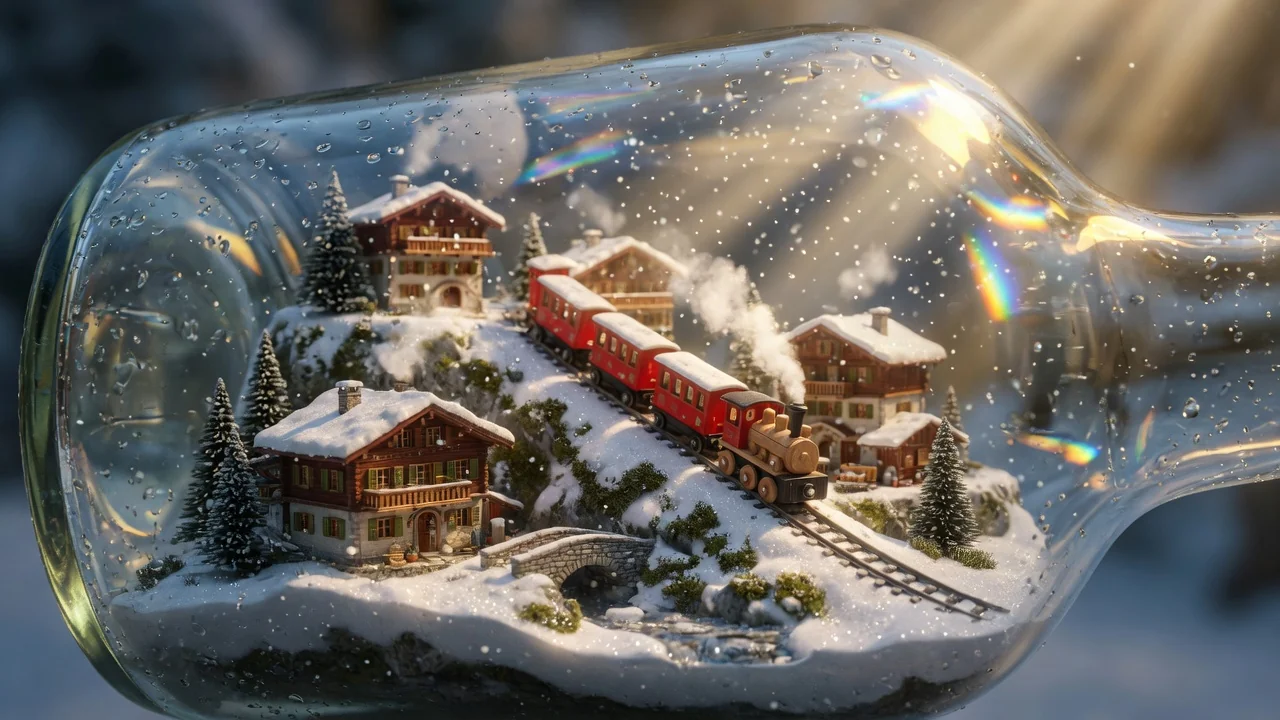
静止画を自然なカメラワーク付きの短いAI動画に。検証済みの画像→動画モデルで写真に命を吹き込み、SNS用クリップを作成。
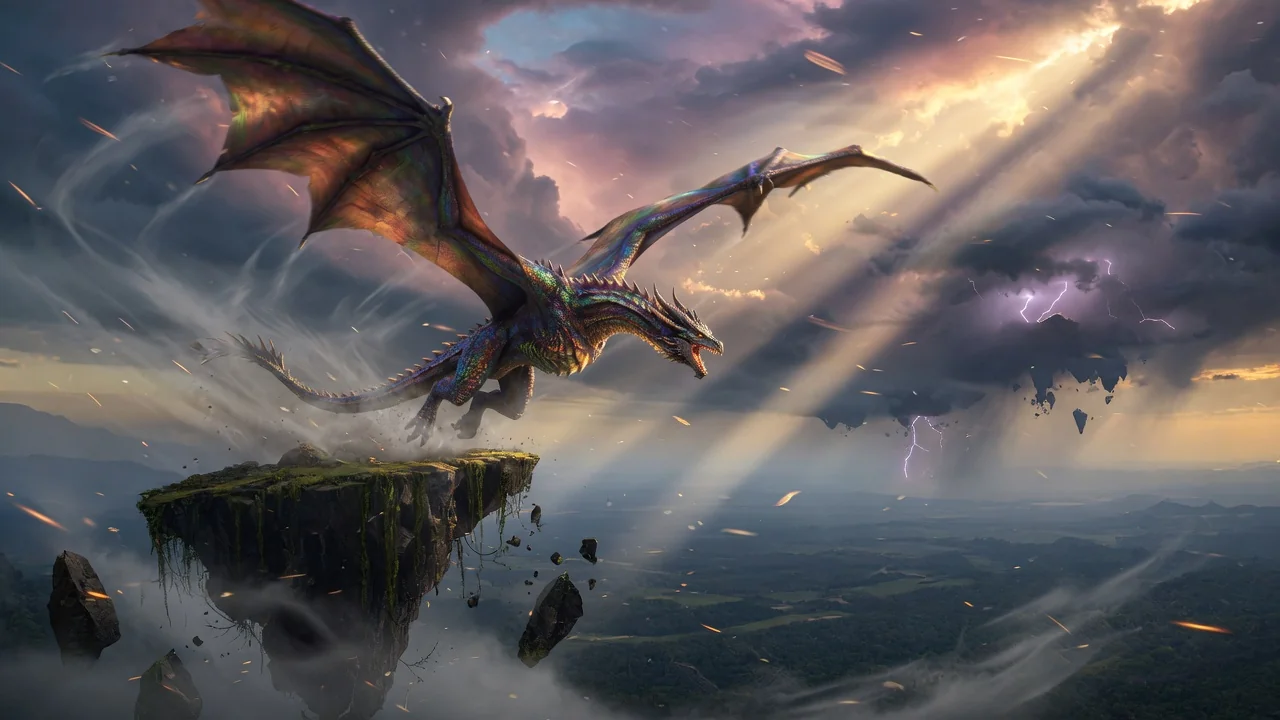
image-to-videoanimationsocial-video
画像ツールを開く
Original AI-generated cover art for the ai video generator tool, cinematic horizontal scene
Image to Videovideo
制作ツール利用可能

AI動画ジェネレーター

画像やテキストから高品質なAI動画を生成。映画的な動きと一貫した仕上がりを実現する、画像→動画ワークフローの多用途な入口。
ai-videogeneratorimage-to-video
画像ツールを開く
Original AI-generated cover art for the ai asmr generator tool, cinematic horizontal scene
Text to Videovideo
動画エフェクト利用可能

AI ASMR動画生成

テキストプロンプトから癒やしのAI ASMR動画を生成。音声重視の演出で、心地よく満たされるリラックス系の短編を作れます。

asmrtext-to-videoaudio
プロンプトツールを開く