AI Pin Maker
お問い合わせ
動画エフェクトすべての動画ツール

Pro にアップグレード

高度な機能とより速い生成速度を解放します。

今すぐアップグレード

© 2026 AI Pin Maker
創造をもっと身近に

テンプレート画像生成画像リミックス動画生成画像アニメ化万能リファレンス動画編集音楽生成生成履歴画像エフェクトフォーマット変換すべての画像ツール動画エフェクトすべての動画ツール新規 Pinテンプレートマイピン作品ショーケース思い出ギャラリーベビーアルバムペットアルバムカップルアルバム成長アルバムAI スタンプクレジット料金設定
AI動画ツール/画像→動画

動画ツール

画像→動画ジェネレーター

静止画を自然なカメラワーク付きの短いAI動画に。検証済みの画像→動画モデルで写真に命を吹き込み、SNS用クリップを作成。
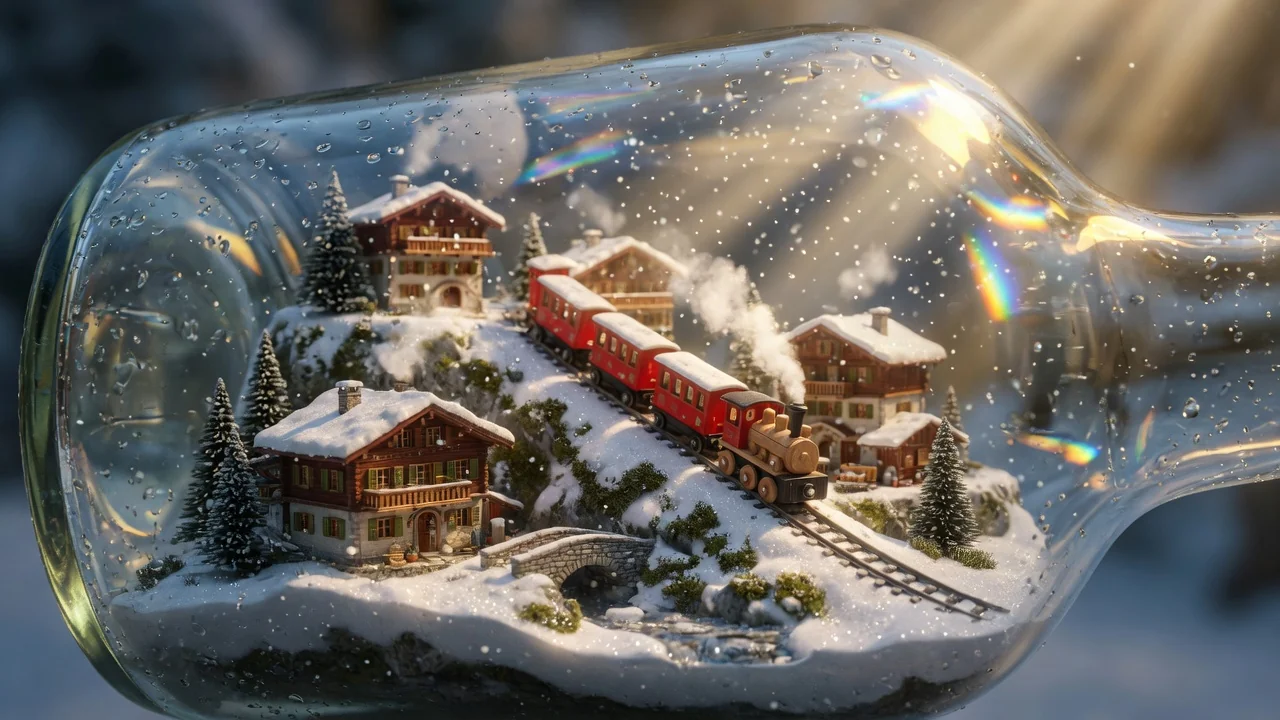
プレビューvideo

Image to Video

Animate still images into short AI videos with verified image-to-video models.

画像をアップロード

PNG、JPG、WebP、最大10MB

使い方

画像→動画の使い方

1

Upload your image

Upload a JPEG, PNG, or WebP image. Portrait, landscape, and product shots all work. Clear subjects with defined edges animate most naturally.

2

Write a motion prompt

Describe how the scene should move — camera direction, subject action, and depth cues (e.g. "slow dolly in with bokeh depth") help Seedance 2.0, Kling v3, Veo 3.1 Fast, or Sora 2 interpret intent. Leave blank for ambient motion inferred from the image.

3

Generate and download

Submit the job. Your 4–6 second HD clip appears in the history page. Switch models to compare outputs at no extra input cost.

選ぶ理由

AI Pin Maker動画ツールを使う理由

ワークフロー優先

各ページは1つのユーザー目的を必要な動画入力とモデル群に対応させます。

モデル適合

ライブエンドポイントのタグで検証済みの画像から動画の標準ルートで、短いバイラル効果向けに調整されています。

実行可能なツール

利用可能なツールはAI Pin Makerの動画生成ワークスペースに接続します。

接続されたルート

関連動画ツールでエフェクトから編集、音楽、制作ワークフローへ続けられます。

ユースケース

これらの動画の使いどころ

マーケティングクリップ

商品、季節、イベント公開向けの短いキャンペーン映像を作ります。

SNS投稿

縦型フック、リアクションクリップ、拡散向けエフェクトを作ります。

教育

例や手順説明を短い視覚教材に変換します。

FAQ

動画ツールFAQ

What is the difference between image-to-video and a photo animation filter?
Unlike app filters that apply a preset wiggle or zoom, the image-to-video pipeline uses a video diffusion model that reads scene depth, subject anatomy, and implied physics from the image — producing natural camera arcs, realistic cloth sway, and coherent background parallax across the full clip.
Which AI models are available for image-to-video generation?
You can route to Seedance 2.0, Kling v3, Veo 3.1 Fast, or Sora 2. Each model interprets motion differently: Seedance excels at photographic realism, Kling at stylized motion, Veo at fast turnaround, and Sora at cinematic coherence across longer clips.
How long will my generated video be?
Most routes produce a 4–6 second clip by default. Some model routes support extended durations; check the model selector after upload to see available length options for your chosen model.
Do I need a detailed prompt for good results?
A short directional cue helps — for example "slow dolly in with bokeh depth" or "subject turns to face camera." Leaving the prompt blank lets the model guess motion intent from the image alone, which works well for simple portrait or landscape shots.

関連ツール

他の動画ツールを見る

Original AI-generated cover art for the text to video generator tool, cinematic horizontal scene
Text to Videovideo
制作ツール利用可能

テキスト→動画ジェネレーター

テキストプロンプトからAI動画を生成。モデルやアスペクト比、長さ、カメラの動きを細かく指定し、言葉だけで映画的なクリップを。
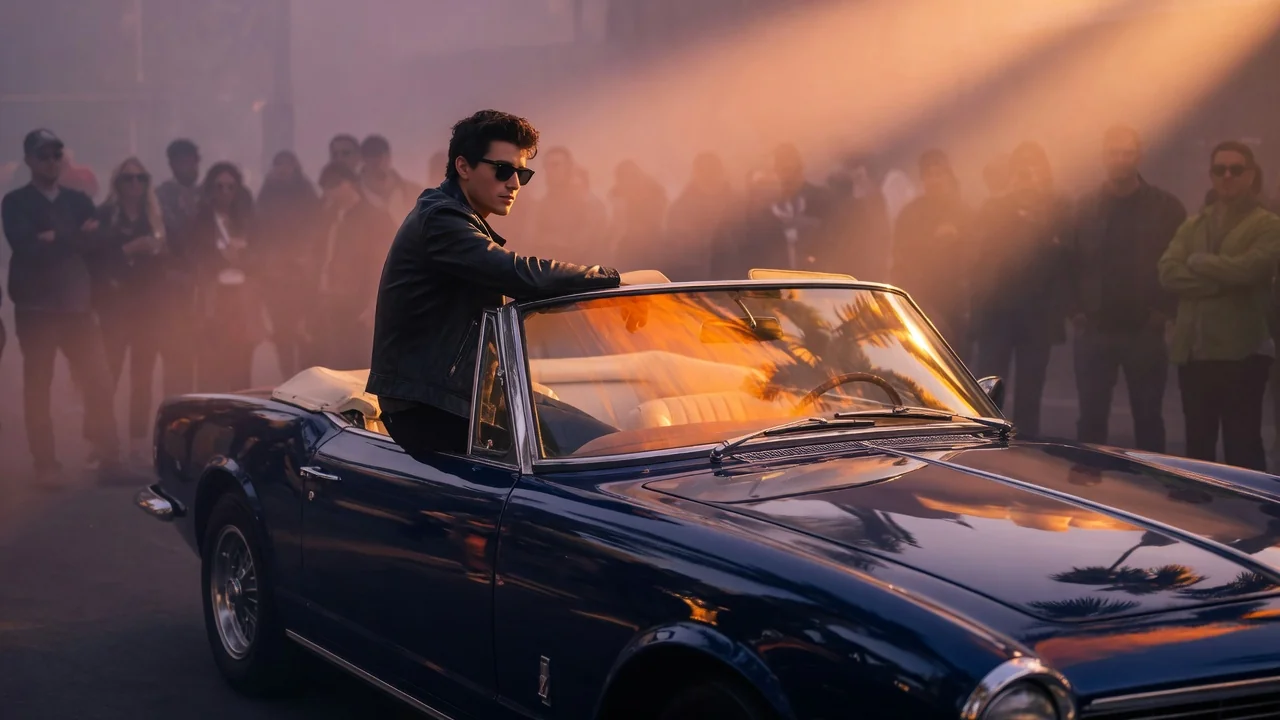
text-to-videopromptcamera-motion
プロンプトツールを開く
ai-image-animator poster
Image to Videovideo
制作ツール利用可能

AI画像アニメーター

短いAIアニメーションで静止画に命を。写真やアートにさりげなく自然な動きを加え、目を引くシェアしたくなるSNSクリップに。
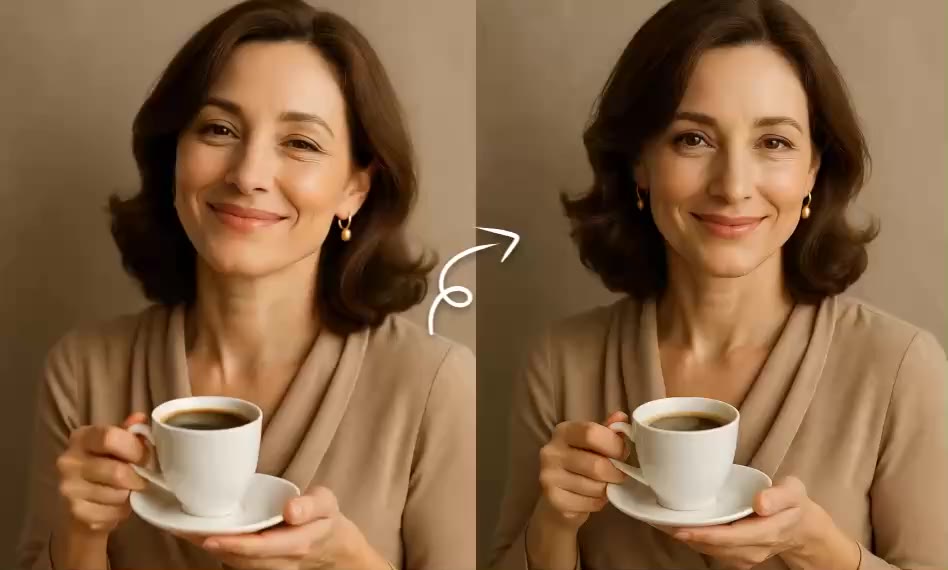
image-animatorphoto-animationimage-to-video
画像ツールを開く
Original AI-generated cover art for the ai video generator tool, cinematic horizontal scene
Image to Videovideo
制作ツール利用可能

AI動画ジェネレーター

画像やテキストから高品質なAI動画を生成。映画的な動きと一貫した仕上がりを実現する、画像→動画ワークフローの多用途な入口。

ai-videogeneratorimage-to-video
画像ツールを開く