
AI Pin Maker
お問い合わせ
動画エフェクトすべての動画ツール

Pro にアップグレード

高度な機能とより速い生成速度を解放します。

今すぐアップグレード

© 2026 AI Pin Maker
創造をもっと身近に

テンプレート画像生成画像リミックス動画生成画像アニメ化万能リファレンス動画編集音楽生成生成履歴画像エフェクトフォーマット変換すべての画像ツール動画エフェクトすべての動画ツール新規 Pinテンプレートマイピン作品ショーケース思い出ギャラリーベビーアルバムペットアルバムカップルアルバム成長アルバムAI スタンプクレジット料金設定
AI動画ツール/AI動画生成

動画ツール

AI動画ジェネレーター

画像やテキストから高品質なAI動画を生成。映画的な動きと一貫した仕上がりを実現する、画像→動画ワークフローの多用途な入口。

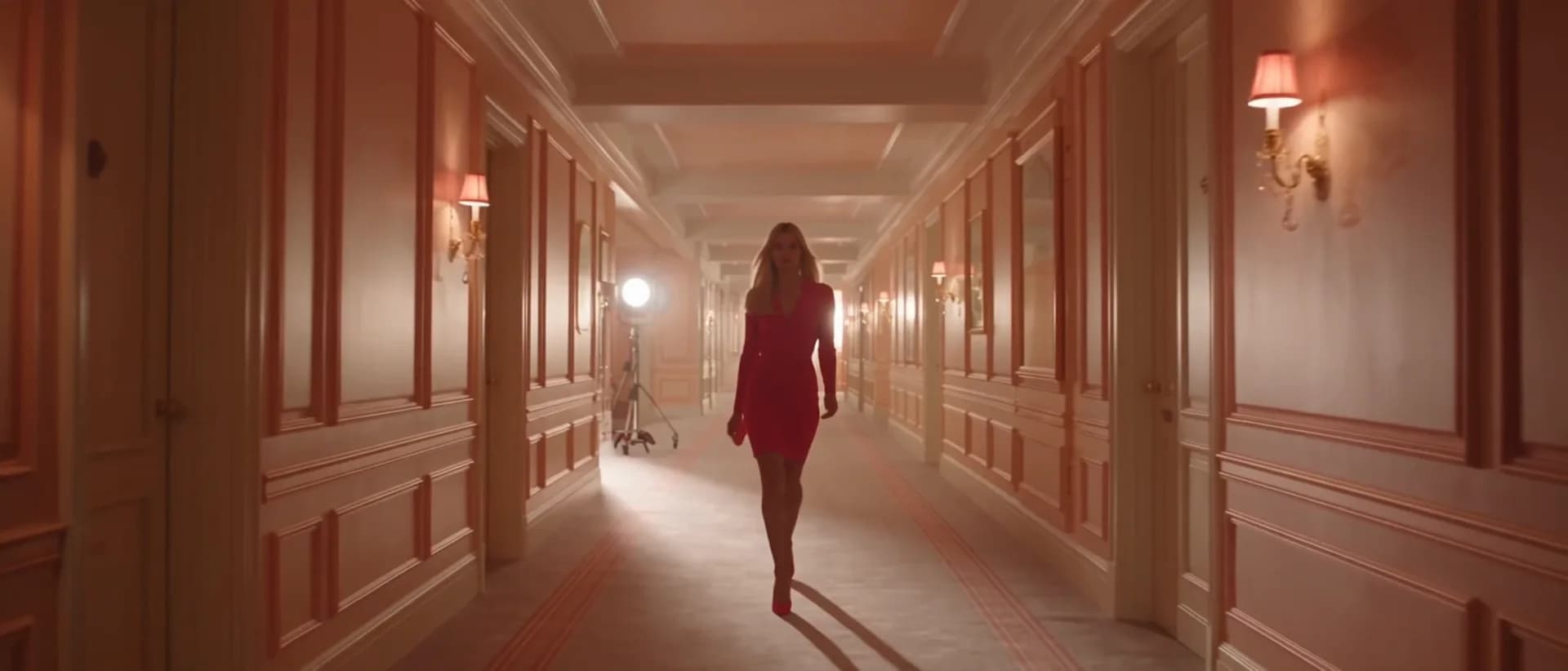
プレビューvideo

AI Video Generator

A general-purpose AI video generator entry point for image-to-video workflows.

画像をアップロード

PNG、JPG、WebP、最大10MB

使い方

AI動画生成の使い方

1

Upload your source image

Upload a portrait, landscape, or product photo. Clear subjects with defined edges animate most naturally. JPEG, PNG, and WebP are all accepted.

2

Let the system route to the best model

The generator automatically selects the best available model (Seedance 2.0, Kling v3, Veo 3.1 Fast, or Sora 2) based on image content and current queue load. Override manually from the model picker if needed.

3

Download from history

Submit the job. Your HD clip typically renders in under two minutes and appears in the history page ready for download or social media upload.

選ぶ理由

AI Pin Maker動画ツールを使う理由

ワークフロー優先

各ページは1つのユーザー目的を必要な動画入力とモデル群に対応させます。

モデル適合

ライブエンドポイントのタグで検証済みの画像から動画の標準ルートで、短いバイラル効果向けに調整されています。

実行可能なツール

利用可能なツールはAI Pin Makerの動画生成ワークスペースに接続します。

接続されたルート

関連動画ツールでエフェクトから編集、音楽、制作ワークフローへ続けられます。

ユースケース

これらの動画の使いどころ

マーケティングクリップ

商品、季節、イベント公開向けの短いキャンペーン映像を作ります。

SNS投稿

縦型フック、リアクションクリップ、拡散向けエフェクトを作ります。

教育

例や手順説明を短い視覚教材に変換します。

FAQ

動画ツールFAQ

What makes this an "AI video generator" rather than just a filter?
The pipeline uses large-scale video diffusion models trained on millions of real-world clips — enabling it to synthesize physically plausible motion, depth parallax, and lighting transitions rather than applying a pre-baked animation overlay to your image.
Do I need existing video footage to use this tool?
No. A single still image is all you need. The model infers scene depth, subject anatomy, and implied motion vectors from the image alone, then generates new video frames around that input.
How does automatic model routing work?
The system reads image resolution, content type (portrait vs. landscape vs. object), and queue load, then routes to the model with the best quality-to-speed tradeoff for that input. You can always override the selection manually from the model picker.
What output format does the generated video arrive in?
Videos are delivered as MP4 files with H.264 encoding, typically at a standard HD resolution (1280×720 or 1920×1080) suitable for web upload, social media post, or local download.

関連ツール

他の動画ツールを見る

Original AI-generated cover art for the image to video generator tool, cinematic horizontal scene
Image to Videovideo
制作ツール利用可能

画像→動画ジェネレーター

静止画を自然なカメラワーク付きの短いAI動画に。検証済みの画像→動画モデルで写真に命を吹き込み、SNS用クリップを作成。

image-to-videoanimationsocial-video
画像ツールを開く
Original AI-generated cover art for the text to video generator tool, cinematic horizontal scene
Text to Videovideo
制作ツール利用可能

テキスト→動画ジェネレーター

テキストプロンプトからAI動画を生成。モデルやアスペクト比、長さ、カメラの動きを細かく指定し、言葉だけで映画的なクリップを。

text-to-videopromptcamera-motion
プロンプトツールを開く
ai-image-animator poster
Image to Videovideo
制作ツール利用可能

AI画像アニメーター

短いAIアニメーションで静止画に命を。写真やアートにさりげなく自然な動きを加え、目を引くシェアしたくなるSNSクリップに。

image-animatorphoto-animationimage-to-video
画像ツールを開く