AI Pin Maker
お問い合わせ
動画エフェクトすべての動画ツール

Pro にアップグレード

高度な機能とより速い生成速度を解放します。

今すぐアップグレード

© 2026 AI Pin Maker
創造をもっと身近に

テンプレート画像生成画像リミックス動画生成画像アニメ化万能リファレンス動画編集音楽生成生成履歴画像エフェクトフォーマット変換すべての画像ツール動画エフェクトすべての動画ツール新規 Pinテンプレートマイピン作品ショーケース思い出ギャラリーベビーアルバムペットアルバムカップルアルバム成長アルバムAI スタンプクレジット料金設定
AI動画ツール/クリスマス動画

AI動画エフェクト

クリスマスAI動画メーカー

華やかなクリスマスAI動画を作成。グリーティングや短い広告、季節のSNS投稿に、温かなホリデーシーンと雪の魔法をプロンプト一つで。
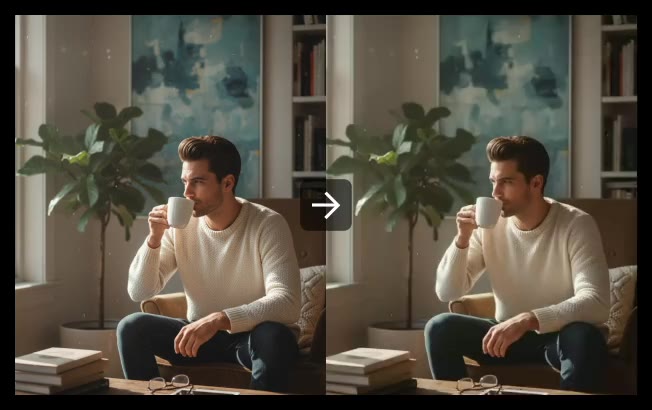
プレビューvideo

Christmas Video

Generate Christmas-themed AI videos for greetings, short ads, and seasonal social posts.

使い方

クリスマス動画の使い方

1

Describe your Christmas scene

Write a text prompt describing the setting, lighting mood, and any specific subject — "a Victorian living room with a lit fireplace, ornament tree, and snow outside the window, slow camera push-in" produces a unique result rather than a generic holiday scene.

2

Select aspect ratio for your platform

Choose 9:16 for Instagram Reels/TikTok/Stories, 1:1 for feed posts, or 16:9 for YouTube or email embeds. Select aspect ratio from the model settings panel before submitting.

3

Generate and use for seasonal content

Submit the job. Wan 2.6, Seedance 2.0, or Sora 2 renders a festive Christmas clip. Download and use it for Christmas cards, social greetings, short seasonal ads, or holiday event invitations.

選ぶ理由

AI Pin Maker動画ツールを使う理由

ワークフロー優先

各ページは1つのユーザー目的を必要な動画入力とモデル群に対応させます。

モデル適合

ライブエンドポイントのタグで検証済みのテキストから動画の標準ルートで、幅広い比率と長さに対応します。

実行可能なツール

利用可能なツールはAI Pin Makerの動画生成ワークスペースに接続します。

接続されたルート

関連動画ツールでエフェクトから編集、音楽、制作ワークフローへ続けられます。

FAQ

動画ツールFAQ

Do I need to provide footage or an image to use the Christmas video maker?
No — this is a text-to-video tool. You describe the scene in a prompt and the model generates the Christmas video from scratch. No source footage or image is required.
How can I make the Christmas video look more personal?
Add specific details to your prompt — "vintage ornament tree in a Victorian living room, fireplace glow, snow outside the window, slow camera push-in" — to get a unique result. For a personal touch with real faces, use the image-to-video or audio-to-video converter with a family photo instead.
What aspect ratio should I choose for a Christmas social post?
9:16 vertical for Instagram Reels, TikTok, and Stories; 1:1 square for feed posts; and 16:9 horizontal for YouTube or email embeds. Select aspect ratio from the model settings panel before submitting.
Can I download and use the video for commercial purposes?
AI-generated videos using this tool are generated fresh per session and are not derivative of licensed footage. Check the Terms of Service for the specific commercial use rights granted to your account tier.

関連ツール

他の動画ツールを見る

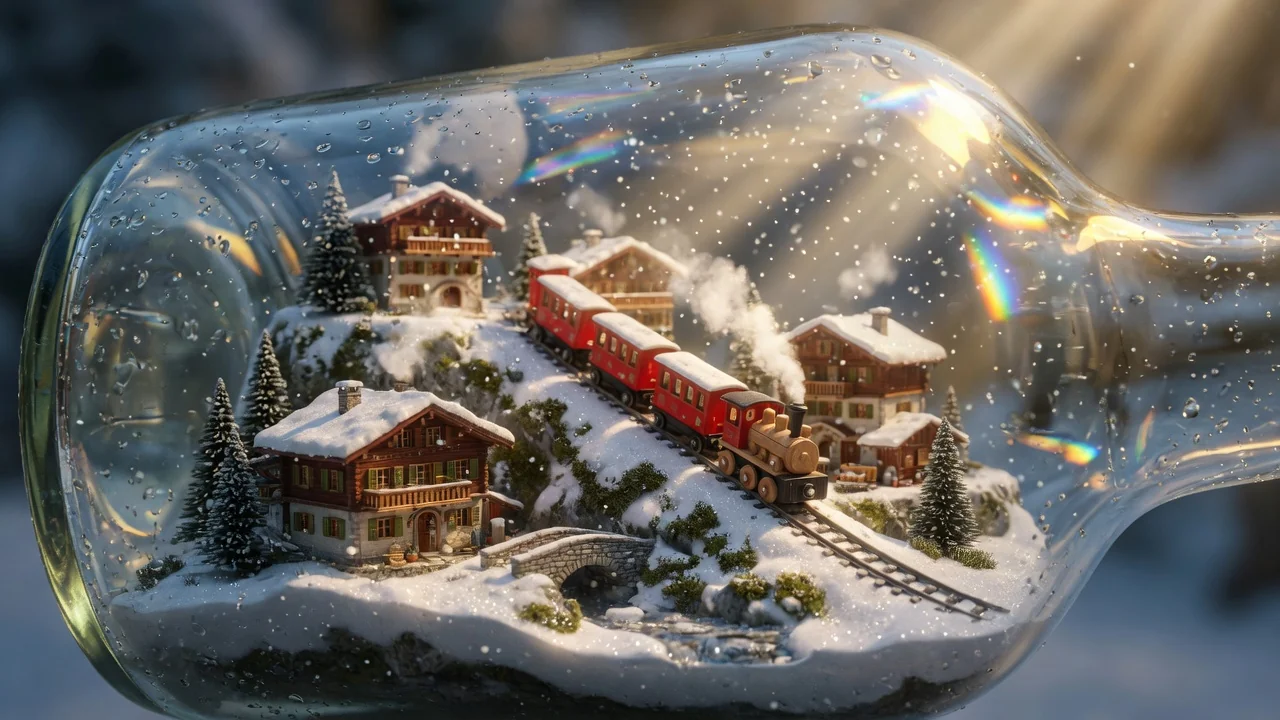
Original AI-generated cover art for the halloween video maker tool, cinematic horizontal scene
Text to Videovideo
動画エフェクト利用可能

ハロウィンAI動画メーカー

テキストプロンプトから不気味なハロウィンAI動画を作成。季節の投稿やパーティー招待に、数クリックで怪しい雰囲気と動きを。
halloweenseasonaltext-to-video
プロンプトツールを開く
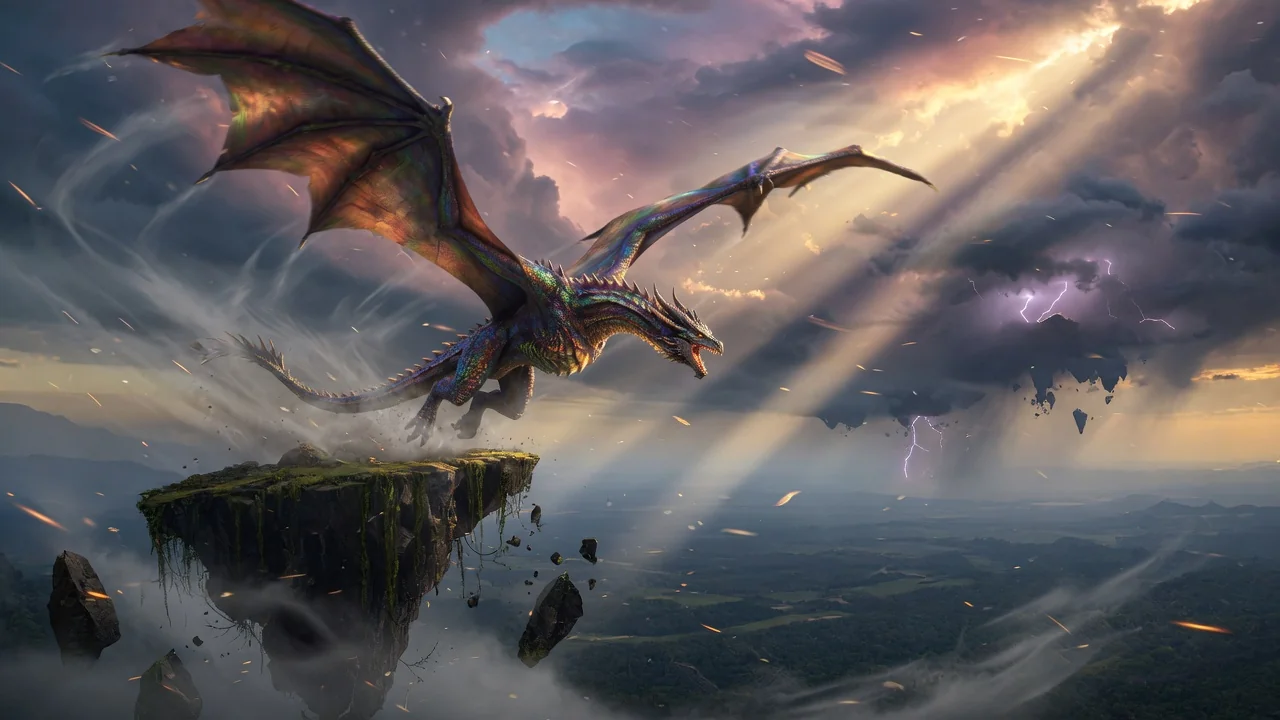
Original AI-generated cover art for the text to video generator tool, cinematic horizontal scene
Text to Videovideo
制作ツール利用可能

テキスト→動画ジェネレーター

テキストプロンプトからAI動画を生成。モデルやアスペクト比、長さ、カメラの動きを細かく指定し、言葉だけで映画的なクリップを。
text-to-videopromptcamera-motion
プロンプトツールを開く
Original AI-generated cover art for the ai video generator tool, cinematic horizontal scene
Image to Videovideo
制作ツール利用可能

AI動画ジェネレーター

画像やテキストから高品質なAI動画を生成。映画的な動きと一貫した仕上がりを実現する、画像→動画ワークフローの多用途な入口。

ai-videogeneratorimage-to-video
画像ツールを開く