
Step 1
Choose the pin type and finish
Choose the pin type and finish you want — hard enamel for a glossy, level surface, soft enamel for slightly recessed colors and a more textured feel, die-struck metal for a logo-only look.
An enamel pin generator is an AI-powered design tool that turns short text prompts into production-ready pin concepts with correct shape, plating, enamel fill, line weight, color count, and mockup context — ready to send to a manufacturer.
Generate Pin Ideas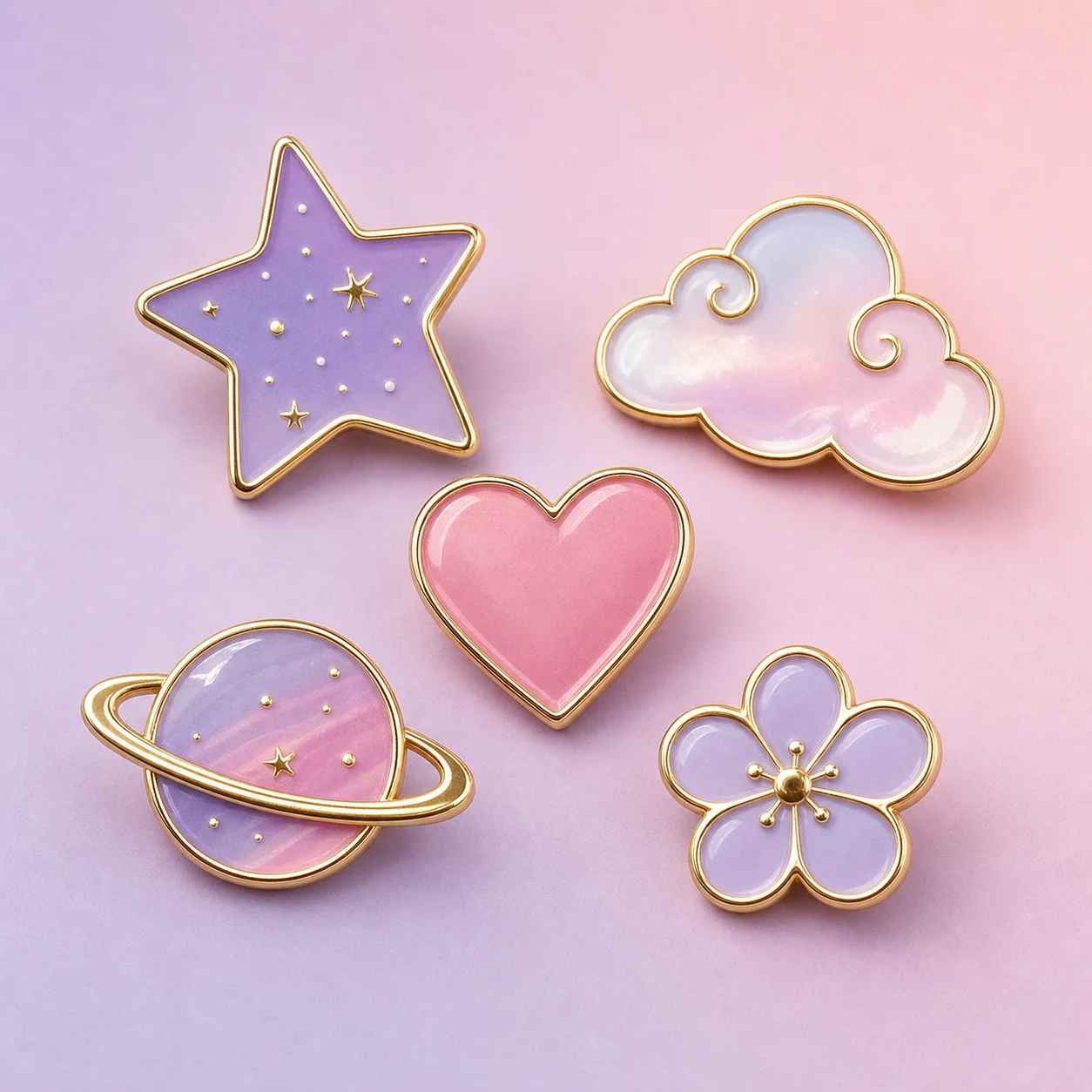
How it works
Step 1
Choose the pin type and finish you want — hard enamel for a glossy, level surface, soft enamel for slightly recessed colors and a more textured feel, die-struck metal for a logo-only look.
Step 2
Write the subject in one short sentence. Name the character, object, or symbol clearly; avoid stacking three motifs in one pin.
Step 3
Add manufacturing cues to the prompt: silver or gold plating, four to six enamel colors, thick outlines, screen-printable details, and roughly 1.5 inches across.
Step 4
Pick an art direction — chibi anime, retro 80s, line-art icon, mascot — and keep it consistent across a series.
Step 5
Review the result against production constraints: no fine gradients inside one enamel cell, no floating shapes without a metal border, no thin outlines under 0.3mm at scale.
Step 6
If a design passes review, generate a flat-lay mockup or jacket-collar mockup from the same prompt so the factory and your audience see it in context.
Why use it
Brainstorming a batch of pin directions for a merch drop or fan collection.
Pinning down a final design before paying a manufacturer for samples.
Producing quick mockups to test concepts with your audience.
FAQ
The workflow is tuned for enamel pin concepts, but the same visual planning helps stickers, patches, embroidered badges, and small merch artwork. The "bold silhouette, limited colors, thick outline" rules carry over almost directly.
A strong prompt names the subject, silhouette, enamel style (hard or soft), color count, border metal, plating finish, and the mockup context (flat lay, jacket lapel, gift box). Vague prompts like "cool pin" produce cluttered output that the factory cannot quote against.
Hard enamel is more durable and looks closer to a finished jewelry piece, but it costs a little more per unit and needs a tighter color separation. Soft enamel is cheaper, slightly tactile, and forgiving for first-time runs.
Yes — concepts generated for your own brand or fan project are yours to send to a manufacturer. Respect existing trademarks and licensed characters; the generator does not check IP for you.
Keep Exploring