AI Pin Maker
Contact us
Video EffectsAll Video Tools

Upgrade to Pro

Unlock advanced features and faster generation speed.

Upgrade now

© 2026 AI Pin Maker
Bring creativity within reach

TemplatesGenerate ImageRemix ImageGenerate VideoAnimate ImageAll-purpose ReferenceVideo EditGenerate MusicGeneration historyImage EffectsFormat ConverterAll Image ToolsVideo EffectsAll Video ToolsNew PinTemplatesMy PinsShowcaseMy MemoriesBaby albumPet albumCouple albumGrowth albumAI StickersCreditsPricingSettings
AI video tools/Face Swap Video

AI video effects

AI Video Face Swap

Swap faces in any video with AI for realistic, frame-consistent results. Preview the workflow now while the full video runtime rolls out soon.
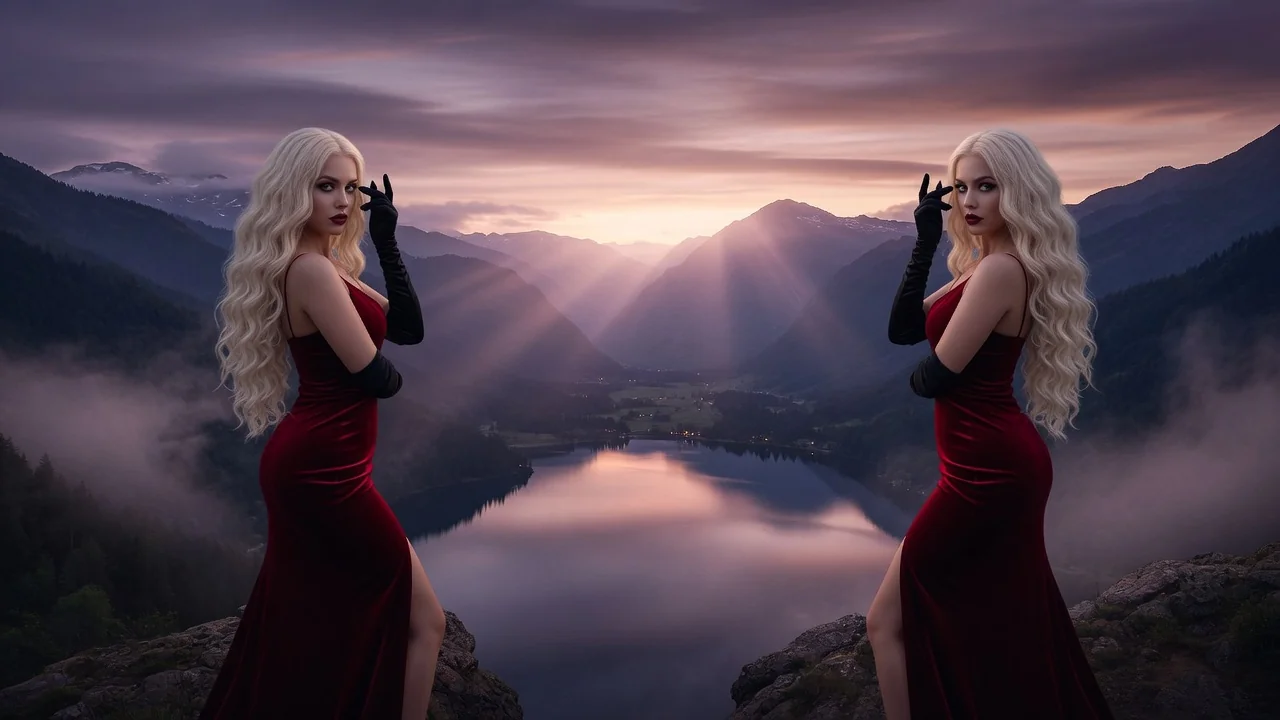
Previewvideo

Face Swap Video

Preview the video face swap workflow while the dedicated runtime capability is unavailable.

Coming soon

This workflow is listed for planning and will become runnable after model/API support is available.

How it works

How to use Face Swap Video

1

Upload the target video and a portrait reference

Upload the video clip (up to 120 seconds) and a clear frontal portrait photo of the face to swap in. Both inputs are required for the face-replacement workflow.

2

Preview the face swap workflow

The workflow uses Sora 2, Runway, or PixVerse for face region detection and replacement. Preview the expected swap in the settings panel while the dedicated temporal-identity endpoint is being connected.

3

Submit for full processing when available

Submit the swap order. Frame-consistent face replacement will be processed once the dedicated video face-swap endpoint is generally available. Current status: preview.

Why use it

Why use AI Pin Maker video tools

Workflow-first setup

Each page maps one user job to the required video inputs and model family.

Model fit

No live endpoint currently supports this exact video workflow, so generation is disabled.

Preview roadmap

Preview tools make upcoming video workflows visible before launch.

Connected routes

Related video tools help continue from effects into editing, music, and production workflows.

FAQ

Video tool FAQ

Is AI video face swap available now?
The workflow is in preview mode — the upload flow and settings are live, but full frame-consistent face swapping launches once the dedicated video-replacement endpoint is connected.
Why isn't video face swap live yet?
Current AI video generation models can alter appearance per-frame, but maintaining consistent identity across all frames of a video clip requires a dedicated temporal-identity model not yet available on this endpoint.
What reference photo gives the best face swap results?
A frontal, well-lit portrait without glasses or occlusion gives the best identity alignment. Side-angle references reduce accuracy because the model can't fully reconstruct the 3D face geometry from a partial view.
Is there a still-image face swap available right now?
Yes — the AI image tools section includes ready-to-use face swap for photos. For video face swap, the preview mode lets you queue a job and you will be notified when the video endpoint launches.

Related tools

Explore more video tools

Original AI-generated cover art for the ai kissing video generator tool, cinematic horizontal scene
Image to Videovideo
Video effectsReady

AI Kissing Video Generator

Create romantic AI kissing videos from photos or text. Choose type presets for natural couple motion, perfect for sweet, shareable short clips.

kissingcoupleromance
ImageOpen tool
Original AI-generated cover art for the ai video editor tool, cinematic horizontal scene
Video Editvideo
Creation toolsReady

AI Video Editor

Edit short videos with AI using prompts and reference images. Restyle, adjust, and refine clips through the verified video edit route, no timeline needed.

video-editorvideo-editreference-images
Video and reference imagesOpen tool
Original AI-generated cover art for the video to video generator tool, cinematic horizontal scene
Video Editvideo
Creation toolsReady

AI Video to Video Generator

Convert and restyle uploaded videos with AI. Apply new visual styles while keeping core motion and scene continuity through the verified edit endpoint.

video-editstyle-transfervideo-to-video
VideoOpen tool