
Upload your source video
Upload a video clip up to 120 seconds in MP4 or a common compatible format. The original camera motion and scene geometry are preserved through the style transfer.
Video tools
Convert and restyle uploaded videos with AI. Apply new visual styles while keeping core motion and scene continuity through the verified edit endpoint.
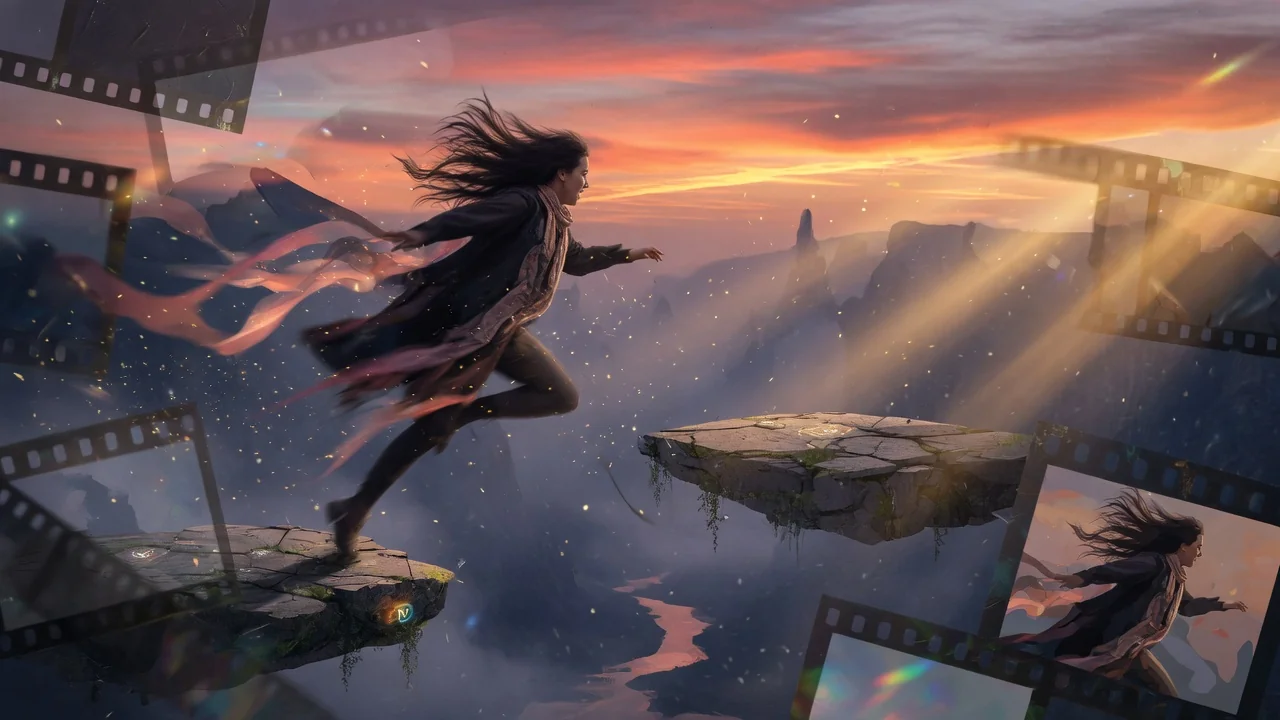
Video to Video
Convert uploaded video styles through the verified video edit endpoint.
Upload video
MP4, MOV, WebM up to 100MB
How it works
Upload a video clip up to 120 seconds in MP4 or a common compatible format. The original camera motion and scene geometry are preserved through the style transfer.
Describe the target visual style — for example "convert to anime watercolor style" or "make this look like a vintage film reel with grain and color fade." Be specific about the look rather than the content.
Submit the job. HappyHorse 1.0 Video Edit rewrites every frame's surface appearance while preserving the underlying motion, proportions, and scene continuity.
Why use it
Each page maps one user job to the required video inputs and model family.
Uses the currently verified video-edit endpoint in the live model list.
Ready tools connect to the AI Pin Maker video generation workspace.
Related video tools help continue from effects into editing, music, and production workflows.
FAQ
Related tools
Edit short videos with AI using prompts and reference images. Restyle, adjust, and refine clips through the verified video edit route, no timeline needed.
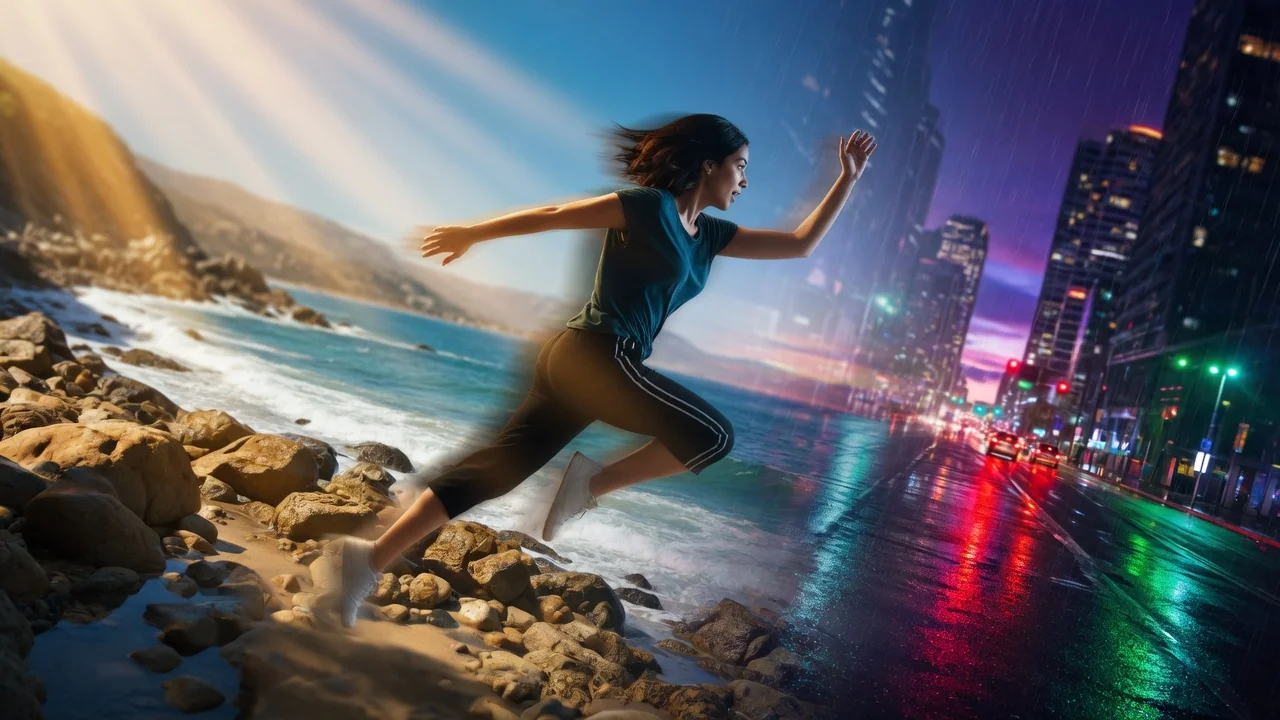
Change video backgrounds with prompt-based AI editing. Swap scenes behind your subject for clean, professional clips without green screen or manual masking.

Extend video length with AI using prompt guidance. Seamlessly continue clips through the verified edit endpoint to add seconds without reshooting.