AI Pin Maker
Contact us
Video EffectsAll Video Tools

Upgrade to Pro

Unlock advanced features and faster generation speed.

Upgrade now

© 2026 AI Pin Maker
Bring creativity within reach

TemplatesGenerate ImageRemix ImageGenerate VideoAnimate ImageAll-purpose ReferenceVideo EditGenerate MusicGeneration historyImage EffectsFormat ConverterAll Image ToolsVideo EffectsAll Video ToolsNew PinTemplatesMy PinsShowcaseMy MemoriesBaby albumPet albumCouple albumGrowth albumAI StickersCreditsPricingSettings
AI video tools/Christmas Video

AI video effects

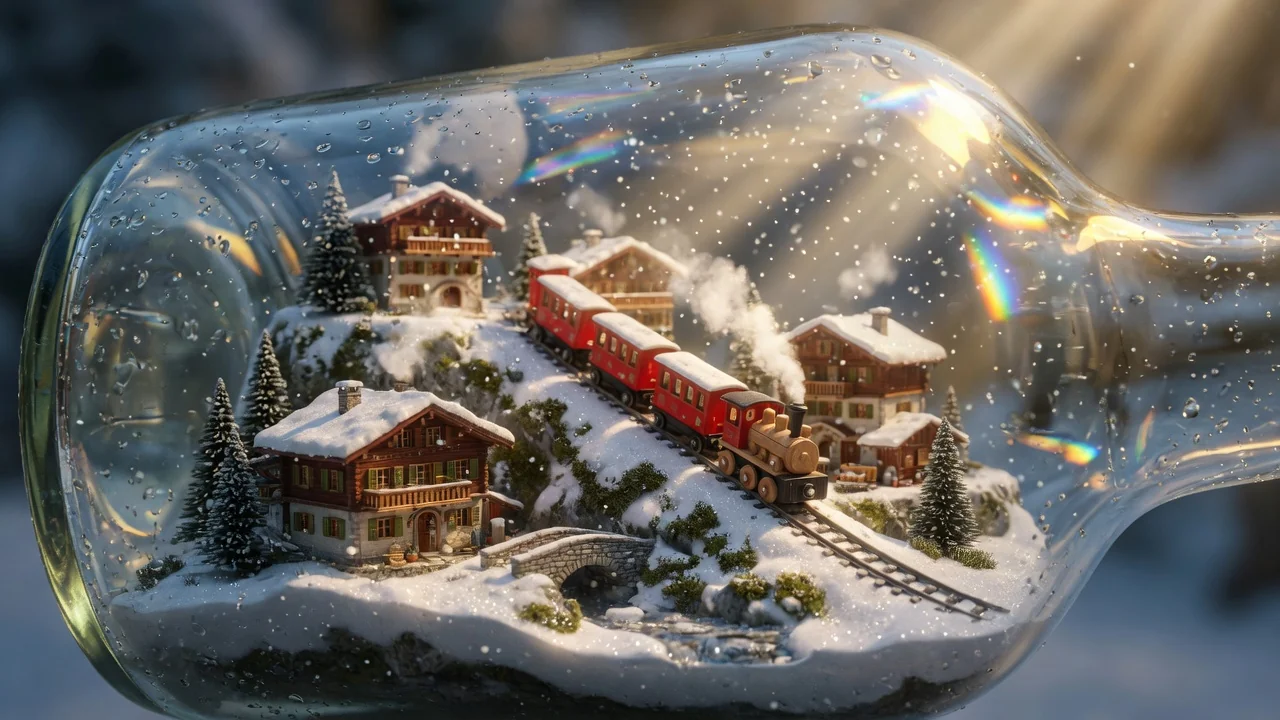
Christmas AI Video Maker

Create festive Christmas AI videos for greetings, short ads, and seasonal social posts. Warm holiday scenes and snowy magic from a single prompt.

Previewvideo

Christmas Video

Generate Christmas-themed AI videos for greetings, short ads, and seasonal social posts.

How it works

How to use Christmas Video

1

Describe your Christmas scene

Write a text prompt describing the setting, lighting mood, and any specific subject — "a Victorian living room with a lit fireplace, ornament tree, and snow outside the window, slow camera push-in" produces a unique result rather than a generic holiday scene.

2

Select aspect ratio for your platform

Choose 9:16 for Instagram Reels/TikTok/Stories, 1:1 for feed posts, or 16:9 for YouTube or email embeds. Select aspect ratio from the model settings panel before submitting.

3

Generate and use for seasonal content

Submit the job. Wan 2.6, Seedance 2.0, or Sora 2 renders a festive Christmas clip. Download and use it for Christmas cards, social greetings, short seasonal ads, or holiday event invitations.

Why use it

Why use AI Pin Maker video tools

Workflow-first setup

Each page maps one user job to the required video inputs and model family.

Model fit

Default text-to-video route verified against live endpoint tags with broad aspect-ratio and duration support.

Runnable tools

Ready tools connect to the AI Pin Maker video generation workspace.

Connected routes

Related video tools help continue from effects into editing, music, and production workflows.

FAQ

Video tool FAQ

Do I need to provide footage or an image to use the Christmas video maker?
No — this is a text-to-video tool. You describe the scene in a prompt and the model generates the Christmas video from scratch. No source footage or image is required.
How can I make the Christmas video look more personal?
Add specific details to your prompt — "vintage ornament tree in a Victorian living room, fireplace glow, snow outside the window, slow camera push-in" — to get a unique result. For a personal touch with real faces, use the image-to-video or audio-to-video converter with a family photo instead.
What aspect ratio should I choose for a Christmas social post?
9:16 vertical for Instagram Reels, TikTok, and Stories; 1:1 square for feed posts; and 16:9 horizontal for YouTube or email embeds. Select aspect ratio from the model settings panel before submitting.
Can I download and use the video for commercial purposes?
AI-generated videos using this tool are generated fresh per session and are not derivative of licensed footage. Check the Terms of Service for the specific commercial use rights granted to your account tier.

Related tools

Explore more video tools

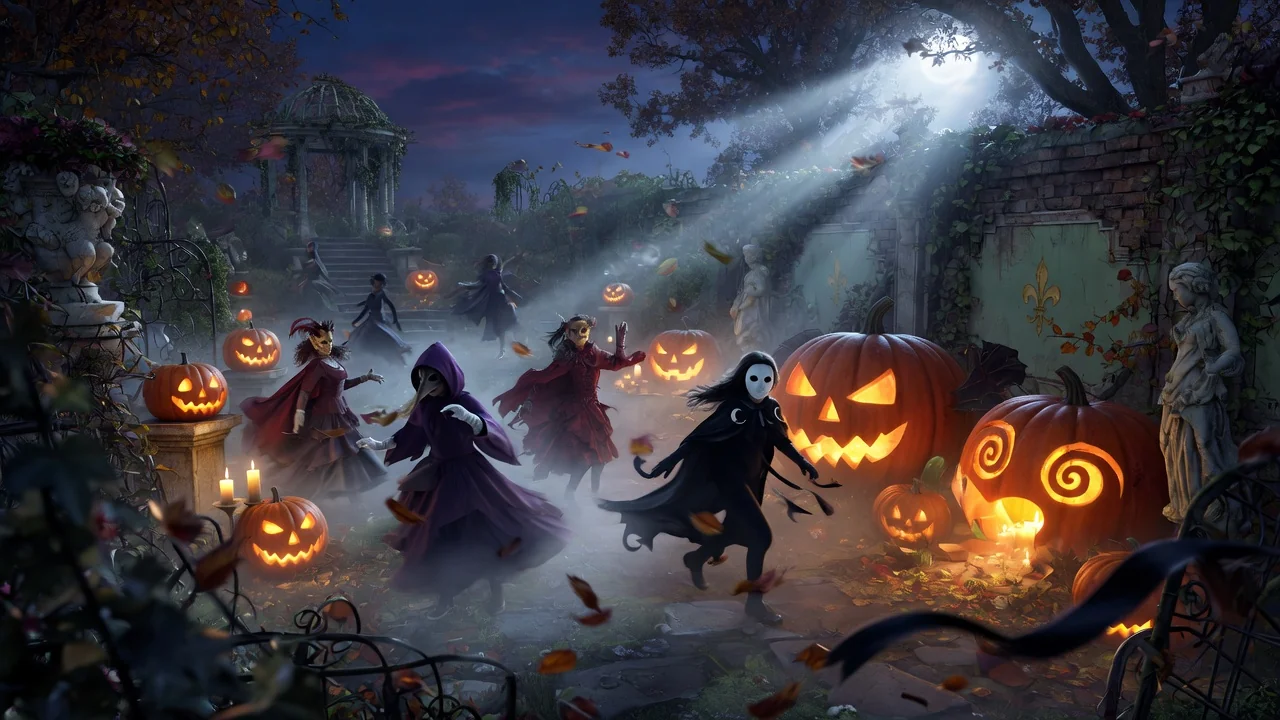
Original AI-generated cover art for the halloween video maker tool, cinematic horizontal scene
Text to Videovideo
Video effectsReady

Halloween AI Video Maker

Make spooky Halloween AI videos from text prompts for seasonal posts and party invites. Eerie atmosphere and moody motion in just a few clicks.

halloweenseasonaltext-to-video
PromptOpen tool
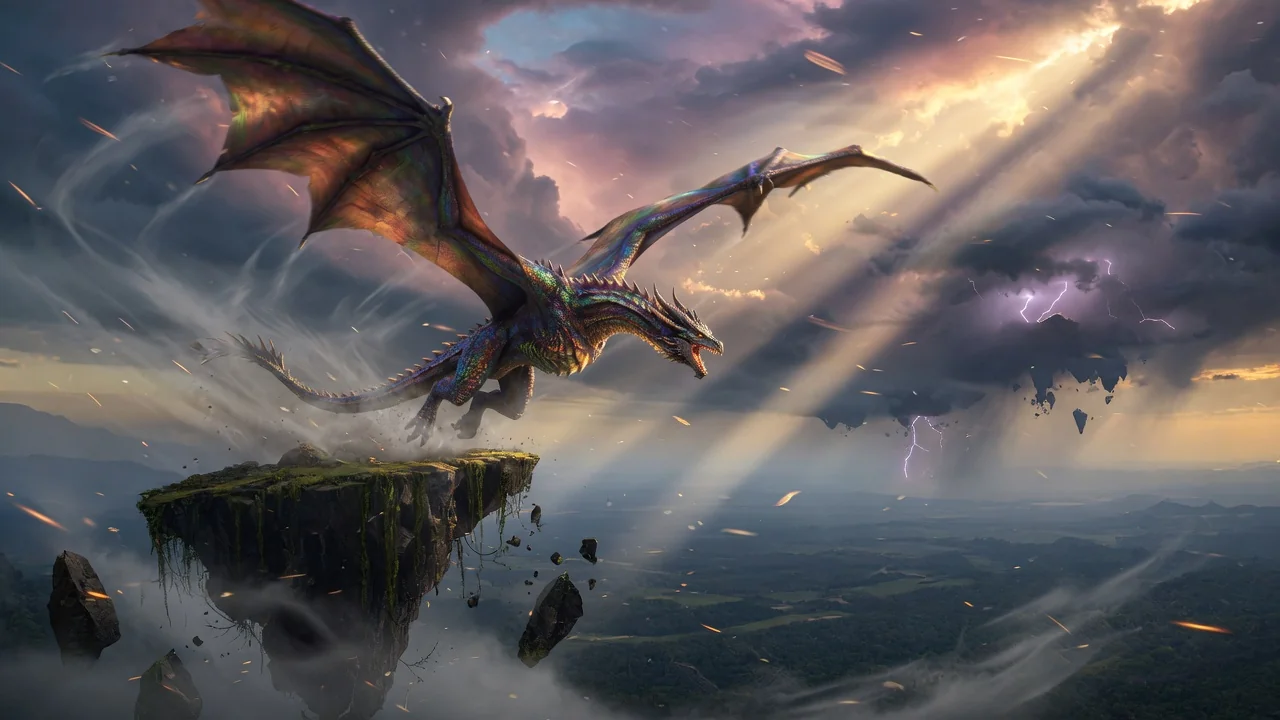
Original AI-generated cover art for the text to video generator tool, cinematic horizontal scene
Text to Videovideo
Creation toolsReady

Text to Video Generator

Turn text prompts into AI videos with full control over model, aspect ratio, duration, and camera direction. Create cinematic clips from words alone.

text-to-videopromptcamera-motion
PromptOpen tool
Original AI-generated cover art for the ai video generator tool, cinematic horizontal scene
Image to Videovideo
Creation toolsReady

AI Video Generator

Generate high-quality AI videos from images or text. A versatile entry point for image-to-video workflows with cinematic motion and coherent results.

ai-videogeneratorimage-to-video
ImageOpen tool