
Step 1
Upload a clear character photo
Solo portraits and pet photos give the best 3D character results. Faces angled toward the camera help Seedream 5.0 sculpt believable rounded volumes from your features.
Image converters
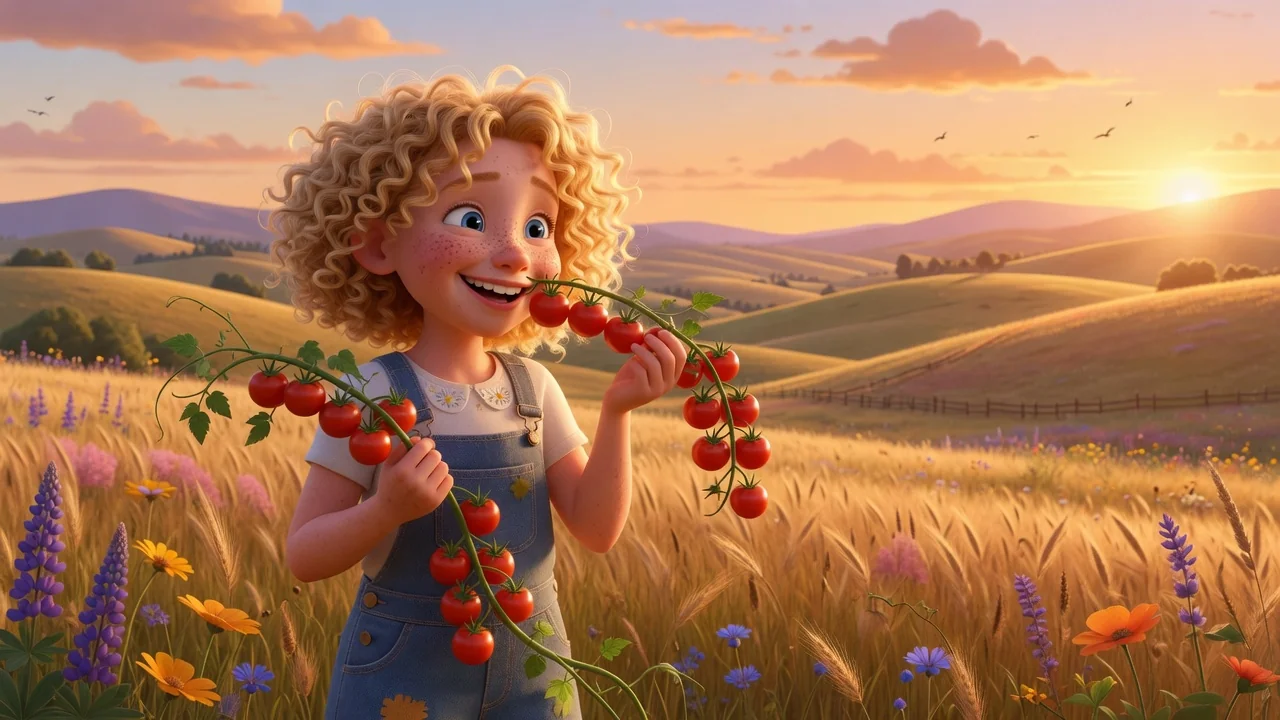
Create a polished Pixar-style 3D animation look from any photo with AI. Expressive character features and soft cinematic lighting for avatars and posters.
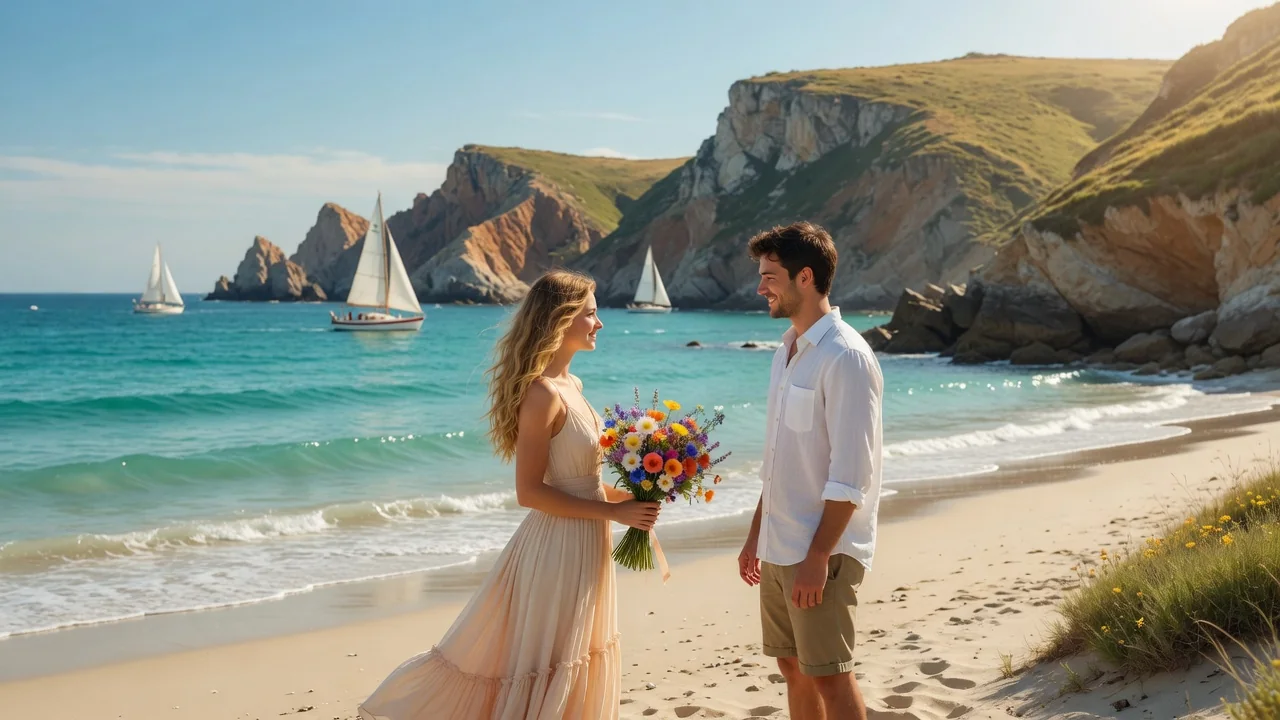
Input
1 image upload
Output
Image
Convert an uploaded image
Default model
Upload photo
PNG, JPG, WebP up to 10MB
Aspect ratio
How it works
Step 1
Solo portraits and pet photos give the best 3D character results. Faces angled toward the camera help Seedream 5.0 sculpt believable rounded volumes from your features.
Step 2
The default prompt requests friendly proportions and cinematic lighting. Add cues like teal-and-orange grading, soft depth of field, or a specific outfit to push the render toward your favorite film mood.
Step 3
Generate the glossy 3D portrait, check that eyes and skin read naturally, then export in square or portrait ratios. Rerun with adjusted lighting notes for alternate takes.
Why use it
Each tool uses a known model route instead of asking users to guess IDs.
Default for 3D objects, figurines, and clay-like renders that need clean geometry and toy-grade lighting.
Ready tools connect directly to the AI Pin Maker generation workspace.
Related tools help continue from generation into cleanup, conversion, and publishing assets.
FAQ
Seedream 5.0 re-sculpts your photo as a 3D animated movie character — rounded geometry, soft skin shading, and cinematic lighting — while preserving your pose and identifying features. It renders a finished image, not a rigged 3D model.
The tool deliberately mimics feature-film rendering: glossy eyes, soft key light, and gentle bounce fill. Seedream 5.0 was selected precisely for that clean geometry and polished lighting behavior.
All three convert well, but expressive faces shine most: kids and pets gain charming exaggerated proportions, while adult portraits become friendly character posters. Strong backlight or motion blur in the source hurts results.
Yes. Export 1:1 for avatars, 3:4 or 4:5 for character posters, and 16:9 for banners. The 3D character style holds up well at large display sizes.
Related tools
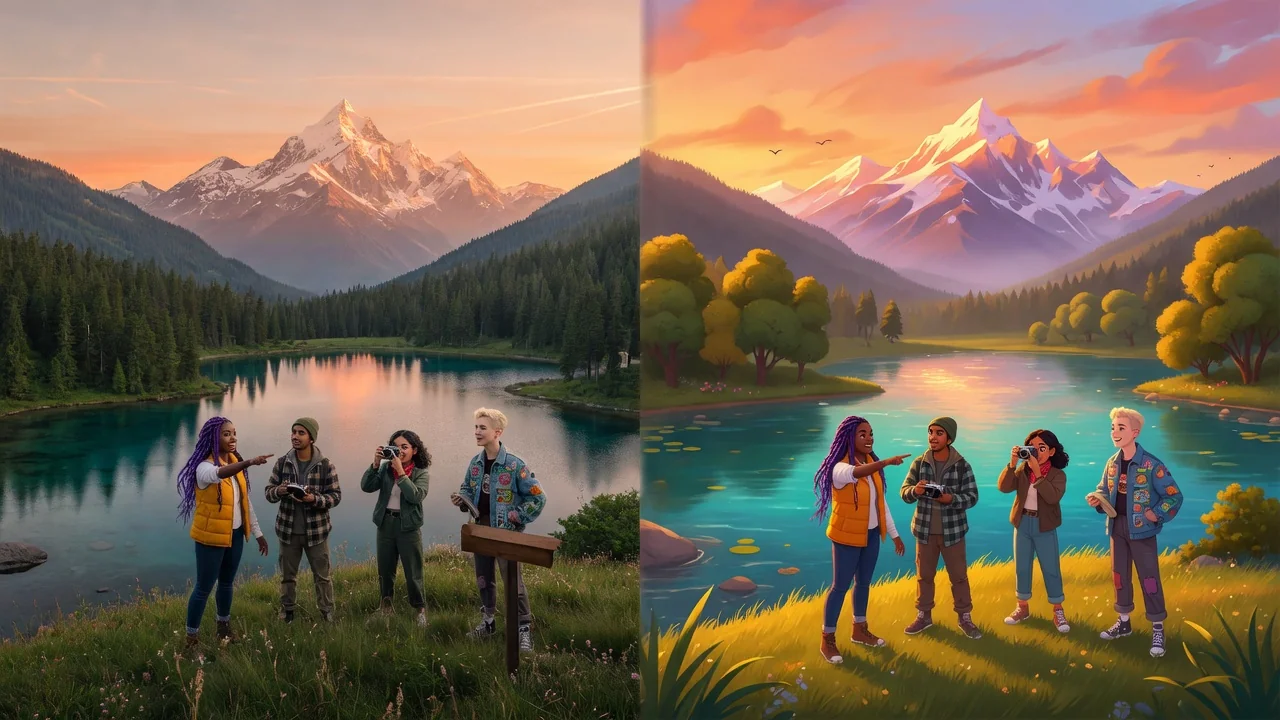
Transform photos into a bright Disney-style animation look with AI. Expressive fairy-tale characters perfect for avatars, story posts, and magical portraits.
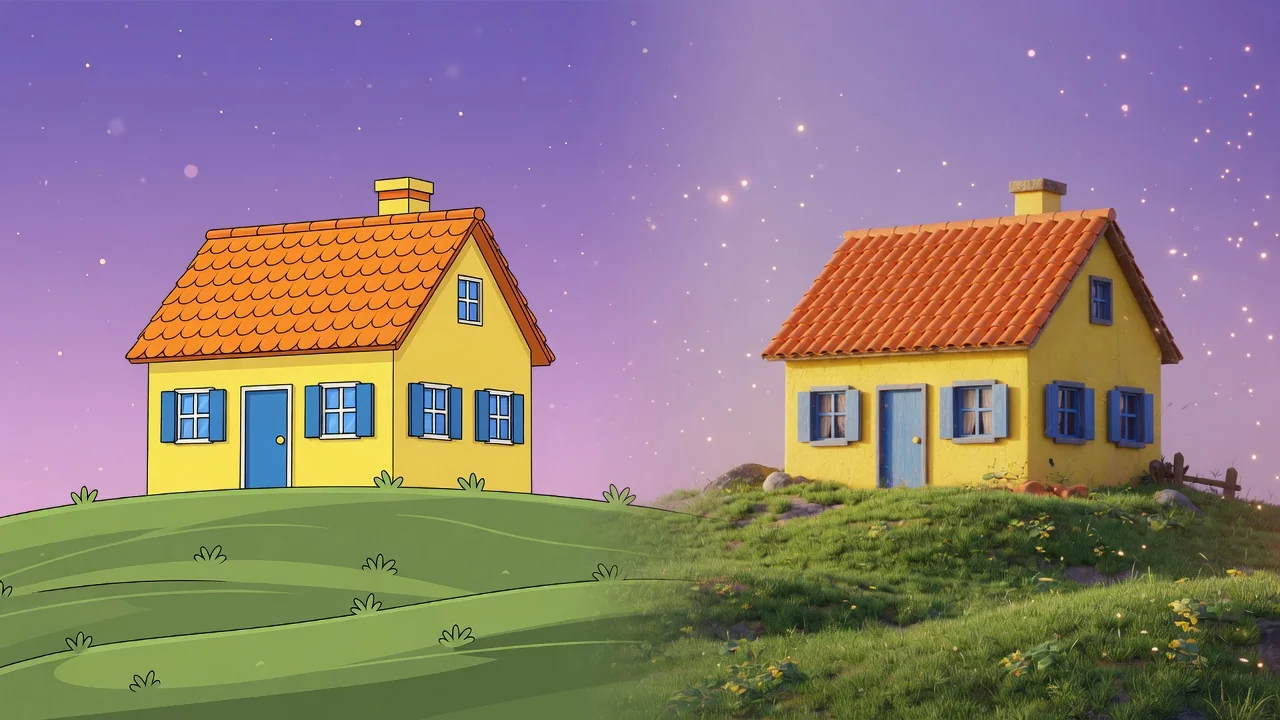
Turn a flat photo into a clean 3D render with AI. Add depth, realistic materials, and studio composition for products, characters, and creative mockups.
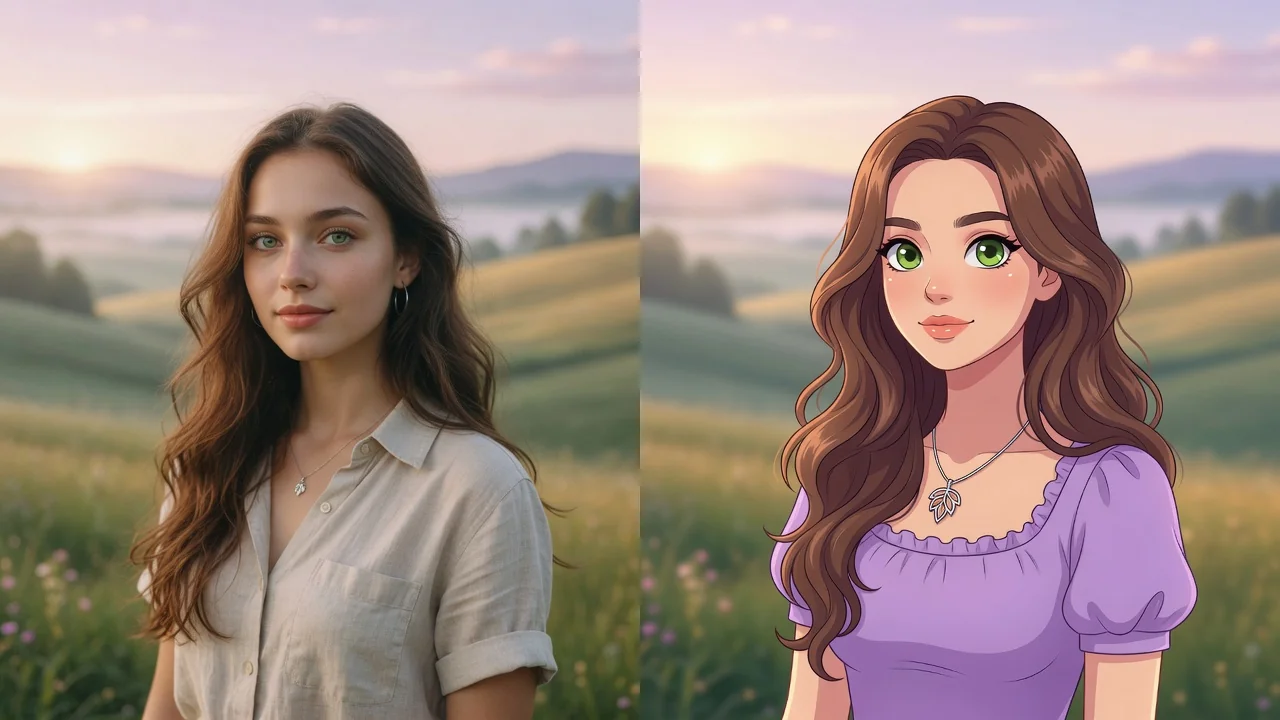
Turn any photo into a polished cartoon with AI. Clean linework and vivid color keep your subject recognizable for avatars, stickers, and fun profile pics.