How does the changer keep the subject looking natural?
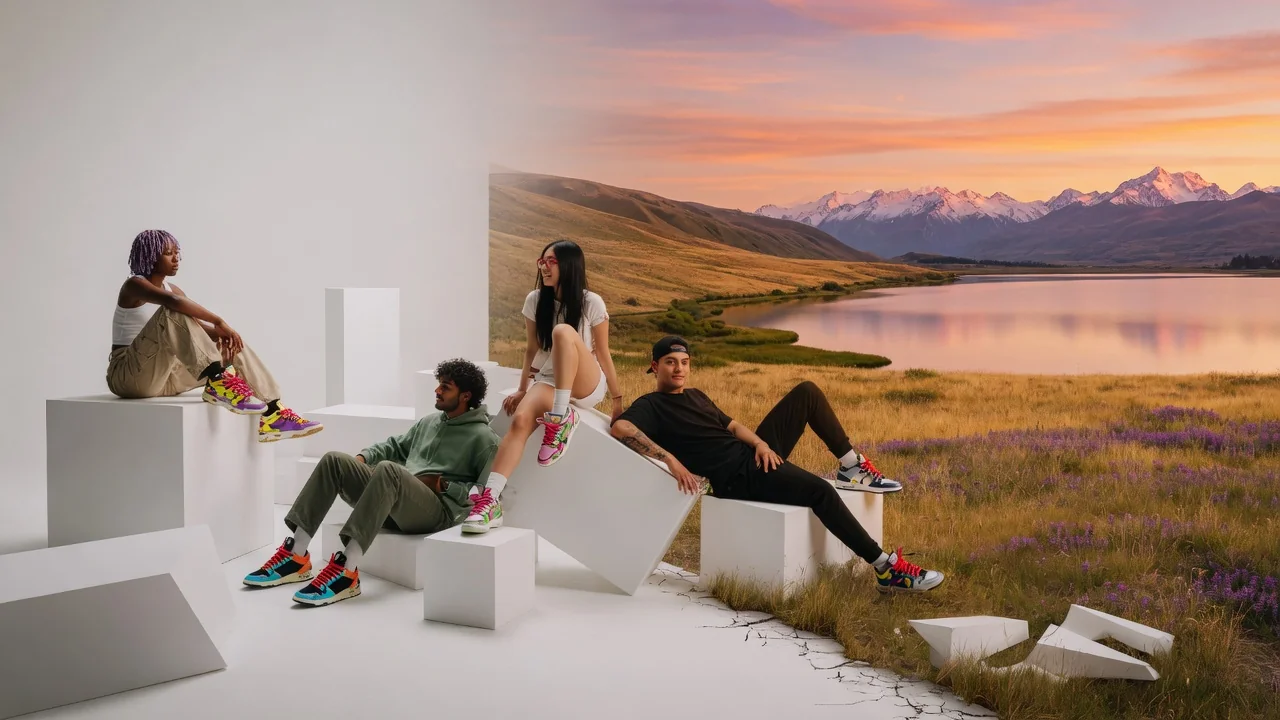
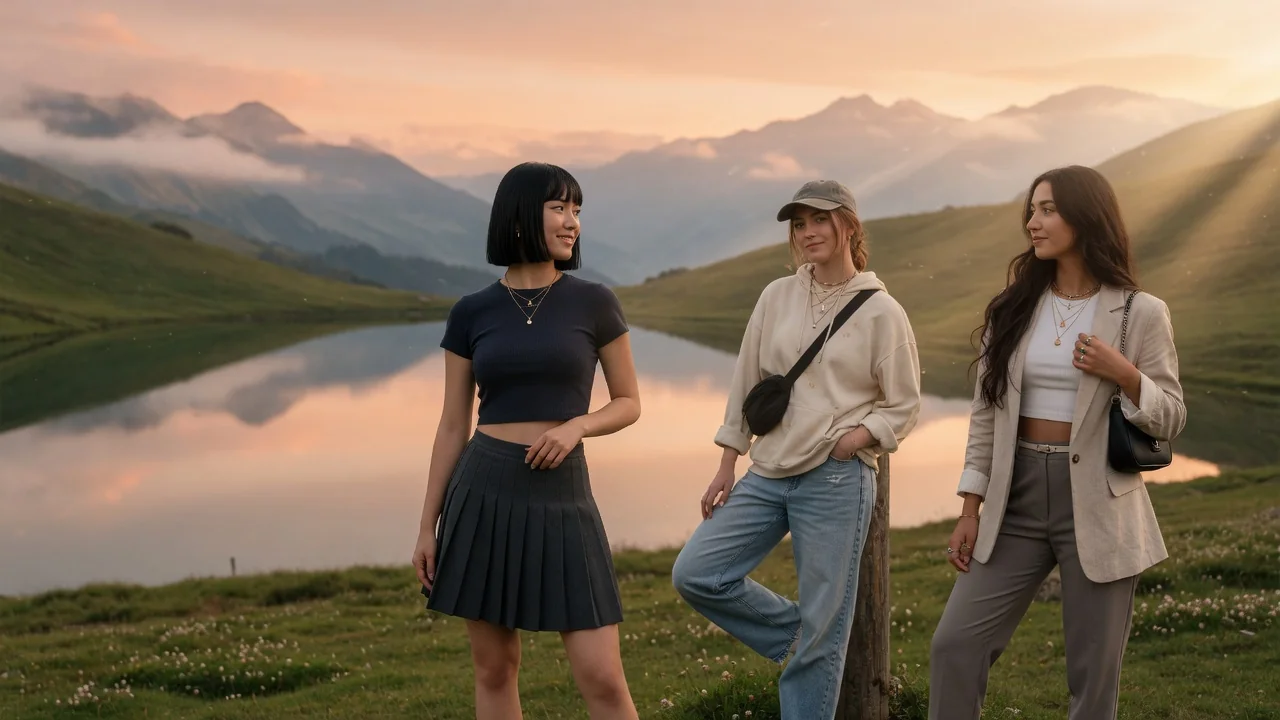
GPT Image 2 performs generative editing that preserves the subject's edges, scale, and lighting direction, then builds the new environment around those constraints — so shadows fall correctly instead of the subject looking pasted on.
What backgrounds work best for product photography?
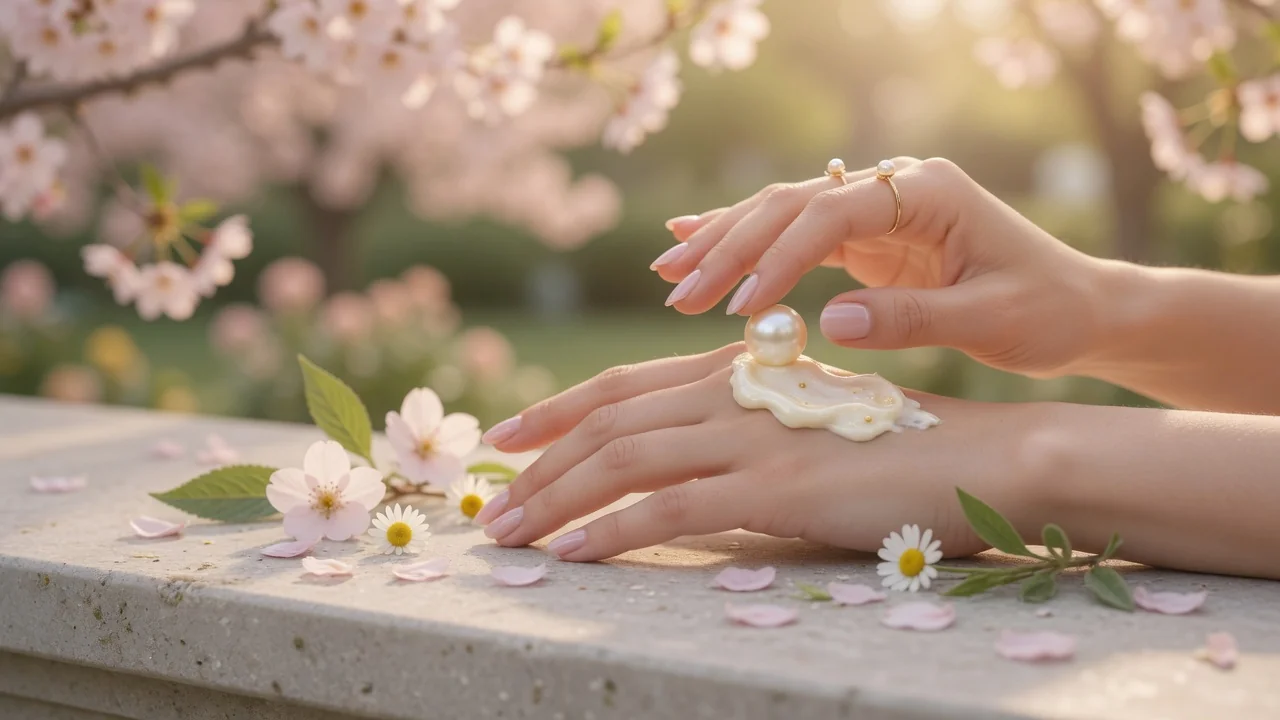
Clean studio sweeps, textured surfaces like marble or linen, and lifestyle scenes matching the product's context all perform well. Describe the surface the product sits on for the most grounded, realistic result.
Do I need to remove the background first?
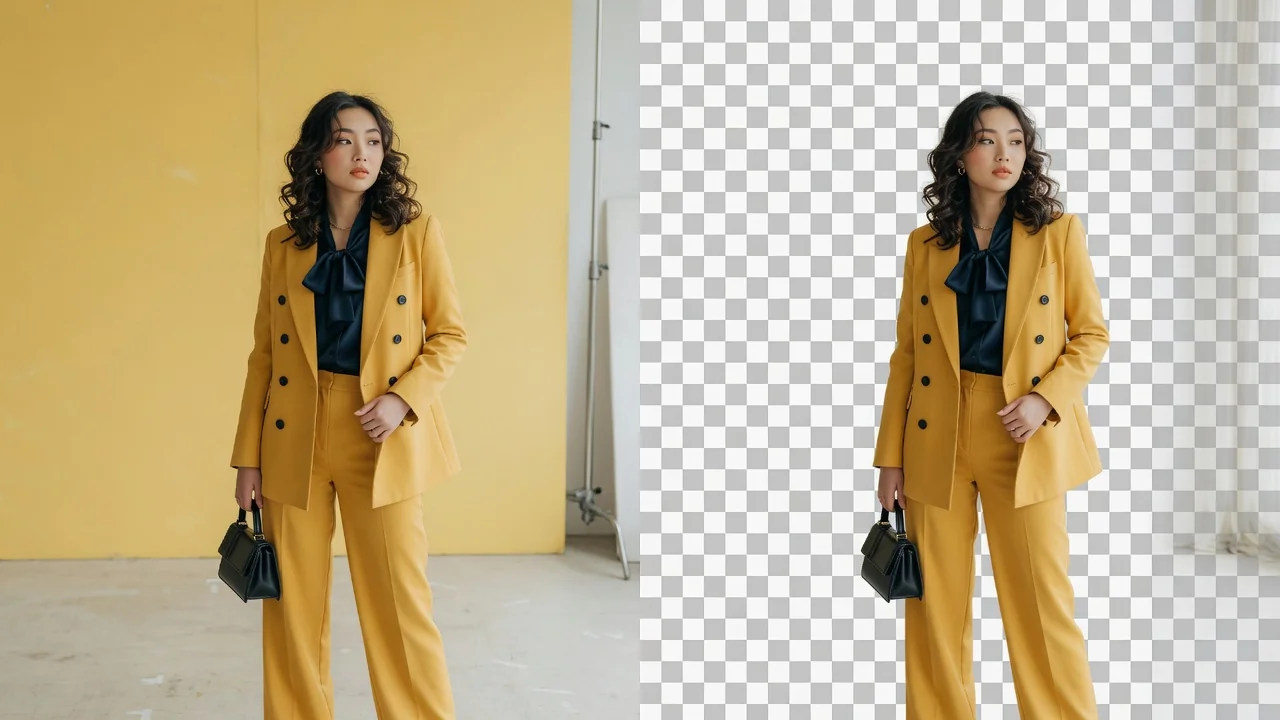
No — upload the original photo directly. The changer replaces the backdrop in one generative pass. Use the separate Background Remover only when you need a reusable transparent cutout instead of a finished scene.
Can I match the new scene to my brand?
Yes. Specify brand colors, mood, and props in the prompt — for instance, warm beige studio with soft morning light and eucalyptus. Consistent prompts across products yield a cohesive catalog look.