
Step 1
Write the poster brief as a prompt
Describe the event or campaign, the mood, and the focal subject — no image upload required. Note where headline space should sit so the composition reserves clean negative area for your text.
Utility tools
Design eye-catching posters with AI. Generate campaign, event, and release layouts with strong composition and space for your headline and details.

Input
Prompt only
Output
Image
Generate with prompt
Default model
Aspect ratio
How it works
Step 1
Describe the event or campaign, the mood, and the focal subject — no image upload required. Note where headline space should sit so the composition reserves clean negative area for your text.
Step 2
Choose 4:5 for social feeds, 16:9 for banners and screens, or 1:1 for square placements. GPT Image 2 composes bold subject hierarchy and premium campaign lighting around your brief.
Step 3
Download your favorite render, then add final headline and detail text in a design tool for guaranteed typography accuracy. Regenerate with adjusted mood words to explore alternate visual directions.
Why use it
Each tool uses a known model route instead of asking users to guess IDs.
Best for logos, posters, typography-adjacent layouts, and product-style compositions.
Ready tools connect directly to the AI Pin Maker generation workspace.
Related tools help continue from generation into cleanup, conversion, and publishing assets.
FAQ
It can render short display text, and GPT Image 2 is comparatively strong at typography-adjacent layouts — but AI text can still misspell. The reliable workflow is generating the visual with reserved negative space, then setting final type yourself.
Renders come in 4:5, 16:9, and 1:1 aspect ratios covering feed posts, banners, screens, and square placements. For large-format print, generate at your target ratio and upscale before sending to press.
Reference concrete visual anchors: centered hero subject with dramatic rim light, minimalist Swiss layout with bold diagonal, or vintage concert-poster texture. Naming a composition strategy works better than listing adjectives like cool or eye-catching.
Event announcements, album or release promos, product campaigns, and seasonal sales — anything with one clear focal subject. Dense information posters like conference schedules are better assembled in a layout tool using generated art as the backdrop.
Related tools
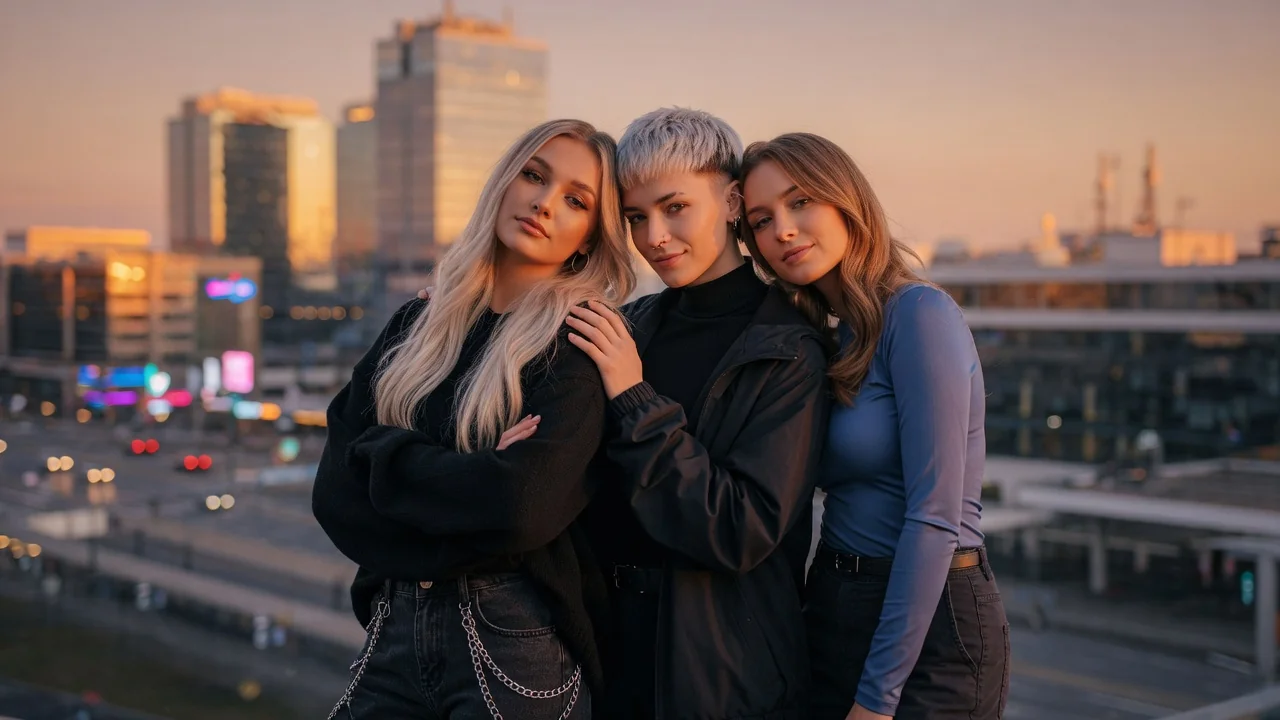
Design release-ready album cover art with AI. Generate striking single, EP, and playlist covers with strong composition, mood, and typography-ready space.
Generate logo ideas in seconds with AI. Explore clean shapes, brand colors, and typography directions to kickstart your business or project identity.
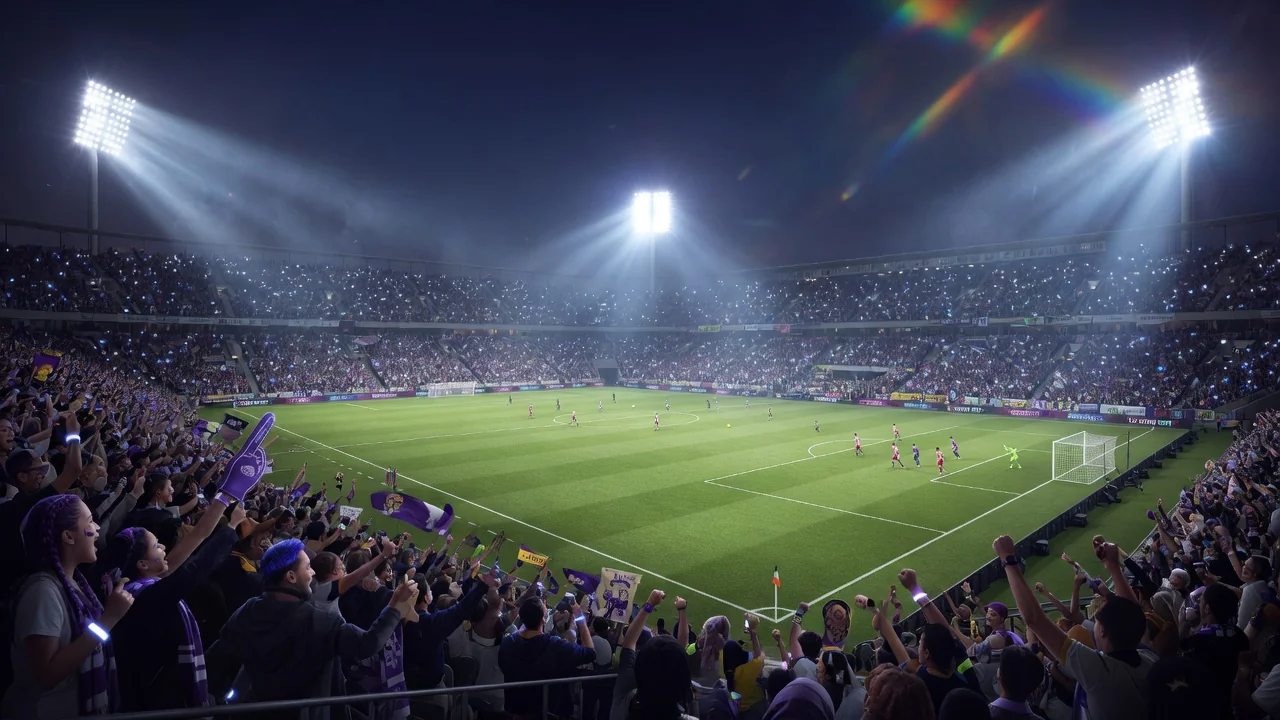
Celebrate the 2026 World Cup with AI football effects. Turn photos into bold stadium-lit, poster-ready fan art for jerseys, banners, and match-day posts.