
Step 1
Upload the image to cut out
Product shots, portraits, and logos work well. Clear contrast between subject and backdrop helps the matting produce crisp edges, especially around hair, fur, and semi-transparent regions.
Utility tools
Remove image backgrounds automatically with AI. Precise edge detection cuts out the subject and leaves a clean transparent layer ready to export.


Input
1 image upload
Output
Transparent image
Utility workflow
Upload photo
PNG, JPG, WebP up to 10MB
How it works
Step 1
Product shots, portraits, and logos work well. Clear contrast between subject and backdrop helps the matting produce crisp edges, especially around hair, fur, and semi-transparent regions.
Step 2
The remover detects the subject automatically — no manual masking or tracing. It separates foreground from background and builds an alpha layer with clean, feathered edges where needed.
Step 3
Preview the cutout against a checkerboard, confirm edges look clean around fine details, and download the subject on a transparent layer ready for design tools and composites.
Why use it
Each tool uses a known model route instead of asking users to guess IDs.
Preview-only workflow; no generation model is exposed until the missing API capability is available.
Preview tools show the intended workflow and model gap before launch.
Related tools help continue from generation into cleanup, conversion, and publishing assets.
FAQ
It uses AI matting to distinguish foreground from background automatically, tracing the subject's true edge — including tricky zones like hair strands and fuzzy fabric — instead of relying on simple color-based selection.
The output is a transparent image with an alpha channel, exported as PNG. That means you can drop the cutout straight into design tools, slide decks, or storefront listings without any halo.
This tool removes the backdrop and gives you a reusable transparent cutout. The Background Changer instead generates a whole new scene behind your subject in one step, which suits finished product shots and portraits.
The dedicated matting capability is still being wired into production, so results are currently offered in preview form. The workflow and export format will stay the same once the full pipeline ships.
Related tools
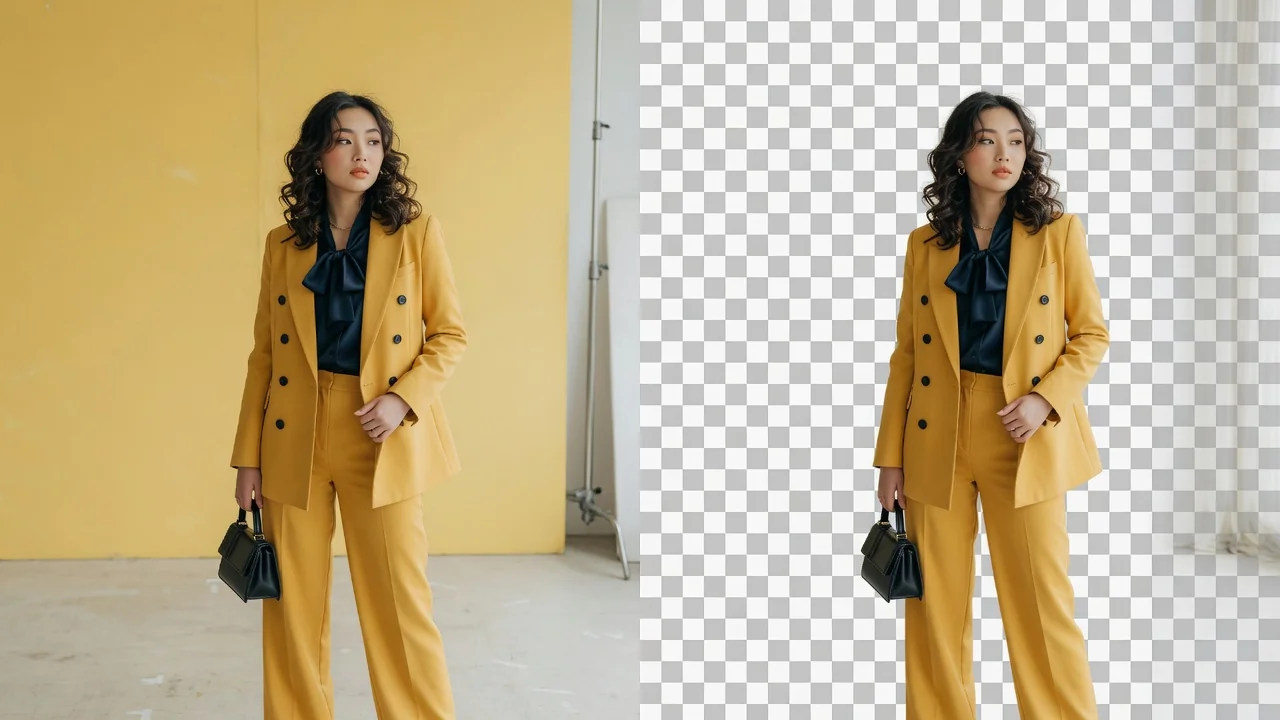
Make a transparent PNG from any image with AI. Cleanly cut out subjects for logos, product photos, stickers, and design cutouts in one click.
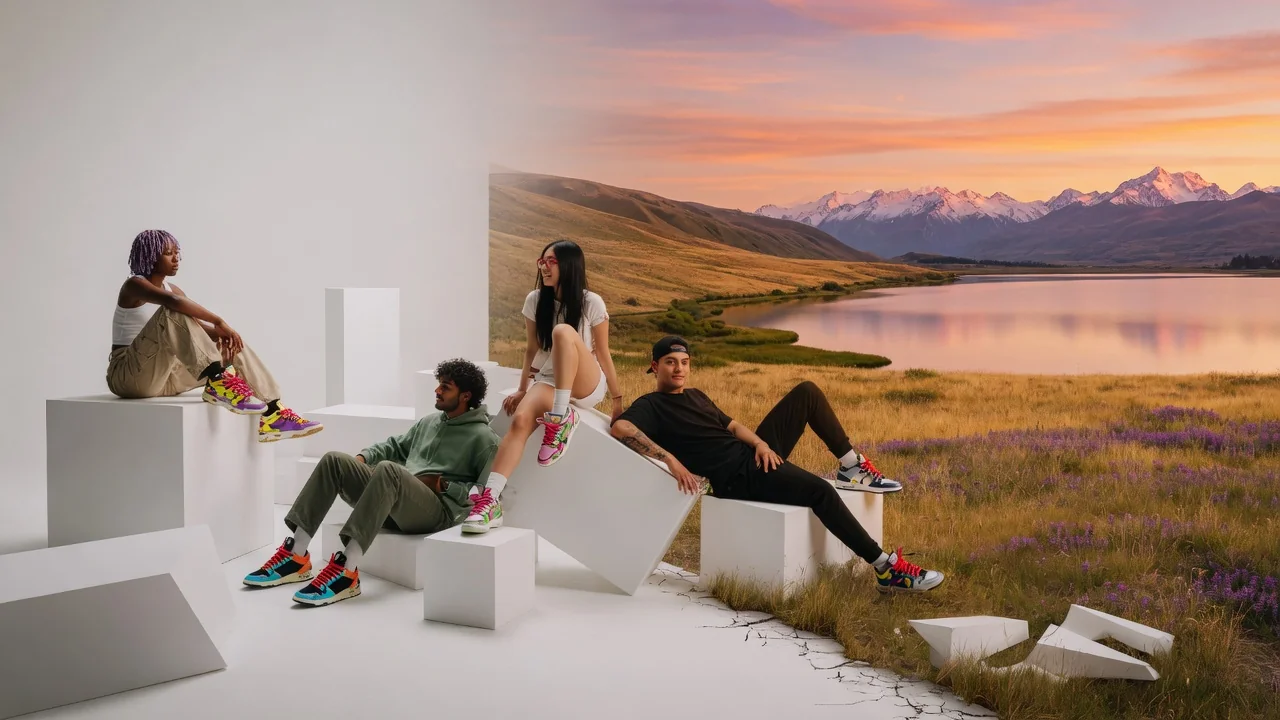
Change image backgrounds with generative AI. Swap in studio, scenic, or branded scenes for product shots, portraits, and polished social visuals.
Generate logo ideas in seconds with AI. Explore clean shapes, brand colors, and typography directions to kickstart your business or project identity.