
文生图
Winamp-style software screenshot prompt — AI 图像提示词
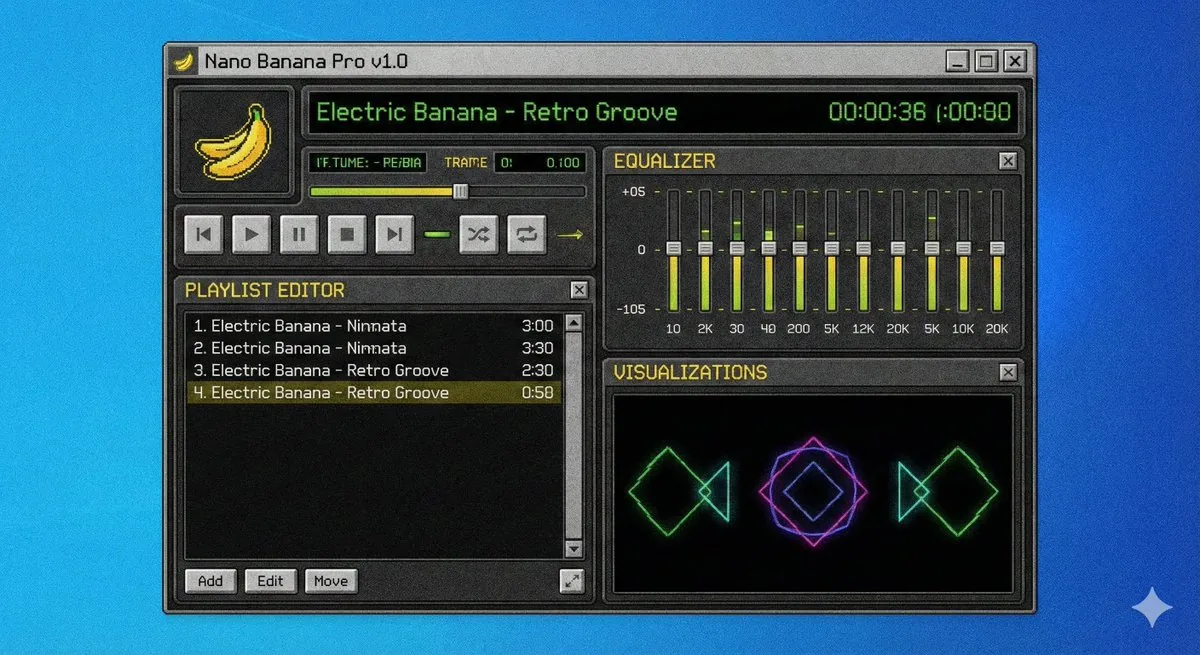
This is a prompt for generating an image of a software interface, specifically a screenshot of a Winamp-style media player application named 'Nano Banana Pro'. This is useful for creating retro-themed software mockups or visual concepts. - AIPinMaker
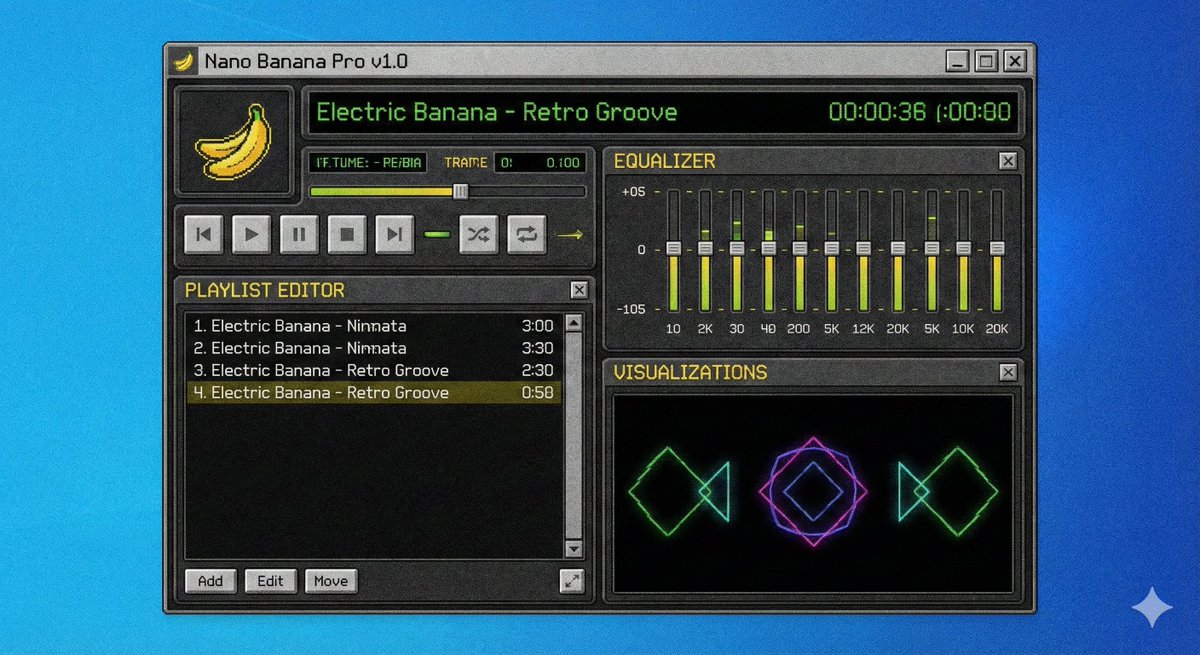
提示词
A screenshot of a winamp style software called {argument name="software name" default="Nano Banana Pro"}参考图片
如何使用这个 AI 图像提示词模板
 1
1复制提示词 —— 取走该模板的提示词与反向提示词。  2
2选择模型 —— 选一个推荐的 AI 模型以获得最佳匹配。  3
3生成 —— 一键打开工作台并生成你的作品。
相关模板

Pixel art game concept prompt
Create a game image of Pixel Art Game Concept Prompt. Style: photorealistic. Composition: balanced and well-framed. Lighting: natural with cinematic mood. Category: illustration. Reference: pixel-art-game-concept-prompt-15922.
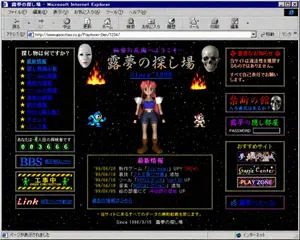
Retro 1998 Japanese Geocities Homepage
A retro late-1990s Japanese personal homepage displayed inside a Windows-era Microsoft Internet Explorer window, captured as a full browser screenshot. The page title bar reads "露夢の探し場 - Microsoft Internet Explorer" and the browser chrome is authentic to classic Internet Explorer, including menu bar, navigation icons, address bar, and status bar. The website itself has a black starfield space background with tiny colorful stars, framed by dotted gold borders and glowing pixel-style decorative boxes. The page header area shows purple Japanese text "秘密の花園へようこそ…" above a large ornate title "露夢の探し場" with the subtitle "Since 1998" in bright blue italic serif text. In the center is a low-polygon 3D anime girl with pink-red hair, blue crop top, dark shorts, white shoulder armor, brown boots, and a neutral front-facing pose. Count 4 game-like character or effect elements around her: 2 flames near the upper left and upper right of the center area, 1 blue pixel-art robot character on the lower left of the center area, and 1 small red-and-white pixel-art character on the lower right of the center area. Count 2 silver metallic hanging capsule ornaments near the upper center left and upper center right. Build the page in a dense old-web layout with 3 main columns. The left column contains 5 boxed sections: 1 navigation box titled "探し物は何ですか?" with exactly 10 star-bulleted blue links, labeled "最新情報", "怪し物掲示板", "ゲームの部屋", "教授の部屋", "ツールの部屋", "音楽の部屋", "絵の部屋", "BBS(掲示板)", "チャット", "リンク集"; 1 visitor counter box reading "あなたは、◯人目の探検者です" with green digital-style digits "003666"; 1 large blue "BBS" banner button with smaller text "掲示板はこちら"; 1 black-and-yellow caution-style "工事中 UNDER CONSTRUCTION" banner with tiny green worker figures; and 1 black banner with red script text "Link" plus blue text "相互リンク大歓迎!!". The center lower area contains 1 large news box with a gold dotted border and magenta heading "最新情報", listing exactly 5 dated update lines: "'99/06/20 新作ゲーム『Evil Heart』UP!! (NEW)", "'99/06/18 裏技『ストⅡ裏ワザ集』追加。", "'99/06/15 ツール『RPGエディタ Ver1.20』UP", "'99/06/10 音楽『MIDIコレクション』追加", "'99/06/05 絵の部屋にて『神秘師の巫女』UP"; below it add the blue link "過去の情報はこちら". The right column contains 5 boxed sections: 1 red warning box headed "◎ 重要なお知らせ ◎" with text "当サイトは違法性を推奨するものではありません。 すべて自己責任でお願いします。"; 1 dark purple box titled "禁断の館" with subtitle "入る勇気はあるか?" and a realistic skull image on the right; 1 purple box titled "露夢の隠し部屋" with the label "PASSWORD" and an empty white password field; 1 recommendations box titled "おすすめサイト" containing exactly 3 stacked banner buttons labeled "夢魔幻の城", "Game Center", and "PLAY ZONE"; and 1 bottom purple mail button labeled "✉ 露夢へメール". Add small footer text centered near the bottom: "※当サイトにあるすべてのデータの無断転載を禁じます。" and beneath it "Since 1998/3/15 露夢の探し場". Make the whole image feel like an authentic nostalgic Geocities-style Japanese web page from 1998–1999: garish colors, beveled buttons, bitmap fonts, glowing borders, amateur HTML layout, MIDI-homepage energy, slightly compressed screenshot quality, and uncanny period-accurate internet aesthetics.3c:Te6d,A retro late-1990s Japanese personal homepage displayed inside a Windows-era Microsoft Internet Explorer window, captured as a full browser screenshot. The page title bar reads "露夢の探し場 - Microsoft Internet Explorer" and the browser chrome is authentic to classic Internet Explorer, including menu bar, navigation icons, address bar, and status bar. The website itself has a black starfield space background with tiny colorful stars, framed by dotted gold borders and glowing pixel-style decorative boxes. The page header area shows purple Japanese text "秘密の花園へようこそ…" above a large ornate title "露

Retro Pixel Art UI Mockup
{ "type": "retro monochrome pixel art visual novel interface", "style": "1-bit pixel art, black and white, dithered shading, classic Macintosh aesthetic", "character": { "description": "{argument name=\"character appearance\" default=\"anime girl with a high ponytail wearing a dark dress with a white collar\"}", "pose": "standing, hand near chin, thoughtful expression" }, "background": { "setting": "room interior", "details": [ "patterned wallpaper with small crosses", "framed picture of a night city skyline with a crescent moon", "window with curtains", "small table with a vase of tulips", "rug on the floor" ] }, "layout": { "top_bar": { "left": "{argument name=\"date text\" default=\"Apr 17\"}", "center": "{argument name=\"time text\" default=\"21:35\"}", "right": "Wi-Fi icon, speaker icon, 31%, battery icon" }, "panels": [ { "position": "mid-left", "title": "{argument name=\"status panel title\" default=\"STATUS\"}", "count": 6, "rows": [ "smiley face icon with solid progress bar", "lightning bolt icon with solid progress bar", "fork and knife icon with solid progress bar", "dollar sign icon with solid progress bar", "clock icon with segmented progress bar", "calendar icon with segmented progress bar" ] }, { "position": "bottom-right", "elements": [ "audio waveform with a central {argument name=\"interaction icon\" default=\"cat face\"} icon", "row of 10 hearts, 6 filled and 4 empty" ] } ] } }

Pixel Art Survival Game UI Mockup
{ "type": "retro pixel art video game mockup", "theme": "survival death game", "hud": { "top_left": ["HIGH SCORE", "000000"], "top_center_title": "{argument name=\"game title\" default=\"오징어 게임\"}", "top_right": ["PLAYER 001", "3 red hearts"] }, "menu": { "style": "centered under title, black boxes, white pixel font, cursor pointing to first item", "items": [ "{argument name=\"menu item 1\" default=\"게임 시작\"}", "{argument name=\"menu item 2\" default=\"설정\"}", "{argument name=\"menu item 3\" default=\"종료\"}" ] }, "gameplay_ui": { "mid_left_panel": ["ROUND 1", "{argument name=\"round description\" default=\"무궁화 꽃이 피었습니다\"}"], "mid_right_panel": ["01:00 digital red timer"] }, "scene": { "background": "blue sky, pixel clouds, 2 small houses, tall yellow grass field", "midground": "large bare tree, 1 giant doll in yellow shirt and orange dress facing the tree, 2 guards in pink jumpsuits with square masks holding rifles", "foreground": "pink starting line on dirt ground, 9 players in green tracksuits facing away from the viewer", "player_numbers": ["019", "240", "199", "218", "001", "067", "456", "101", "101"] } }
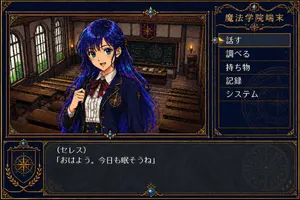
Retro Magic Academy Visual Novel UI
Goal: Create a 1990s mid-era Japanese PC visual novel / adventure game screen in a 256-color dithered pixel-art style, like a fantasy magic academy mystery game. Canvas: 16:9 landscape game screenshot, 1184×768 feel, dark navy interface with ornate antique-gold borders, low-resolution dithering, visible color banding, crunchy pixel texture, no modern UI polish. Layout: Split the screen into three main areas: a large story scene panel on the upper left, a vertical command menu panel on the upper right, and a wide dialogue box across the bottom. Use elaborate gold filigree corner ornaments, thin double-line frames, small blue gemstone decorations at frame intersections, and faint magical compass-circle emblems in the UI background. Main scene: Inside the upper-left scene panel, show an old European-style magic academy classroom with exactly 3 tall arched windows on the left wall, rows of wooden desks and benches, a chalkboard at the back with arcane diagrams and chalk writing, a teacher’s desk with books and bottles, wall sconces with warm candle flames, dark wood paneling, and a small academy crest banner above the chalkboard. Character: In front of the classroom, centered slightly left, show one anime-style schoolgirl named Ceres (character name). She has very long flowing deep cobalt blue and violet (hair color) hair with shiny pixel highlights, a navy academy blazer with gold trim and a golden magic-circle crest on the chest, a white pleated blouse, a large burgundy ribbon bow, and a formal fantasy school uniform. Her right hand is lifted near her chest as if shyly speaking. Cover her face with a centered square soft blur / mosaic censor block so the facial features are indistinct. Right command menu: The upper-right panel title reads 魔法学院端末 (location title). Under it, display exactly 5 stacked menu items in Japanese, each in its own horizontal row with gold separators: 1) 「話す」, 2) 「調べる」, 3) 「持ち物」, 4) 「記録」, 5) 「システム」. Highlight the first item 「話す」 with a brighter rectangular outline and a small gold triangular cursor plus blue diamond marker on its left. Bottom dialogue box: A dark translucent navy text window spans the bottom. On the left, include a decorative crest panel with a golden compass/astrolabe symbol and laurel motif. In the main dialogue area, display the speaker line 《セレス》 (speaker label) and below it the dialogue 「おはよう。今日も眠そうね」 (dialogue text). Use white pixelated Japanese bitmap font, clean spacing, and authentic retro text-window rendering. Visual style: 256-color Japanese PC-98 / Windows 95 visual novel aesthetic, hand-drawn anime character over detailed pixel-art background, dark navy and antique gold palette, heavy dithering, subtle scanline-like roughness, ornate fantasy UI, crisp rectangular panels, no photorealism, no 3D render, no watermark, no extra menu items or extra characters.37:Tc1f,Goal: Create a 1990s mid-era Japanese PC visual novel / adventure game screen in a 256-color dithered

Nostalgic Software Interface
Create a creative image of Nostalgic Software Interface. Style: photorealistic. Composition: balanced and well-framed. Lighting: natural with cinematic mood. Category: photography. Reference: nostalgic-software-interface-14383.
探索更多提示词
按分类浏览更多 AI 图像和视频提示词。