
文生图
Neumorphic Smart UI Kit — AI 图像提示词
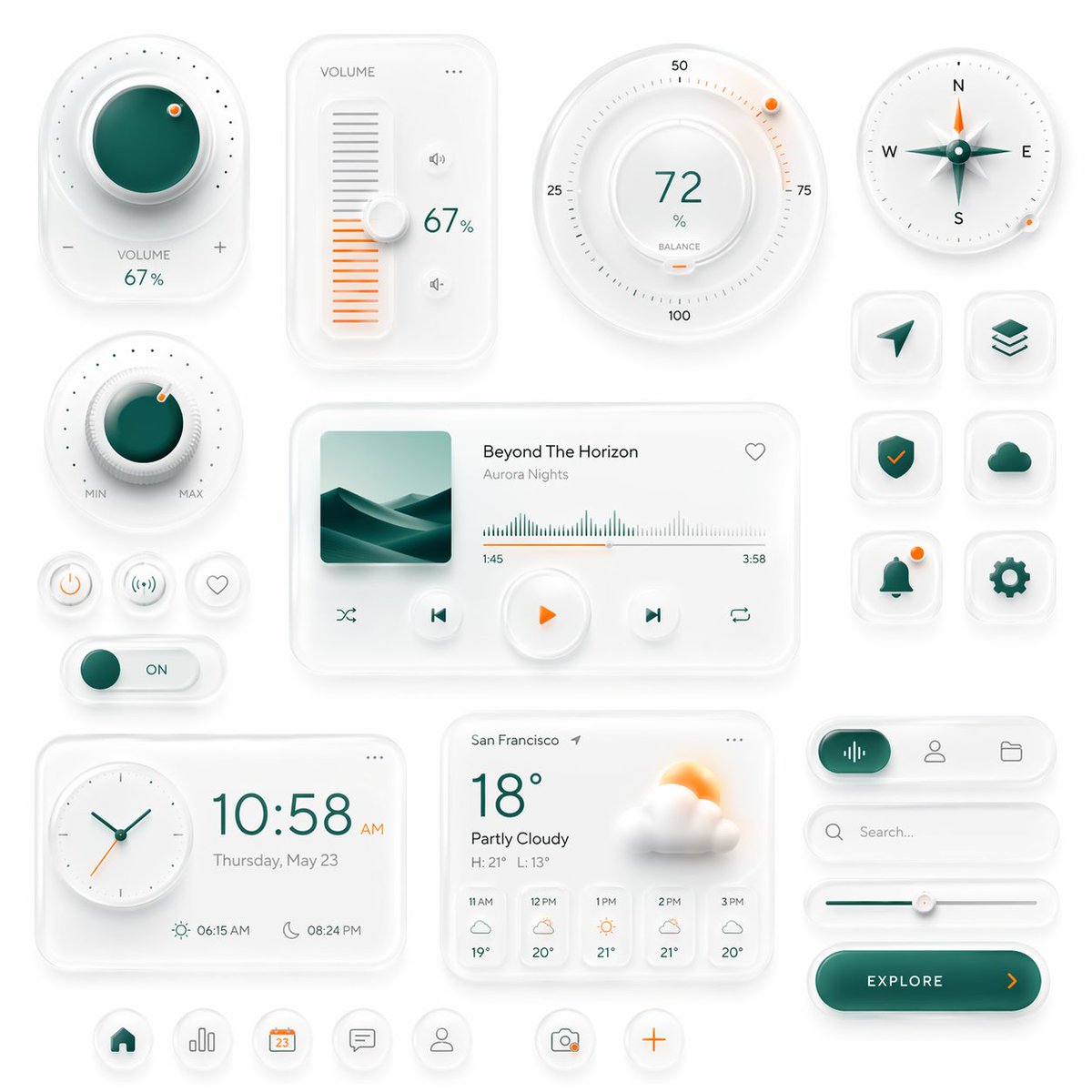
A polished neumorphic interface board featuring smart controls, media widgets, weather cards, and app icons, ideal for generating premium dashboard or mobile UI concept art. - AIPinMaker
提示词
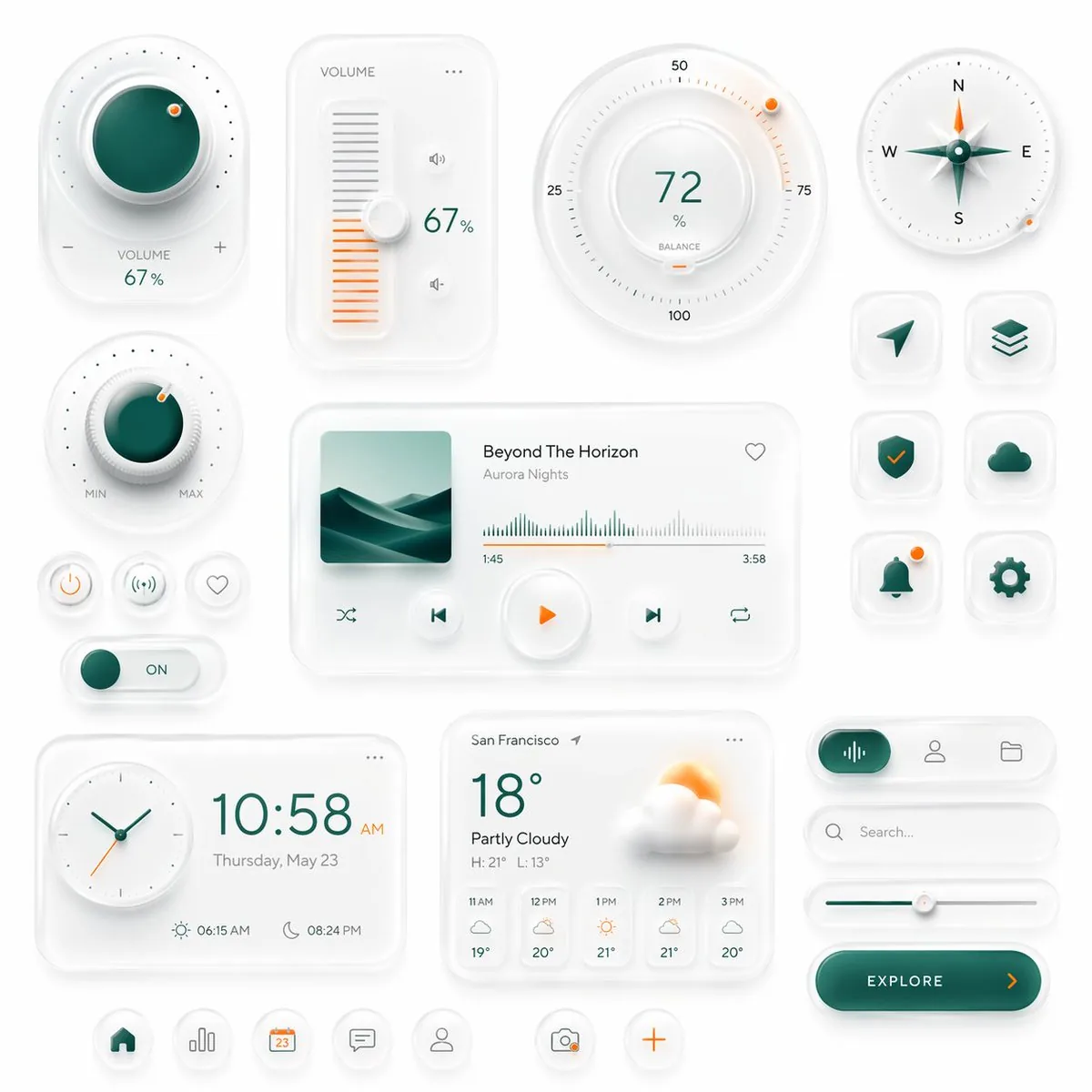
Create a premium neumorphic smart-home and media control UI kit on a clean light gray background, arranged as a balanced dashboard-style composition of floating rounded cards and circular controls with soft extruded shadows, subtle inner highlights, frosted white surfaces, and elegant teal-and-orange accents. The overall style is minimalist, futuristic, tactile, and highly polished, like a high-end mobile interface concept. Include exactly 18 discrete UI modules and icons: 1 large circular volume knob card in the upper left with a glossy deep teal center, dotted perimeter, plus and minus symbols, and the text “VOLUME 67%”; 1 vertical volume slider card with the label “VOLUME”, a white knob, orange level bars, small speaker icons, and “67%”; 1 large circular balance dial at the top center-right with numeric markings 25, 50, 75, 100, the central value “72%”, the label “BALANCE”, and a small orange indicator dot; 1 circular compass widget in the upper right with N, E, S, W labels, a metallic teal compass needle, and a small orange accent dot on the rim; 1 smaller circular min-max knob on the left middle with a teal center, textured white dial edge, orange indicator dot, and “MIN” and “MAX” labels; 3 small circular utility buttons beneath it in one row, showing a power symbol, a connectivity or wireless symbol, and a heart outline; 1 horizontal toggle switch below those buttons with a teal knob and the text “ON”; 1 large media player card in the center with a square album cover showing abstract layered teal dunes or waves, the track title “Beyond The Horizon”, the artist name “Aurora Nights”, a heart icon in the top right, a waveform progress display, timestamps “1:45” and “3:58”, and 4 playback controls along the bottom row: shuffle, previous, central orange play button, next, and repeat; 6 rounded-square app icons in two columns on the right side, arranged in 3 rows, showing exactly these symbols: paper plane arrow, stacked layers, shield with check mark, cloud, bell with a small orange notification dot, and gear; 1 rectangular clock card at the bottom left with a circular analog clock face, large digital time “10:58 AM”, the date line “Thursday, May 23”, and sunrise/sunset times “06:15 AM” and “08:24 PM”; 1 weather card at the bottom center with the location “San Francisco”, current temperature “18°”, condition “Partly Cloudy”, high/low “H: 21° L: 13°”, a large sun-behind-cloud illustration, and a 5-column hourly forecast labeled “11 AM”, “12 PM”, “1 PM”, “2 PM”, “3 PM”; 1 pill-shaped tab selector at the lower right with 3 tabs, where the left tab is active in teal with an audio waveform icon, and the other 2 tabs show a user icon and a folder icon; 1 search bar directly beneath it with a magnifying glass and placeholder text “Search...” ; 1 horizontal slider below the search bar with a teal progress line and a white knob; 1 large rounded CTA button at the bottom right reading “{argument name="button text" default="EXPLORE"}” with a right-facing orange arrow; and 5 circular bottom navigation icons centered along the bottom edge, showing home, bar chart, calendar with “23”, chat bubble, and user profile, plus 2 floating action buttons beside them: a camera icon and an orange plus sign. Use a restrained palette with white and very light gray surfaces, deep teal-green gradients for active states, and warm orange for highlights and notifications. Emphasize depth through soft ambient shadows, subtle bevels, glossy reflections, and realistic material rendering. Keep the layout spacious, symmetric but not rigid, and suitable for a luxury mobile app concept presentation.37:Tea0,Create a premium neumorphic smart-home and media control UI kit on a clean light gray background, arranged参考图片
如何使用这个 AI 图像提示词模板
 1
1复制提示词 —— 取走该模板的提示词与反向提示词。  2
2选择模型 —— 选一个推荐的 AI 模型以获得最佳匹配。  3
3生成 —— 一键打开工作台并生成你的作品。
相关模板
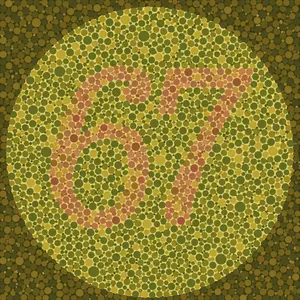
Ishihara Color Blindness Test Plate
Create a creative image of Ishihara Color Blindness Test Plate. Style: photorealistic. Composition: balanced and well-framed. Lighting: natural with cinematic mood. Category: photography. Reference: ishihara-color-blindness-test-plate-13946.
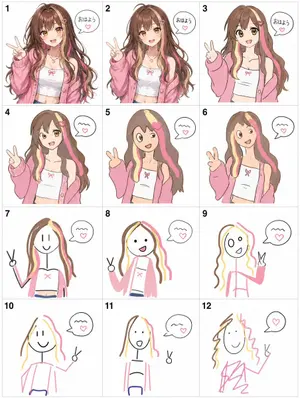
Visual Telephone Game Grid
Create a game image of Visual Telephone Game Grid. Style: photorealistic. Composition: balanced and well-framed. Lighting: natural with cinematic mood. Category: illustration. Reference: visual-telephone-game-grid-20512.

4-Panel Animal Infographic Grid
{ "type": "{argument name=\"layout style\" default=\"2x2 grid infographic\"}", "panels": [ { "position": "top-left", "title": "{argument name=\"animal one\" default=\"ヒマラヤマーモット\"}", "image_description": "Himalayan marmot sitting on rocks with a snowy mountain background", "text_content": "Detailed biological facts including distribution, habitat, diet, behavior, sociality, hibernation, and characteristics", "icon_count": 4, "icons": [ {"color": "blue", "symbol": "mountain", "label": "高山性"}, {"color": "brown", "symbol": "cave", "label": "巣穴生活"}, {"color": "yellow", "symbol": "sun", "label": "昼行性"}, {"color": "blue", "symbol": "snowflake", "label": "長期冬眠"} ] }, { "position": "top-right", "title": "{argument name=\"animal two\" default=\"ウォンバット\"}", "image_description": "Wombat standing on dirt ground", "text_content": "Detailed biological facts including distribution, habitat, diet, behavior, digging ability, excretion, defense, and reproduction", "icon_count": 4, "icons": [ {"color": "purple", "symbol": "moon", "label": "夜行性"}, {"color": "brown", "symbol": "digging animal", "label": "穴掘り名人"}, {"color": "green", "symbol": "leaf", "label": "草食"}, {"color": "brown", "symbol": "acorn", "label": "有袋類"} ] }, { "position": "bottom-left", "title": "{argument name=\"animal three\" default=\"レッサーパンダ\"}", "image_description": "Red panda resting on a mossy tree branch", "text_content": "Detailed biological facts including distribution, habitat, diet, behavior, physical characteristics, sociality, conservation, and charm", "icon_count": 4, "icons": [ {"color": "green", "symbol": "tree", "label": "樹上生活"}, {"color": "green", "symbol": "bamboo", "label": "竹を食べる"}, {"color": "orange", "symbol": "tail", "label": "長い尾"}, {"color": "green", "symbol": "mountain", "label": "山地森林"} ] }, { "position": "bottom-right", "title": "{argument name=\"animal four\" default=\"ハイラックス\"}", "image_description": "Rock hyrax standing on a rocky outcrop", "text_content": "Detailed biological facts including distribution, habitat, diet, behavior, sociality, mobility, taxonomy, and characteristics", "icon_count": 4, "icons": [ {"color": "grey", "symbol": "rock", "label": "岩場適応"}, {"color": "purple", "symbol": "group of people", "label": "群れ生活"}, {"color": "yellow", "symbol": "sun", "label": "昼行性"}, {"color": "orange", "symbol": "sun", "label": "日光浴"} ] } ], "styling": { "layout": "4 equal quadrants separated by white borders", "text_panel": "Semi-transparent white vertical rectangle on the right side of each quadrant", "typography": "Large bold Japanese title at the top left of each quadrant, dense informational text in the white panel", "icon_style": "Row of 4 circular colored icons with white silhouettes and black text labels placed at the bottom edge of each quadrant" } }
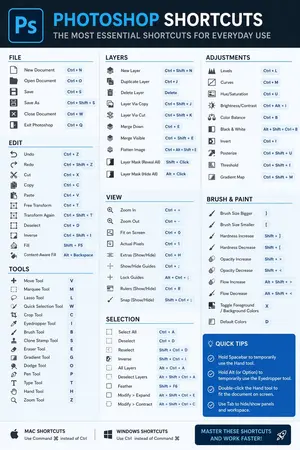
Software Shortcut Infographic
Create a infographic image of Software Shortcut Infographic. Style: photorealistic. Composition: balanced and well-framed. Lighting: natural with cinematic mood. Category: illustration. Reference: software-shortcut-infographic-14722.
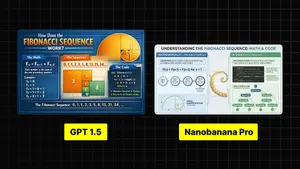
Infographic Explaining Fibonacci Sequence with Math and Code
Create a cinematic image of Infographic Explaining Fibonacci Sequence With Math And Code. Style: photorealistic. Composition: balanced and well-framed. Lighting: natural with cinematic mood. Category: cinematic-video. Reference: infographic-explaining-fibonacci-sequence-with-math-and-code-1867.
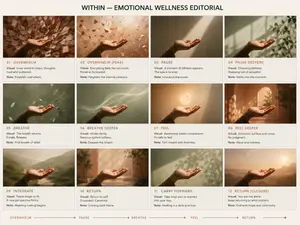
Premium Pitch Deck Storyboard
Create a game image of Premium Pitch Deck Storyboard. Style: photorealistic. Composition: balanced and well-framed. Lighting: natural with cinematic mood. Category: illustration. Reference: premium-pitch-deck-storyboard-25540.
探索更多提示词
按分类浏览更多 AI 图像和视频提示词。