
文生图
Layered Papercraft Image Transformation — AI 图像提示词
A prompt to transform any image into a soft, charming layered papercraft illustration with a 3D diorama aesthetic. - AIPinMaker
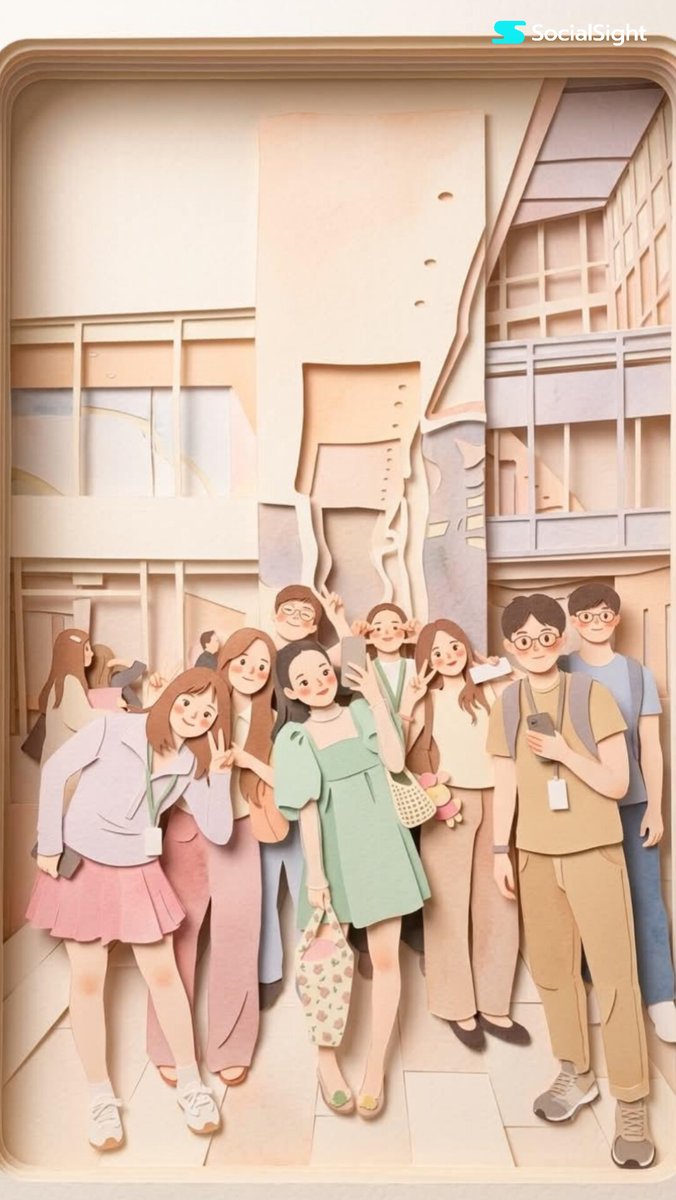
提示词
Transform this image into a {argument name="aesthetic" default="soft, layered papercraft illustration inspired by the aesthetic of a handcrafted papercraft diorama"}. Use smooth, rounded shapes, {argument name="proportions" default="simplified cute character proportions"}, and minimal facial features (such as dot eyes and subtle blush) to create a warm, charming, and inviting appearance.

Build the scene using stacked paper layers with a strong sense of depth and dimension. Include delicate shadows between layers to emphasize the layered construction, while keeping all cut edges clean and precise, resembling laser-cut cardstock.

Add a solid white outline around each main character, similar to a thick sticker border or a white paper backing. This outline should clearly separate the characters from the background and feel like an intentional layered paper element rather than a glow effect.

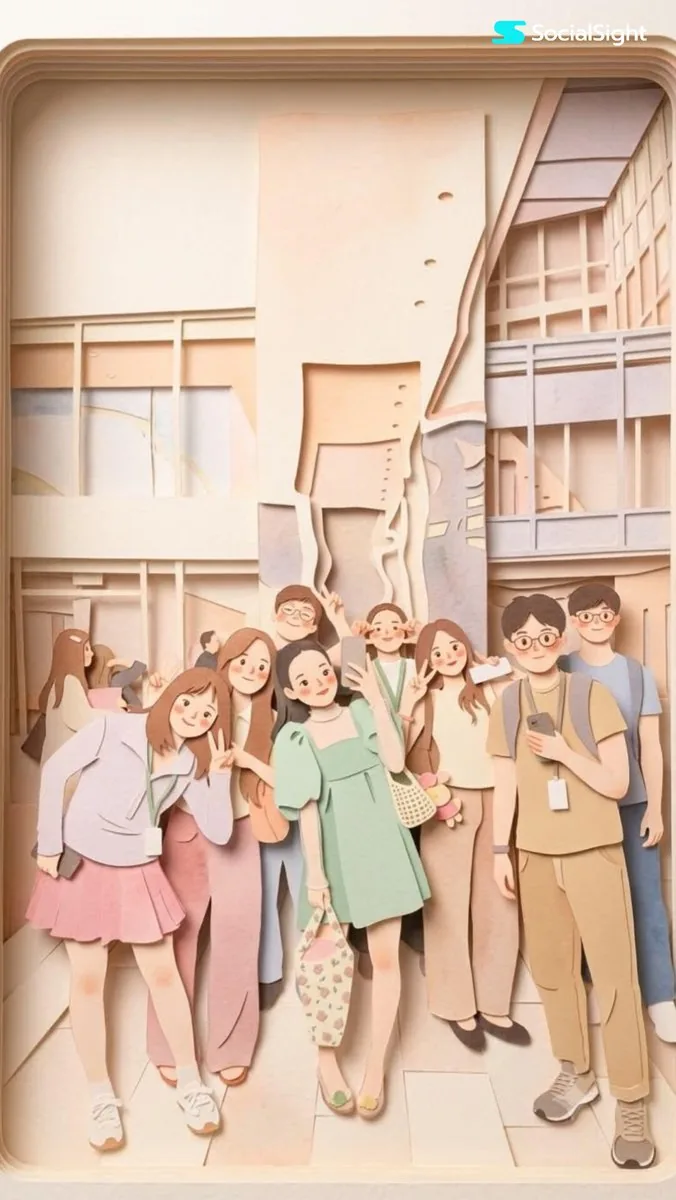
Use a {argument name="color palette" default="calming pastel color palette featuring muted blues, soft greens, and warm neutral tones"}. Maintain an overall balanced and soothing atmosphere. Lighting should be soft, diffused, and evenly distributed, enhancing the three-dimensional paper-layer effect while avoiding harsh contrast or dramatic shadows.参考图片
如何使用这个 AI 图像提示词模板
 1
1复制提示词 —— 取走该模板的提示词与反向提示词。  2
2选择模型 —— 选一个推荐的 AI 模型以获得最佳匹配。  3
3生成 —— 一键打开工作台并生成你的作品。
相关模板

Cartoon Doodle Transformation
Create a cinematic image of Cartoon Doodle Transformation. Style: photorealistic. Composition: balanced and well-framed. Lighting: natural with cinematic mood. Category: cinematic-video. Reference: cartoon-doodle-transformation-18570.

Gym Photo Chibi Transformation
Create a cinematic image of Gym Photo Chibi Transformation. Style: photorealistic. Composition: balanced and well-framed. Lighting: natural with cinematic mood. Category: cinematic-video. Reference: gym-photo-chibi-transformation-17843.

Ethereal Cloud Portrait Transformation
Transform this image (Uploaded) into a soft, atmospheric cloud composition while preserving the subject’s recognizable facial features (subject), expression, and identity. The face should appear subtly formed from clouds, blending naturally into a bright blue sky (background) background. Use soft, diffused lighting with gentle highlights and airy shadows to create depth and realism. Ensure the transformation is symbolic rather than literal ,avoid hard edges, skin texture, or sharp details. The subject should feel like it is emerging from or dissolving into the clouds. Maintain facial proportions, eyes, smile, and key features clearly visible through the cloud structure. Style: dreamy, ethereal, surreal, cinematic Lighting: natural sunlight, soft glow, volumetric light Color palette: sky blue, white, soft gradients Mood: peaceful, uplifting, inspirational (mood) Add subtle cloud layers around and within the face for a seamless blend. Background should be a clean blue sky with soft cloud gradients. High resolution, ultra-realistic cloud texture, smooth blending, no text, no watermark.39

Papercraft Diorama Style Illustration
Create a creative image of Papercraft Diorama Style Illustration. Style: photorealistic. Composition: balanced and well-framed. Lighting: natural with cinematic mood. Category: photography. Reference: papercraft-diorama-style-illustration-23006.

Layered Paper-Cut Illustration
Convert this image into a soft, handcrafted paper-cut layered illustration style inspired by papercraft diorama aesthetics. Use smooth rounded shapes, simplified cute character proportions, and minimal facial details such as dot eyes and soft blush cheeks to create a warm and charming appearance.Apply stacked paper layers with visible depth, subtle shadows between the layers, and clean laser-cut paper edges.Add a distinct thick white outer outline surrounding the main character, resembling a sticker border or layered cut-paper backing, clearly separating the subject from the background. The white border should look like a real paper layer, not a glow effect. Use a soft pastel color palette with muted greens, warm creams, light browns, and gentle neutrals. Lighting should feel soft, diffused, and even, enhancing the dimensional layered-paper look without harsh contrast.Textures should appear matte and tactile like thick cardstock or craft foam. Preserve the original pose, dress details, long wavy hair, garden environment, trees, leaves, and classical columns, but reinterpret everything in a cozy storybook-style handcrafted paper art aesthetic.Overall mood should feel wholesome, elegant, playful, and visually soothing, like a premium decorative paper illustration or children’s storybook artwork.3a

Paper-cut Layered Illustration Style
Create a creative image of Paper Cut Layered Illustration Style. Style: photorealistic. Composition: balanced and well-framed. Lighting: natural with cinematic mood. Category: photography. Reference: paper-cut-layered-illustration-style-22845.
探索更多提示词
按分类浏览更多 AI 图像和视频提示词。