
文生图
Image Editing: Car and Background Transformation — AI 图像提示词
A simple editing prompt used to test the model's precise editing capabilities by instructing it to change the car in an existing image to a Tesla and replace the trees in the background with tall skyscrapers. - AIPinMaker
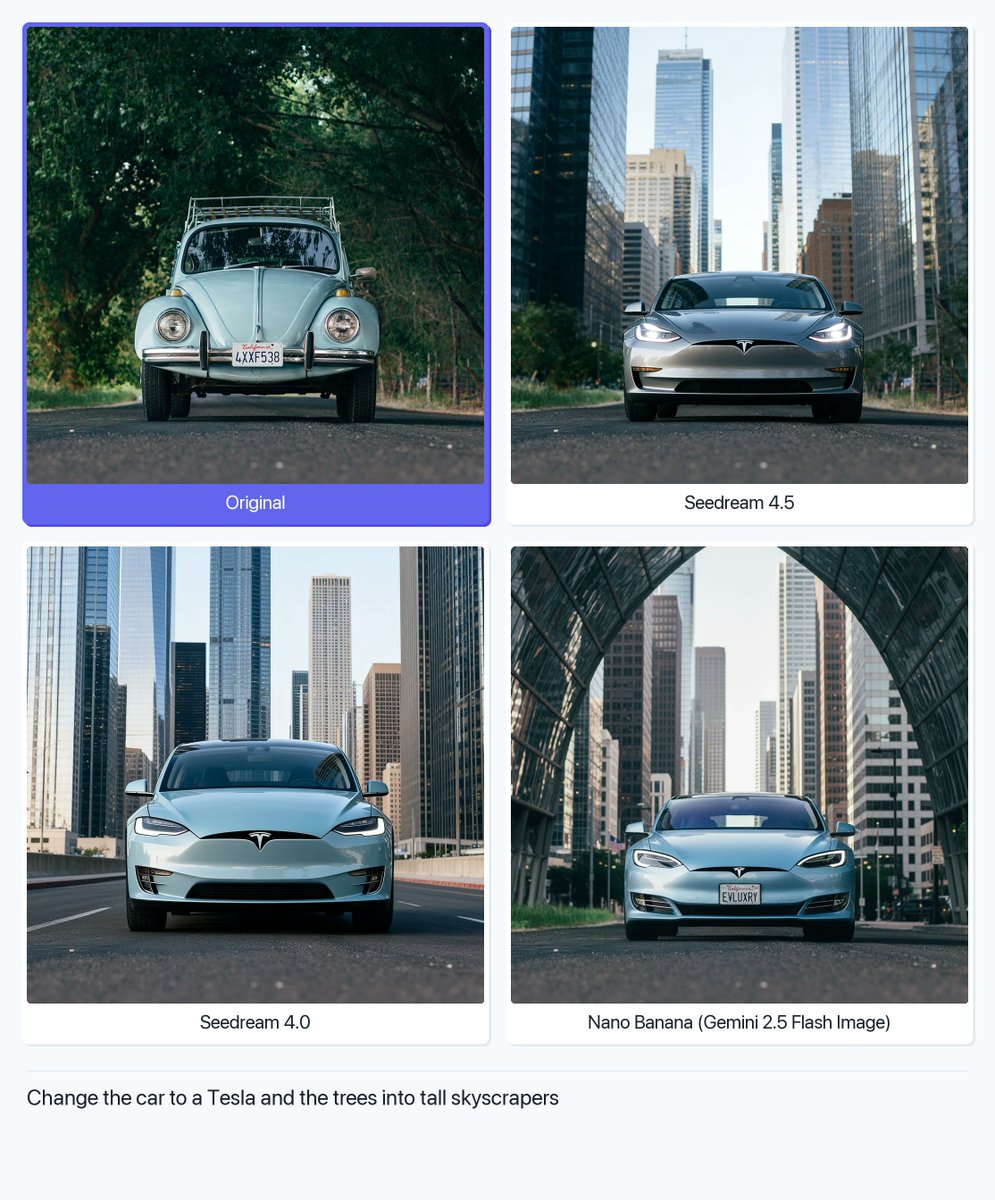
提示词
Create a cinematic image of Image Editing Car And Background Transformation. Style: photorealistic. Composition: balanced and well-framed. Lighting: natural with cinematic mood. Category: cinematic-video. Reference: image-editing-car-and-background-transformation-1847.
如何使用这个 AI 图像提示词模板
 1
1复制提示词 —— 取走该模板的提示词与反向提示词。  2
2选择模型 —— 选一个推荐的 AI 模型以获得最佳匹配。  3
3生成 —— 一键打开工作台并生成你的作品。
相关模板

Tilt-Shift Travel Map Diorama
Create a highly detailed cinematic miniature tilt-shift travel scene of [CITY NAME] (city name) featuring a realistic [VEHICLE NAME] (vehicle) driving along a winding elevated road that emerges naturally from a printed vintage-style city map (map style). The road should curve dramatically toward the background skyline and landmarks of [CITY NAME], while the vehicle remains the clear focal point in the foreground. Blend the real city seamlessly with the illustrated map surface so the road appears integrated into the map itself. Include recognizable local landmarks, waterways, architecture, vegetation, and atmosphere associated with [CITY NAME], but keep the composition clean and uncluttered. Show large bold typography of “[CITY NAME]” printed directly on the map in the foreground. Use warm golden-hour lighting, shallow depth of field, realistic textures, cinematic shadows, aerial perspective, and photorealistic detail. The overall aesthetic should feel like a premium Instagram travel poster mixed with a miniature diorama. Aspect ratio 1:1.38:T
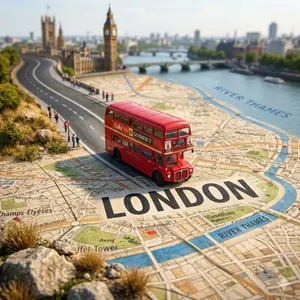
Tilt-Shift City Map Travel Scene
Create a highly detailed cinematic miniature tilt-shift travel scene of [CITY NAME] (city) featuring a realistic [VEHICLE NAME] (vehicle) driving along a winding elevated road that emerges naturally from a printed vintage-style city map. The road should curve dramatically toward the background skyline and landmarks of [CITY NAME] (city), while the vehicle remains the clear focal point in the foreground. Blend the real city seamlessly with the illustrated map surface so the road appears integrated into the map itself. Include recognizable local landmarks, waterways, architecture, vegetation, and atmosphere associated with [CITY NAME] (city), but keep the composition clean and uncluttered. Show large bold typography of “[CITY NAME] (city)” printed directly on the map in the foreground. Use warm golden-hour lighting, shallow depth of field, realistic textures, cinematic shadows, aerial perspective, and photorealistic detail. The overall aesthetic should feel like a premium Instagram travel poster mixed with a miniature diorama. Aspect ratio 1:1.38:T
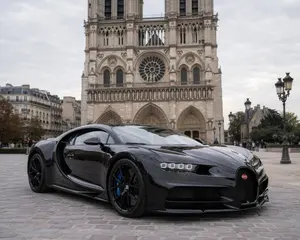
Hypercar Parked Before a Historic Landmark
Create a creative image of Hypercar Parked Before A Historic Landmark. Style: photorealistic. Composition: balanced and well-framed. Lighting: natural with cinematic mood. Category: photography. Reference: hypercar-parked-before-a-historic-landmark-13748.
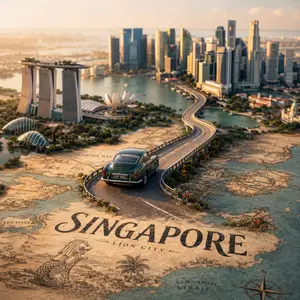
Tilt-Shift City Map Scene
Create a highly detailed cinematic miniature tilt-shift travel scene of [CITY NAME] (city) featuring a realistic [VEHICLE NAME] (vehicle) driving along a winding elevated road that emerges naturally from a printed vintage-style city map. The road should curve dramatically toward the background skyline and landmarks of [CITY NAME] (city), while the vehicle remains the clear focal point in the foreground. Blend the real city seamlessly with the illustrated map surface so the road appears integrated into the map itself. Include recognizable local landmarks, waterways, architecture, vegetation, and atmosphere associated with [CITY NAME], but keep the composition clean and uncluttered. Show large bold typography of “[CITY NAME]” printed directly on the map in the foreground. Use warm golden-hour lighting, shallow depth of field, realistic textures, cinematic shadows, aerial perspective, and photorealistic detail. The overall aesthetic should feel like a premium Instagram travel poster mixed with a miniature diorama. Aspect ratio 1:138:T

Kyoto Tourist Photo Edit
Create a creative image of Kyoto Tourist Photo Edit. Style: photorealistic. Composition: balanced and well-framed. Lighting: natural with cinematic mood. Category: photography. Reference: kyoto-tourist-photo-edit-17402.

Testing Partial Image Correction and Pose Modification in GPT-Image-1.5
Create a creative image of Testing Partial Image Correction And Pose Modification In Gpt Image 15. Style: photorealistic. Composition: balanced and well-framed. Lighting: natural with cinematic mood. Category: photography. Reference: testing-partial-image-correction-and-pose-modification-in-gpt-image-15-2363.
探索更多提示词
按分类浏览更多 AI 图像和视频提示词。