
文生图
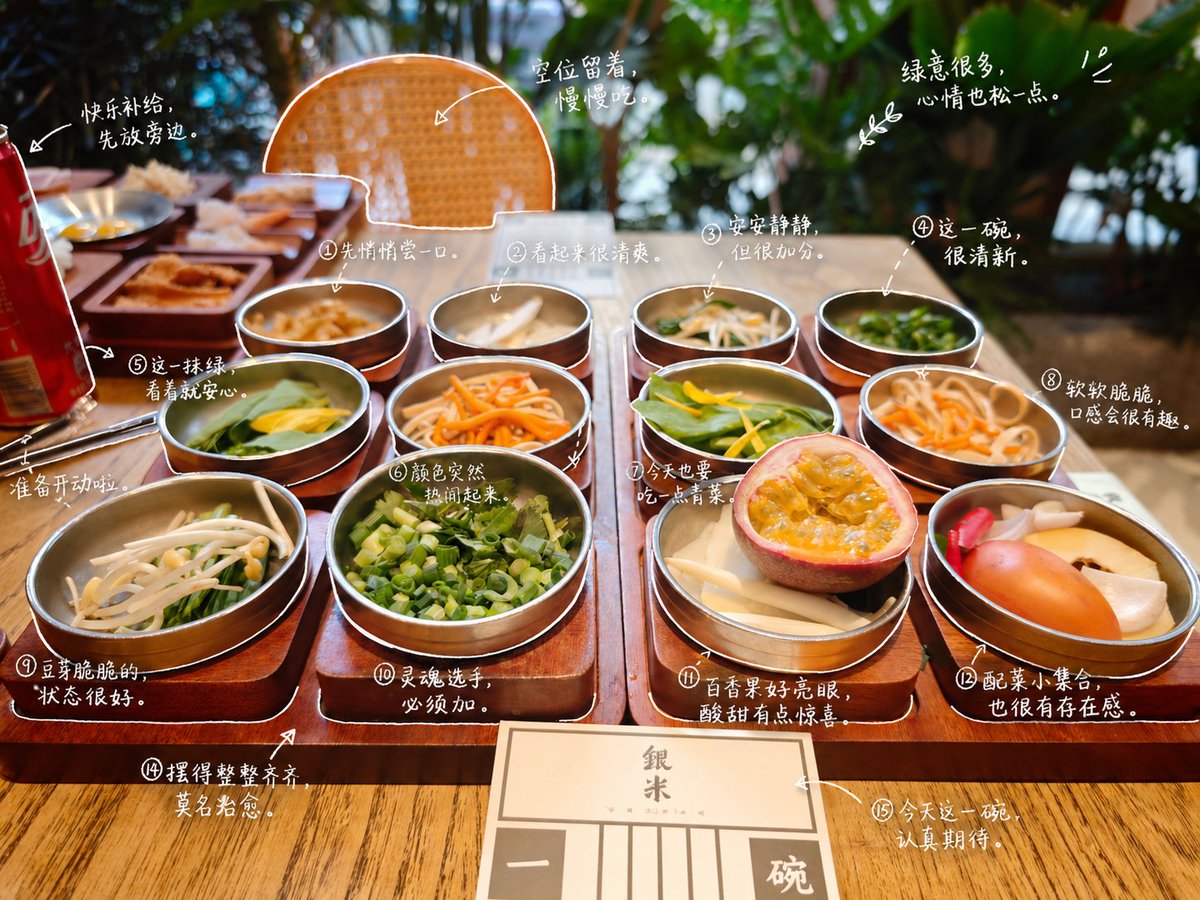
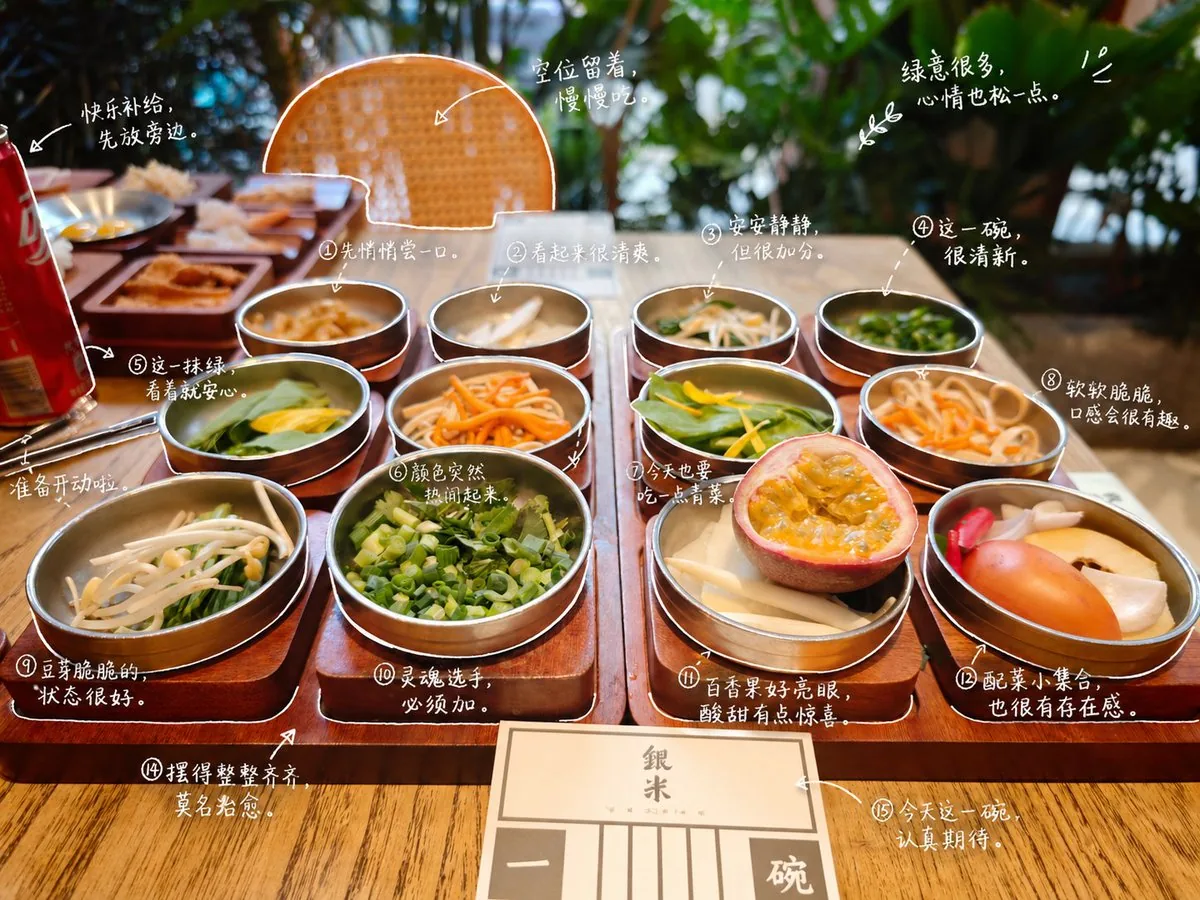
Hand-Drawn Style Photo Annotation — AI 图像提示词
A trending prompt that adds cute, Japanese-style white line annotations and handwritten-style captions to objects within an uploaded photo. - AIPinMaker
提示词
Create a creative image of Hand Drawn Style Photo Annotation. Style: photorealistic. Composition: balanced and well-framed. Lighting: natural with cinematic mood. Category: photography. Reference: hand-drawn-style-photo-annotation-17326.
参考图片
如何使用这个 AI 图像提示词模板
 1
1复制提示词 —— 取走该模板的提示词与反向提示词。  2
2选择模型 —— 选一个推荐的 AI 模型以获得最佳匹配。  3
3生成 —— 一键打开工作台并生成你的作品。
相关模板
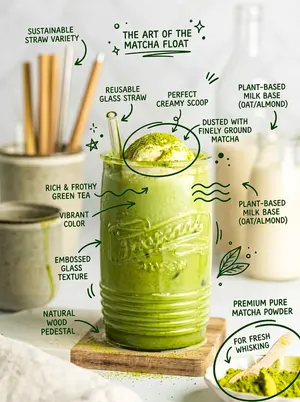
Hand-Drawn Doodles Overlay Prompt
Create a creative image of Hand Drawn Doodles Overlay Prompt. Style: photorealistic. Composition: balanced and well-framed. Lighting: natural with cinematic mood. Category: photography. Reference: hand-drawn-doodles-overlay-prompt-17814.

Interactive Hand-Drawn Doodle Overlay
Create a creative image of Interactive Hand Drawn Doodle Overlay. Style: photorealistic. Composition: balanced and well-framed. Lighting: natural with cinematic mood. Category: photography. Reference: interactive-hand-drawn-doodle-overlay-19220.

Hand-Drawn Doodles Overlay
Transform the uploaded image by keeping the subject (subject) exactly as they are—preserve their identity, pose, composition, and lighting without any distortion or alteration. Build on top of the original photo by adding expressive, hand-drawn doodles that interact playfully with the subject. Let the illustrations respond to the scene, trace or exaggerate gestures, extend movement, highlight contours, or introduce imaginative elements that feel connected to what’s happening in the frame. The doodles should feel intentional, as if they were sketched directly onto the image in a spontaneous yet thoughtful way. Use a loose, imperfect drawing style with slightly uneven strokes, organic lines, and a casual, sketchbook-like vibe. Incorporate handwritten notes or captions (notes) around the image that match the mood or narrative—keep them witty, context-aware, and naturally playful rather than generic. Make sure the added elements complement the photo instead of overpowering it. Aim for a visually balanced composition with a clean, high-resolution finish and colors that blend harmoniously with the original scene.3b:T49

Nano Banana Pro torn paper style-switching edit prompt - Nano Banana Pro AI Prompt for Social Media Post
task: "edit-image: add widened torn-paper layered effect" base_image: use_reference_image: true preserve_everything: - character identity - facial features and expression - hairstyle and anatomy - outfit design and colors - background, lighting, composition - overall art style rules: - Only modify the torn-paper interior areas. - Do not change pose, anatomy, proportions, clothing details, shading, or scene elements. effects: - effect: "torn-paper-reveal" placement: "across chest height" description: - Add a wide, natural horizontal tear across the chest area. - The torn interior uses the style defined in `interior_style`. - effect: "torn-paper-reveal" placement: "lower abdomen height" description: - Add a wide horizontal tear across the lower abdomen. - The torn interior uses the style defined in `interior_style`. interior_style: mode: line-art (画風モード) style_settings: line-art: palette: "monochrome" line_quality: "clean, crisp" paper: "notebook paper with subtle ruled lines" sumi-e: palette: "black ink tones" brush_texture: "soft bleeding edges" paper: "plain textured paper" figure-render: material: "PVC-like" shading: "semi-realistic highlights" paper: "plain smooth surface" colored-pencil: stroke_texture: "visible pencil grain" palette: "soft layered hues" paper: "rough sketchbook paper" watercolor: palette: "soft transparent pigments" blending: "smooth bleeding" edges: "soft contours" paper: "watercolor paper texture" pencil-drawing: graphite_texture: "visible pencil grain" shading: "smooth gradients" line_quality: "mixed sharp and soft" tone: "gray-scale" paper: "notebook paper with faint ruled lines"3f:T770,ta

Pencil Sketch to MS Paint Abomination
Create a creative image of Pencil Sketch To Ms Paint Abomination. Style: photorealistic. Composition: balanced and well-framed. Lighting: natural with cinematic mood. Category: photography. Reference: pencil-sketch-to-ms-paint-abomination-17554.
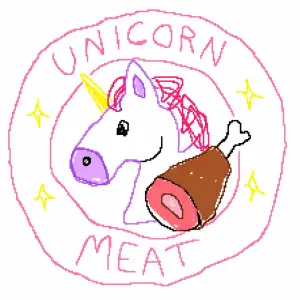
Bad MS Paint Redraw Prompt
Create a creative image of Bad Ms Paint Redraw Prompt. Style: photorealistic. Composition: balanced and well-framed. Lighting: natural with cinematic mood. Category: photography. Reference: bad-ms-paint-redraw-prompt-17530.
探索更多提示词
按分类浏览更多 AI 图像和视频提示词。